
7 Dreamdata Alternatives for B2B Attribution in 2026
Seven Dreamdata alternatives for B2B teams, compared on pricing after the free plan, setup effort and account journeys, with user reviews.
Table of contents
Most people I talk to who look for Dreamdata alternatives aren't unhappy with the idea. They like the company timeline. What stalls them is the step from the free plan to a paid one, and how long it takes before the reports feel trustworthy.
If that's where you are, there are good options on both sides: tools that go even deeper on B2B accounts, and tools that trade some of that depth for a faster, cheaper setup.
In this guide, I'll walk through seven of them, what using each one is actually like, and who should pick which.
How this list came together
I signed up for every tool here that offers a trial or free plan, including Factors.ai and Attribution App, and connected each to a HubSpot account so the comparison started from the same CRM. HockeyStack, CaliberMind, Marketo Measure and Ruler sell through demos, so those sections lean on product tours, documentation and B2B teams I know who run them.
The brands and agencies we work with gave the criteria their shape, and verified reviews on G2 and Capterra filled in what happens after month three. For each tool I looked at:
- What you pay once the free tier runs out
- How long until reports match the CRM
- Whether journeys are tracked per person, per account, or both
- Whether results flow back to the ad platforms
SourceLoop is our product. It went through the same checklist as everything else, and its section is clear about the account features it doesn't have.
Last checked November 2026. Confirm current pricing with each vendor.
Where Dreamdata gets hard
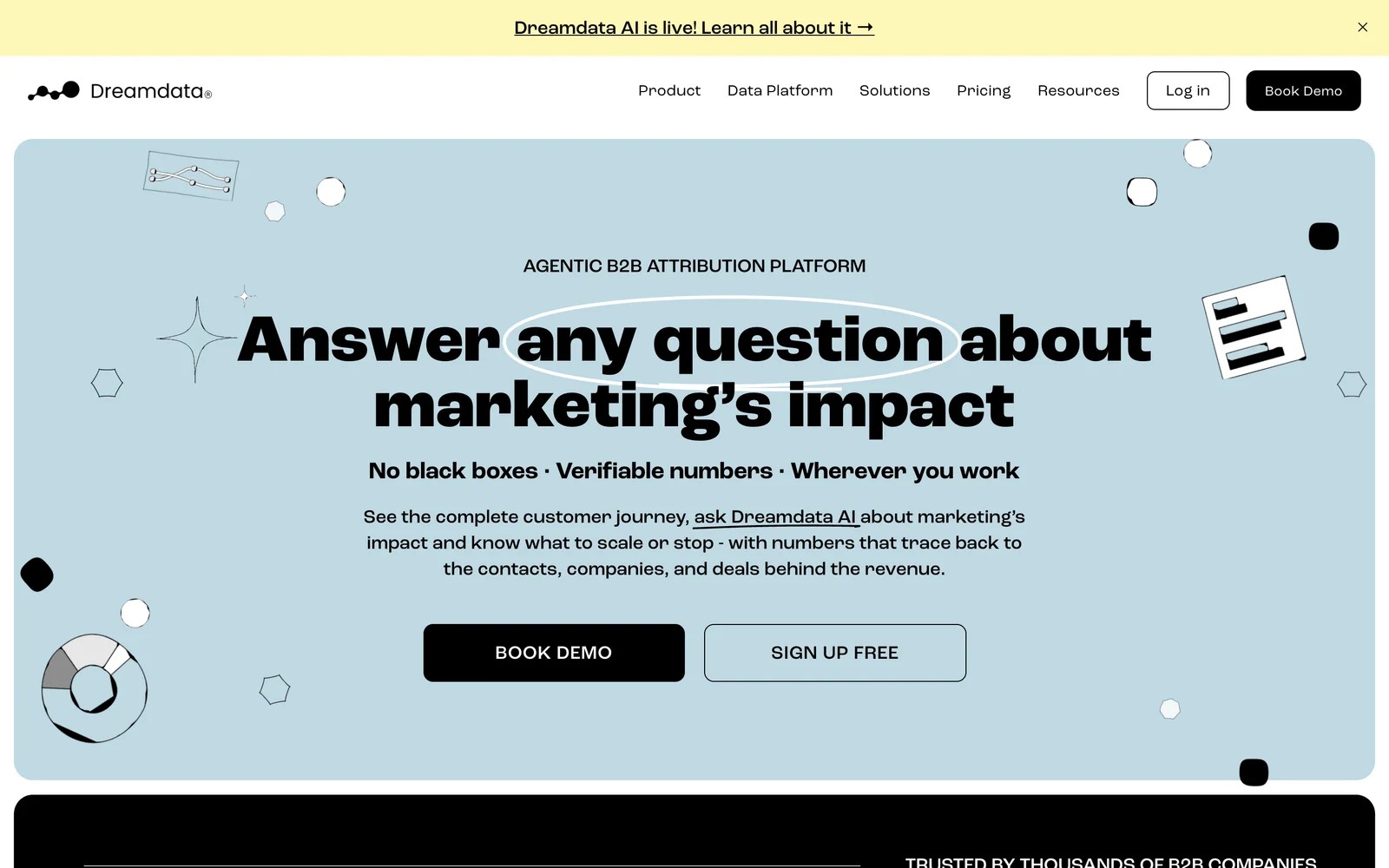
Dreamdata stitches every contact's touches into a company journey and credits CRM stages, from MQL to closed-won, back to channels. It also identifies visiting companies, and it now ships an AI agent called Dreamdata AI.
The free plan keeps two months of history for five seats. Attribution and activation sit on custom-priced plans, so the real cost only appears after a sales conversation.
Users rate the account view highly, and they're candid about the ramp-up:
"Since Dreamdata is easy to use the non technical marketers can easily find out which channel are driving most pipeline with Dreamdata reports." (Source)
"Learning curve is rather steep in the first 1-2 months." (Source)
"If your CRM health is poor, then no magic will happen, but Dreamdata is very helpful at revealing the problems." (Source)
That last point is worth taking seriously with any tool on this list. Account-level attribution only works when the CRM knows which contacts belong to which company.
Dreamdata alternatives compared
Here's how the 7 Dreamdata alternatives compare on fit, entry price and how journeys are tracked, as of November 2026.
| Tool | Best for | Starting price | Free plan or trial | Journey level | Company identification |
|---|---|---|---|---|---|
 SourceLoop SourceLoop | Lead-gen businesses, agencies, SaaS | $49/mo | Yes | Person, plus company from email and CRM | No |
 HockeyStack HockeyStack | Mid-market and enterprise B2B | Quote, annual | No | Person and account | Yes |
 Factors.ai Factors.ai | ABM teams on LinkedIn and Google | $199/mo | Trial | Account | Yes |
 CaliberMind CaliberMind | Enterprises with RevOps | Quote | No | Person and account | Partly |
 Adobe Marketo Measure Adobe Marketo Measure | Marketo and Salesforce shops | Quote | No | Person and opportunity | No |
 Ruler Analytics Ruler Analytics | Phone-led lead gen | £299/mo | No | Person | No |
 Attribution App Attribution App | SaaS wanting auditable numbers | $399/mo | Trial | Person and account | No |
The 7 best Dreamdata alternatives
I've ordered these from the simplest switch to the most involved.
1. SourceLoop
Best for: lead generation businesses, agencies and SaaS teams that want to see which campaigns produce leads, pipeline and revenue, without a custom quote or a long rollout.

SourceLoop is B2B-friendly marketing attribution software. It records where every visitor came from, captures the lead from a form, call, chat or booking, follows it through your CRM, and credits stages, deals and revenue back to the campaigns that started it.
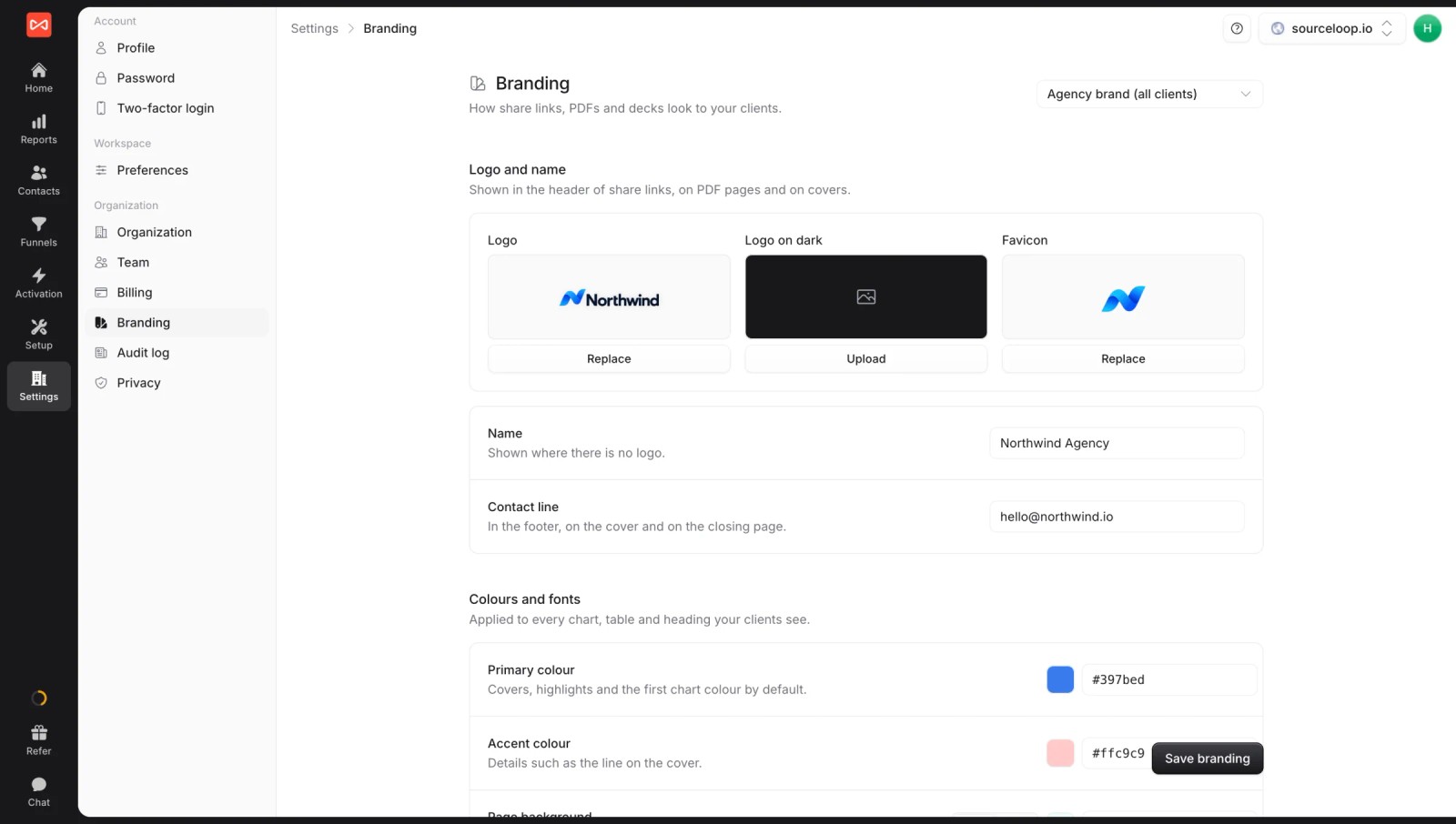
For a Dreamdata user, the setting worth knowing is Credit visits from: Everyone at their company. Turn it on and a deal also credits the colleague who first found you on search, not only the person who signed. Companies come from work email domains and your CRM, so it gets close to an account view without IP-based identification.
Key features
- Journeys on every lead and company: each visit, ad click and landing page stays attached to the contact, and company journeys group colleagues together.

- Credit any outcome: switch the same report between leads, contacts by stage, companies by stage, deals or revenue.
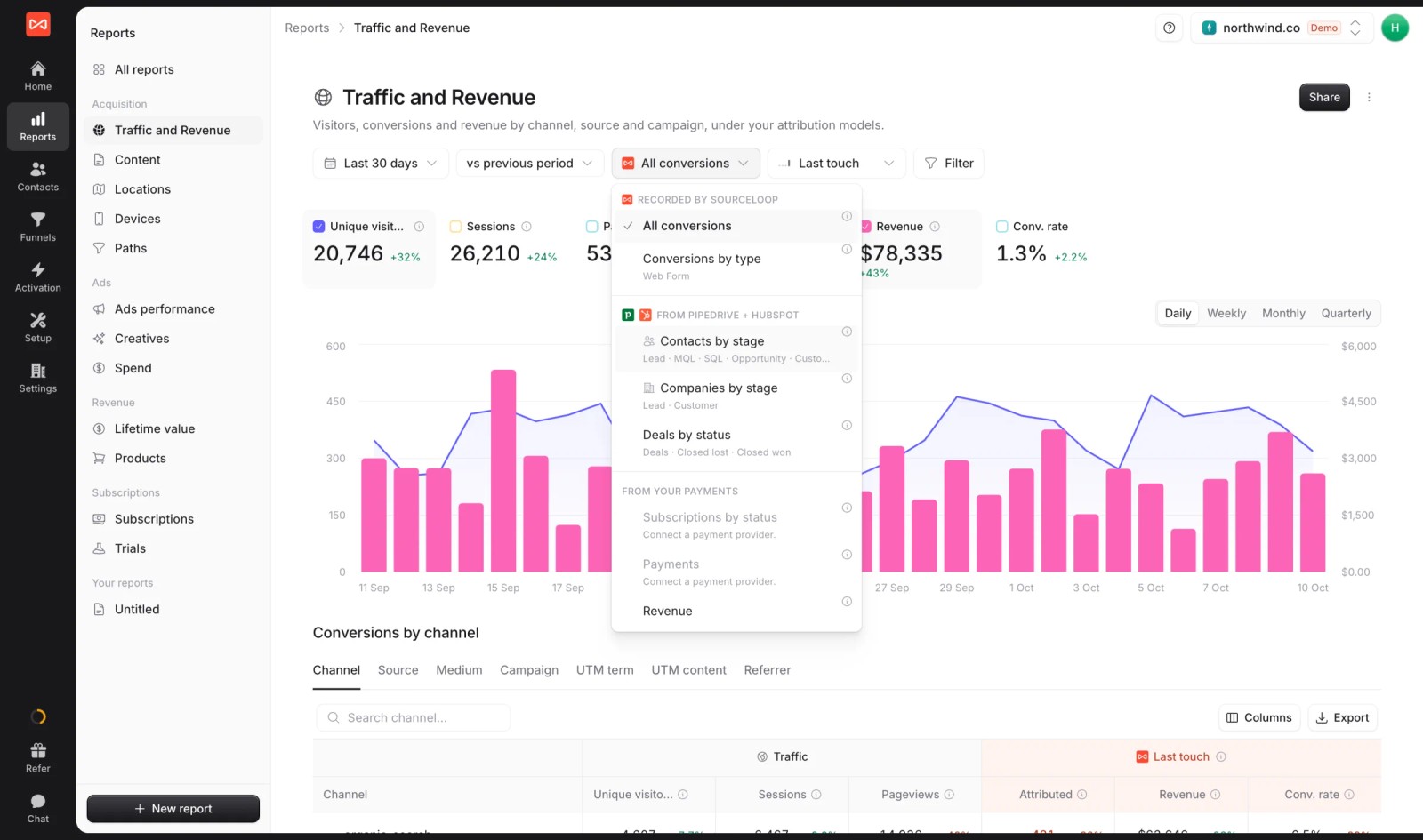
- Two-way CRM sync: HubSpot, Salesforce, Pipedrive and Jobber, with attribution written to each record and stages and won deals read back.
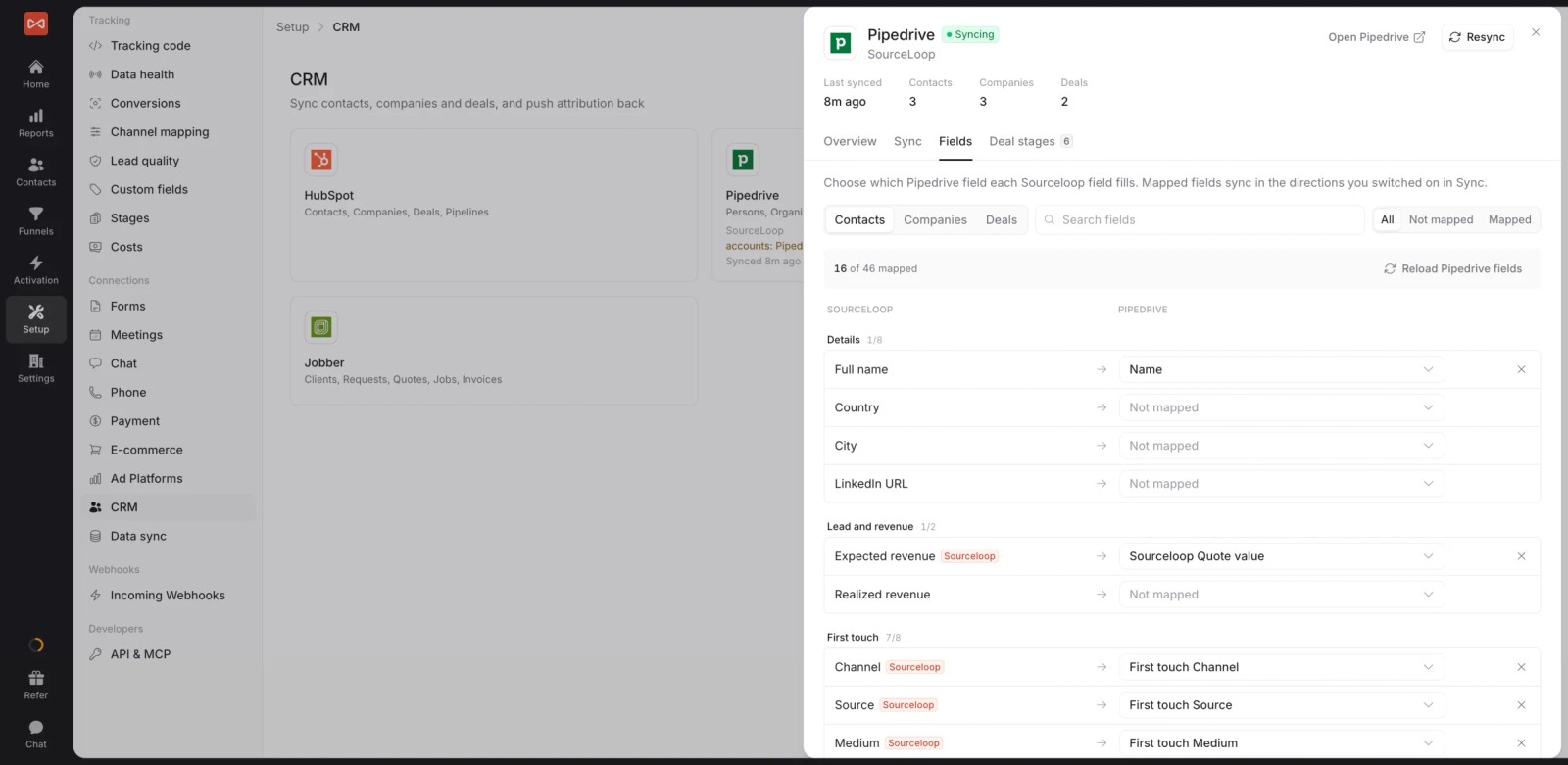
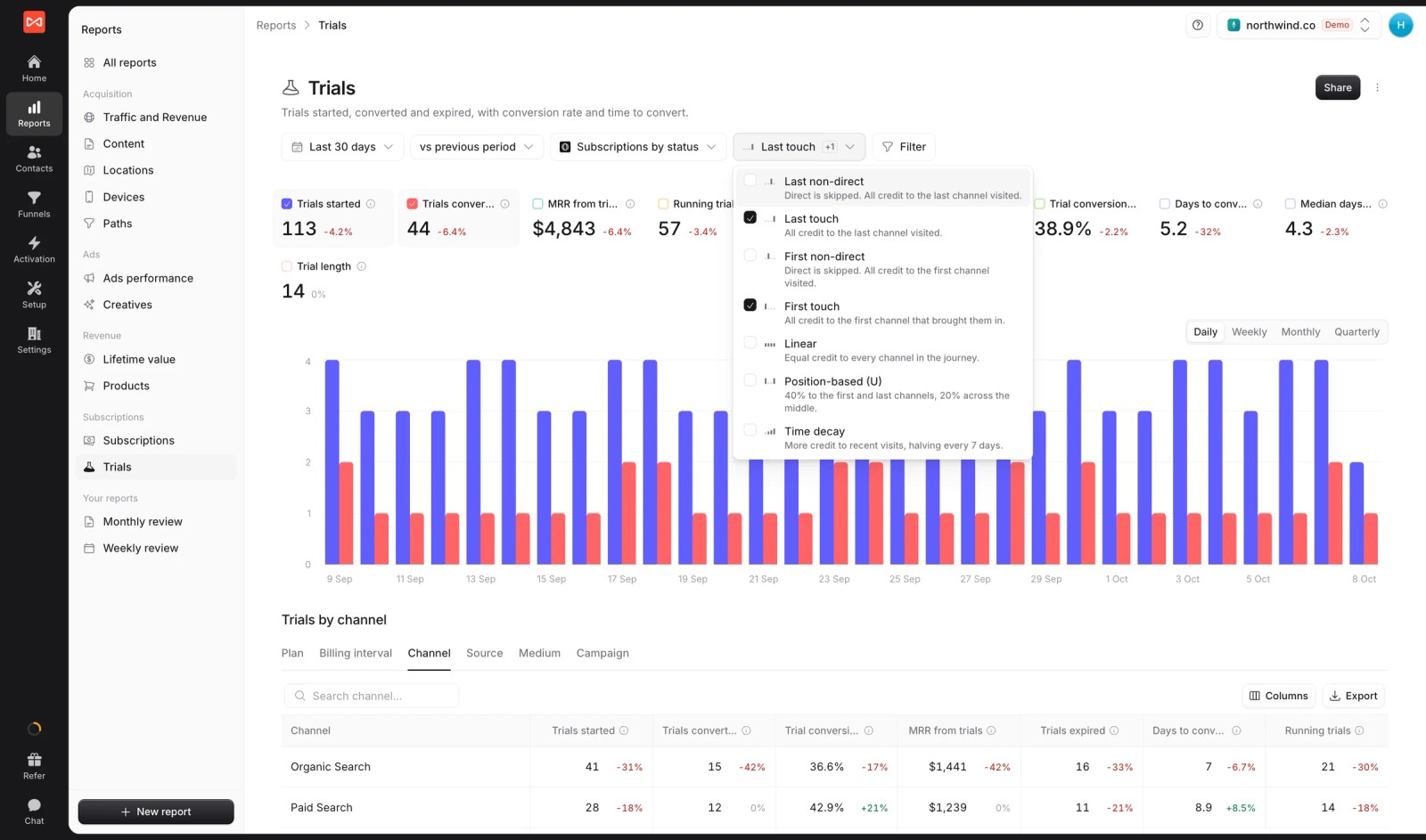
- Seven attribution models: first and last touch, first and last non-direct, linear, U-shaped and time decay.
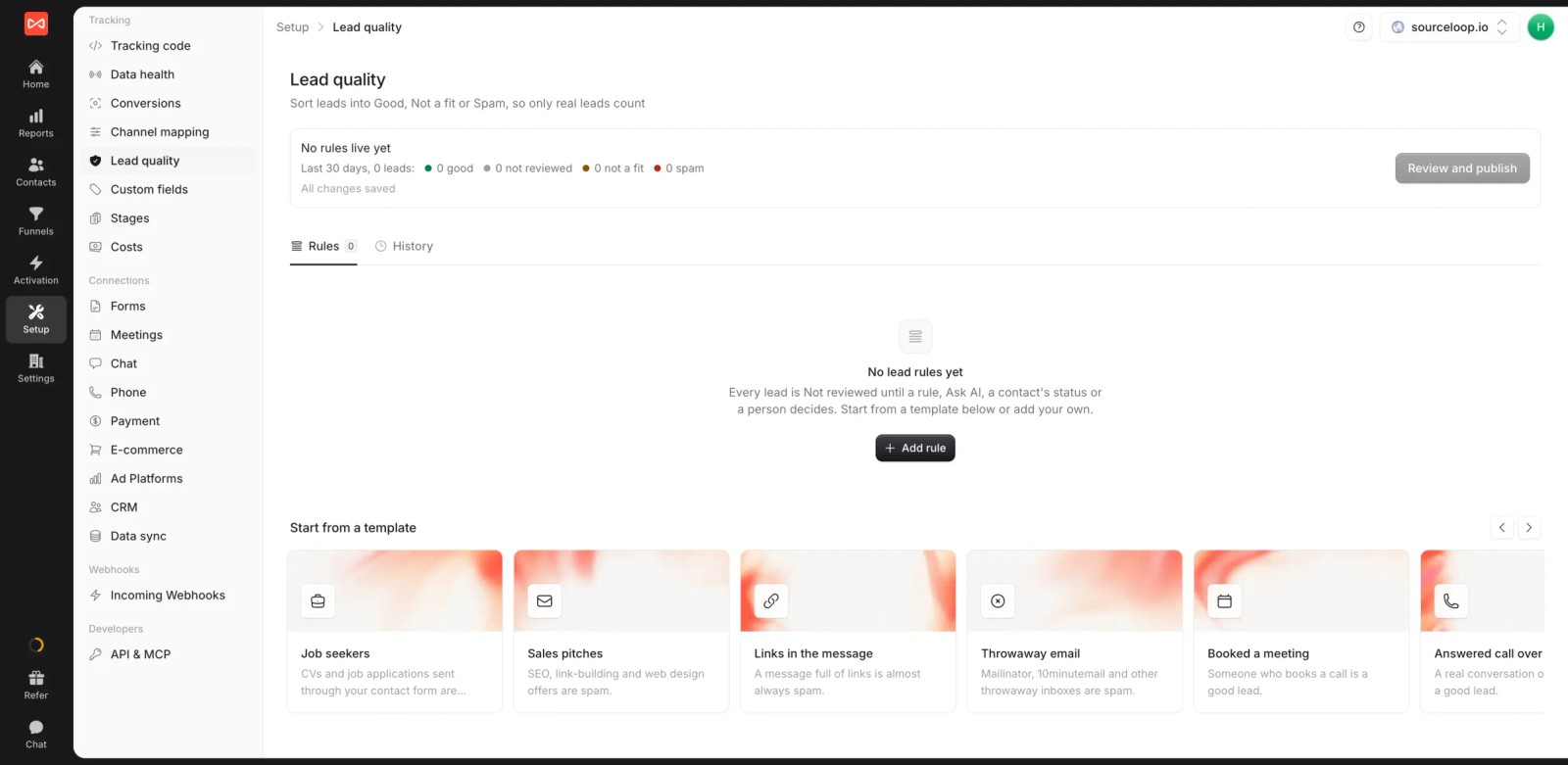
- Lead quality rules: leads are marked Good, Not a fit or Spam from form answers, email domain or call length, so pipeline reports skip junk.
- Conversion sync: good leads and won deals go back to Google Ads, Meta, Microsoft Ads and ChatGPT Ads with their value. See how server-side conversion sync works.

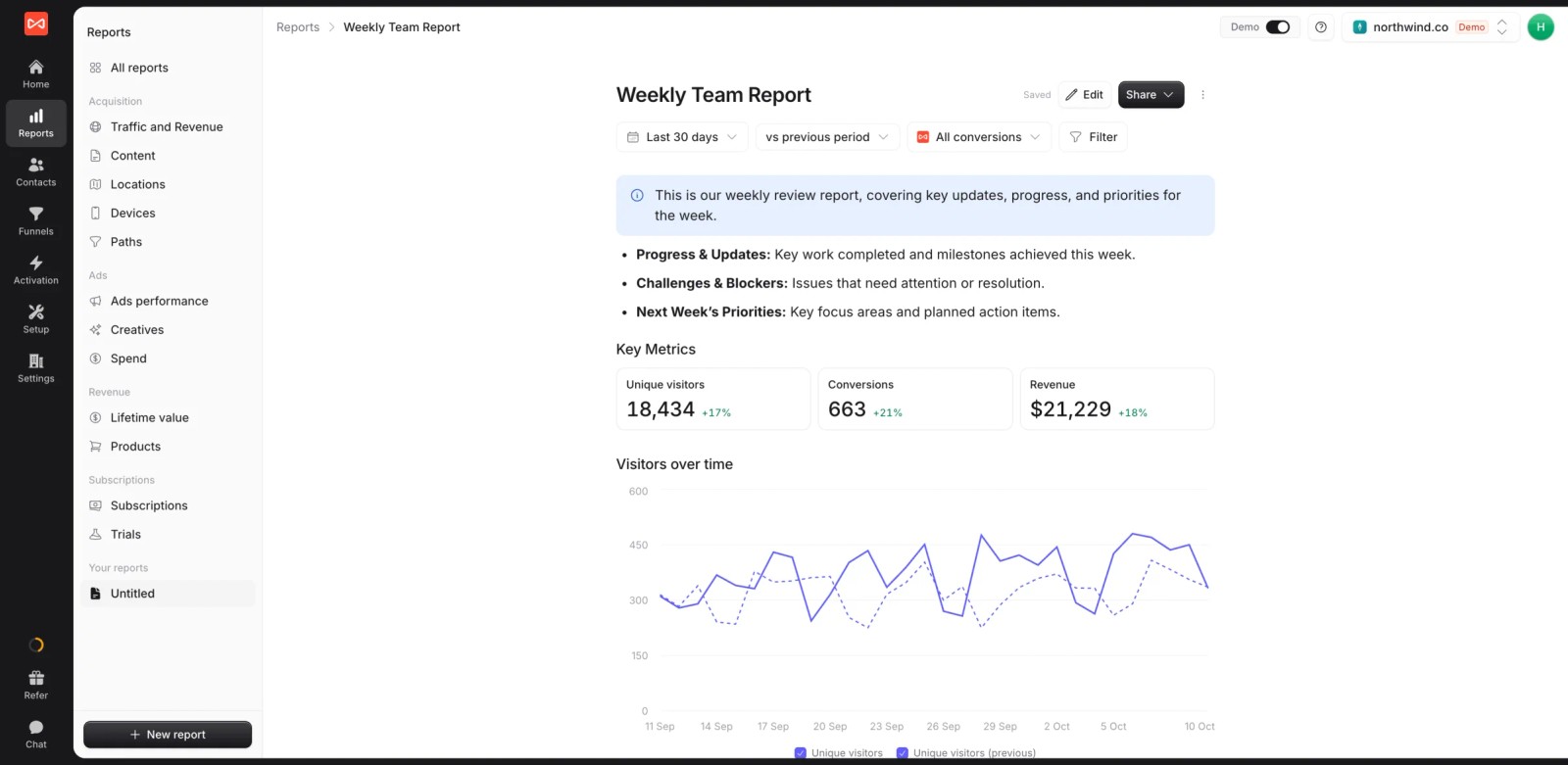
- Custom reports and alerts: live reports for leadership, and Slack or email alerts for new opportunities or weekly pipeline.
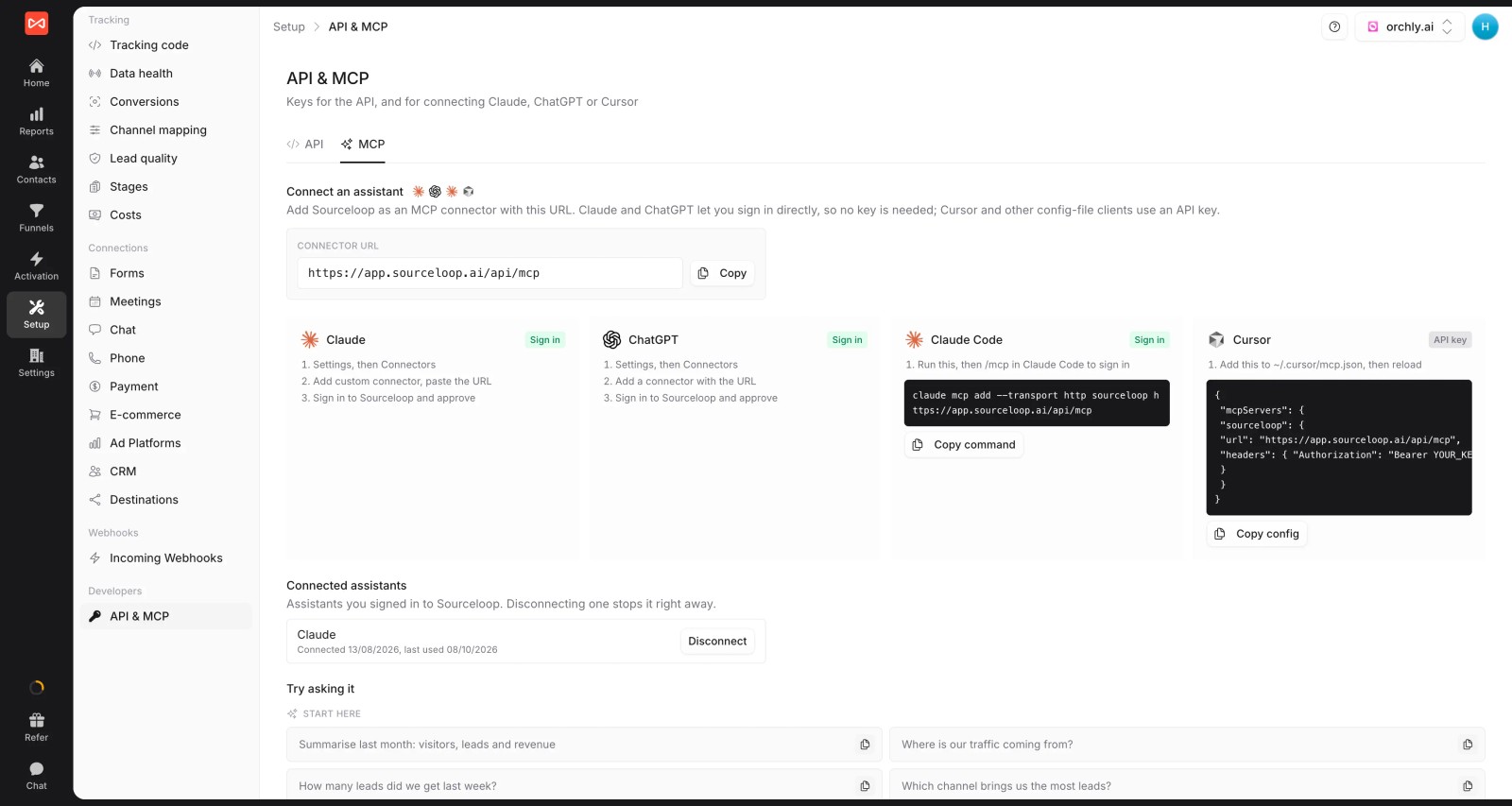
- API and MCP server (Professional and up), so an AI assistant can query attribution and deals.
- Multiple websites and white label: several sites under one login and your branding. If you're an agency, each client gets their own workspace.
Where it falls short
- No IP-based company identification or intent data, so anonymous account research before a form fill won't show up.
- Account analytics are lighter than Dreamdata's or HockeyStack's. If ABM reporting is the center of your program, start with those.
Pricing
- Essential: $49/mo for one site and 30,000 page views, with tracking, attribution reports, lead quality rules and alerts
- Professional: $99/mo for 100,000 page views and unlimited users, adding CRM sync, conversion sync to the ad platforms, the API and MCP
- Agency: $249/mo for three sites and 1.5 million page views, adding white label reporting
- Unlimited conversions on every plan, with a 7-day trial. You know the cost before you talk to anyone.
Verdict: the straightforward swap if you want lead and deal attribution you can set up yourself. Stay with an account platform if anonymous company research is what you report on.
2. HockeyStack
Best for: mid-market and enterprise B2B teams with big multi-channel budgets and someone who can own the platform full time.
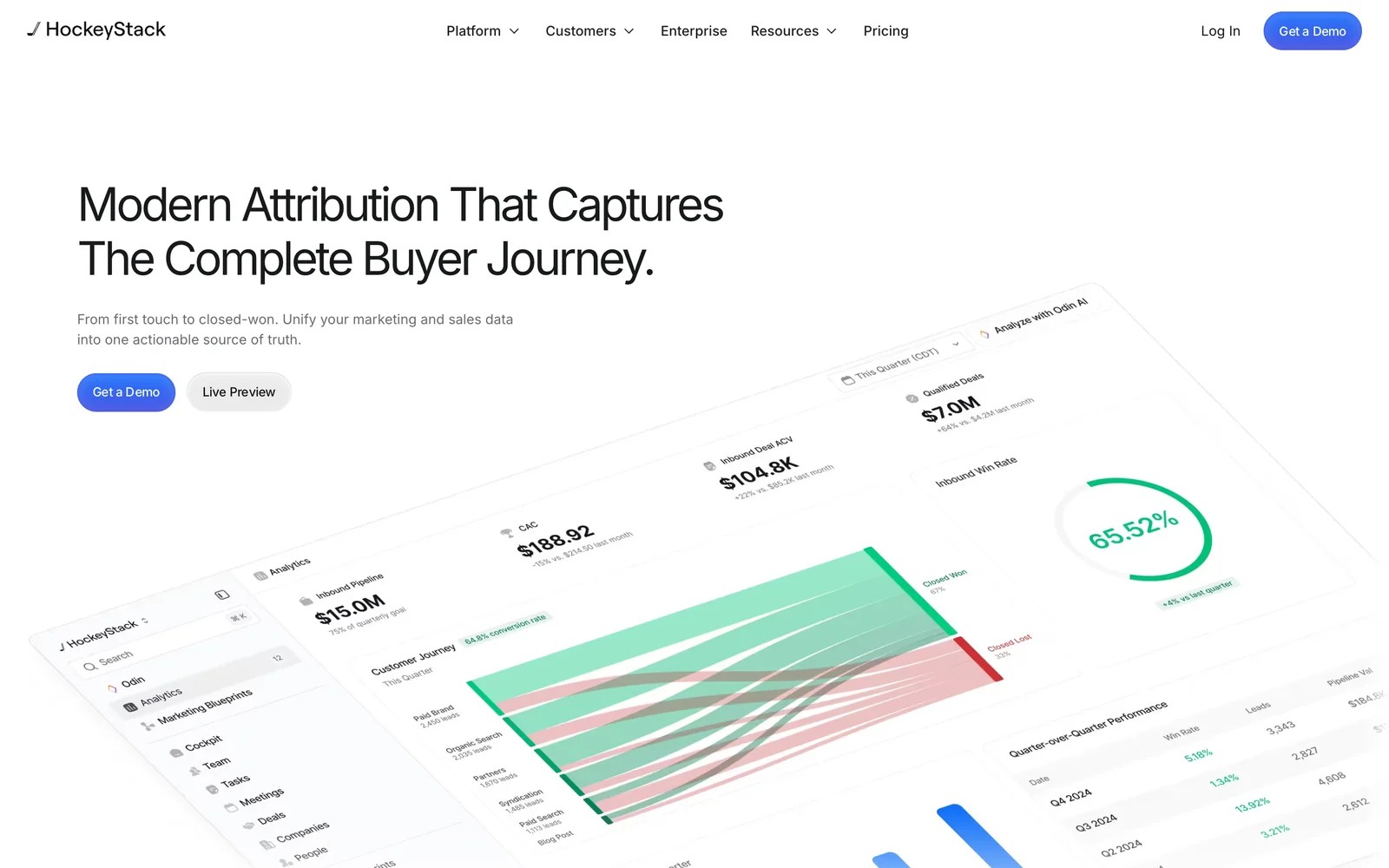
HockeyStack is the closest like-for-like move from Dreamdata, and in some ways a step up. It pulls CRM, ad, website and product data into one model, then layers AI agents on top for analysis and sales prospecting.
The product tour is impressive. Switching between first touch, linear and last touch on the same revenue chart takes a click, and the journey views make long deals easy to narrate. I can see why marketing leaders get excited in the demo.
What the teams I know who run it talk about is the implementation. When the data connects cleanly, it becomes the reporting hub. When it doesn't, the first months go to reconciling numbers with Salesforce, and several 2026 reviews describe contracts that ended over exactly that.
So my advice is simple: ask for a reference customer with a CRM setup that looks like yours, and get the data-connection milestones written into the contract.
Key features
- CRM, ad, marketing automation and product data are unified into one model, so every report draws from the same set of touches.
- Attribution models can be switched on the same report, which helps when different stakeholders trust different views of credit.
- Journey mapping runs from the first anonymous visit to closed-won, with company identification filling in early research.
- AI agents handle analysis and help sales teams prioritize accounts, built on the same unified data the reports use.
Where it falls short
- There's no free plan or trial, so you can't check data quality against your own CRM before signing.
- Implementation depends heavily on clean CRM data, and several reviewers describe months spent connecting sources.
- Reporting depth comes with complexity, which can leave less technical marketers relying on one internal expert.
What users say
"I like being able to switch between attribution models like first touch, linear, and last touch in a second, so different marketing teammates can look at reports in different ways." (Source)
"4 months of onboarding ended in us cancelling the contract because they could not connect our data." (Source)
"Reporting is incredibly complicated." (Source)
Pricing
- Quoted, on annual contracts. Our HockeyStack alternatives guide covers what buyers report.
3. Factors.ai
Best for: B2B teams running account-based programs on LinkedIn and Google that want to see which companies engage before they convert.
Factors.ai identifies visiting companies, scores them on engagement and intent, and lays out every touch at an account in a timeline. It then ties that activity to CRM deals for account-level attribution.
When I connected it on the trial, the first thing I noticed was how quickly the company list filled in. Seeing named accounts on pricing pages before anyone had filled in a form is the moment people buy it.
The account timeline is the other highlight. It reads a lot like Dreamdata's, with people, pages and ad touches stacked in order, and it's easy to hand to a sales rep.
Where it got harder was the long tail. Smaller companies often didn't match, and the interface took a while to learn once I moved beyond the default views.
Key features
- Website visitors are matched to companies from their IP address, so account research shows up before anyone converts.
- Account timelines list every person and touch at a company in order, which makes long buying cycles readable.
- Account-level attribution connects that engagement to HubSpot and Salesforce deals for pipeline reporting by channel.
- LinkedIn and Google Ads audiences can be built from engaged accounts, with spend tied back to those same companies.
Where it falls short
- Company matching works best on larger businesses, so teams selling to small companies see more unmatched traffic.
- Costs rise as identified accounts and usage grow, which makes long-term budgeting harder than a flat plan.
- It doesn't track phone calls, so businesses that close by phone need another tool for those leads.
What users say
"Being able to open a company and see every touch in order, across people and across weeks, is what makes the data actually usable instead of just interesting." (Source)
"It makes life very easy to build website funnels - much easier to build and visualize as compared to any other tool such as Google analytics" (Source)
"Some website visitors don't get matched to a company, especially smaller companies. Pricing can also go up as usage grows." (Source)
Pricing
- Lite: $199/mo
- Basic and Growth: $6,000 and $20,000 a year
- Enterprise: from $30,000 a year, with a free trial available
4. CaliberMind
Best for: enterprise B2B teams with a RevOps owner who want custom attribution models and marketing mix modeling in one platform.
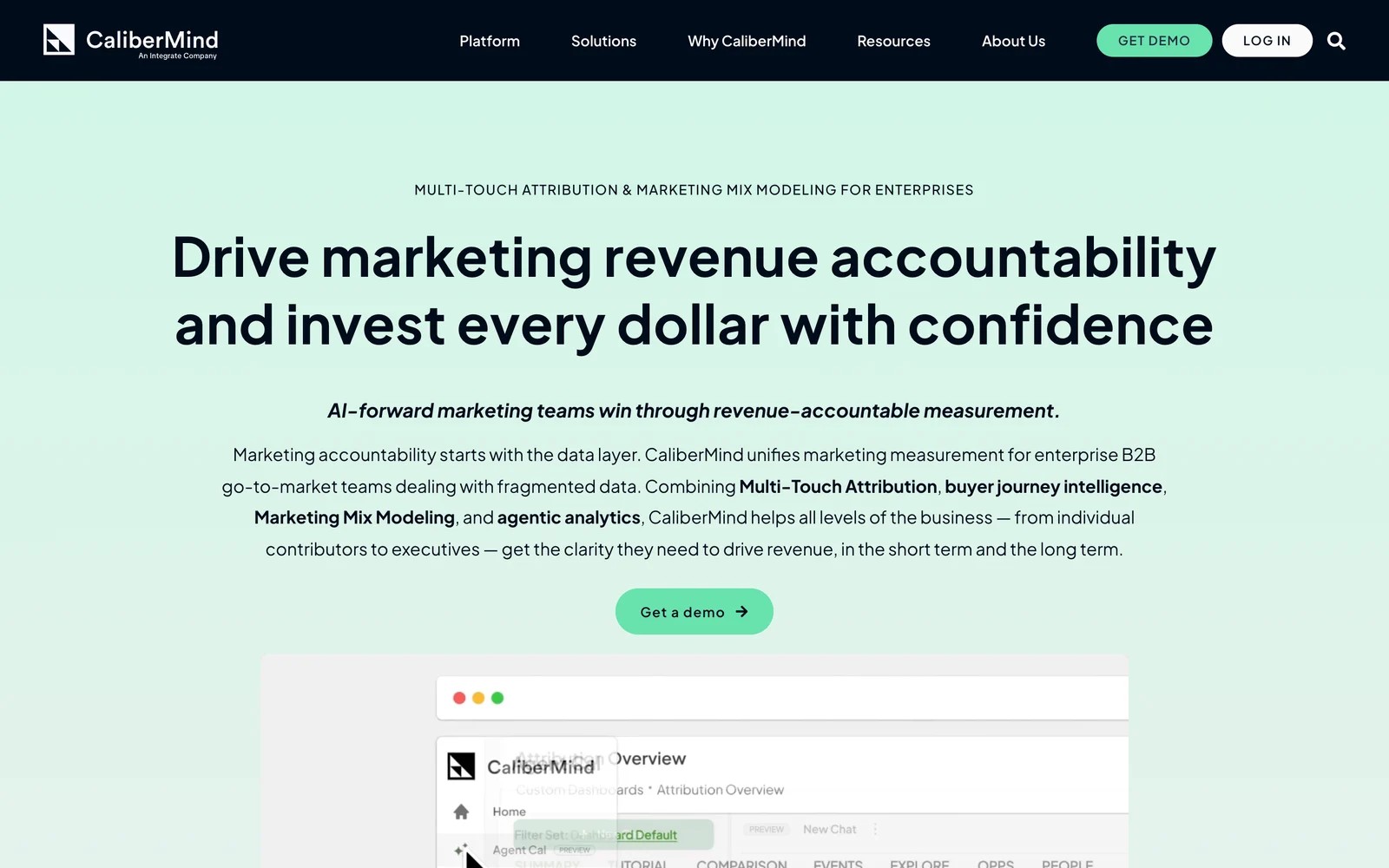
CaliberMind combines multi-touch attribution, marketing mix modeling and an AI analytics layer on top of its own data warehouse. It's now part of Integrate.
From the product tour and its documentation, the draw is flexibility. You can build models that match how your business actually sells, rather than picking from a fixed list, and pricing is based on data volume, so the whole team can log in.
The teams I know who use it are clear about the trade. It's an enterprise data project, not a tool you turn on. Someone has to own the data feeding it, and new users take time to find their way around.
If you outgrew Dreamdata because you wanted more control, CaliberMind is the most configurable option here. If you left because Dreamdata felt like too much work, this will feel like more.
Key features
- Custom attribution models can be built around your own sales motion, beyond the standard first, last and linear options.
- Marketing mix modeling sits alongside multi-touch attribution, so offline and brand spend can be measured in the same place.
- Account-level funnels and journey summaries show how buying groups move from first engagement to closed revenue.
- Pricing is based on data volume, which lets the whole go-to-market team use it without per-seat costs.
Where it falls short
- It needs clean CRM data and a dedicated owner, which smaller teams without RevOps support rarely have.
- There's no self-serve trial, so evaluation runs through a sales-led scoping process from the start.
- New users describe a steep learning curve and hard-to-find reports, which slows adoption beyond the core team.
What users say
"We can build attribution models that actually reflect our business instead of being stuck with a standard model that doesn't tell the full story." (Source)
"Like any attribution platform, CaliberMind is only as good as the data feeding it." (Source)
"The UX is confusing sometimes and it's hard to find the reports. The learning curve is high." (Source)
Pricing
- Quoted after a guided scoping process, based on data volume. See our CaliberMind alternatives.
5. Adobe Marketo Measure
Best for: enterprises already running Marketo and Salesforce that want attribution inside that stack.
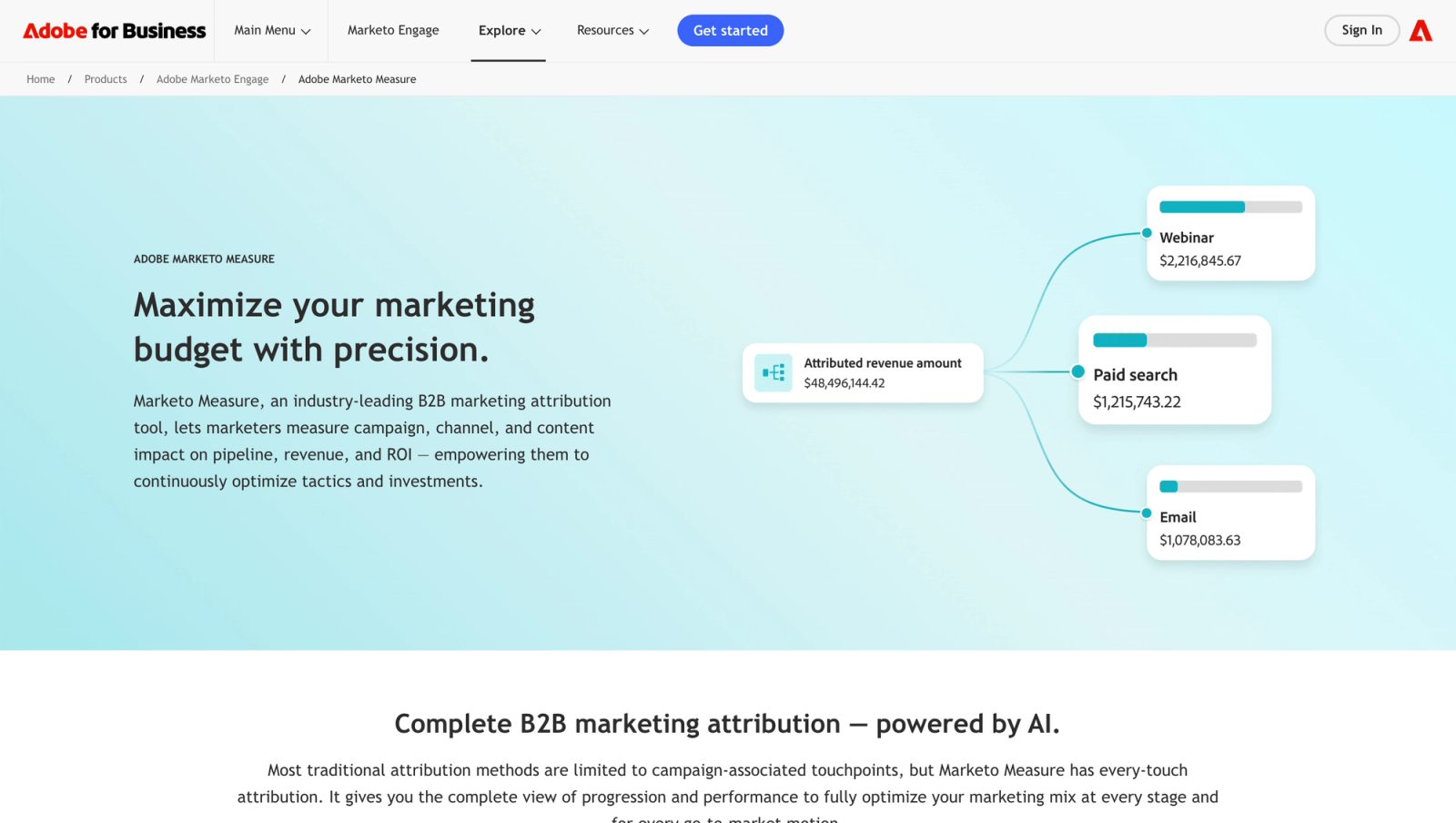
Marketo Measure, formerly Bizible, writes touchpoints onto Salesforce records and splits opportunity revenue across them using rule-based and custom models.
The appeal for a Salesforce shop is that the data lives where sales already works. From the walkthroughs and the admin docs, setup is a Salesforce project: custom objects, touchpoint rules and campaign hygiene all need attention.
Admins I've spoken with describe it as dependable once it's tuned and demanding until then. Leads entered by hand into Salesforce can fall outside tracking, and reports need someone who understands the configuration.
Key features
- Touchpoints are written onto Salesforce leads, contacts and opportunities, so sales and marketing share the same attribution data.
- Rule-based models include W-shaped and full path, which suit long cycles with several defined milestones.
- Ad spend and offline channels combine into ROI reports, giving one view of paid, event and field marketing.
- It fits naturally into Adobe Experience Cloud for teams already using other Adobe products.
Where it falls short
- It's built around Salesforce, so teams on HubSpot or Pipedrive lose most of its value.
- Setup and upkeep need a skilled Salesforce admin, and leads entered by hand can slip past tracking.
- It doesn't send conversions back to the ad platforms, so bidding still runs on platform-reported data.
What users say
"What I like most about adobe marketo measure is that it clearly shows which marketing efforts actually influence deals and revenue." (Source)
"It's not very intuitive. You have to have a very strong understanding of Salesforce and your contact fields in order to run any type of report." (Source)
"The dashboard takes too much time to load." (Source)
Pricing
- Quoted by Adobe on an enterprise contract. See our Marketo Measure alternatives.
6. Ruler Analytics
Best for: B2B lead generation businesses where many deals start with a phone call, such as legal, finance and professional services.
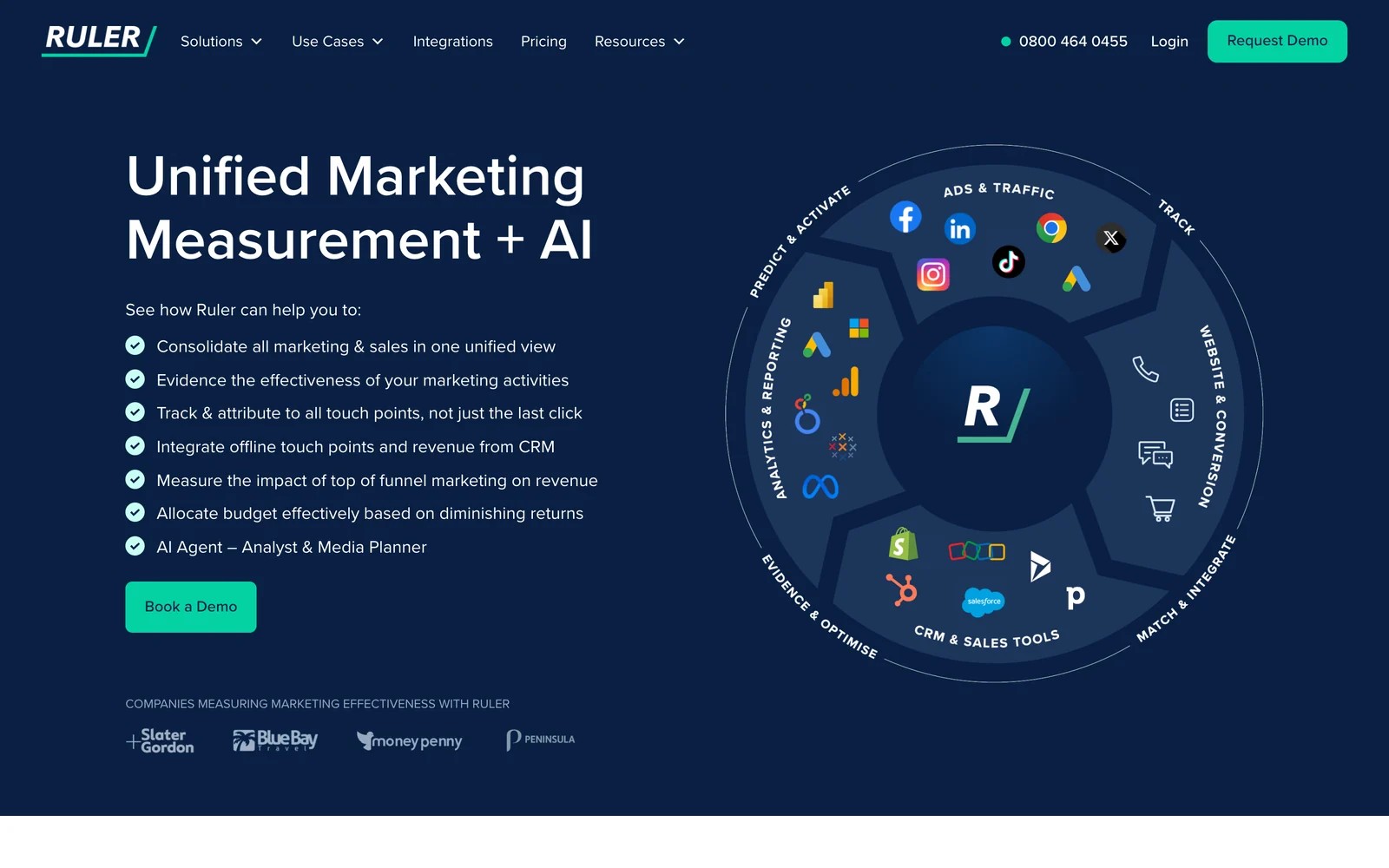
Ruler Analytics isn't account-based at all, which is exactly why it's here. It tracks individual leads across forms, calls and live chat, pushes the source into the CRM, and pulls closed revenue back.
If your Dreamdata reports kept missing the deals that started on the phone, Ruler fills that hole. Call tracking is built in, with each call tied to the visitor's source and pages.
From the onboarding materials and teams I know who use it, setup is guided and takes a few weeks, and the 12-month contracts deserve a careful read. Once it's running, the per-lead detail is what people value most.
Key features
- Built-in call tracking ties each phone call to the visitor's source, keyword and the pages they viewed beforehand.
- The lead's source is pushed into the CRM, and deal revenue is pulled back when the opportunity closes.
- Form fills and live chats are attributed in the same reports, so every enquiry type sits side by side.
- The Advanced plan adds marketing mix modeling for businesses with meaningful offline or brand spend.
Where it falls short
- There's no account-level view, so it can't show how several people at one company moved toward a deal.
- Setup is guided and can take weeks, with contracts that some users found restrictive.
- Integrations run through webhooks, and users have asked for a full API for deeper connections.
What users say
"Seeing the detail of every form submission and phone call, from what source, the duration of the call and the pages that led to a conversion is a real eye-opener." (Source)
"terms when you are locked in a 12 month contract is insane and the tech is hard to set up (tool almost 3 weeks)." (Source)
Pricing
- Small: from £299/mo for up to 10,000 monthly visits
- Medium, Large and Advanced: from £499, £999 and £1,499/mo
7. Attribution App
Best for: B2B SaaS teams that want to audit every dollar of revenue back to a specific click.
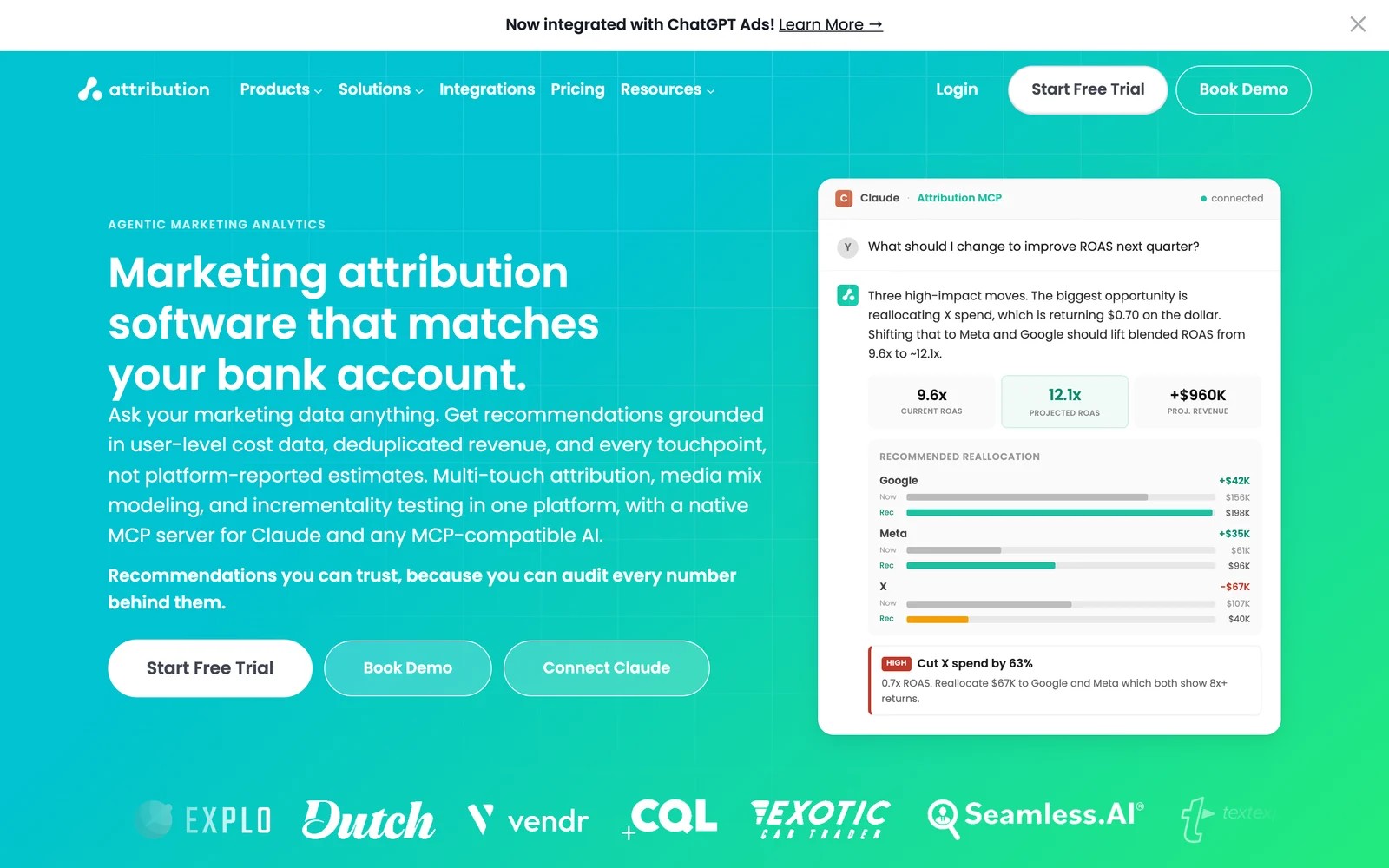
Attribution App is deterministic and click-based. It reads revenue from Stripe, HubSpot or Salesforce, imports ad costs down to the ad, and lets you drill from a channel to the actual customers behind it. It has added media mix modeling, incrementality testing and an MCP server.
On the trial, the drill-down is what sold me. From a channel, to a campaign, to the companies and people who paid, every number had names behind it, which makes it easy to defend in a board meeting.
Two things slowed me down. Connecting data sources took coordination, and there was no history before the install, so the first few weeks of reports were thin.
Key features
- Attribution is deterministic and click-based, with configurable models and lookback windows you can explain line by line.
- Revenue is read from Stripe, HubSpot or Salesforce, which suits SaaS businesses with subscription billing.
- Ad costs are imported down to the individual ad, giving ROAS by campaign without spreadsheet work.
- Media mix modeling, incrementality testing and an MCP server sit on top of the core attribution.
Where it falls short
- It doesn't track phone calls, which matters for B2B teams whose deals often start on a sales call.
- Data starts at install, so there's no historical attribution to compare against your old reports.
- It reads CRM deals but doesn't write sources back to contacts, so sales reps won't see attribution in their records.
What users say
"I've worked with every analytics tool out there and Attribution is the only tool that can actually do multi-touch attribution." (Source)
"For those not deep in the world of analytics and attribution, one can constantly forget what the different attribution models mean." (Source)
"it's tough to get retroactive data, so historical attribution prior to standing up attribution was tough" (Source)
Pricing
- Pro: $399/mo ($335 billed yearly) for up to 10,000 monthly tracked users
- Custom: above that, with a 14-day trial
How to choose
Start with why Dreamdata isn't working for you.
1. Is it the price after the free plan?
- SourceLoop publishes its pricing, from $49 a month for leads and $99 with CRM deals and revenue, for lead-gen businesses, agencies and SaaS teams.
- Factors.ai starts at $199 a month if you still want company identification.
2. Do you want more depth, not less?
- HockeyStack for a unified GTM data model with AI agents.
- CaliberMind for custom models and mix modeling, with a RevOps owner to run it.
- Marketo Measure if you live in Marketo and Salesforce.
3. Are calls or clicks the missing piece?
- Ruler for phone-led sales.
- Attribution App for click-level auditability in SaaS.
For more on the models behind these tools, read our guide to B2B attribution models.
Frequently asked questions
-
What is Dreamdata used for?
Dreamdata is a B2B attribution platform. It joins every contact's touchpoints into company journeys and credits CRM stages and revenue to channels, with company identification and an AI agent on top.
-
Does Dreamdata have a free plan?
Yes. As of November 2026, the free plan includes two months of history and five seats. Attribution and activation are on custom-priced plans.
-
What is the best Dreamdata alternative?
It depends on why you're switching. SourceLoop suits lead-gen businesses, agencies and SaaS teams that want published pricing and fast setup. HockeyStack and CaliberMind suit enterprises wanting more depth. Factors.ai suits ABM teams that need company identification.
-
Is there a Dreamdata alternative with call tracking?
Ruler Analytics has call tracking built in. SourceLoop attributes calls from CallRail, CallTrackingMetrics, Invoca or Mediahawk alongside forms and CRM deals.
-
Do I need account-based attribution?
Only if several people at a company research and buy together, and you need to report on that group. Many B2B teams get most of the value from lead-level attribution with company grouping from email domains and the CRM.




 Paid Social


