











Chat tools
Chat tracking
Chat attribution for Intercom, Drift, and Crisp
SourceLoop attaches UTM parameters, click IDs (GCLID, fbclid, li_fat_id), referrer, and the visitor's full journey to every chat conversation. Works with Intercom, Drift, HubSpot Chat, Tidio, Crisp, and 15+ chat platforms.
Free 7-day trial. No credit card required.
Used by 750+ marketing teams, agencies, and SaaS companies
Why chat leads arrive blank
Your chat widget starts the conversation with no context
Chat converts some of the highest-intent visitors on the site. It is also the channel most likely to hand sales a lead with no idea where the person came from.
- 01
The widget sees the message, not the journey
A chat tool knows someone opened a conversation on a page. It does not know they arrived from a paid search ad and read four articles first.
Works with IntercomDriftCrispTawk.toLiveChat - 02
Identity only appears at the end
Most conversations start anonymous and only capture an email partway through, by which point the session that brought them in has already been discarded.
Affects Anonymous visitorsEmail capture - 03
The handoff to the CRM drops the source
A contact is created from the conversation with a source of Chat, which describes how they spoke to you rather than what brought them.
Affects Source: ChatCRM handoff - 04
Nobody knows which pages drive chats
Chats are counted in total, so the pricing page and a year-old blog post look identical in the report even when only one produces buyers.
Affects Page-level chatsIntent - 05
Conversations are counted, not revenue
A channel that generates plenty of support questions can outrank one that produces fewer conversations and far more customers.
Affects Closed wonQualified chats
With SourceLoop
Every conversation with its source attached
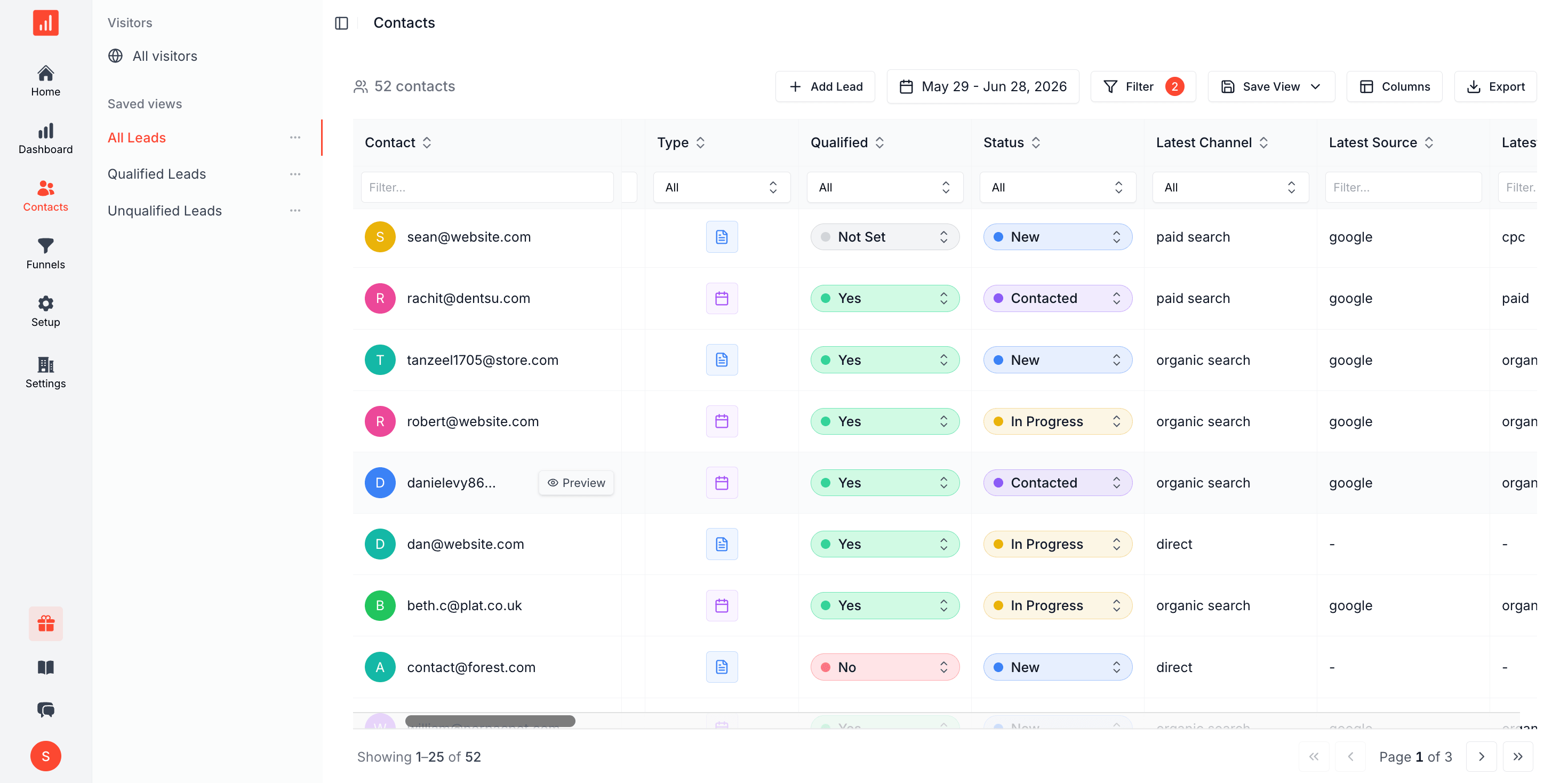
The visit, the campaign, and the pages read before the chat opened are all attached to the conversation and travel with it into your CRM.
- 01 The full pre-chat journey attached to every conversation
- 02 Anonymous sessions stitch to the person once they identify
- 03 The real campaign written to the CRM, not just Source: Chat
- 04 Chats broken down by the page and campaign that produced them
- 05 Conversations followed through to closed revenue
Attribution stack
Chat lead source and full attribution on every conversation
Most chat tools see the page the chat opens on. SourceLoop sees the full journey before it, captured on the first visit and tied to the lead through to your CRM.
Source capture
Every conversation carries the source that drove it.

Analytics
Chats by channel, with revenue behind each.
Full journey
See every touch before the chat opened.


CRM sync
Conversation lands in your CRM, attribution mapped.
How it works
Three steps to track every chat with full attribution
One script tag, runs alongside your existing chat widget.
-
<script src="https://cdn.sourceloop.ai/sl.js" defer></script>
01Install the snippet
Drop one script tag in your <head>. Loads alongside your existing chat widget. No conflicts.
-


 02
02We listen to every chat
SourceLoop detects new conversations on Intercom, Drift, HubSpot, Tidio, Crisp, and 15+ chat tools.
- A
shivam@acme.com
- Source Google / CPC
- Campaign brand_search
- Channel Paid Search
03Lead lands in your CRM tagged
The chat lead lands in HubSpot, Salesforce, Pipedrive, or your CRM with attribution and transcript attached.
Chat tracking by platform
Track conversations across Intercom, Drift, HubSpot, and 15+ more
Same snippet, every chat, every platform.
- Intercom
- Drift
- HubSpot Chat
- Tidio
- Crisp
-
 LiveChat
 -
 Tawk.to
 -
 Zendesk Chat
 -
 Front
Front -
 Help Scout
 -
 Chatwoot
 -
 Freshchat
 -
 Zoho SalesIQ
FAQ
Chat tracking and attribution, FAQ
How do I track UTM parameters in Intercom, Drift, or HubSpot Chat?
Install the SourceLoop snippet once on your site. We capture UTM parameters from the URL the visitor first lands on, store them in a first-party cookie, and attach them to every chat conversation, regardless of which chat tool you use. Intercom, Drift, HubSpot Chat, Tidio, Crisp, and LiveChat all work the same way without any platform-specific configuration.
Why do my chat leads arrive without source data?
Most chat tools record the URL of the page the chat starts on, not the URL the visitor originally landed from. By the time a visitor browses pricing, reads a few articles, and opens chat, the UTM is gone. SourceLoop captures it on the first page view and persists it across the whole session, so it's still attached when the chat fires.
Can I track GCLID and Google Ads click data on chat conversations?
Yes. We capture GCLID, Wbraid, and Gbraid (Google's enhanced conversion identifiers) on landing, persist them through the session, and attach them to the chat lead. You can then sync those identifiers to Google Ads as offline conversions for smart-bidding optimization.
How is this different from Intercom's or Drift's built-in attribution?
Intercom and Drift only see what their script captures inside the widget. They miss multi-touch journeys, anonymous-to-identified attribution, and channels they can't tag. SourceLoop captures the full first-party journey before the chat even opens, then attaches it to the conversation, so you get true multi-touch attribution alongside whatever your chat tool records.
Does this work with HubSpot's free chat widget?
Yes. SourceLoop works with HubSpot's free and paid chat tiers. We capture attribution data and pass it to the HubSpot contact record automatically through the standard contact properties, so your reporting in HubSpot just gets richer.
What about Facebook Messenger or WhatsApp chat?
We track the visitor on your website before they hand off to a messaging app, and pass the attribution data along with the lead identifier. Once a conversation starts in Messenger or WhatsApp, your chat platform takes over, but the attribution context is preserved.
Does this work with consent banners and GDPR?
Yes. We integrate with OneTrust, Cookiebot, Iubenda, Osano, and custom CMPs. When a visitor declines analytics or marketing cookies, we collect only minimal aggregated data in line with GDPR and the ePrivacy Directive. All cookies and local storage are first-party on your domain.
How does live chat lead attribution work?
The source is captured when the visitor first arrives, well before they open the widget. When the conversation starts, and again when they share an email, that history is attached to the person, so the chat lead carries the campaign, landing page, and prior sessions with it.
Which chat tools does this work with?
Intercom, Drift, Crisp, Tawk.to, LiveChat, Zendesk, and Front among others. You keep your chat tool and your routing. SourceLoop adds the source, journey, and revenue context to the conversations it produces.
Why do my chat leads show a source of Chat in the CRM?
Because the chat tool is reporting the channel it owns. Chat is how the person talked to you, not what brought them to the site. SourceLoop writes the actual campaign or search that produced them, and keeps chat as the conversion type rather than the source.

 Paid Social
