









Form builders
Form tracking
Form tracking software that captures every lead source
SourceLoop attaches UTM parameters, click IDs (GCLID, fbclid, li_fat_id), referrer, landing page, and the visitor's full journey to every form submission. Works with HubSpot, Webflow, Typeform, WordPress, and 30+ form builders.
Free 7-day trial. No credit card required.
Used by 750+ marketing teams, agencies, and SaaS companies
Why form data lies
Your form tool captures the lead, not where it came from
Typeform, Gravity Forms, HubSpot Forms and the rest are built to collect answers. None of them were built to know which ad, post, or search brought that person to the page, so the source arrives blank or wrong.
- 01
The form knows nothing about the visit
A form tool receives a submission. It has no idea the person clicked a LinkedIn ad three weeks ago, so nothing in the payload can tell you.
Affects TypeformJotFormGoogle FormsGravity Forms - 02
Hidden UTM fields break quietly
The usual fix is a hidden field per parameter, populated by script. It works until someone rebuilds the form, and nobody notices the values went empty.
Affects Hidden fieldsUTM parameters - 03
Embedded forms sit on someone else's domain
An iframe or a hosted landing page is not your site, so the campaign data on your page never reaches the submission.
Affects Embedded formsHosted pagesiframes - 04
Returning visitors submit as Direct
Someone clicks an ad, leaves, and fills the form a week later from a bookmark. The session is gone and so is the campaign that paid for them.
Affects DirectSession expiry - 05
A form fill is not a customer
Counting submissions rewards whichever channel produces the most forms, even when none of those leads ever close.
Affects Closed wonDeal value
With SourceLoop
Every submission with its real source attached
The source is captured on the first visit and stays with the person until they submit, whatever they fill in and wherever the form is hosted.
- 01 Source captured on the first visit, long before the form loads
- 02 No hidden fields to wire up, and nothing to break on redesign
- 03 Works on embedded and externally hosted forms too
- 04 The original touch is still attached weeks later
- 05 Each form tied through to the deal and revenue it produced
Attribution stack
Everything behind every form submission, captured automatically
Most form trackers stop at the form. SourceLoop captures the source on the first visit and keeps it tied to the lead all the way through to your CRM.


Source capture
Every submission carries the source that drove it.
Analytics
Traffic, conversions, and revenue, broken down by channel.
Full journey
See every touch that led to the form.


CRM sync
Lands in your CRM, attribution mapped.
How it works
Three steps to track form submissions with full attribution
One script tag, no per-form setup, no hidden UTM fields.
-
<script src="https://cdn.sourceloop.ai/sl.js" defer></script>
01Install the snippet
Drop one script tag in your <head> or install via Google Tag Manager. Five minutes, no engineer required.
-


 02
02We listen to every form
SourceLoop detects submissions on any form, captures the visitor's full journey, and packages it with the lead data.
- A
shivam@acme.com
- Source Google / CPC
- Campaign search_ad
- Channel Paid Search
03Lead lands in your CRM tagged
Within seconds, the lead appears in your CRM with attribution fields populated, ready for routing, scoring, and reporting.
Form tracking by platform
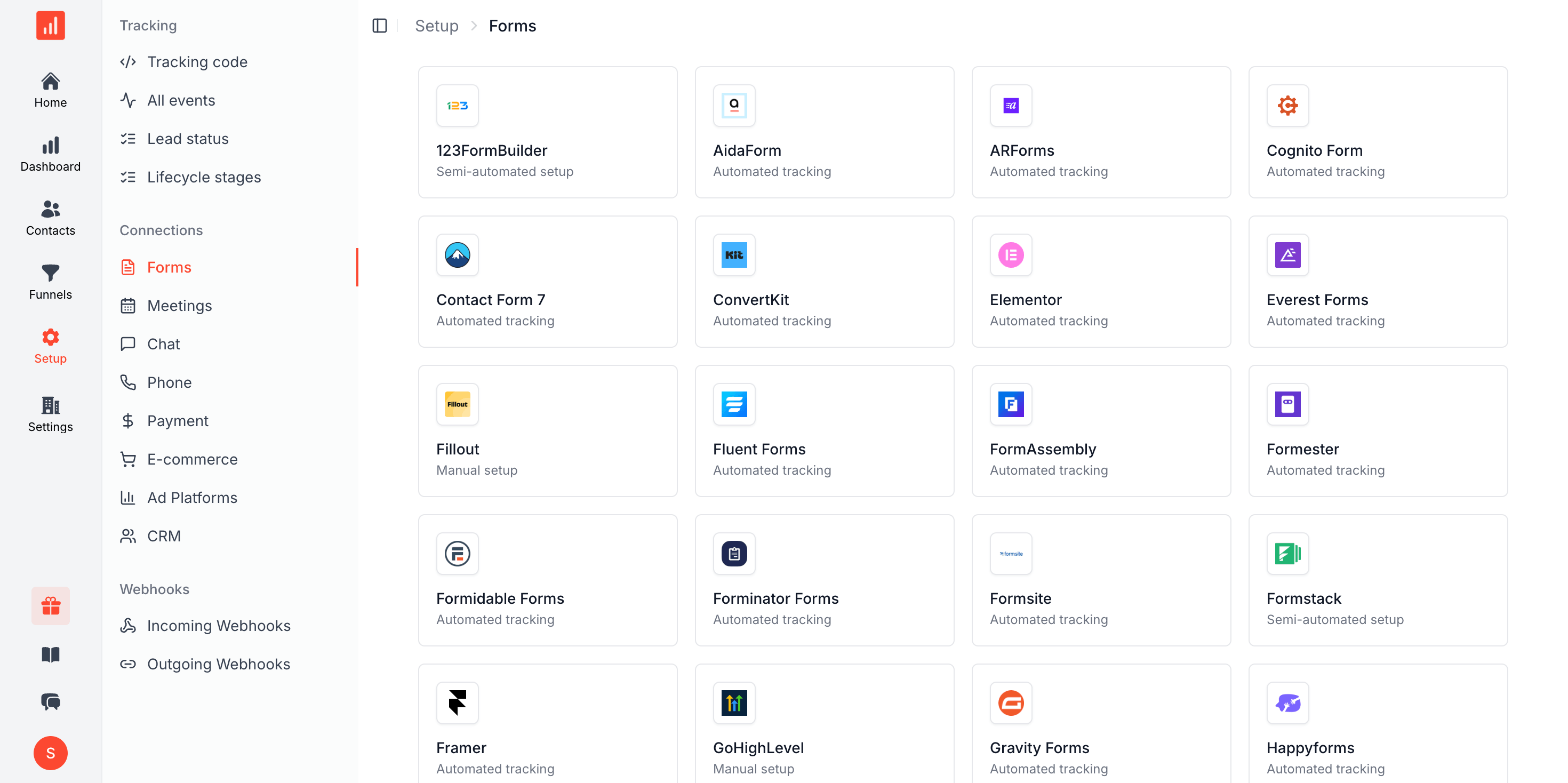
Track form submissions across HubSpot, WordPress, Webflow, and 25+ more
Same snippet, every form, every platform.
- Webflow
- Typeform
- HubSpot Forms
- Jotform
- Tally
-
 Paperform
 -
 Formstack
 -
 Wufoo
Wufoo -
 Google Forms
 -
 Gravity Forms
 -
 WPForms
 -
 Ninja Forms
 -
 Contact Form 7
 -
 Formidable Forms
 -
 Fluent Forms
 -
 Forminator
 -
 Mailchimp
 -
 Kit (ConvertKit)
 -
 Klaviyo
 -
 ActiveCampaign
 -
 Unbounce
 -
 Leadpages
 -
 Cognito Forms
 -
 Squarespace
 -
 Wix Forms
 -
 Shopify
 -
 Marketo
 -
 Pardot
 -
 ClickFunnels
 -
 Carrd
Carrd
FAQ
UTM and lead source tracking, FAQ
How do I track UTM parameters in HubSpot, Webflow, or WordPress forms?
Install the SourceLoop snippet once on your site. We read UTM parameters from the URL the visitor first lands on, store them in a first-party cookie, and attach them to every form submission, regardless of form builder. No hidden form fields, no per-form configuration. HubSpot, Webflow, Gravity Forms, WPForms, Contact Form 7, Fluent Forms, and Formidable all work the same way.
Why do my UTMs disappear after a form submission?
Most forms only see the URL of the page the form sits on, not the URL the visitor originally landed on. By the time a lead fills out a long-form, scrolls through pricing, and comes back to convert, the UTM is gone. SourceLoop captures it on the first page view and persists it across the whole session, so it's still attached when the form fires.
Can I track GCLID and Google Ads click data on my forms?
Yes. We capture GCLID, Wbraid, and Gbraid (Google's enhanced conversion identifiers) on landing, persist them through the session, and attach them to the lead. You can then sync those identifiers to Google Ads as offline conversions for smart-bidding optimization.
How is this different from a hidden UTM field on the form?
Hidden fields break the moment a lead bounces between pages, opens the form in a new tab, or comes back from email. They also miss first-touch attribution if you only fill them on the form page. SourceLoop captures the full journey from the first visit and persists it, so first-touch, last-touch, and multi-touch attribution all work even when the form sits five clicks deep.
Do I need to change my existing forms?
No. SourceLoop listens to form submissions on the page automatically. We support hidden iframes, fetch, XHR, postMessage, and shadow-DOM submissions, so it works whether your form builder posts to its own endpoint, your CRM, or a Zapier webhook.
Does it slow down my site or affect Core Web Vitals?
The snippet is under 8 KB gzipped, loads asynchronously, and runs after page load. Zero impact on LCP, FID, INP, or CLS.
Does this work with consent banners and GDPR?
Yes. We integrate with OneTrust, Cookiebot, Iubenda, Osano, and custom CMPs. When a visitor declines analytics or marketing cookies, we collect only minimal aggregated data in line with GDPR and the ePrivacy Directive. All cookies and local storage are first-party on your domain.
How do I track the lead source from a form submission?
The reliable way is to capture the source when the visitor first arrives, not when they submit. SourceLoop stores the campaign, referrer, and landing page against that person on their first visit, then attaches it to whatever they submit later, even if that is weeks and several sessions afterwards.
Do I still need hidden UTM fields on my forms?
No. Hidden fields are the usual workaround: one per parameter, populated by script on page load. They break whenever a form is rebuilt and they only capture the current session, so a returning visitor still records as Direct. SourceLoop needs no fields on the form at all.
Which form builders does this work with?
Typeform, JotForm, Gravity Forms, HubSpot Forms, Webflow, Formstack, Google Forms, Contact Form 7, and anything else that posts from a page carrying the snippet. Embedded and externally hosted forms are covered too, which is where most attribution setups fall over.
Is there free form tracking software?
Most form builders include basic submission counts for free, and that is genuinely enough if all you need is a total. What none of the free tiers give you is which campaign produced each submission, because the form tool never saw the visit. SourceLoop has a free 7-day trial if you want to check the difference on your own data.