
7 WhatConverts Alternatives for Agencies and Lead Gen
Seven WhatConverts alternatives compared on calls, forms, client reporting and price, with real reviews and notes from using each one.
Table of contents
WhatConverts earns its place in a lot of agency stacks. One lead log for calls, forms and chats is exactly what a local business owner wants to see.
The cracks show as an agency grows. Values typed in by hand, form tracking that breaks on certain site builders, and a jump in price to unlock lead intelligence.
In this guide, I'll compare seven alternatives by the kind of client you serve, with pricing, review quotes and what each one was like to set up.
How I compared them
I set up a test site with a contact form, a booking link and a tracked phone number, then ran each tool with a trial or free plan against it: CallRail, CTM, GA Connector and Attributer. Ruler and Invoca sell through demos, so their sections lean on walkthroughs, documentation and agencies we know who run them.
The brands and agencies we work with manage everything from plumbers to SaaS companies, so I judged each tool on how it handles a mixed client list. Quotes come from G2 and Capterra. The checklist:
- Which lead types it captures: calls, forms, chats, bookings
- Whether clients can get their own branded view
- Whether lead value comes from a CRM or has to be typed in
- What happens to the bill as you add clients
SourceLoop is ours. I held it to the same checklist and noted plainly where another tool does the job better.
Last checked November 2026. Confirm current pricing with each vendor.
Where WhatConverts starts to pinch
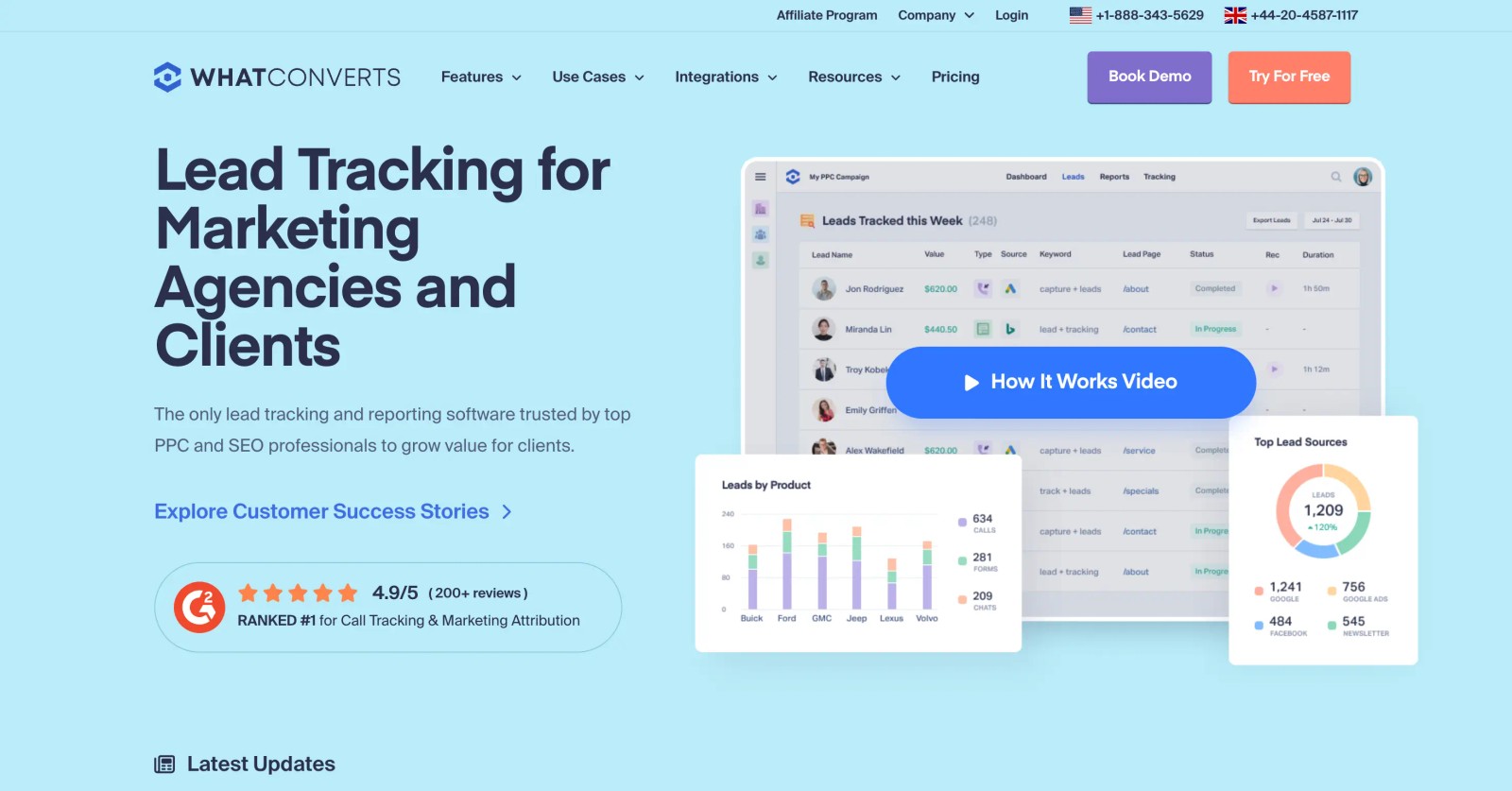
The core idea is strong. Every call, form and chat becomes a lead with a source, and clients can see exactly what they paid for.
"It allows me to clearly demonstrate the value of my work to clients, allowing me to track leads, whether they come from Google Ads or SEO." (Source)
The complaints I hear most, and see in reviews, fall into three groups:
- Tracking reliability: some site builders cause missed form leads.
- Value by hand: lead values depend on someone entering or importing them.
- Plan jumps: lead intelligence and the agency tiers cost a lot more than the entry plan.
"We’ve experienced recurring issues with form tracking across several of our Wix websites" (Source)
"I feel like they purposely undermine the tool’s capabilities so you’ll subscribe to the lead intelligence plan, which is overwhelmingly expensive." (Source)
WhatConverts alternatives compared
Here's how the 7 WhatConverts alternatives compare on lead types, client reporting and price, as of November 2026.
| Tool | Best for | Calls | Forms and chats | White label client view | Lead value from CRM | Paid plan from |
|---|---|---|---|---|---|---|
 SourceLoop SourceLoop | Agencies and lead-gen businesses | Via CallRail, CTM, Invoca | Yes | Yes | Yes | $49/mo |
 CallRail CallRail | Phone-heavy local clients | Yes | Forms on higher plans | No | Partly | $50/mo |
 CTM CTM | Calls plus routing | Yes | Partly | No | Partly | $65/mo, yearly |
 Ruler Analytics Ruler Analytics | Revenue reporting with calls | Yes | Yes | No | Yes | £299/mo |
 Invoca Invoca | High call volume brands | Yes | No | No | Imported | Quote |
 GA Connector GA Connector | Source data in Salesforce or Zoho | No | Forms | No | In your CRM | $97/mo, yearly |
 Attributer Attributer | Cheap multi-site source capture | No | Forms | No | In your CRM | $29/mo |
The 7 best WhatConverts alternatives
I've ordered them by how well they fit a typical agency client mix.
1. SourceLoop
Best for: agencies and lead generation businesses that want calls, forms and bookings tied to CRM deals, with reports that carry the agency's brand.
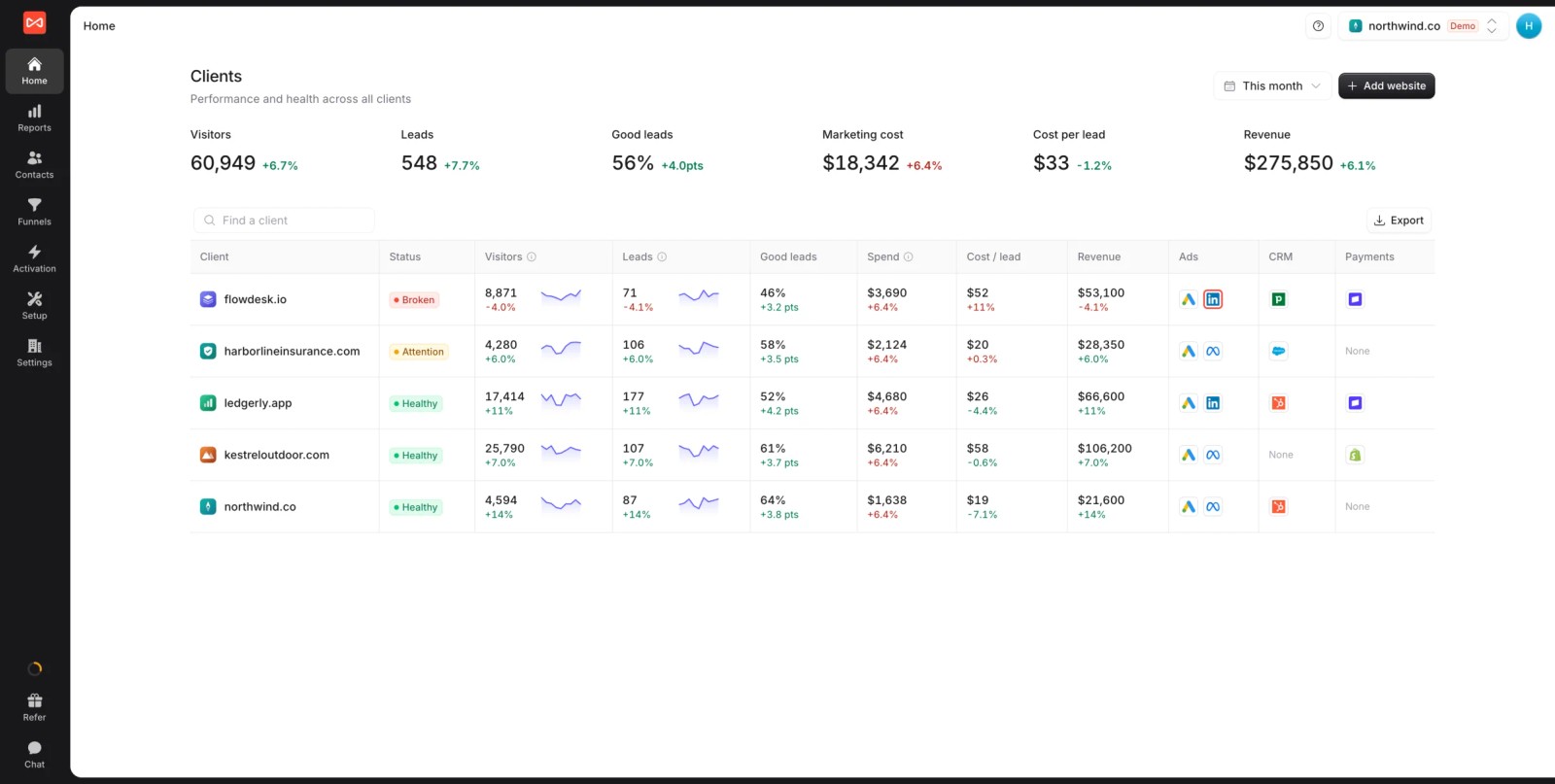
SourceLoop is lead source tracking software with full marketing attribution built in. Each client gets a workspace, every visit and lead keeps its source, and won deals flow back from the client's CRM so you report on revenue, not just lead counts.
Where WhatConverts leans on typed-in values, SourceLoop reads deal stages and amounts from HubSpot, Salesforce, Pipedrive or Jobber. Calls arrive through the call tracking tool you already use, so you can keep CallRail or CTM numbers on client sites.
Key features
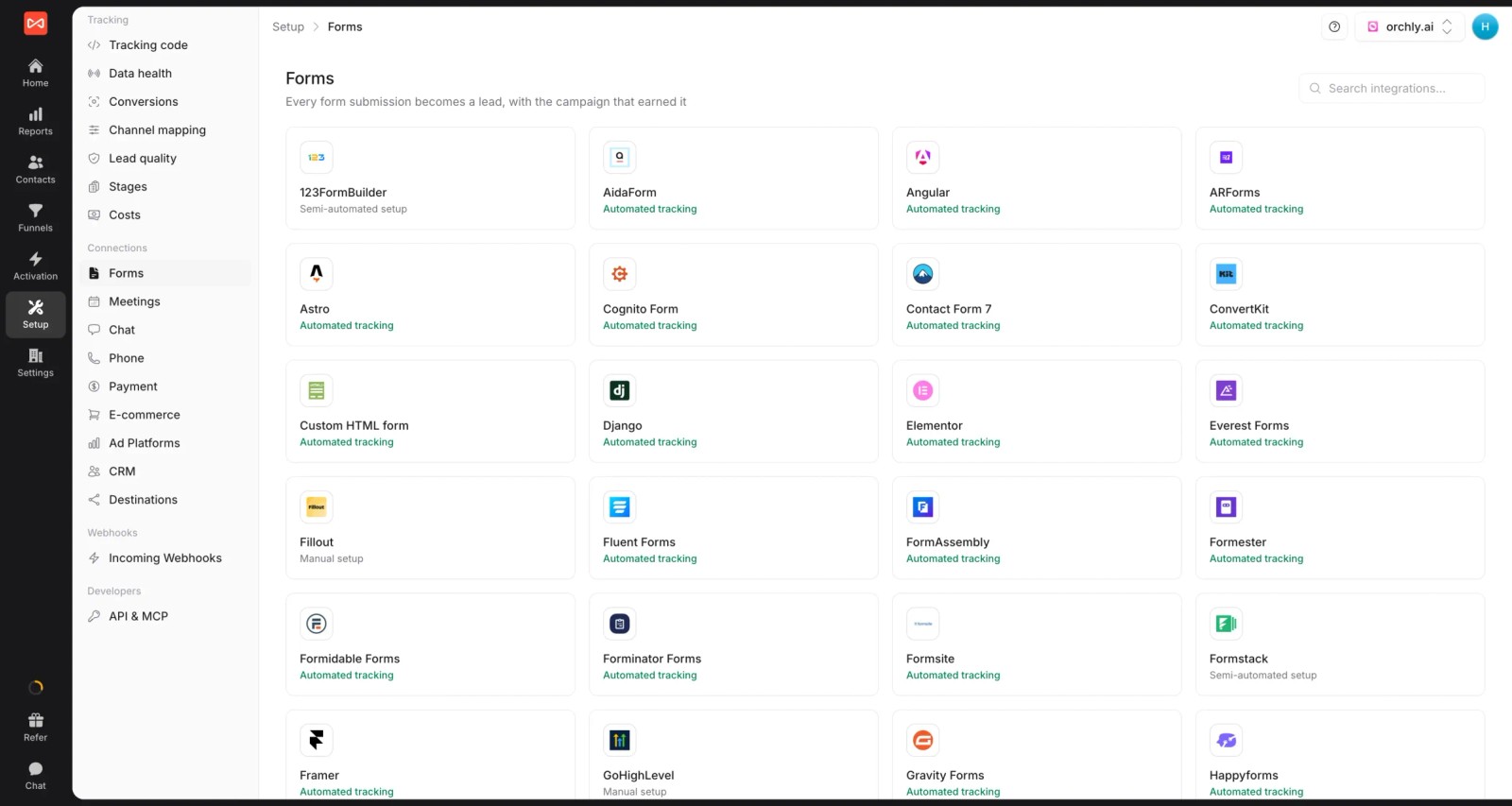
- Leads from every channel: around 70 form, chat, meeting and call integrations, including CallRail, CTM, Invoca and Mediahawk.
- The visits behind each lead: the full journey, not just the converting source, so you can answer "where did this one come from?" on a client call.

- Channel and campaign reporting: conversions and revenue by channel, under any of seven models, from first touch to time decay.

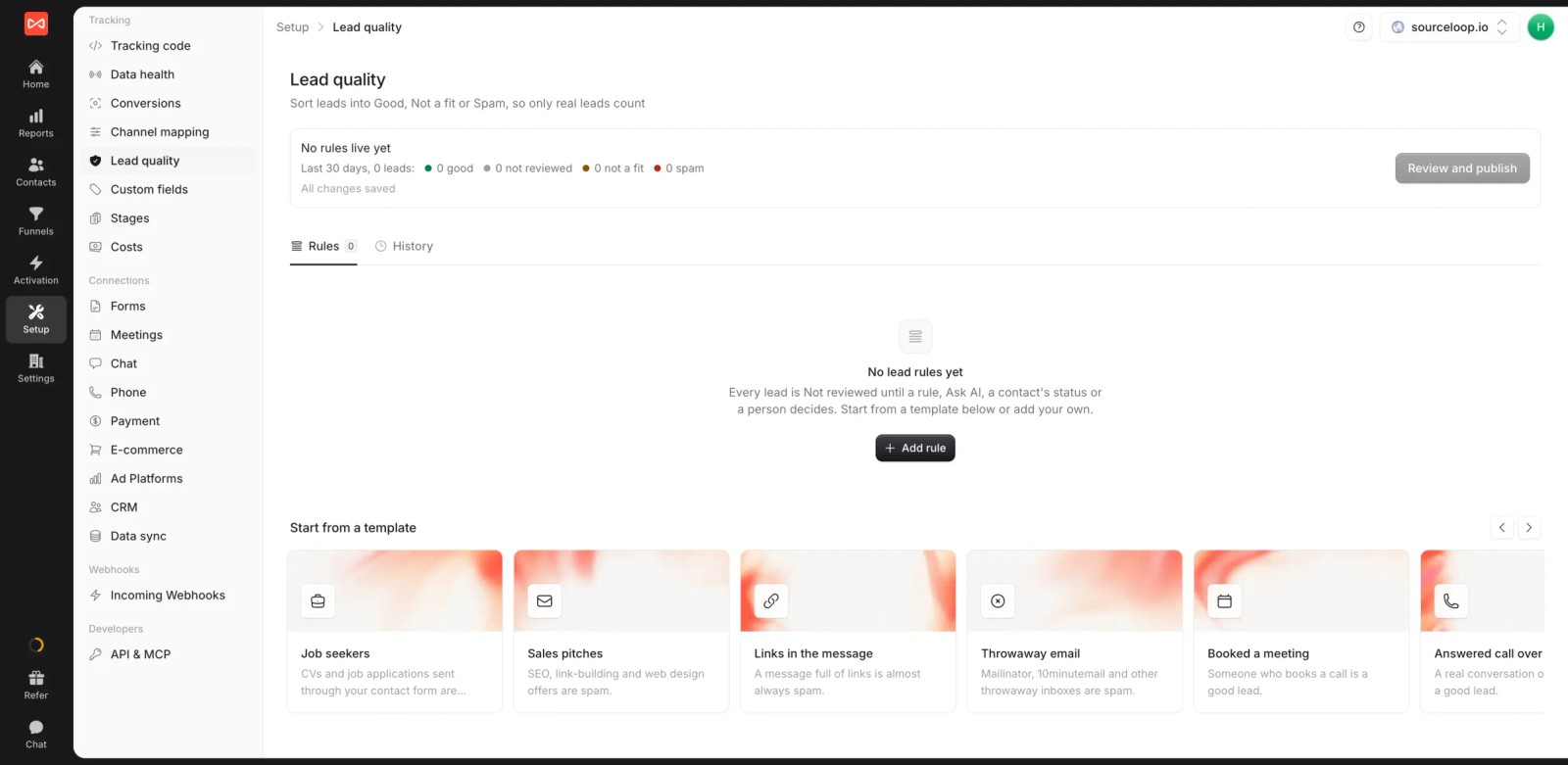
- Lead quality rules: mark leads Good, Not a fit or Spam, so clients see qualified leads and robocalls drop out. Ready-made templates cover job seekers, throwaway emails and answered calls over 60 seconds.
- Conversion sync per client: good leads and won deals go to each client's Google Ads, Meta, Microsoft Ads and ChatGPT Ads accounts with a value.

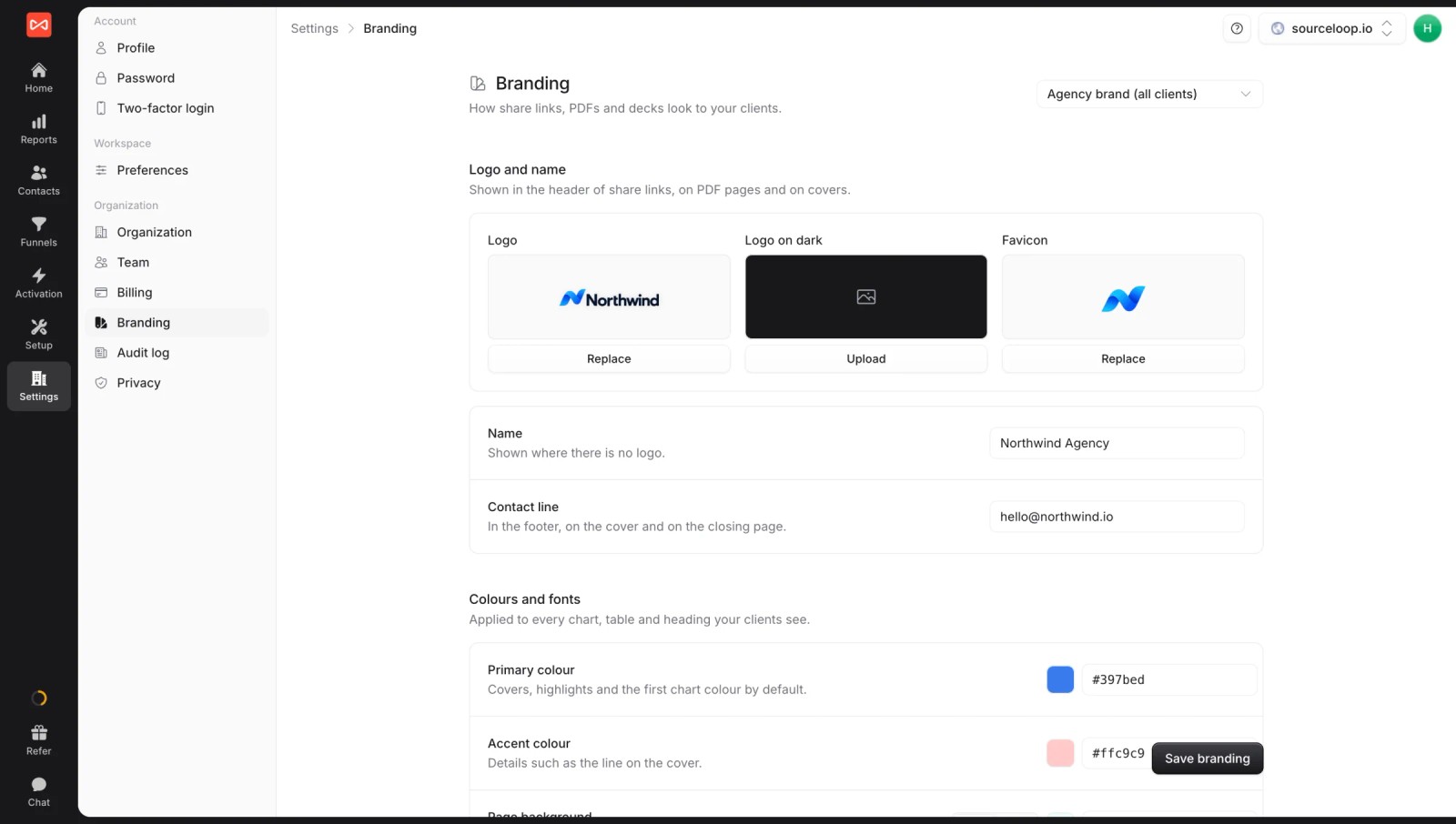
- Full white label: your logo, colors and share domain on reports, exports and Slack alerts, set with white label branding.
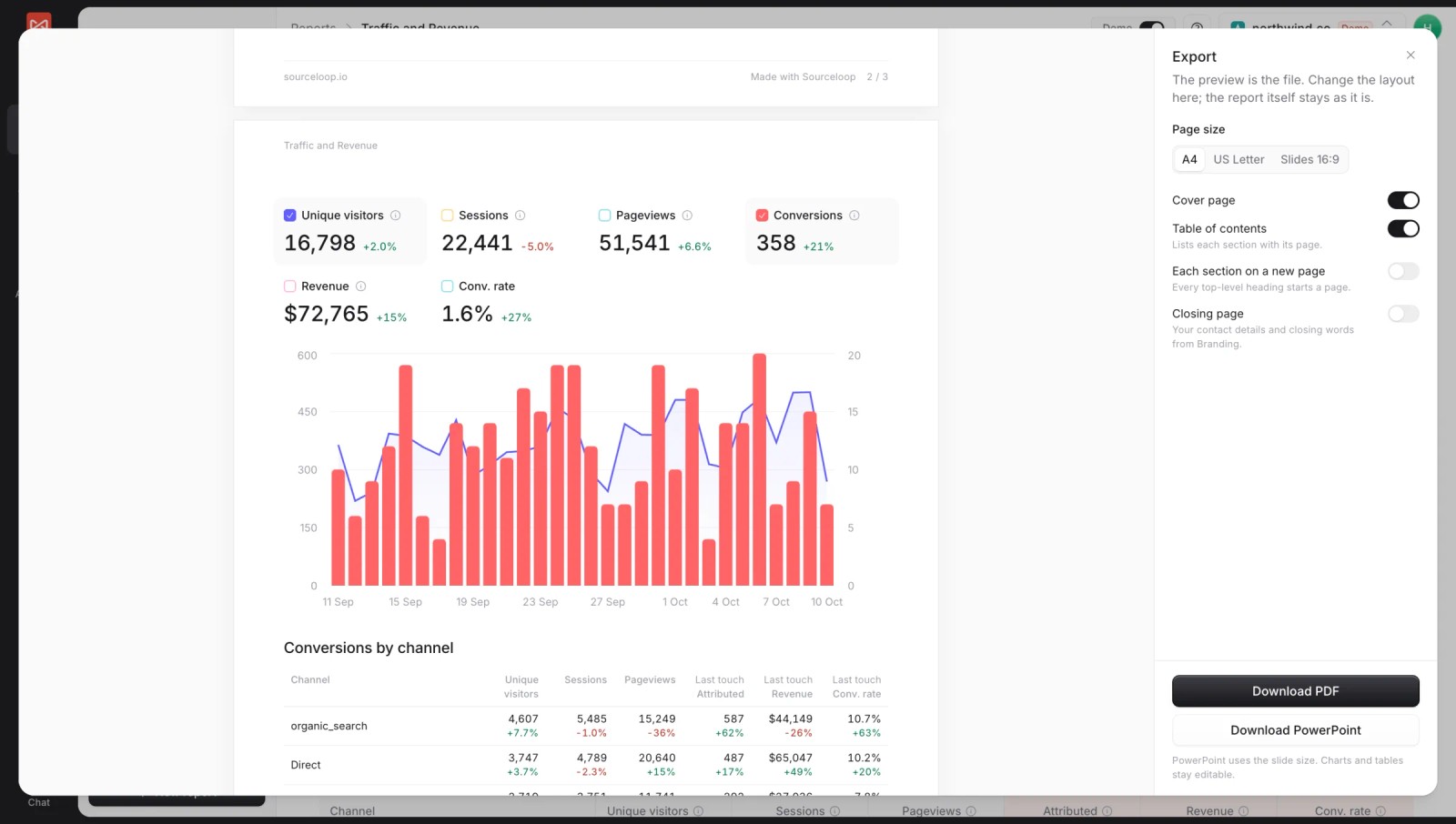
- Custom reports and exports: build a client report once, share it as a live branded link, or export it to PDF and PowerPoint for the monthly meeting.
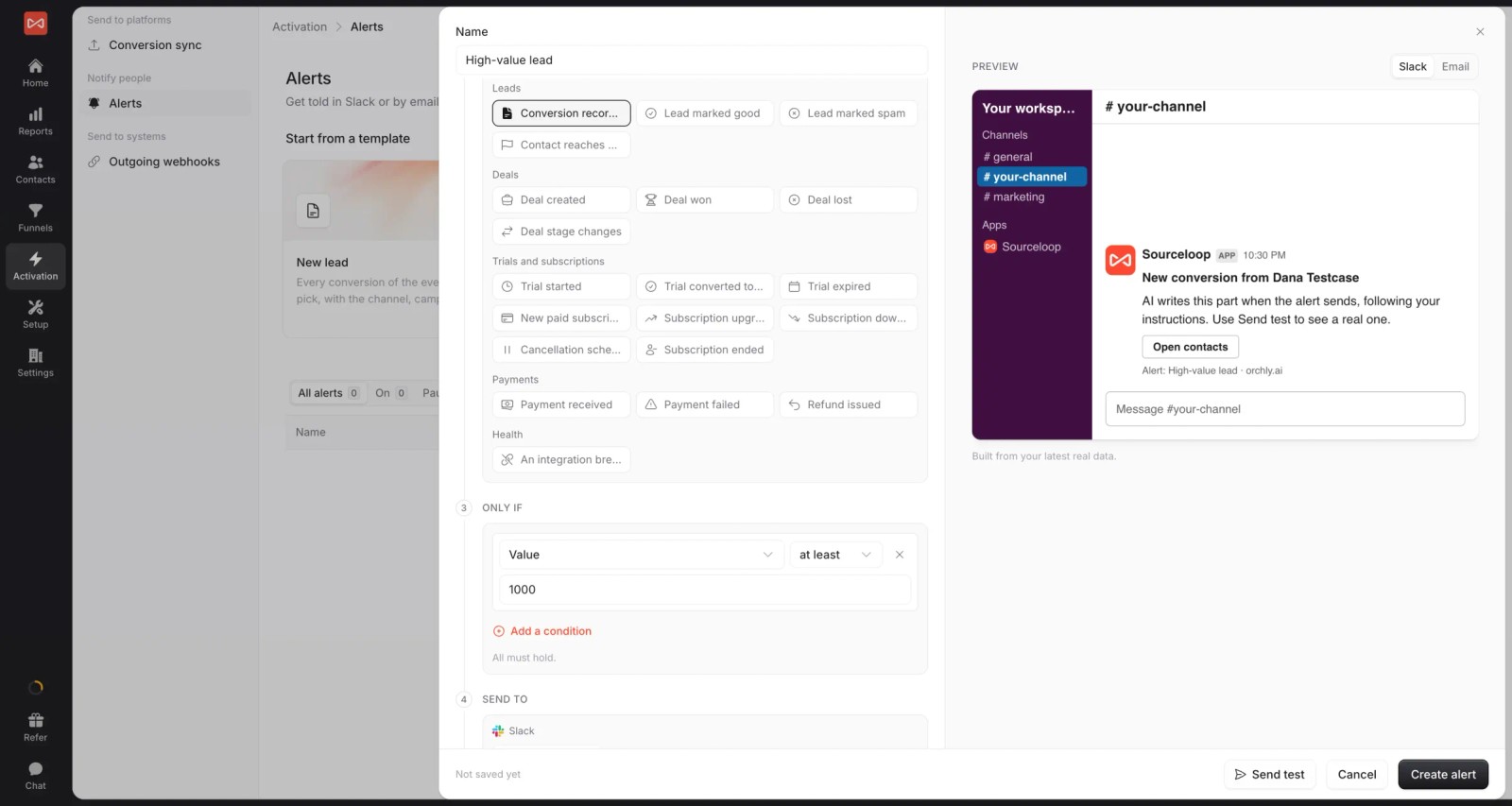
- Alerts per client: post new leads, good leads or a weekly cost-per-lead summary to each client's Slack channel or inbox.
- Spend beside results: each client's Google Ads, Meta and Microsoft Ads spend next to the leads and revenue SourceLoop credits to them, so cost per qualified lead is one glance away.
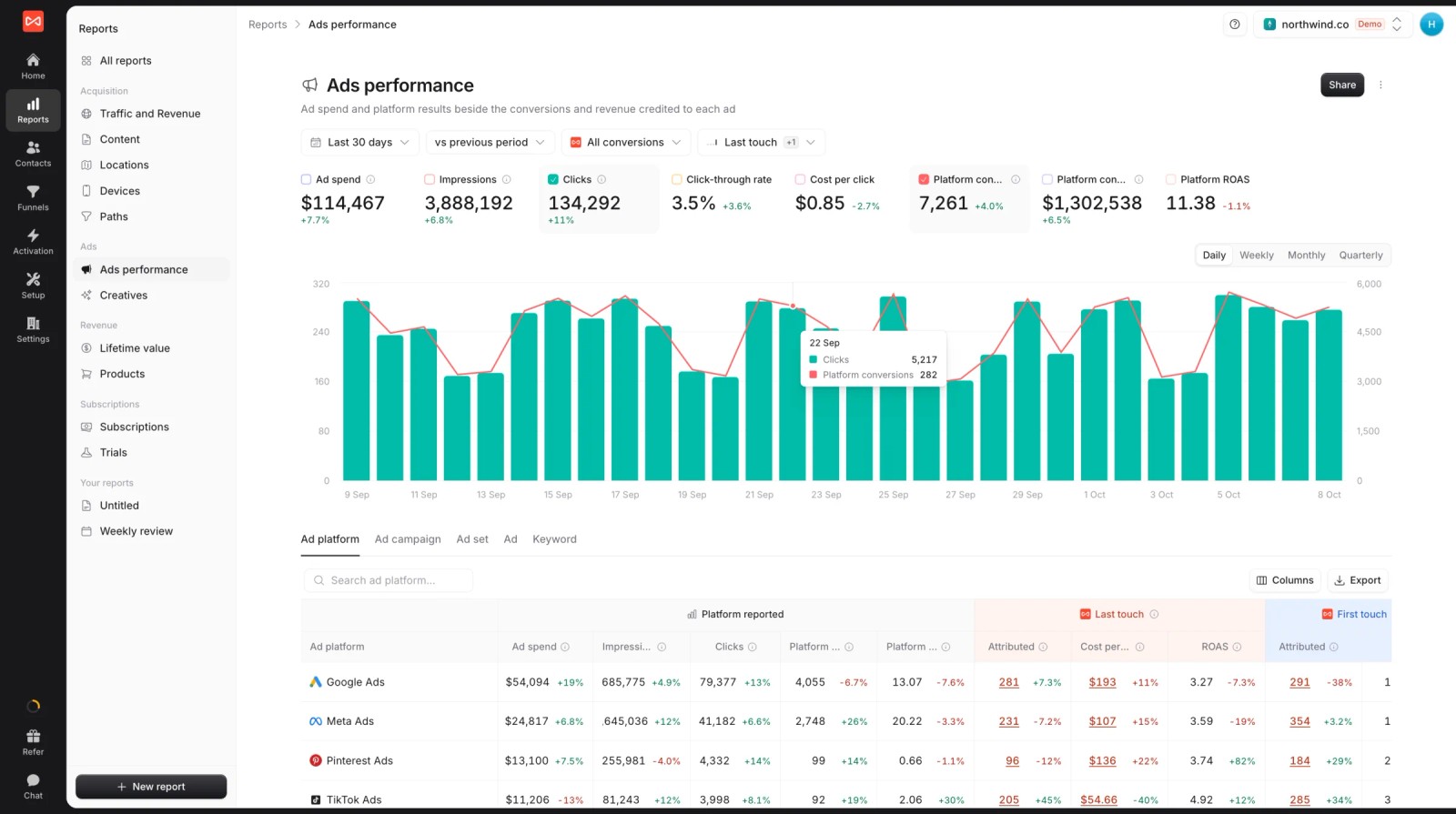
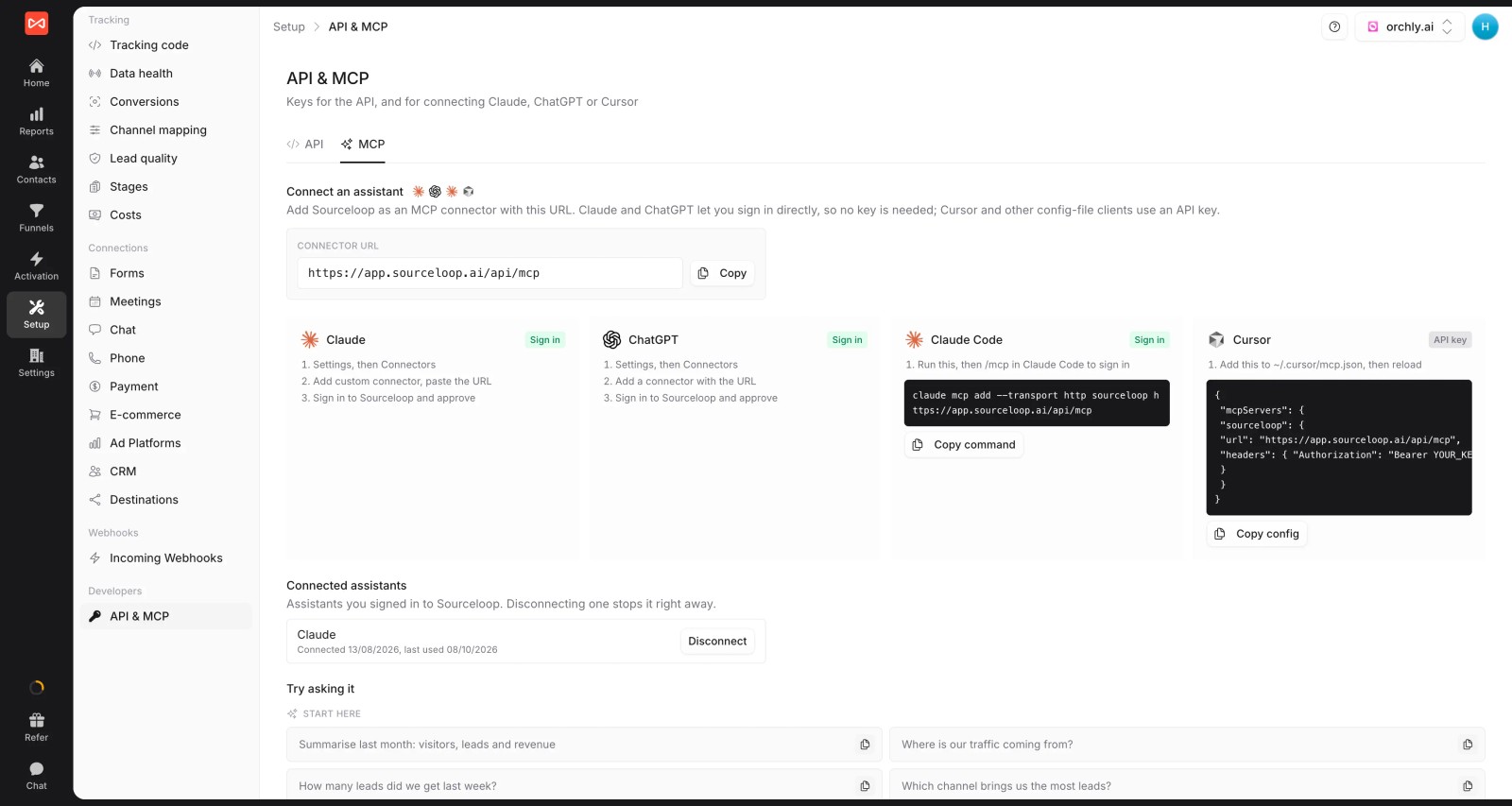
- Agency API and MCP (Professional and up): pull every client's numbers into your own dashboards, or let an AI assistant draft the monthly summary.
Where it falls short
- It doesn't provide tracking numbers, so phone-heavy clients still need CallRail, CTM or a similar tool.
- There's no call recording or transcription inside SourceLoop; that stays in your call tracking tool.
Pricing
- Agency: $249/mo for three sites and 1.5 million page views, adding white label reporting
- Essential and Professional: $49 and $99/mo for single sites
- Unlimited conversions, never charged per lead, with a 7-day trial. WhatConverts' agency plans start at $500.
Verdict: the better fit when clients judge you on revenue and you want reports under your own brand. Keep a call tracking tool next to it for phone-led clients.
2. CallRail
Best for: agencies whose clients live on the phone, like home services, dental and legal.
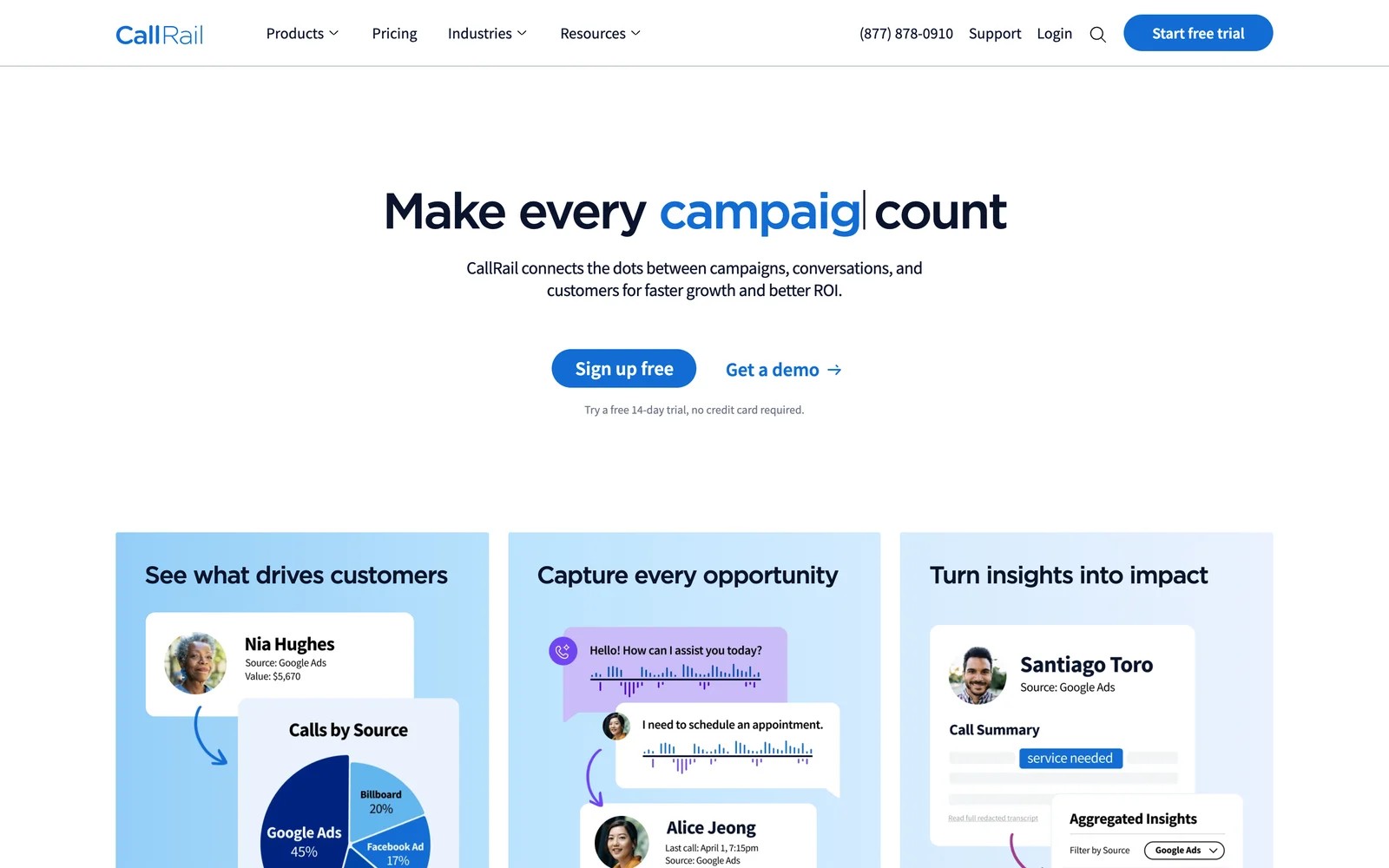
CallRail is the call tracking standard for many agencies. Each client gets an account with its own numbers, calls are tied to the ad and keyword, and AI summarizes what was said.
What I noticed first was how easy it is to bring a client in. I created an account, added a number, and invited a client login, and the client could listen to recordings without seeing anything else.
Forms are where it gets thinner. Form tracking only comes with the Complete plans, and the form view feels like an add-on next to how polished the call log is.
Agency owners I know also mention spam. Robocalls get tracked like any other call, so cleaning them out of client reports takes manual tagging or rules.
Key features
- Separate client accounts with their own numbers and logins keep each client's calls private while you manage them all from one place.
- Dynamic numbers tie every call to the campaign, keyword and landing page, which makes paid search reporting for local clients straightforward.
- AI conversation tools summarize and tag calls, so you can separate booked jobs from quote requests and spam without listening to everything.
- Calls can be sent to Google Ads and CRMs as conversions, helping campaigns optimize toward real phone leads.
Where it falls short
- Pricing is per account plus usage, so costs climb quickly when you add clients with busy phone lines.
- The app can't be white labeled, so clients see CallRail's brand rather than your agency's.
- Revenue reporting is limited, which makes it hard to prove which calls turned into paying customers.
What users say
"I love that each client has their own dedicated account with tracking sources." (Source)
"From a marketing agency perspective, CallRail is a powerful solution for lead attribution for specific channels. The phone call and form submission data is critical to showing value to clients." (Source)
"I need a way to filter out and block automated robocalls and calls from non-human sources so my clients aren’t wasting time answering or calling them back." (Source)
Pricing
- Lead Tracking: $50/mo per account with 5 numbers and 250 minutes
- Lead Tracking Complete: $95/mo, adding forms
- Lead Conversion and Complete: $150 and $195/mo. Usage on top, 14-day trial.
3. CTM
Best for: agencies with clients who need routing, IVR and a phone system, not just tracking.
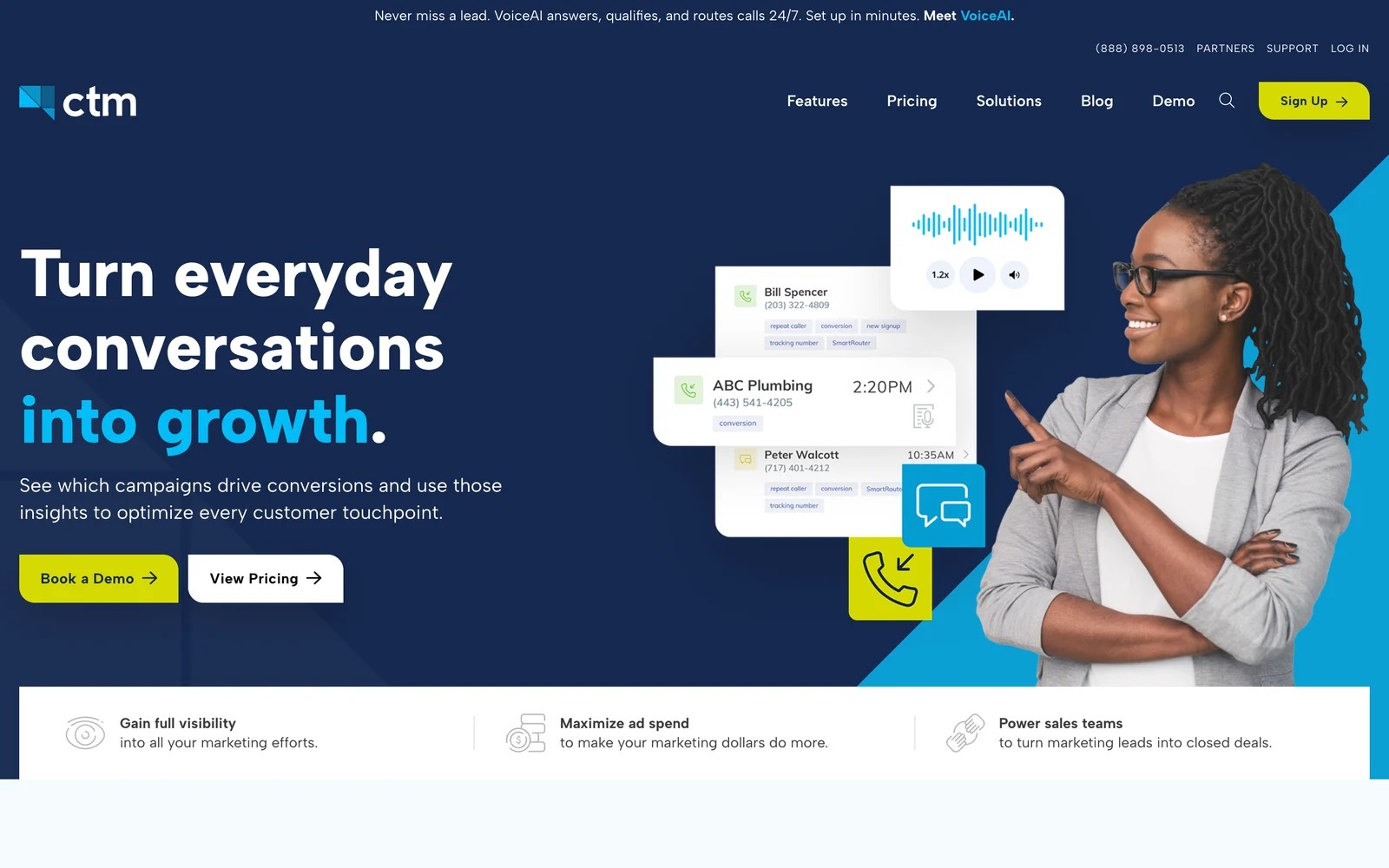
CTM, the rebranded CallTrackingMetrics, goes deeper into the phone system than WhatConverts. Calls can be routed, scored and answered by its VoiceAI agent, and the platform covers sales and contact center teams as well as marketing.
CTM's site even links an "agency-friendly plan" right from the homepage, and the Marketing Pro tier is the one built for that. When I went through signup, the unlimited users stood out, because adding a client's whole front desk didn't change the price.
The flip side is the number of settings. Routing, scoring and AI options are all there, and a marketer who only wants attribution has to work around a lot of phone system features.
Key features
- Calls and texts are attributed to their source, with native integrations for Google Ads, Google Local Services, Microsoft Ads and GA4.
- Routing, IVR menus and call scoring help client front desks handle and qualify calls inside the same tool that tracks them.
- AI transcript analysis can score calls by intent or duration and send the qualified ones to ad platforms as conversions.
- Every plan includes unlimited users, which suits agencies giving access to client staff and multiple account managers.
Where it falls short
- Pulling one unified report across many sub-accounts is still clumsy, according to agencies managing several clients in it.
- Usage billing on numbers, minutes and texts makes the monthly bill hard to forecast per client.
- The phone system depth adds setup time that pure attribution users won't benefit from.
What users say
"They also have tools that let us score the quality of the call like call duration which allows us to create custom events for our ads." (Source)
"The options and customization can be intimidating at first as there are tons of features you'll be promoted to toggle on or off that likely haven't been thought about." (Source)
"I wish the filters would be sticky like the last 30 days when toggling on different location filters or between accounts." (Source)
Pricing
- Marketing Lite: $65/mo billed yearly, plus usage
- Marketing Pro: $149/mo, the agency-friendly tier
- Sales Engage: $274/mo; Enterprise $1,999/mo. First month has no plan fees.
4. Ruler Analytics
Best for: agencies with lead-gen clients in finance, legal or B2B services that need revenue reporting, not just lead counts.
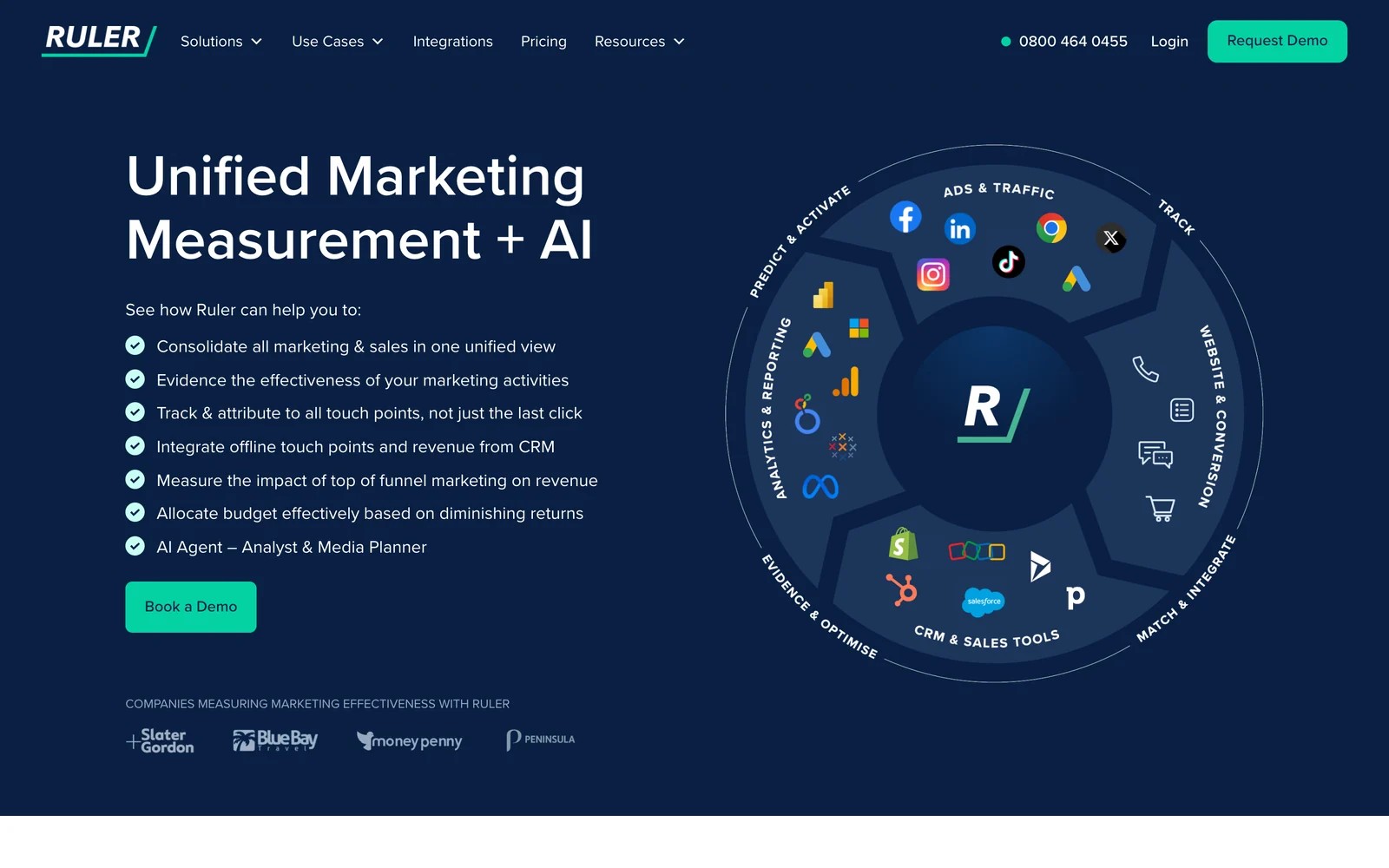
Ruler Analytics closes the gap WhatConverts leaves open. It tracks calls, forms and chat, pushes the source into the CRM, and pulls deal revenue back automatically, so nobody types in values.
There's no trial, so my look at it came from the demo and from agencies that run it for clients. The revenue-by-keyword reports are what they rave about. The per-account pricing and a guided setup for every new client are what they grumble about.
Ruler also offers agency partner rates, according to its pricing page, which softens the cost for agencies bringing several clients.
Key features
- Built-in call tracking gives phone leads the same source and journey data as form fills and chats.
- Closed revenue is read from Salesforce, HubSpot, Pipedrive and other CRMs, so reports show money rather than manually entered values.
- Revenue can be sent back to Google Ads and Meta, helping campaigns optimize toward deals for each client.
- The Advanced plan adds marketing mix modeling and an AI analyst for clients with larger budgets.
Where it falls short
- Each client account is priced on its own traffic, so costs multiply quickly across an agency roster.
- There's no trial, and every account goes through guided onboarding before you see data.
- Reports can't be white labeled, so client-facing dashboards carry Ruler's brand.
What users say
"Seeing the detail of every form submission and phone call, from what source, the duration of the call and the pages that led to a conversion is a real eye-opener." (Source)
"user access rights have to be directed through account manager" (Source)
Pricing
- Small: from £299/mo per account, up to 10,000 visits
- Medium to Advanced: from £499 to £1,499/mo. 10% off annual, agency partner rates available.
5. Invoca
Best for: larger brands and their agencies where thousands of inbound calls drive sales.
Invoca is call tracking at enterprise scale. It ties each call to the session behind it, uses AI to understand intent and outcome, and feeds that back into ad bidding.
It sells through demos only. The walkthrough I sat through was impressive on call intelligence, but this is a different budget class from WhatConverts, built for brands with call centers rather than local businesses.
Agencies that run it for big clients tell me the AI classification is the reason to pay. They also say training it to recognize a good call takes real hours up front.
Key features
- Dynamic number insertion ties each call to the landing page, campaign and session data behind it, even at very high call volumes.
- Signal AI classifies caller intent and call outcomes, so qualified calls can be separated from noise automatically.
- Offline revenue can be imported by file or API to show which campaigns drove calls that became sales.
- Integrations send call conversions to Google Ads, Microsoft Ads, Meta and GA4 for automated bidding.
Where it falls short
- It's priced and built for enterprise call volumes, which rules it out for most small and local clients.
- Web forms and chats aren't its focus, so it doesn't replace WhatConverts' all-in-one lead log.
- Training the AI to recognize good calls takes significant effort before results are reliable.
What users say
"The fact I now have a full view of how my digital marketing campaigns are performing and can leverage more robust call analytics within automated bidding" (Source)
"it required many man hours to go into each call and kind of train the AI to identify what is a high intent phone call." (Source)
Pricing
- Pro, Enterprise and Elite, all quoted. Pro includes 6,000 numbers a year.
6. GA Connector
Best for: teams on Salesforce or Zoho that want each lead's source and Google Analytics data written into the CRM.
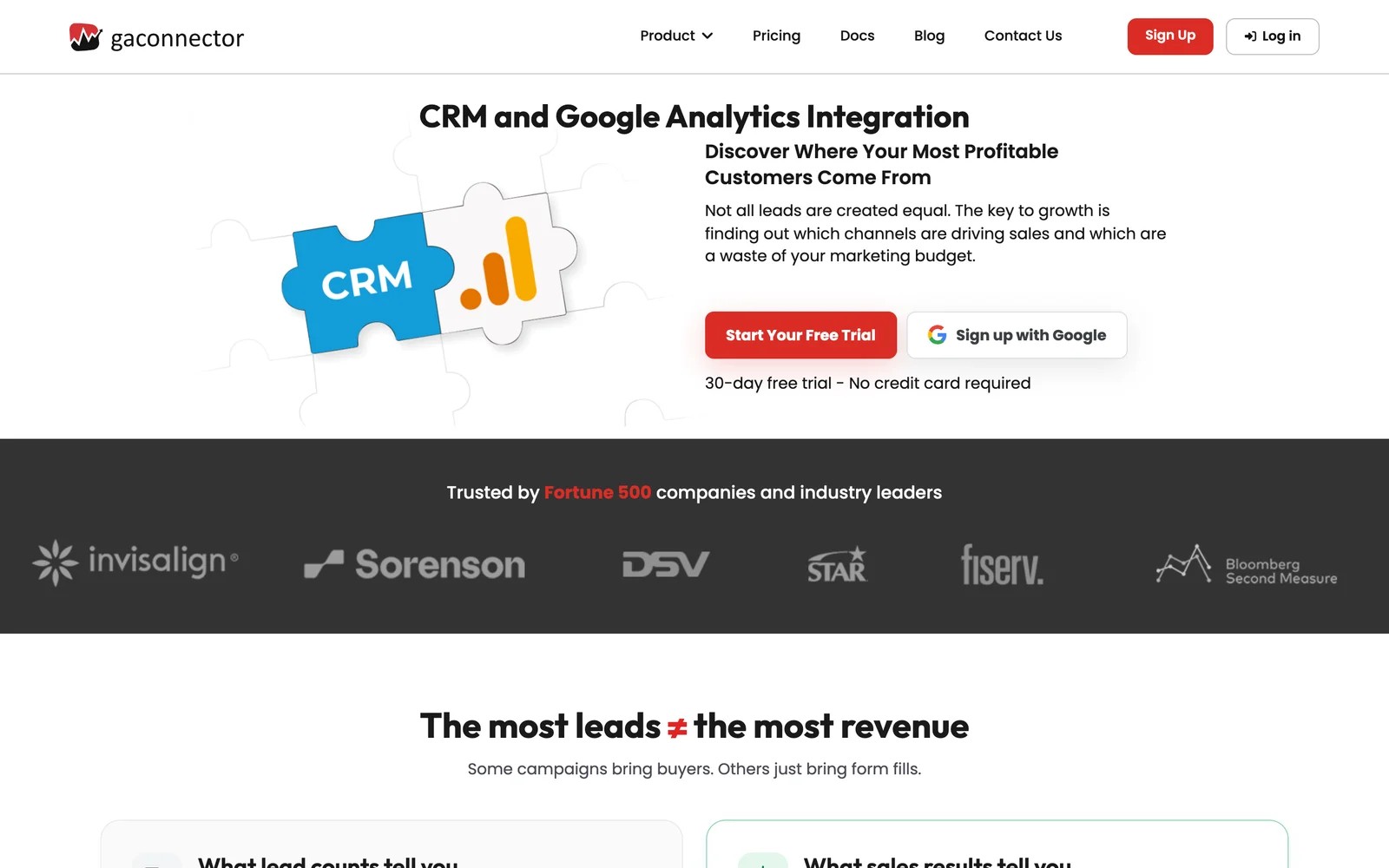
GA Connector captures where each lead came from and writes it into your CRM, then sends CRM outcomes back to Google Analytics. Its homepage pitch, "the most leads ≠ the most revenue," is aimed at exactly the problem WhatConverts leaves to manual values.
I used the 30-day trial, which needs no card. The CRM connection was the smooth part. Mapping fields took longer than I expected, and anyone with a heavily customized Salesforce will spend time here.
It's a form and CRM tool. Calls and chats aren't part of it, so it only replaces part of what WhatConverts does.
Key features
- Lead source, channel, campaign and keyword are captured on each form and written into Salesforce, Zoho and other CRMs.
- CRM outcomes can be sent back to Google Analytics, so you can see which channels produce customers inside GA4.
- One price covers the whole CRM account with no per-user fees, which keeps costs flat as the sales team grows.
- A 30-day free trial with no card makes it easy to test against your real leads before paying.
Where it falls short
- Calls and chats aren't tracked, so phone-heavy clients need a separate tool.
- Earlier visits get lumped into a single field, which limits journey analysis.
- There's no client-facing reporting, so agency dashboards have to be built elsewhere.
See our list of GA Connector alternatives for more options in this group.
What users say
"It was very easy to get setup and the accuracy of tracking is a goldmine for any marketer looking for stronger attribution." (Source)
"The setup takes some time mostly because every client has Salesforce configured differently." (Source)
"It is not the greatest how is lumps previous visits into one field." (Source)
Pricing
- Tier 1: $97/mo billed annually for 50,000 page views
- Tier 2 and 3: $197 and $397/mo; custom from $497. 30-day trial.
7. Attributer
Best for: agencies rolling out basic lead source capture across many small client sites.
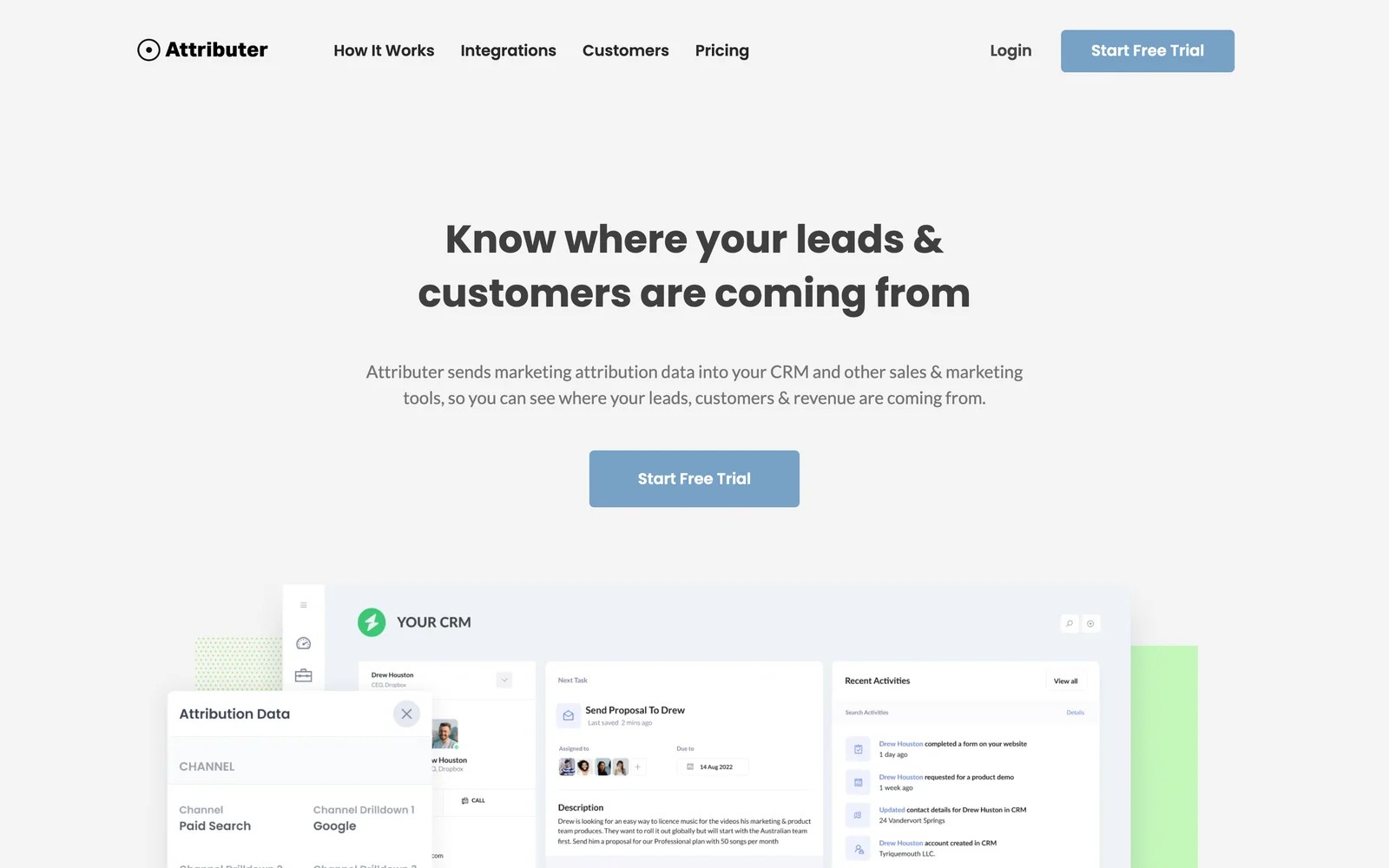
Attributer does one thing: it adds the channel, source and campaign to each form submission and passes it to the CRM or spreadsheet.
For an agency, the multi-site plans are the draw. When I priced it out, ten client sites came to $199 a month, which is cheaper than many single-account tools.
On the trial, the setup per site was quick once I'd done it once: hidden fields on the form, a script on the site, done. The ceiling is low, though. There's nothing for calls and nothing to show a client beyond what lands in their CRM.
Key features
- Every form submission carries its channel, source and campaign into hidden fields, ready for the client's CRM or spreadsheet.
- It works with most form builders and CRMs, so it fits whatever each client already runs.
- Multi-site plans cover 10, 25 or 50 sites at a flat price, which suits agencies with many small clients.
- There's no dashboard to maintain, since the data lives in the client's own tools.
Where it falls short
- Calls and chats aren't captured, so phone-led clients get only part of the picture.
- There are no reports or dashboards to share with clients.
- Accuracy depends heavily on consistent UTM tagging across every campaign.
Our Attributer alternatives guide compares it with more tools.
What users say
"Ability to see first touch source of leads when they fill out a form on our website." (Source)
"A bit pricey for what it does if you're covering multiple sites, but it does really give visibility we wouldn't have otherwise." (Source)
Pricing
- Multi-site: $199/mo for 10 sites, $299 for 25 and $399 for 50
- Single site: from $29/mo, with a 14-day trial
How to choose
Start with your clients, then check how the bill scales.
1. Mostly phone-led local clients?
- CallRail for simplicity, CTM if they need routing. Add SourceLoop when you want calls joined to forms, bookings and CRM deals.
2. Clients who judge you on revenue?
- SourceLoop for lead generation businesses and agencies that want CRM deals, white label reports and conversion sync per client.
- Ruler if you prefer built-in call tracking and don't mind per-account pricing.
3. Just need the source in the CRM?
- Attributer for many small sites, GA Connector for Salesforce and Zoho shops.
4. Model the cost at 10 and 30 clients.
- Per-account and usage pricing grows fastest. SourceLoop meters page views, not leads.
Frequently asked questions
-
What is WhatConverts used for?
WhatConverts tracks calls, forms and chats, tags each lead with its source and keyword, and lets you add lead values for reporting. It's popular with agencies that report leads to clients.
-
How much does WhatConverts cost?
As of November 2026, single-account plans run from $30 to $160 a month, and agency plans start at $500 a month for unlimited accounts. Extra numbers and minutes are billed on top.
-
What is the best WhatConverts alternative for agencies?
SourceLoop suits agencies that want full journeys, CRM revenue and white label client reports from $249 a month for three sites. CallRail suits agencies whose clients mainly get leads by phone.
-
Is there a cheaper alternative to WhatConverts?
Attributer starts at $29 a month and covers 10 sites for $199, but only captures form leads. SourceLoop starts at $49 a month with unlimited conversions.
-
Can I keep my call tracking and switch away from WhatConverts?
Yes. SourceLoop connects to CallRail, CTM, Invoca and Mediahawk, so you can keep tracking numbers on client sites and still tie calls to journeys and deals.




 Paid Social


