
7 Best GA Connector Alternatives in 2026 [Compared & Ranked]
Seven GA Connector alternatives compared: multi-touch attribution, ad sync, CRM integration, and pricing. Find the right fit for your marketing stack.
Table of contents
GA Connector captures lead source data, writes it to your CRM and sends CRM outcomes back to Google Analytics. If you're looking for an alternative, you probably need more than that path through GA4.
In this guide, I'll compare seven alternatives, from simple UTM capture to full multi-touch attribution, with current pricing for each.
How we compared these tools
We ran GA Connector, Attributer, WhatConverts, Heeet and Dreamdata on their trials or free plans and pushed the same test leads into a HubSpot account to compare what lands on the contact record. Ruler sells through demos, so that section uses its documentation and pricing page.
Many of the brands and agencies we work with came to us from GA Connector or hidden-field setups, and their questions shaped this list, along with user reviews on G2 and Reddit. We compared:
- Whether every visit is kept, or only first and last touch
- Which attribution models you get
- Whether conversions go back to the ad platforms directly
- What the price is metered on, and where it starts
SourceLoop is our product. We've ranked it first for teams that want journeys and conversion sync, and say plainly where GA Connector or Attributer is the simpler choice.
Last checked November 2026. Prices change, so confirm on each vendor's site.
GA Connector alternatives compared
Here's how the 7 GA Connector alternatives compare on price, what they meter, attribution models and ad conversion sync, as of November 2026.
| Tool | Paid plan from | Priced on | Attribution models | Contact-level rows | Ad conversion sync | Best fit |
|---|---|---|---|---|---|---|
 SourceLoop SourceLoop |
$49/mo | Page views | 7 | Yes | Google Ads, Meta, Microsoft Ads, ChatGPT Ads | Agencies, lead-gen businesses, SaaS |
 GA Connector GA Connector |
$97/mo, billed yearly | Page views | GA4's 2 | No | Via GA4 only | Teams that live in GA4 |
 Attributer Attributer |
$29/mo | Form submissions | First and last touch | Yes | No | Simple UTM to CRM capture |
 Heeet Heeet |
$790/mo, billed yearly | Leads per year | 2 on entry, all on Native | Yes | Partly | Salesforce or HubSpot native |
 WhatConverts WhatConverts |
$30/mo | Usage plus overage | First and last touch | Yes | Google and Meta | Call-heavy lead gen |
 Ruler Analytics Ruler Analytics |
£299/mo | Monthly visits | Yes | Yes | Google and Meta | Agencies and lead gen |
 Dreamdata Dreamdata |
Free plan, paid plans quoted | Contacts | Yes | Yes | Partly | Long B2B cycles |
 HubSpot Marketing HubSpot Marketing |
$800/mo (Professional) | Contacts | Yes | Yes | No | Existing HubSpot Enterprise |
Why teams look beyond GA Connector
GA Connector is good at one thing: getting Google Analytics source data into your CRM. Users like it for exactly that.
"For example, we got 50 leads from this campaign, but did any of them buy? GA Connector basically connects those dots for us." (Source)
The friction shows up in two places. Setup depends on how each CRM is configured, and reporting still runs through GA4, which has offered only two attribution models since 2023 and can't show individual people.
"The setup takes some time mostly because every client has Salesforce configured differently." (Source)
If either of those is your problem, the tools below solve it in different ways.
The 7 best GA Connector alternatives
Here's each alternative, what it does better than GA Connector, and what it costs.
1. SourceLoop
Best for: agencies managing many clients' CRMs, lead generation businesses and SaaS teams that want every journey kept, not just first and last touch.

SourceLoop is a marketing attribution and lead source tracking tool. One script records every visit with its UTMs, referrer and ad click ID, keeps it attached to the person, and writes the result to your CRM. No GA4 in the middle and no hidden fields per form.
The difference from GA Connector shows up in what reaches the CRM. GA Connector writes first and last touch. SourceLoop adds the full visit history and lead quality, and reads deal stages back.
Key features
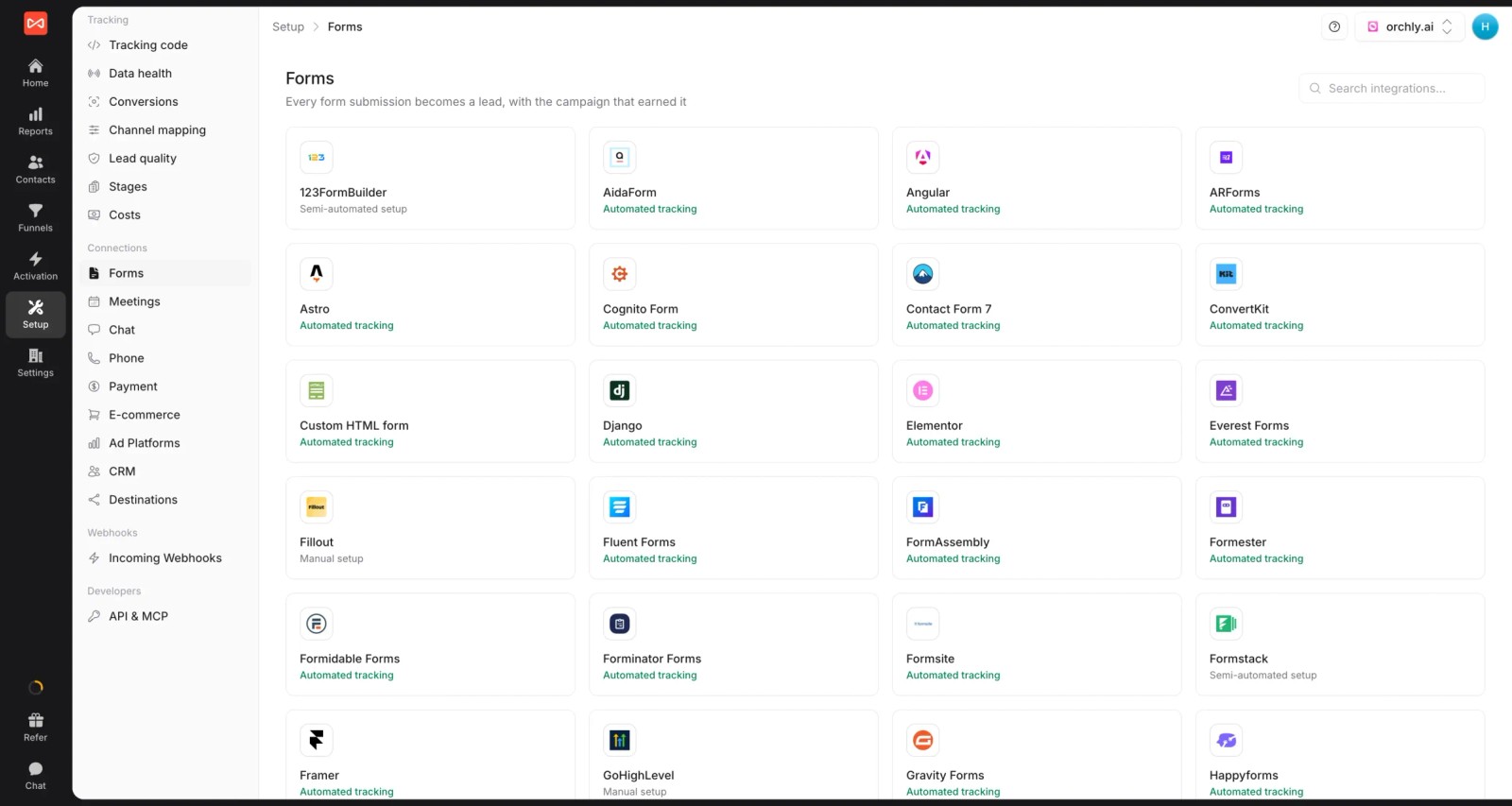
- Leads captured where they happen. Form, chat, call and meeting tracking covers around 70 tools, from Gravity Forms and Calendly to Intercom and CallRail.
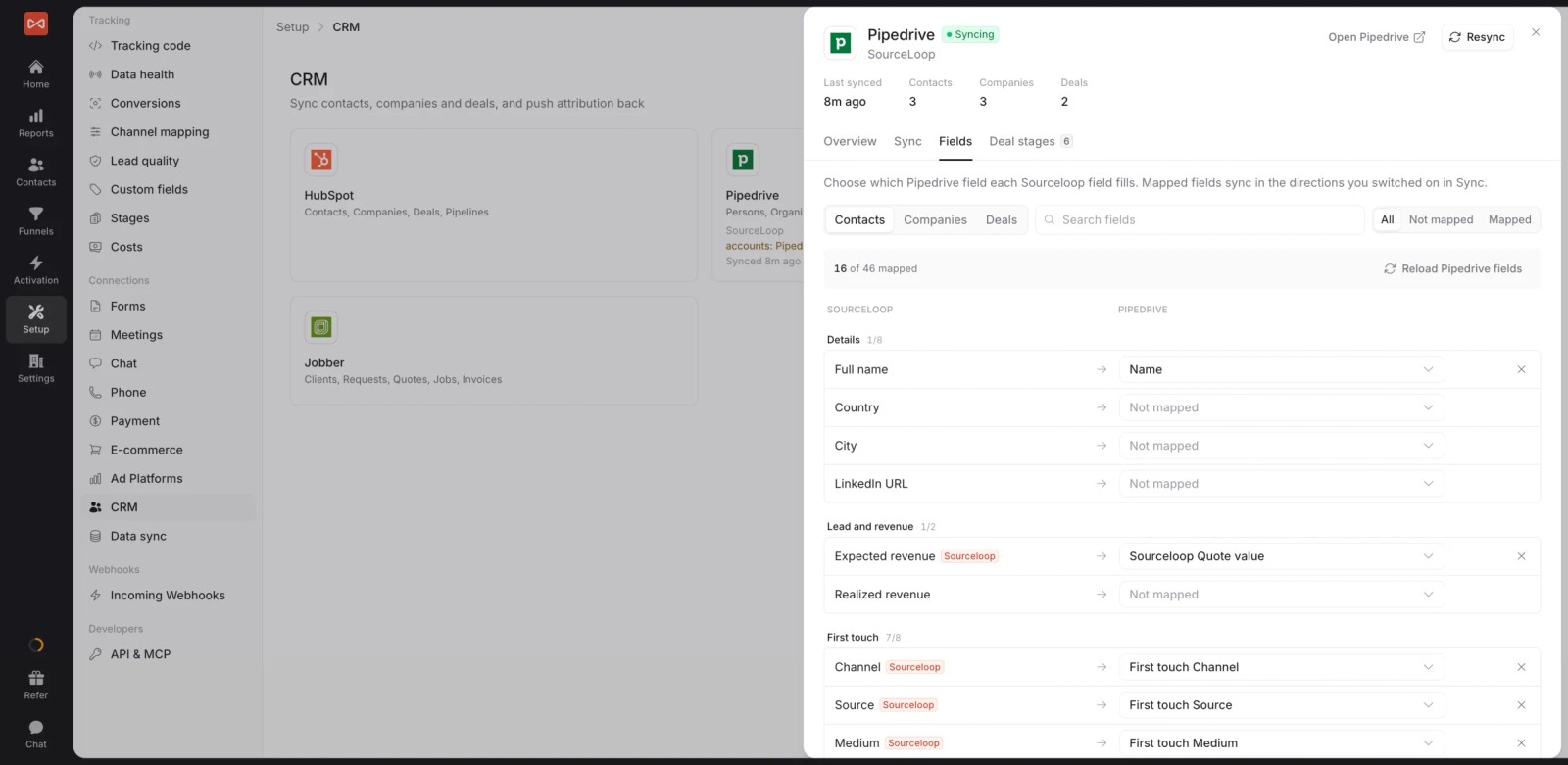
- Two-way CRM sync. HubSpot, Salesforce and Pipedrive, plus Jobber for home services. Attribution fields are mapped onto the record, and stages and won deals come back.
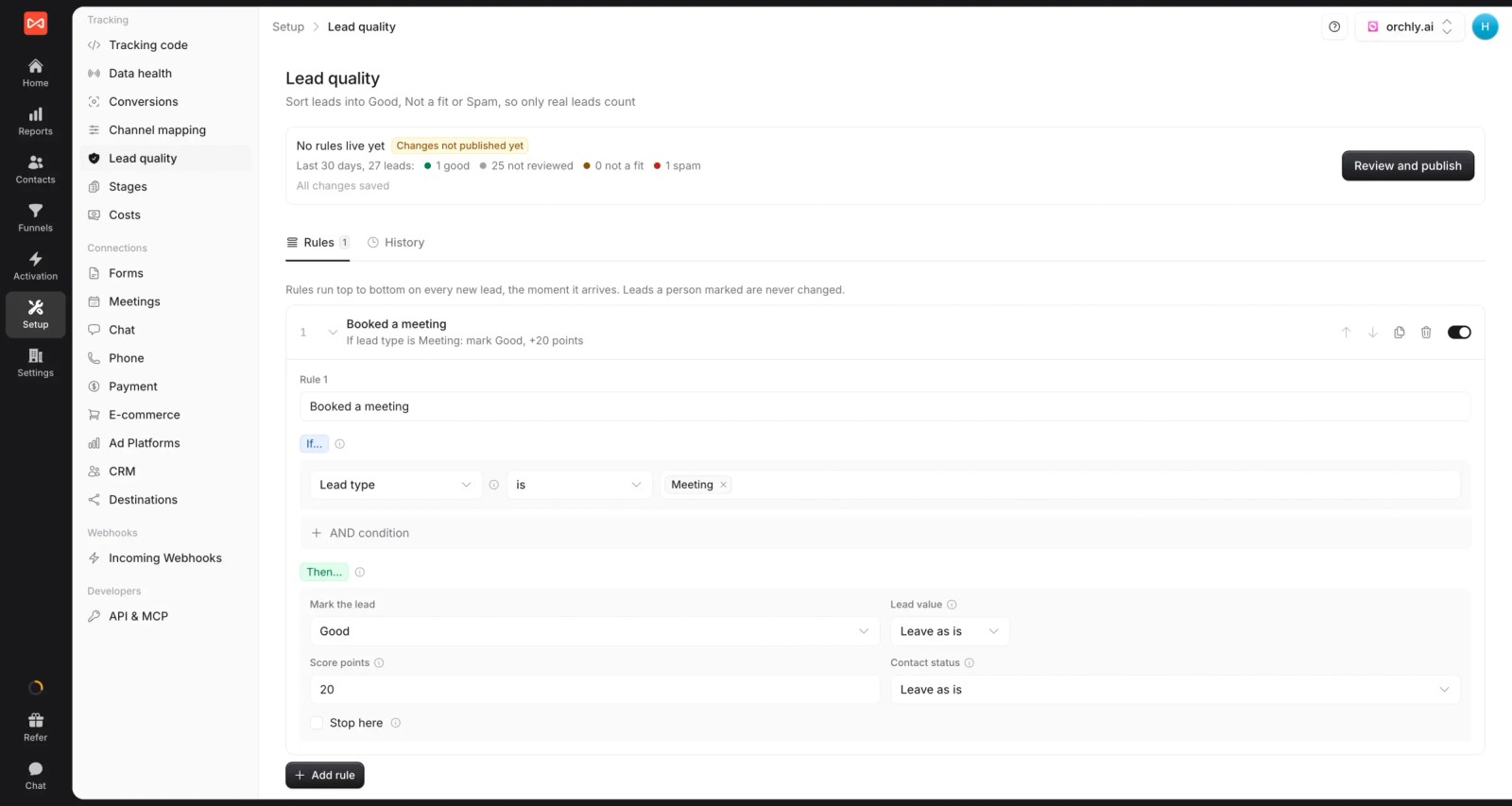
- Lead quality rules. Mark leads Good, Not a fit or Spam from form answers, email domain, call length or the journey, and only send good leads to the CRM.
- Seven attribution models. First and last touch, first and last non-direct, linear, U-shaped and time decay, on any report.
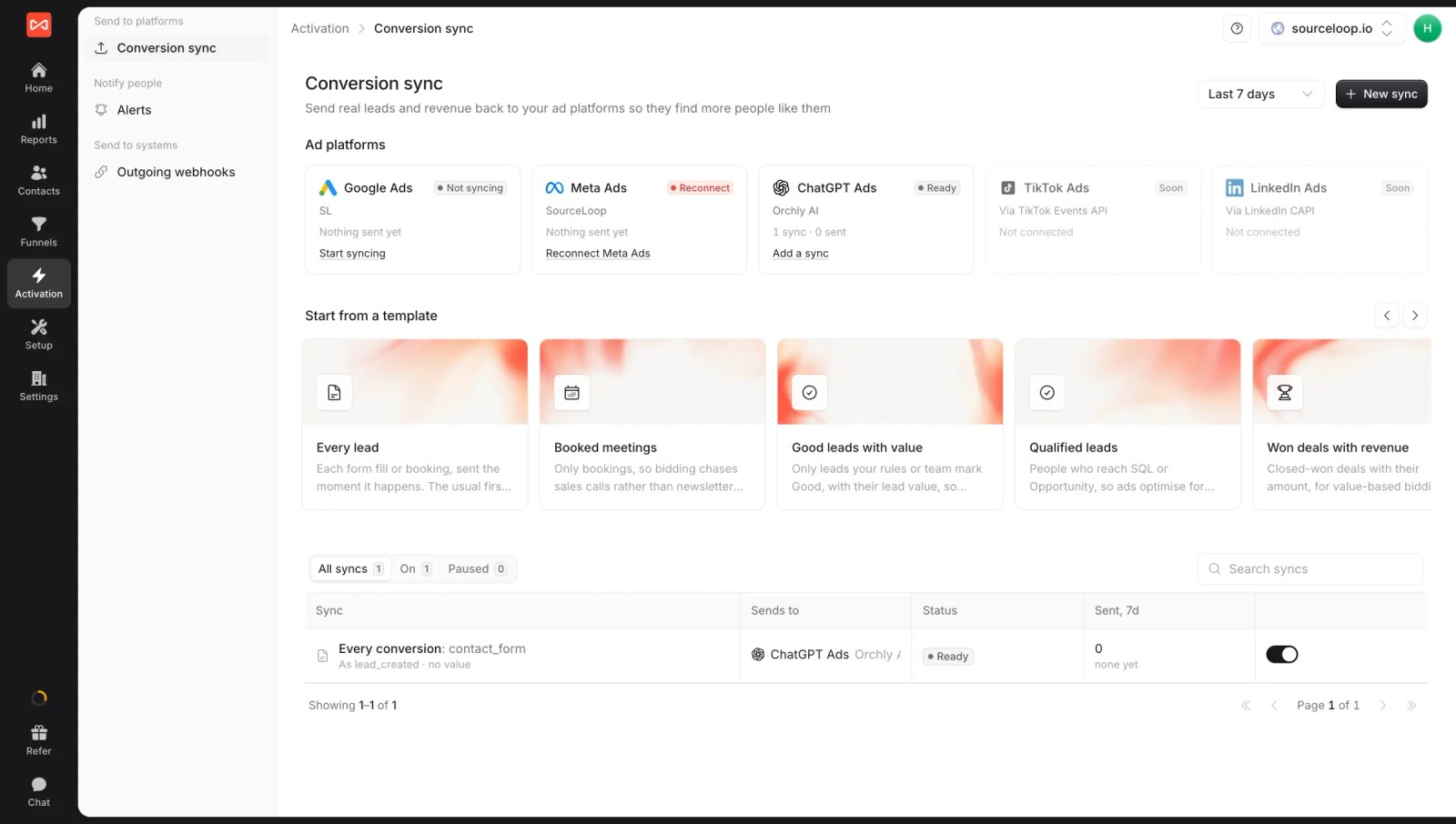
- Conversion sync. Good leads, stages and won deals go back to Google Ads, Meta, Microsoft Ads and ChatGPT Ads with their value, through server-side conversion sync.
- Alerts. Post new good leads, or a weekly summary, to Slack or email, including a client's own channel.
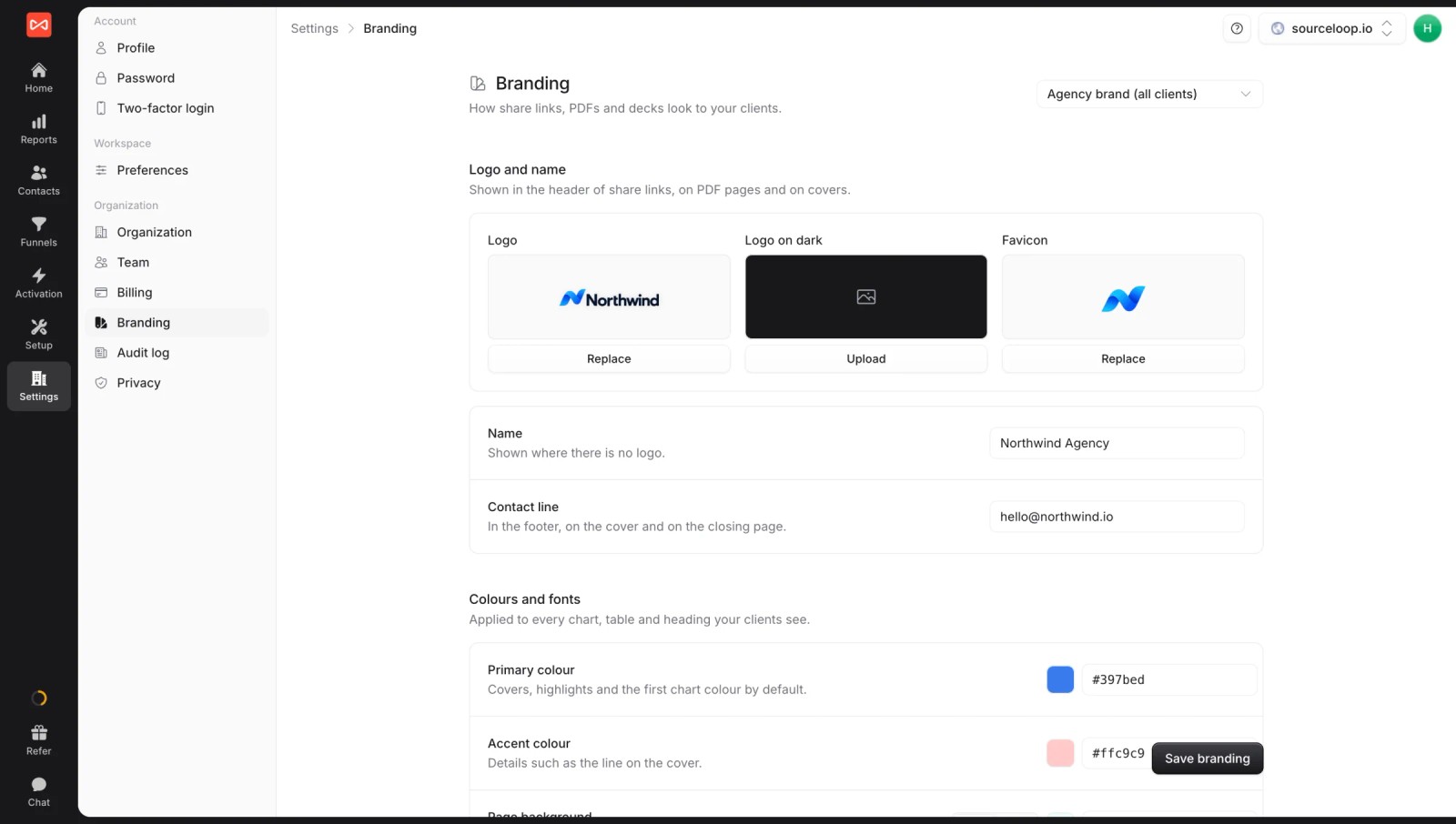
- Multiple websites and white label. Track several sites or brands from one account, each with its own workspace. If you're an agency, every client gets one, and reports, share links and exports can carry your logo or theirs.
Pricing
- Essential: $49/mo for one site and 30,000 page views, with tracking, attribution reports, lead quality rules and alerts
- Professional: $99/mo for 100,000 page views and unlimited users, adding CRM sync, conversion sync to the ad platforms, the API and MCP
- Agency: $249/mo for three sites and 1.5 million page views, adding white label reporting
Conversions are unlimited on every plan. GA Connector starts at $97/mo billed yearly, plus $197/mo to send CRM data back into Google Analytics, though its 30-day trial is longer than SourceLoop's 7 days.
Where it's not the right pick
If every report and stakeholder habit already lives in GA4, GA Connector feeds that surface directly. SourceLoop asks you to report somewhere new, and it has no heatmaps or session recordings.
2. Attributer
Best for: small teams that want first and last touch source in their CRM for the lowest price.
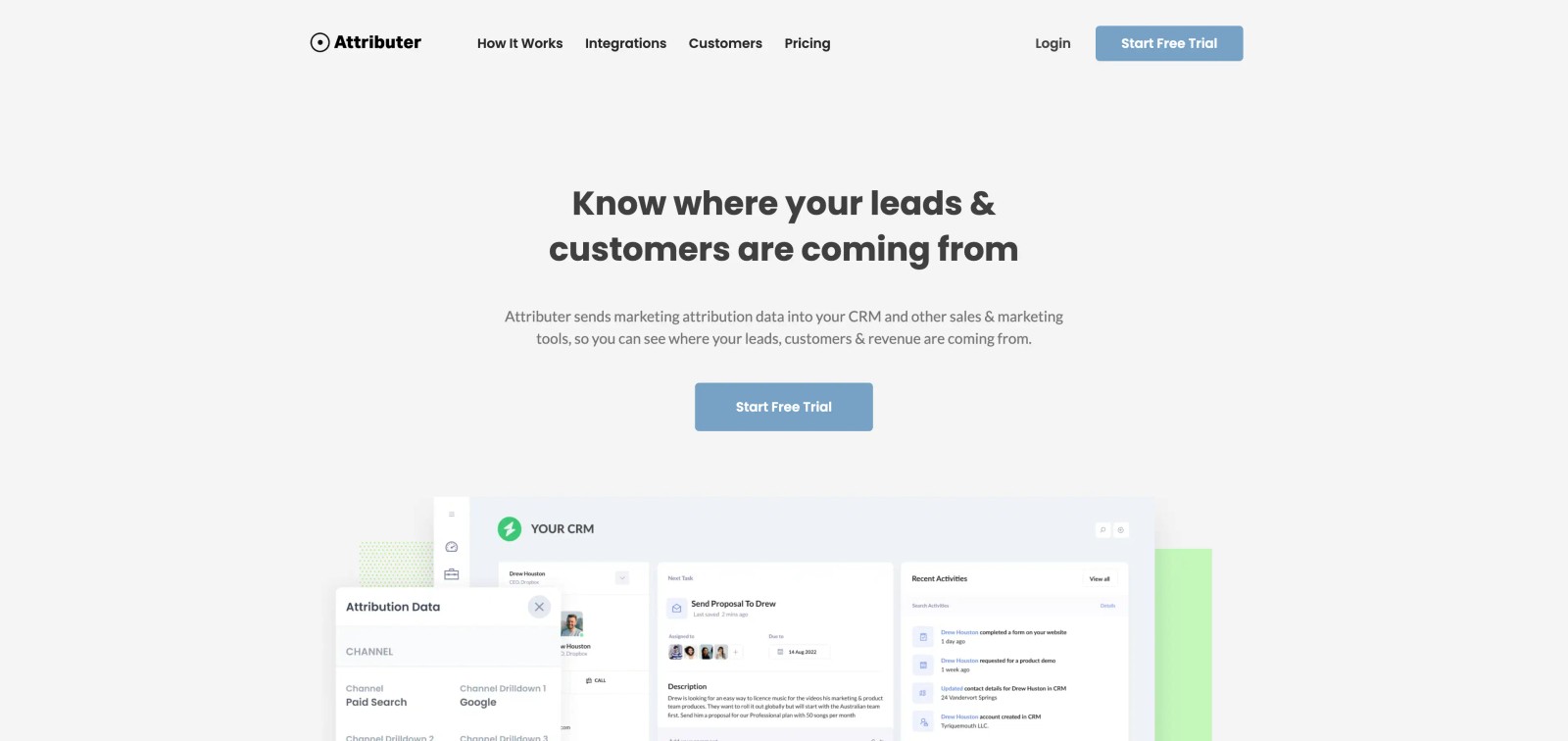
Attributer is the simplest tool here. A script stores UTMs, referrer, landing page and channel, then writes them into hidden fields on your forms, so each submission arrives in the CRM with its source attached.
That simplicity is also the limit. It needs a hidden field on every form, it depends on your UTMs being consistent, and there are no reports or ad platform sync. Analysis happens in your CRM.
On the trial, setup took one script and a hidden field on each form. The first test lead reached HubSpot with its channel, campaign and landing page filled in, which is exactly what it promises.
The limits showed up quickly too. There's nowhere to see trends, so every report had to be built in the CRM, and a campaign with sloppy UTMs simply landed in the wrong channel.
Key features
- First-touch and last-touch channel, source, campaign and landing page
- Works with most form builders and any CRM that accepts form data
- Automatic channel grouping (paid search, organic, social, referral, direct)
What users say
"Easy to set up, seems to give accurate data, inexpensive for the value it brings, and the support team is responsive and helpful." (Source)
"A bit pricey for what it does if you're covering multiple sites, but it does really give visibility we wouldn't have otherwise." (Source)
"Dependence on UTM parameters - if the UTMs are not properly implemented across all the campaigns, attribution capability will be impacted." (Source)
Pricing
- Lite: $29/mo for 100 leads a month
- Starter: $49/mo for 500 leads
- Professional: $99/mo for 1,000 leads
- Multi-site plans from $199/mo for 10 sites. 14-day free trial.
3. Heeet
Best for: B2B teams on Salesforce or HubSpot that want attribution inside the CRM and have the budget for it.
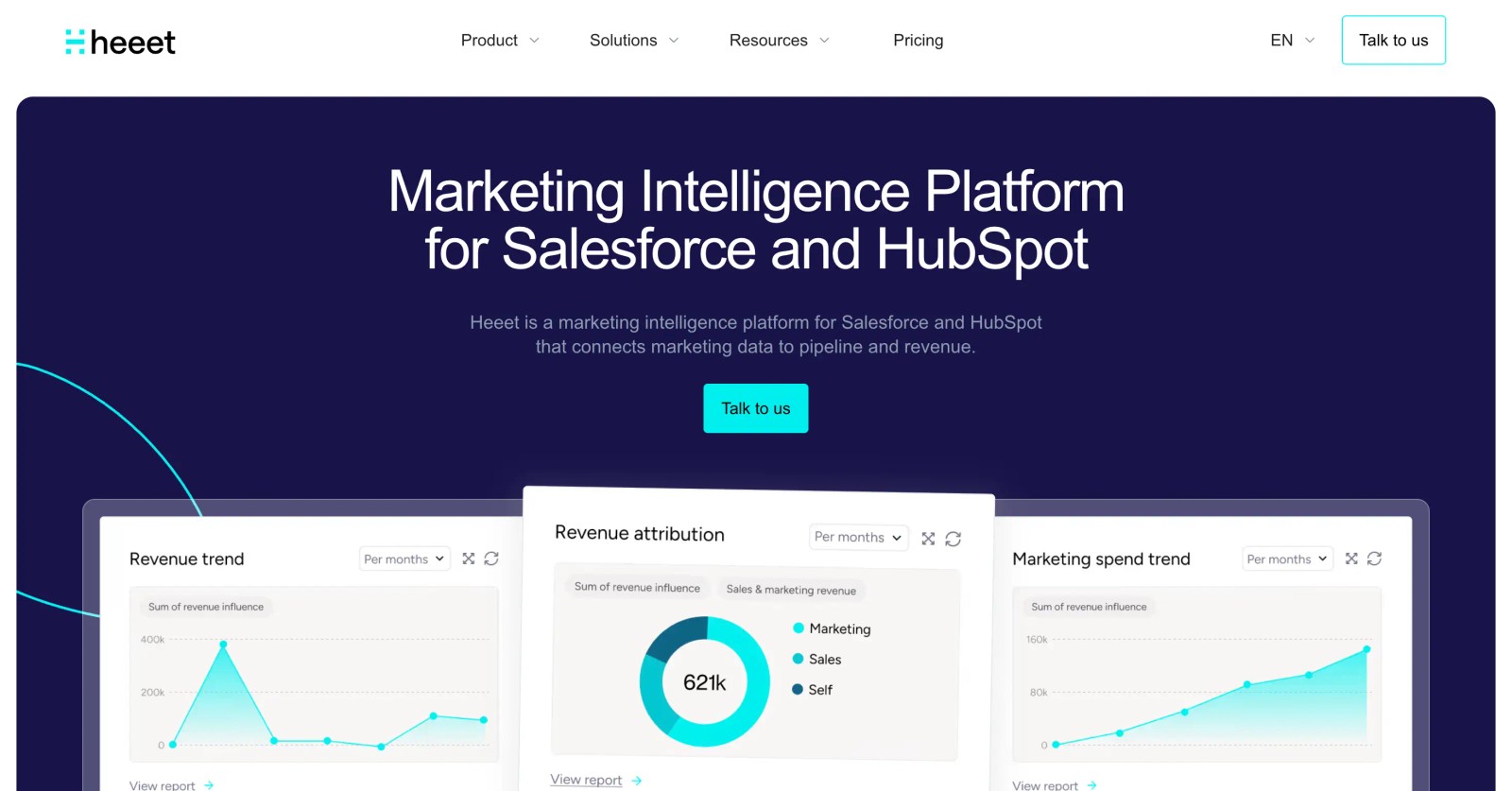
Heeet puts attribution inside your CRM. On its Native plan, data lives in Salesforce or HubSpot objects, so reps and marketers see journeys on the same lead, contact and opportunity records they already use.
It supports first and last click, multi-touch and custom models, and ties pipeline and revenue back to campaigns. The trade-off is price: it's built for mid-market and enterprise B2B budgets, and charges per new lead above your plan's allowance.
Key features
- Attribution stored natively in Salesforce or HubSpot (Native plan)
- Multi-touch and custom attribution models
- Ad spend from Google, LinkedIn and Meta joined to CRM revenue
- Unlimited seats and visitor tracking on every plan
What users say
"In the education sector, our sales cycle tends to be lengthy and involves many different touchpoints." (Source)
"I use Heeet to track and attribute LinkedIn engagement to pipeline and revenue." (Source)
"I’ve been using Heeet to track all our performance in Salesforce, and it’s been a game changer for SEO analytics." (Source)
Its G2 reviews are few and almost all positive, so weigh them with that in mind.
Pricing
- Platform: $790/mo, billed yearly, with 3,000 new leads a year. 30-day free trial.
- Native (Salesforce and HubSpot): $1,490/mo, billed yearly, with 6,000 new leads a year
- Enterprise: custom. Extra leads cost $95 per 100, and historical data import starts at $2,500.
4. WhatConverts
Best for: agencies and local businesses where phone calls are a big share of leads.
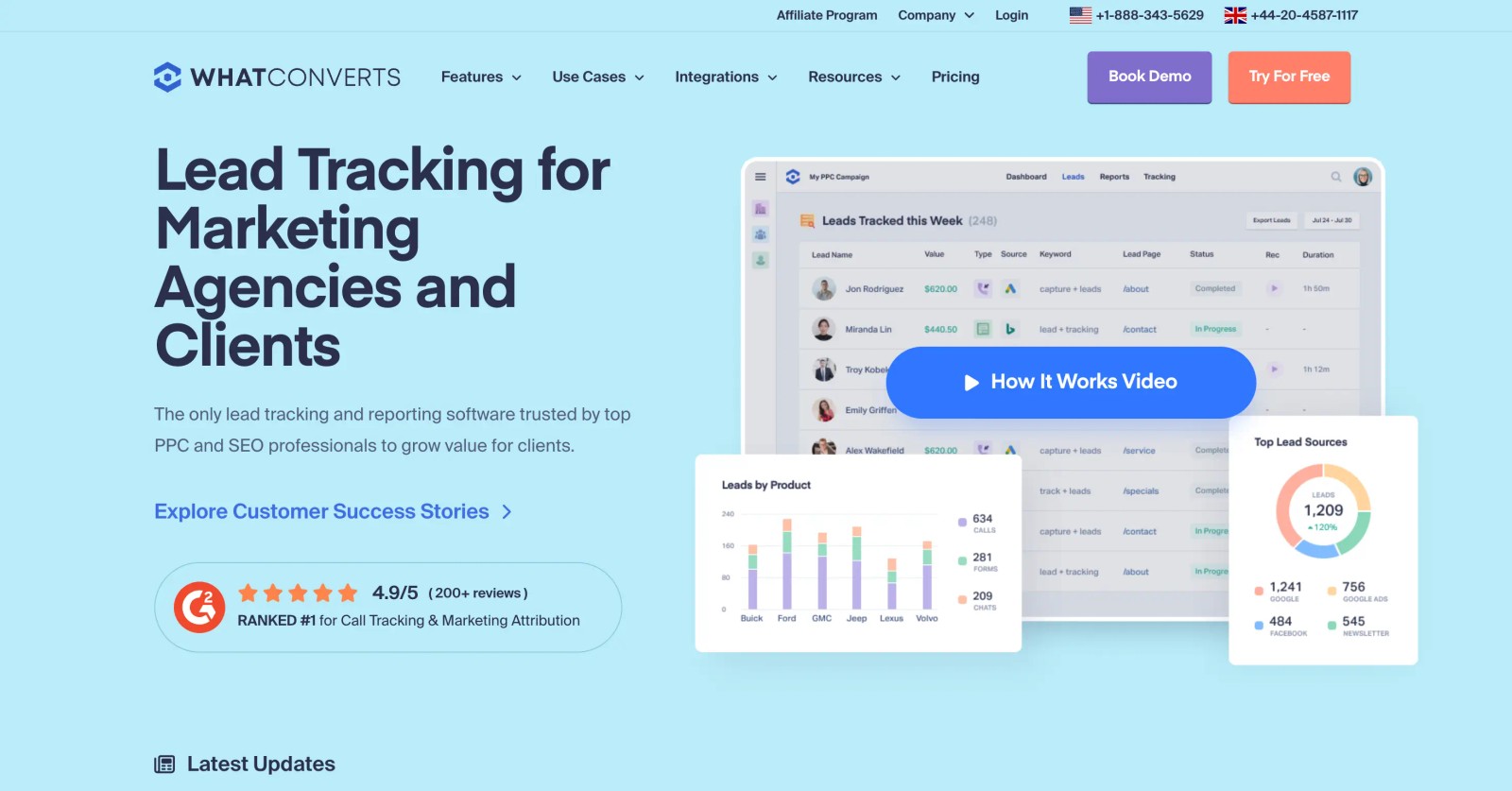
WhatConverts started as call tracking and grew into lead tracking across calls, forms, chats and transactions. Each lead is tied to its source, and you can mark leads as qualified so reports show real opportunities.
Agencies use it a lot, because it makes the value of their work visible to clients. The weak spots users mention are support availability, form detection on some site builders, and the best features sitting on the top plan.
On the trial, call tracking was the strongest part. Numbers swapped correctly by source, and each call came in with its recording and the page the caller had been on.
Form tracking took more fiddling. The automatic form detection didn't pick up every form on our test site, so a couple had to be added by hand, a problem several reviewers mention for specific site builders.
Key features
- Call tracking with dynamic numbers, recordings and transcripts
- Form, chat and transaction tracking alongside calls
- Lead qualification, with AI lead intelligence on the Elite plan
- Agency plans with unlimited client accounts
What users say
"It allows me to clearly demonstrate the value of my work to clients, allowing me to track leads, whether they come from Google Ads or SEO." (Source)
"I thought it was really simple to set up, results and the experience have been great, the team were super helpful and it's cheaper than callrail" (Source)
"It’s difficult to reach live support. Most of the time, I just see an “offline chat” status." (Source)
"We’ve experienced recurring issues with form tracking across several of our Wix websites" (Source)
Pricing
- Call Tracking: $30/mo, calls and texts only
- Plus / Pro / Elite: $60, $100 and $160/mo, adding forms and chat (Elite adds lead intelligence)
- Agency plans: $500, $800 and $1,250/mo for unlimited accounts
- Extra numbers and minutes are billed on top. 14-day free trial.
5. Ruler Analytics
Best for: lead generation businesses with phone sales that want closed-loop revenue attribution, and can sign an annual contract.
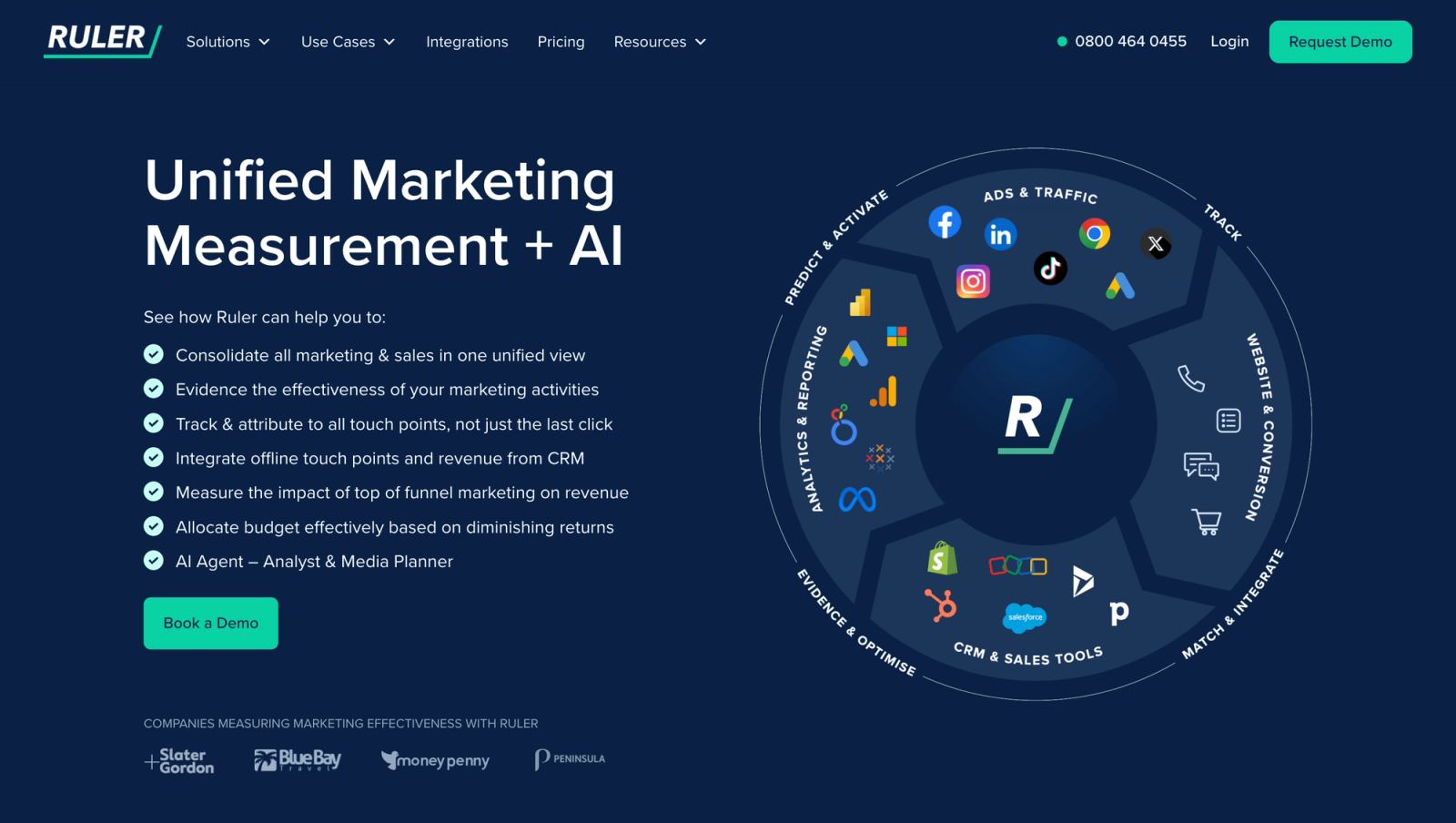
Ruler Analytics tracks forms, calls and live chat, connects them to CRM opportunities, and credits closed revenue back to campaigns and keywords. It has its own dynamic call tracking and works with HubSpot, Salesforce, Pipedrive, Dynamics and others.
Users like the detail on every lead. The complaints are about setup effort, speed, and having to go through an account manager for things like user access.
Key features
- Form, call and chat tracking with closed-loop CRM revenue
- Multi-touch, and on higher tiers data-driven and impression attribution
- Marketing mix modelling on the Advanced tier
- Webhooks to send data to your own reporting
What users say
"It tracks Form fills, Phone Calls (Online & Offline) and even Web Chat conversations!" (Source)
"Seeing the detail of every form submission and phone call, from what source, the duration of the call and the pages that led to a conversion is a real eye-opener." (Source)
"Some minor mapping issues, initial setup can be complex" (Source)
"Access to a full API - not just the webhooks - would be useful." (Source)
Pricing
- Small: from £299/mo for up to 10,000 monthly visits
- Medium: from £499/mo for 50,000
- Large: from £999/mo for 100,000
- Advanced: from £1,499/mo, with marketing mix modelling. Final pricing comes after a demo.
6. Dreamdata
Best for: B2B SaaS teams running account-based marketing with long, multi-person sales cycles.
Dreamdata works at the account level. It groups every contact's touchpoints by company, identifies visiting companies from their IP, and ties marketing to MQLs, opportunities and closed-won revenue in your CRM.
I've used it, and the journey views are the strongest part. The free plan is a good way to try it, but full attribution sits on custom-priced plans, and the depth takes time to learn.
Key features
- Account-level journeys and company identification
- Attribution tied to CRM stages from MQL to closed-won
- AI analytics agent and an MCP server
- Audiences synced to ad platforms (Activation add-on)
What users say
"Dreamdata helps me to justify where marketing budget is placed as it is directly tied back to my CRM across MQLs, SQLs, Opps, and Closed Won." (Source)
"After we implemented dreamdata we finally were able to show how all the marketing touch points contribute to sales/revenue." (Source)
"The interface can be tricky, especially when I’m trying to show revenue impact to non-digital marketers." (Source)
Pricing
- Free: $0/mo with 2 months of user history and 5 seats
- Attribution & Activation: custom pricing, with a guided free trial
7. HubSpot Marketing Analytics
Best for: teams already paying for HubSpot Marketing Hub Professional or Enterprise, with leads that stay inside HubSpot.
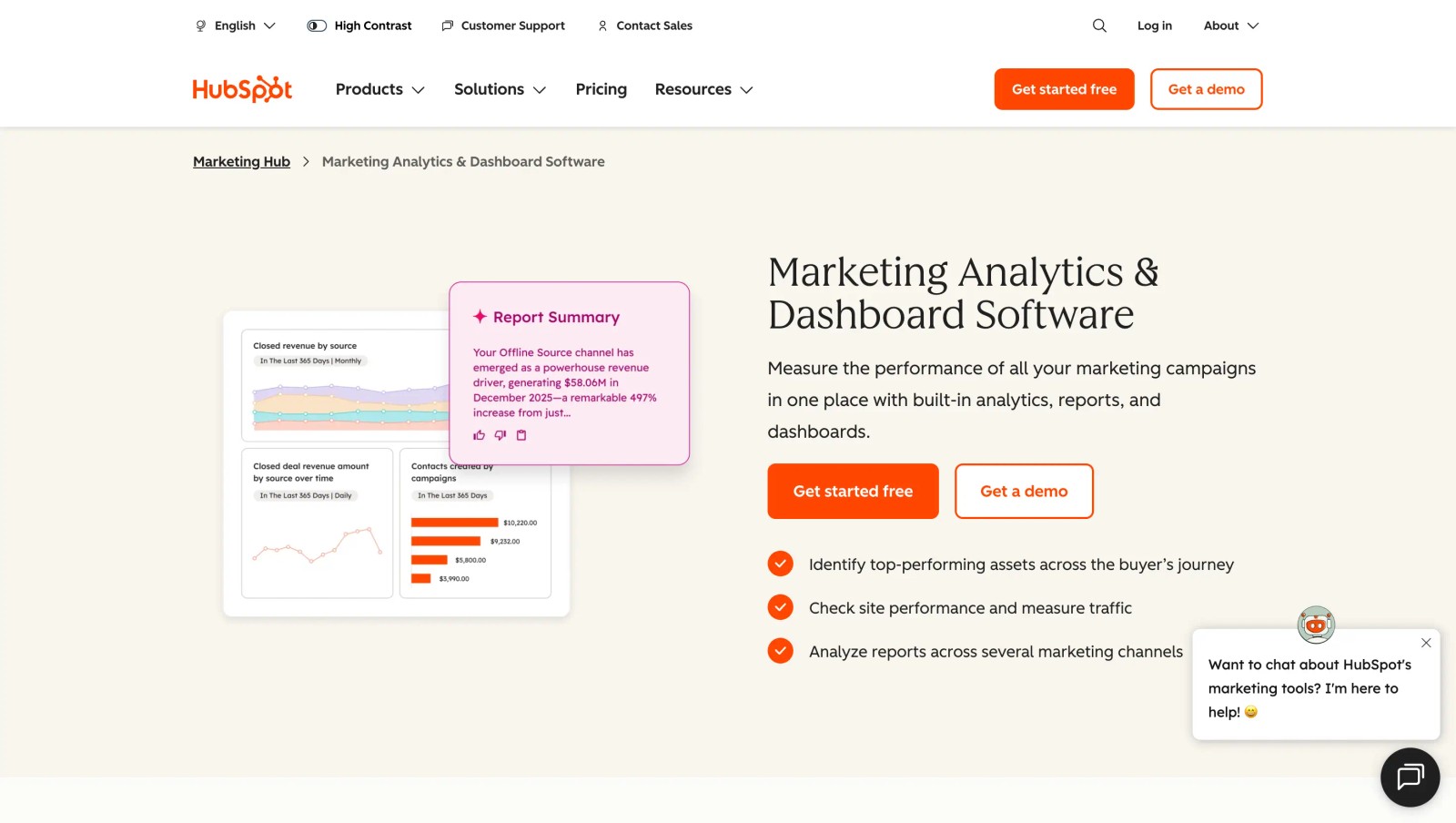
If HubSpot is already your CRM and marketing platform, its built-in attribution reports may be enough. Professional includes contact attribution reports. Deal and revenue attribution, which credit pipeline and closed revenue to marketing touches, need Marketing Hub Enterprise.
The limits are cost and coverage. Pricing climbs with contacts and tiers, and attribution only sees what HubSpot tracks, so leads from other forms, other CRMs or phone calls fall outside it.
Key features
- Contact attribution on Professional, deal and revenue attribution on Enterprise
- Attribution on contact and deal records
- Works automatically with HubSpot forms, landing pages and connected ad accounts
What users say
"The all-in-one nature is the biggest win for me." (Source)
"The pricing tiers get steep fast, and a lot of the features you actually want, like advanced reporting and automation, are locked behind higher plans." (Source)
"I do think there's things regarding attribution that could be improved. It is not always reliable" (Source)
Pricing
- Professional: from $800/mo with 3 seats, plus a $3,000 onboarding fee
- Enterprise: from $3,600/mo with 5 seats, plus a $7,000 onboarding fee
Frequently asked questions
-
What does GA Connector do?
GA Connector pulls first-touch and last-touch source data from Google Analytics into CRMs such as Salesforce, Zoho, and Pipedrive. It works well for basic source tracking but does not provide multi-touch attribution or broader conversion and ad-platform tracking.
-
Why do teams look for GA Connector alternatives?
Teams typically switch when they need multi-touch attribution, first-party tracking, content and dark-social attribution, offline conversion sync, call tracking, or built-in attribution reporting.
-
What is the best GA Connector alternative?
SourceLoop is a strong alternative for teams that have outgrown basic UTM and first/last-touch tracking. It combines first-party tracking, multi-touch attribution, automated form and meeting tracking, CRM sync, built-in reports, and conversion sync with Google Ads, Meta, Microsoft Ads and ChatGPT Ads.
-
Can SourceLoop integrate with Salesforce?
Yes. SourceLoop connects with Salesforce, HubSpot, Pipedrive, and other CRMs, syncing attribution data such as first touch, last touch, customer journey, source, campaign, and conversion details.
-
Can I track attribution without UTM parameters?
Yes. First-party attribution platforms like SourceLoop can use referrer, landing-page, and other visitor data to identify organic, social, content, and other untagged sources that UTM-only tracking can miss.




 Paid Social


