
10 Best Marketing Attribution Tools for Agencies in 2026
Ten attribution tools compared for agencies: per-client pricing, white label reports, call tracking and CRM revenue, with real user reviews.
Table of contents
- What agencies need from an attribution tool
- Marketing attribution tools for agencies compared
- The 10 best marketing attribution tools for agencies
- 1. SourceLoop
- 2. WhatConverts
- 3. CallRail
- 4. Ruler Analytics
- 5. Attributer
- 6. Cometly
- 7. Triple Whale
- 8. Northbeam
- 9. Hyros
- 10. Google Analytics 4
- How to choose
Attribution is how an agency keeps a client. If you can show which campaigns made money, the retainer is easy to defend.
The tool you pick has to work across every account, though, not just one. Per-client pricing, logins and branding add up fast.
In this guide, I'll compare ten attribution tools from an agency's point of view: what they cost per client, what clients see, and where each breaks down.
How we judged these for agencies
We set each tool up the way an agency would, with more than one client account where the plan allowed it. We've used WhatConverts, CallRail, Attributer, Cometly, Triple Whale and GA4 ourselves. Ruler, Northbeam and Hyros sell through demos, so those were judged on walkthroughs, docs and conversations with agencies that run them.
Many of the brands and agencies we work with manage local service, lead-gen and SaaS clients side by side, which shaped the criteria. User reviews on G2 filled in the long-term picture. We checked:
- How cost scales from three clients to thirty
- Whether reports can carry your brand, not the vendor's
- Whether calls, forms and CRM revenue are covered
- Whether conversions go back to the ad platforms per client
SourceLoop is our product and it's ranked first. We've tried to be specific about where the others fit better.
Last checked November 2026. Confirm current pricing with each vendor.
What agencies need from an attribution tool
Most attribution tools are built for one brand. Agencies need a few extra things on top.
- Multi-client setup: one login across client accounts, with data kept separate.
- White label reports: your logo and domain, so the tool reinforces your brand.
- Calls and forms: local and service clients often get half their leads by phone.
- CRM or deal revenue: proof that leads turned into money, not just form fills.
- Conversion sync: good leads sent back to Google Ads and Meta so bidding improves per client.
- Predictable pricing: a cost you can build into a retainer.
For more on the reporting side, see how we approach client reporting for agencies.
Marketing attribution tools for agencies compared
Here's how the 10 attribution tools compare on agency features and pricing, as of November 2026.
| Tool | Best for | Pricing | Multi-client | White label | Calls | CRM revenue |
|---|---|---|---|---|---|---|
 SourceLoop SourceLoop | Lead-gen, local service and SaaS clients | $249/mo for 3 sites | Yes | Yes | Yes | Yes |
 WhatConverts WhatConverts | Local and lead-gen clients | Agency from $500/mo | Yes | Yes | Yes | Manual values |
 CallRail CallRail | Phone-heavy clients | From $50/mo per account | Yes | No | Yes | Partly |
 Ruler Analytics Ruler Analytics | Lead-gen clients with long sales | From £299/mo | Partly | No | Yes | Yes |
 Attributer Attributer | Lead source in the client's CRM | 10 sites for $199/mo | Yes | No | No | In the CRM |
 Cometly Cometly | B2B SaaS clients | Usage-based | Partly | No | No | Yes |
 Triple Whale Triple Whale | Shopify clients | Priced by store GMV | Yes | No | No | No |
 Northbeam Northbeam | Large ecommerce clients | From $1,500/mo per brand | Partly | No | No | No |
 Hyros Hyros | Info-product and coaching clients | Quote | Partly | No | Yes | Yes |
 Google Analytics 4 Google Analytics 4 | Baseline web analytics | Free | Yes | Via Looker Studio | No | No |
The 10 best marketing attribution tools for agencies
The order reflects how well each fits a typical agency client mix, not just raw features.
1. SourceLoop
Best for: agencies with lead-gen, local service and SaaS clients that want revenue attribution and branded reporting in one tool.
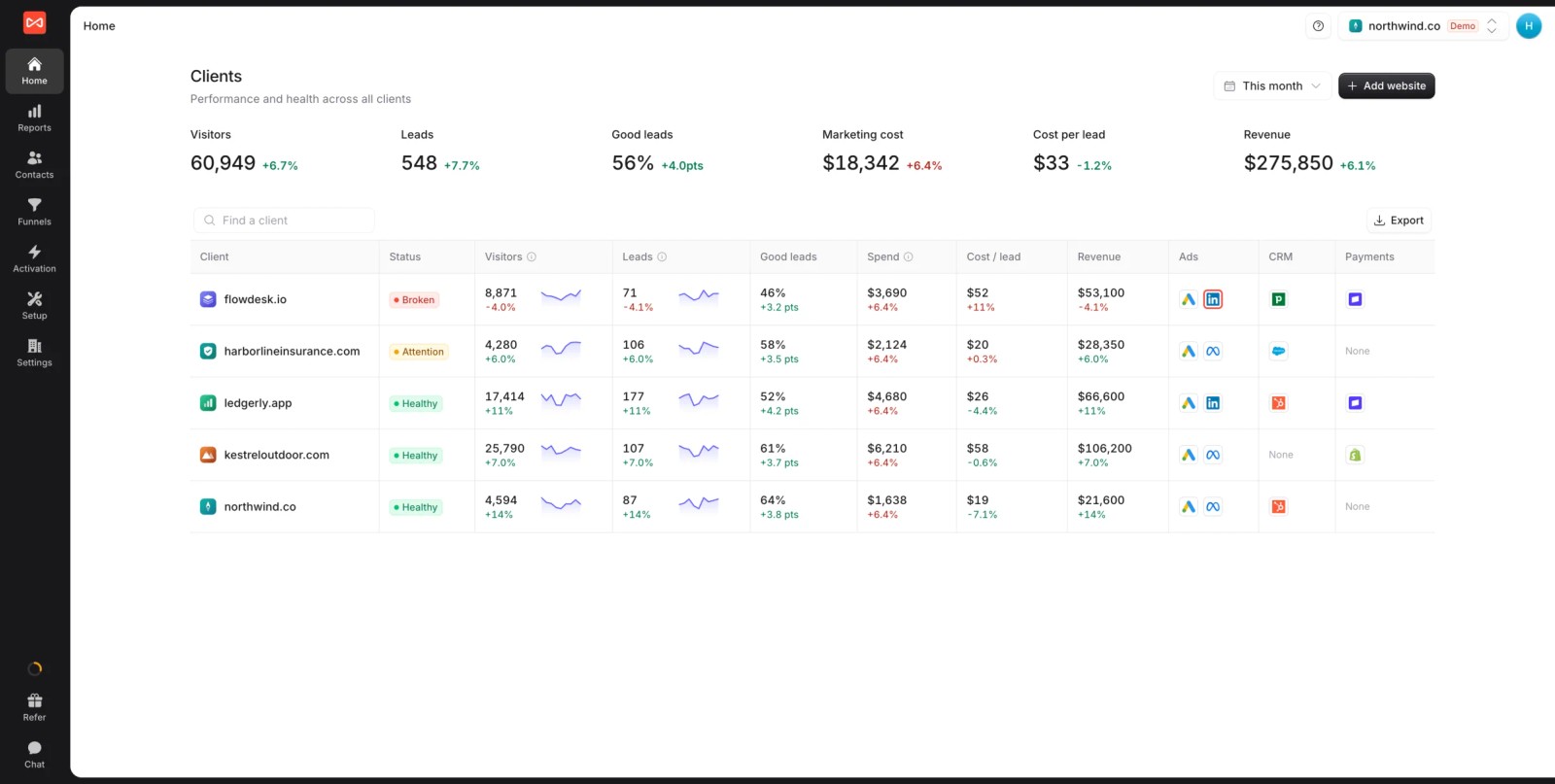
SourceLoop is a first-party marketing attribution and measurement tool with multiple website support and full white label. Each client gets their own workspace, and you switch between them from one login.
Inside each workspace, it tracks every visit, captures the lead from forms, calls, chats and bookings, follows it into the client's CRM, and credits the revenue to the campaign. It's also used directly by lead-gen businesses and SaaS teams, so the product doesn't stop at agency reporting.
Adding a client is quick. You create the workspace, install one script on their site, then connect their CRM and ad accounts. Their data and users stay separate from every other client, and you can give the client their own login to a branded view.
Key features
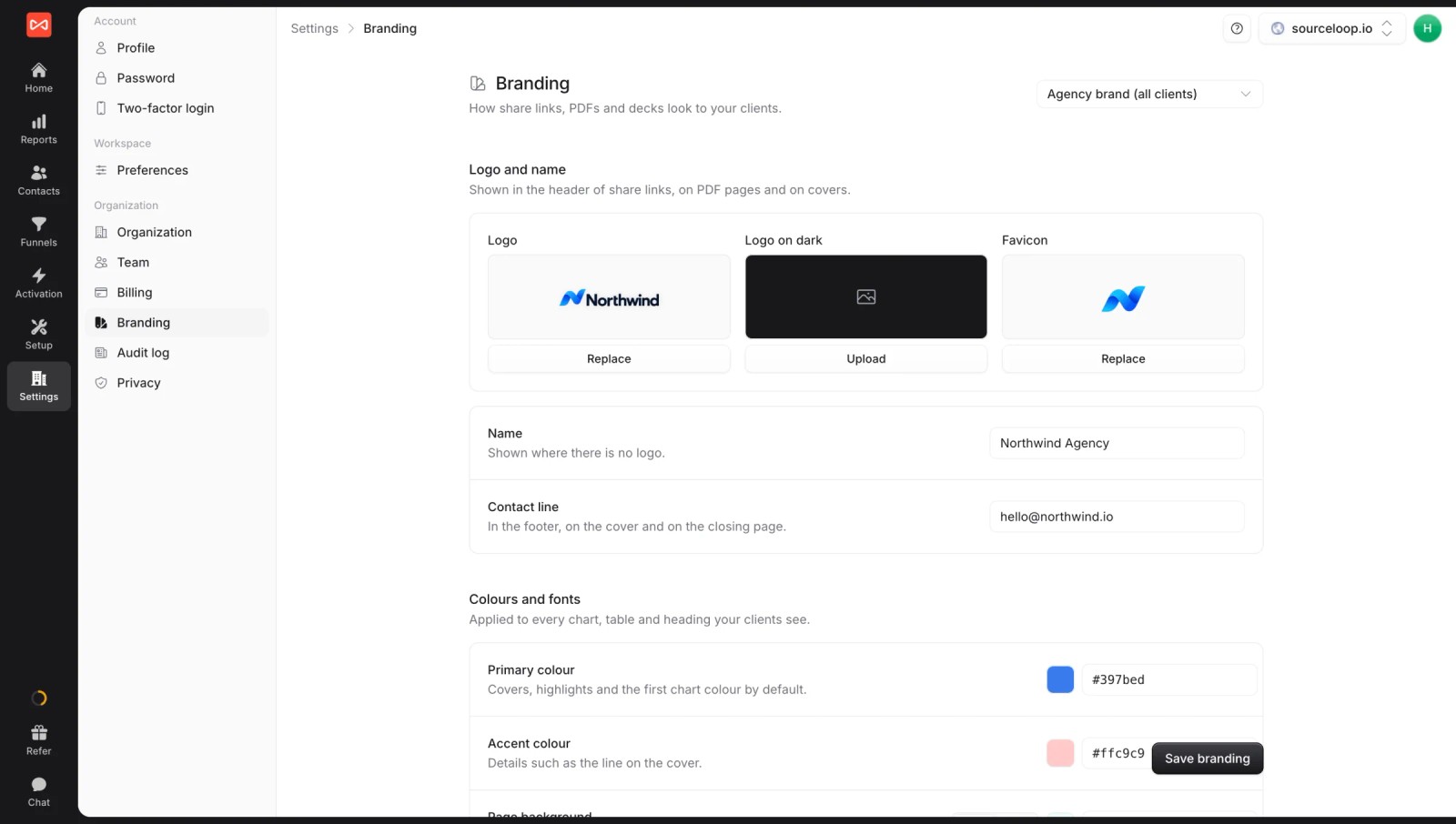
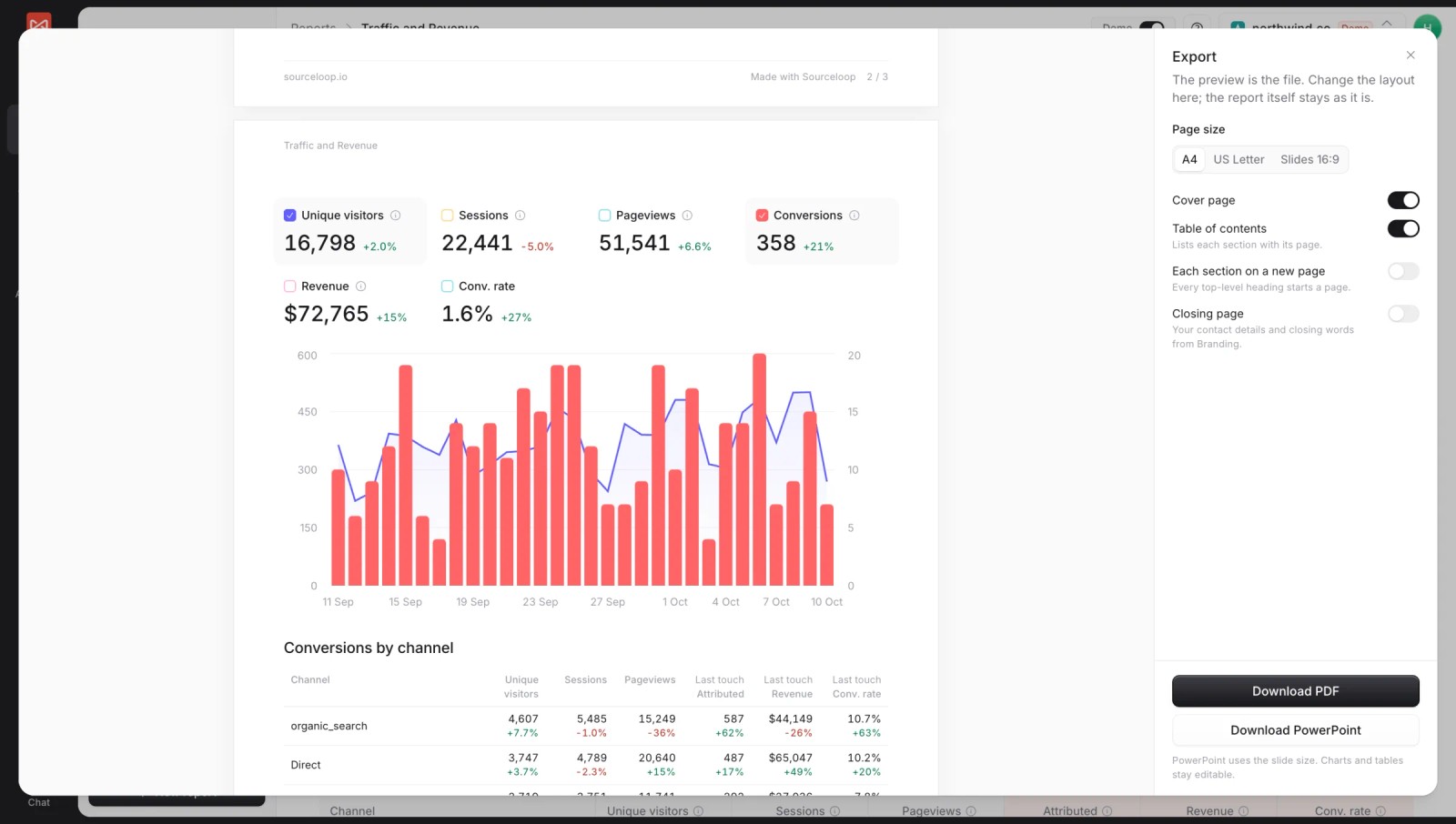
- Full white label: your logo, colors and a custom share domain, on reports, PDF and PowerPoint exports and even Slack alerts. Set it per agency or per client with white label branding.
- Leads from every channel: around 70 form, chat, meeting and call integrations, including CallRail, CallTrackingMetrics and Invoca.
- CRM revenue per client: two-way sync with HubSpot, Salesforce, Pipedrive and Jobber.
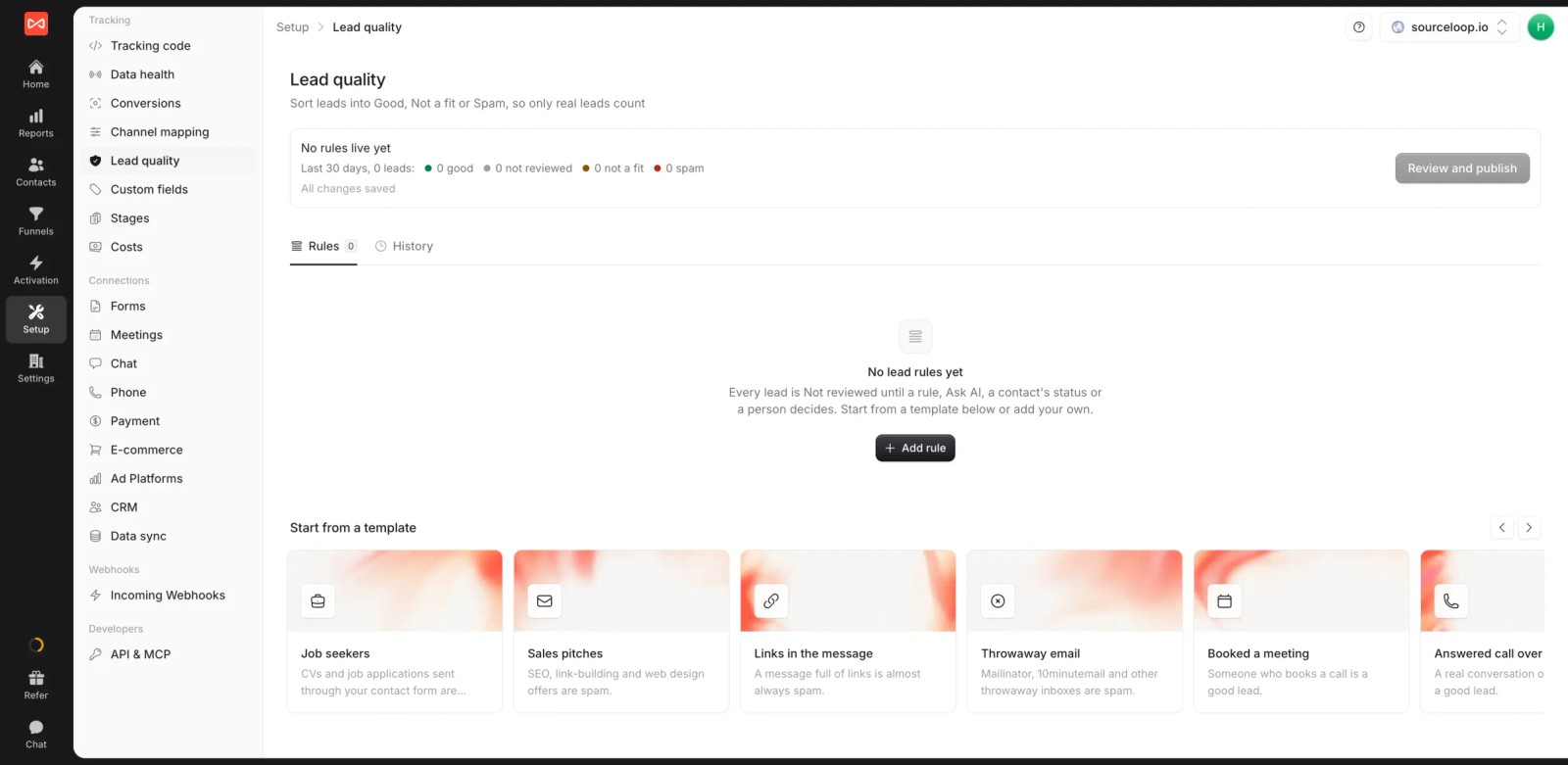
- Lead quality rules: mark leads Good, Not a fit or Spam, so clients see qualified leads, not raw form counts.
- Seven attribution models: first and last touch, first and last non-direct, linear, U-shaped and time decay, on leads, stages, deals or revenue. Switch models on any report to show a client how credit shifts.

- Journey on every lead: each visit, ad click and landing page before the lead converted, so you can answer "where did this one come from?" in a client call.

- Ad spend beside credited results: spend, platform-reported conversions and ROAS next to what SourceLoop credits to each platform, which settles "Meta says 40 leads, the CRM says 22" debates.
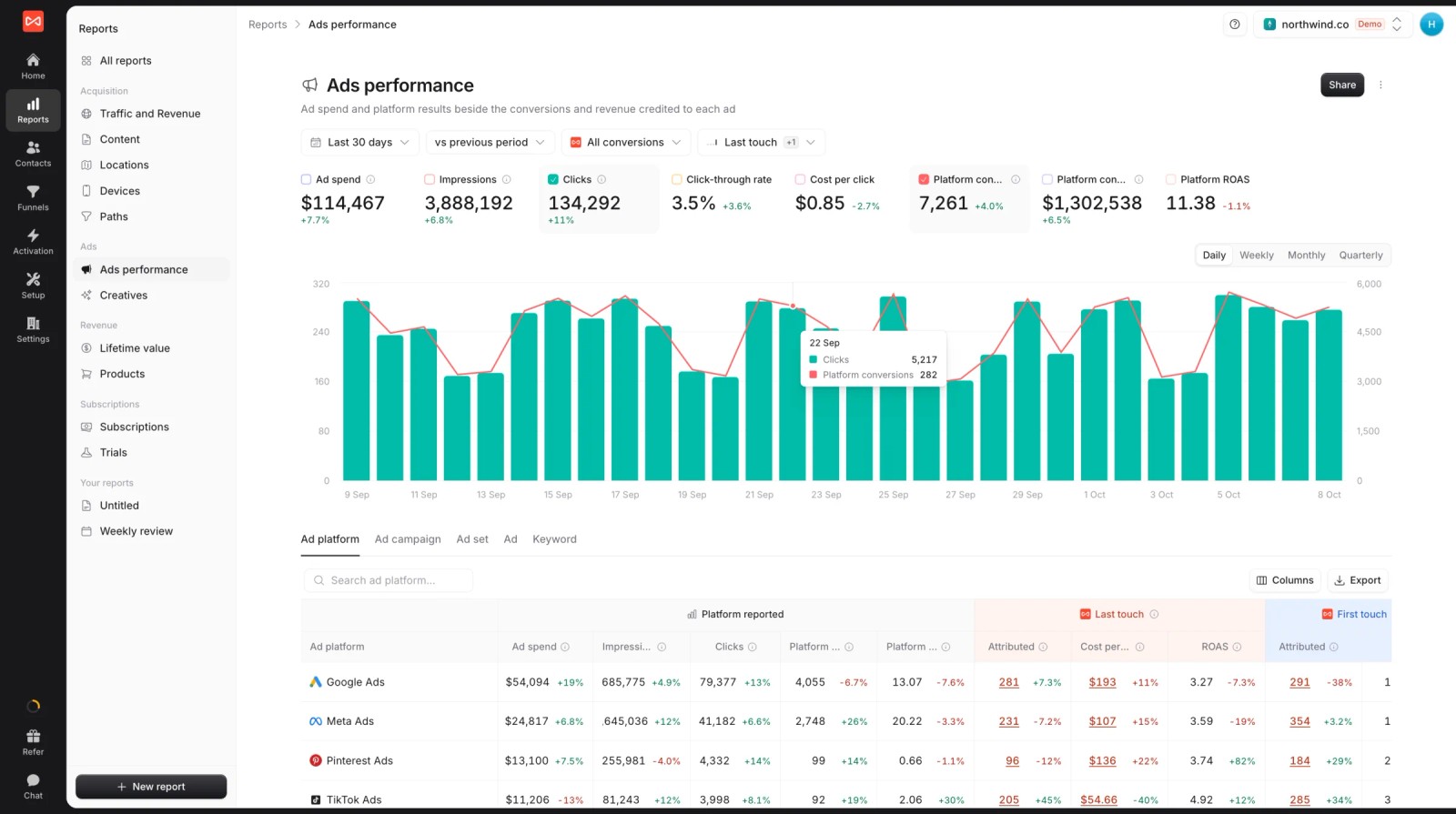
- Conversion sync: good leads and won deals go to each client's Google Ads, Meta, Microsoft Ads and ChatGPT Ads accounts with their value, so bidding learns from real outcomes. See how server-side conversion sync works.

- Custom reports: build a client report once, share it as a live branded link, or export it.
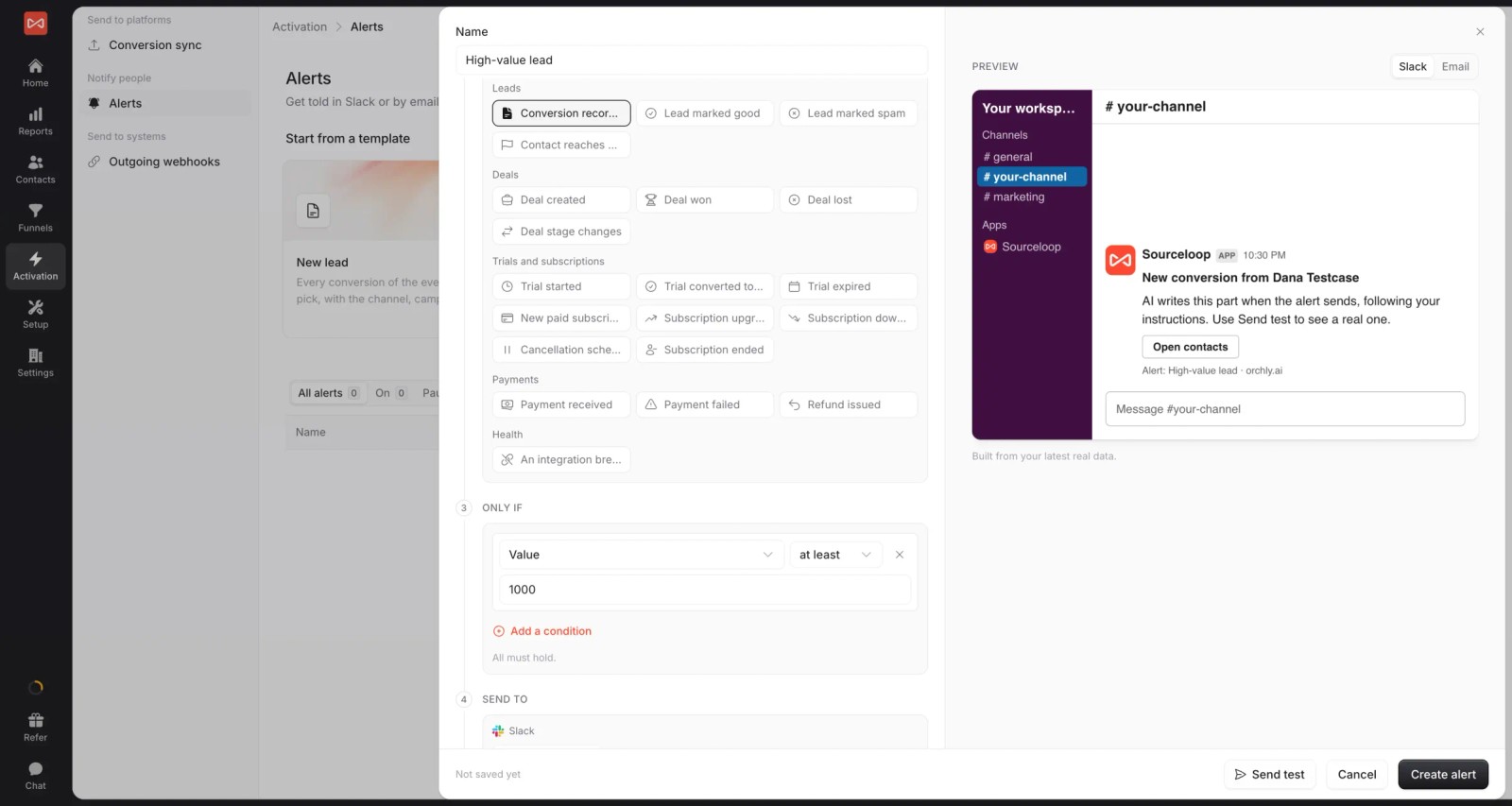
- Alerts: post new leads, won deals or weekly numbers to each client's Slack channel.
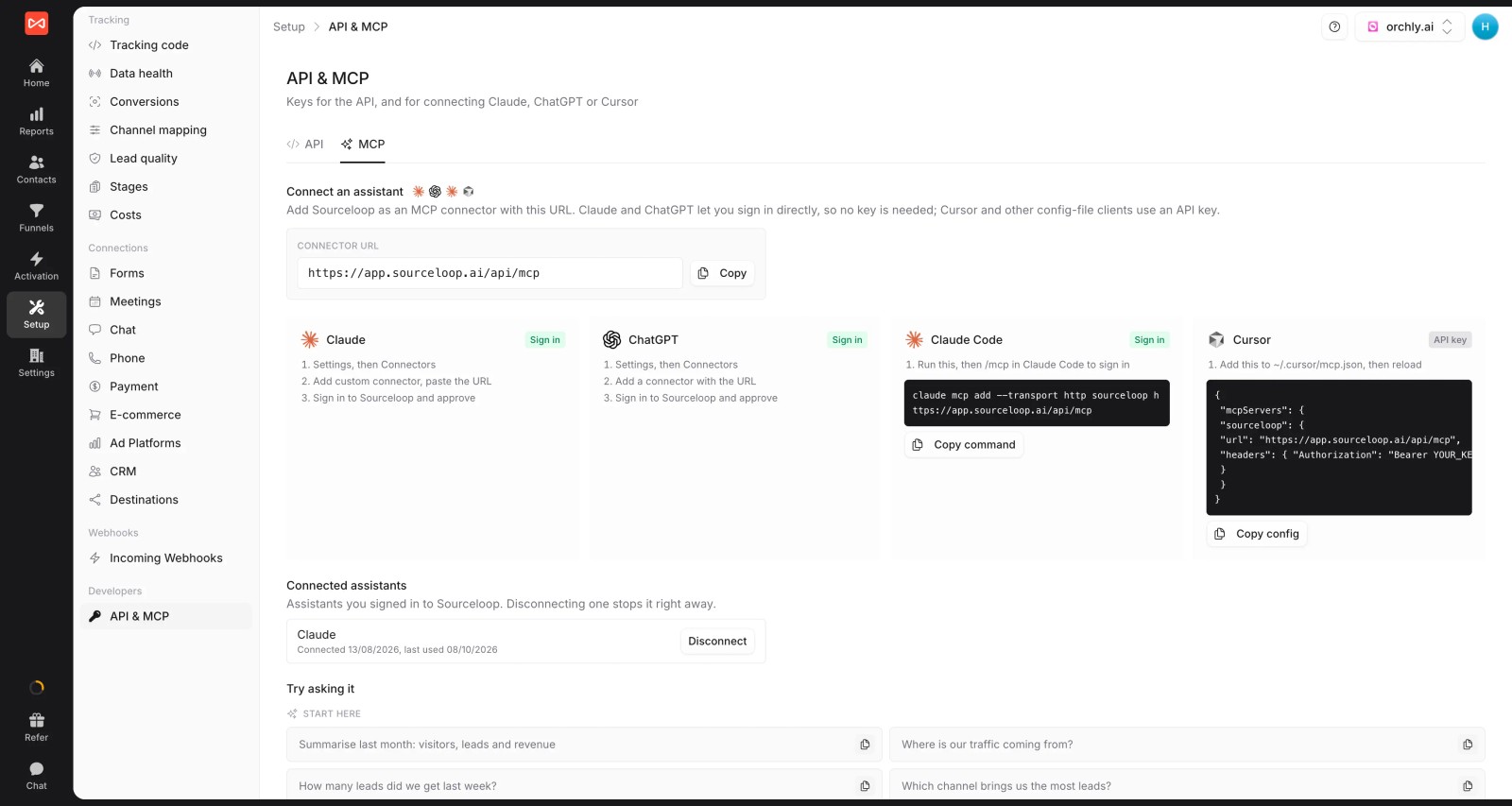
- API and MCP server: pull every client's numbers into your own dashboards or an AI assistant, with an agency reporting API.
Where it falls short
- No IP-based company identification or intent data for B2B clients doing ABM.
- Not built for Shopify-first ecommerce clients. Triple Whale or Northbeam fit those better.
Pricing
- Agency: $249/mo for three sites and 1.5 million page views, adding white label reporting
- Essential and Professional: $49 and $99/mo for single sites
- Unlimited conversions on every plan, with a 7-day trial. Many tools on this list charge per account or by lead volume.
Verdict: the most complete fit for agencies whose clients win business through leads, calls and CRM deals. Pair it with an ecommerce tool if you also run Shopify stores.
2. WhatConverts
Best for: agencies with local service and lead-gen clients that want calls, forms and chats in one lead log.
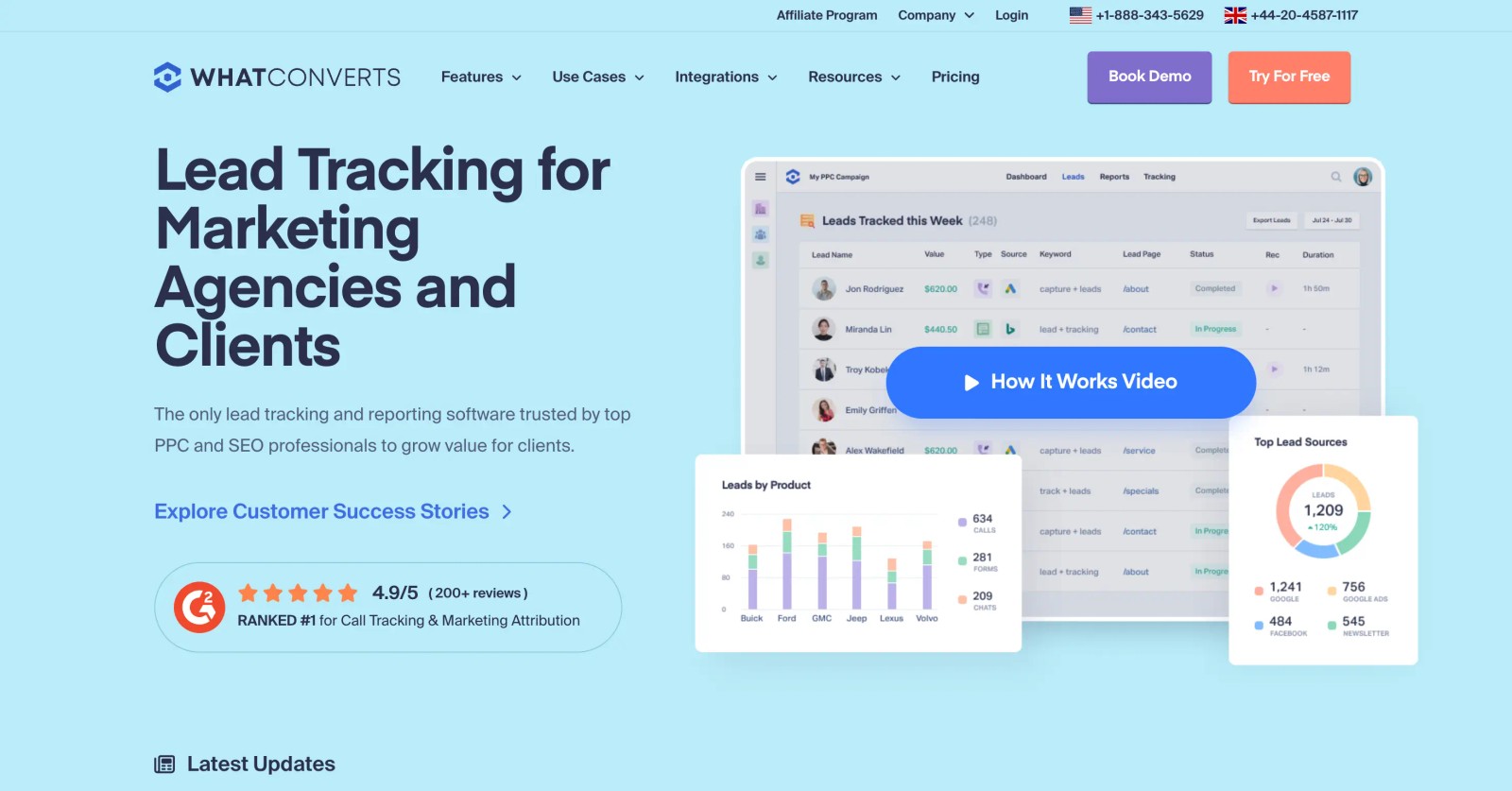
WhatConverts is built with agencies in mind. Its agency plans cover unlimited client accounts, and the lead log, with source, keyword and value on each lead, is easy to share with a client.
We set it up across two test accounts on the trial. Call tracking and form capture were quick, and the lead-by-lead view is the kind of thing a local business owner understands immediately.
The weaker side is revenue. Quote and sale values are entered or imported per lead, since there's no deep CRM pipeline sync.
Key features
- Every call, form and chat lands in one lead log per client, with the source, keyword and landing page attached, so clients see exactly where leads came from.
- Agency plans cover unlimited client accounts, so adding a new client doesn't add a new subscription or another login to manage.
- Dashboards and reports can carry your agency's branding when you share them, which keeps your name in front of the client every month.
- Quote and sale values can be sent to Google Ads as offline conversions, so client campaigns learn which leads were actually worth money.
Where it falls short
- It doesn't read CRM pipeline stages, so revenue usually has to be entered by hand or imported for each lead.
- Reporting centres on the lead's source, with no multi-touch models for clients whose buyers take several visits to convert.
- Extra numbers and minutes are billed on top of the plan, so clients with heavy call volume raise your costs.
Our WhatConverts alternatives guide compares it in more depth.
What users say
"It allows me to clearly demonstrate the value of my work to clients, allowing me to track leads, whether they come from Google Ads or SEO." (Source)
"It’s difficult to reach live support. Most of the time, I just see an “offline chat” status." (Source)
"We’ve experienced recurring issues with form tracking across several of our Wix websites" (Source)
Pricing
- Agency plans: $500, $800 and $1,250/mo for unlimited accounts
- Single account: $30 to $160/mo, with a 14-day trial
3. CallRail
Best for: agencies whose clients rely on inbound calls, like home services, dental and legal.
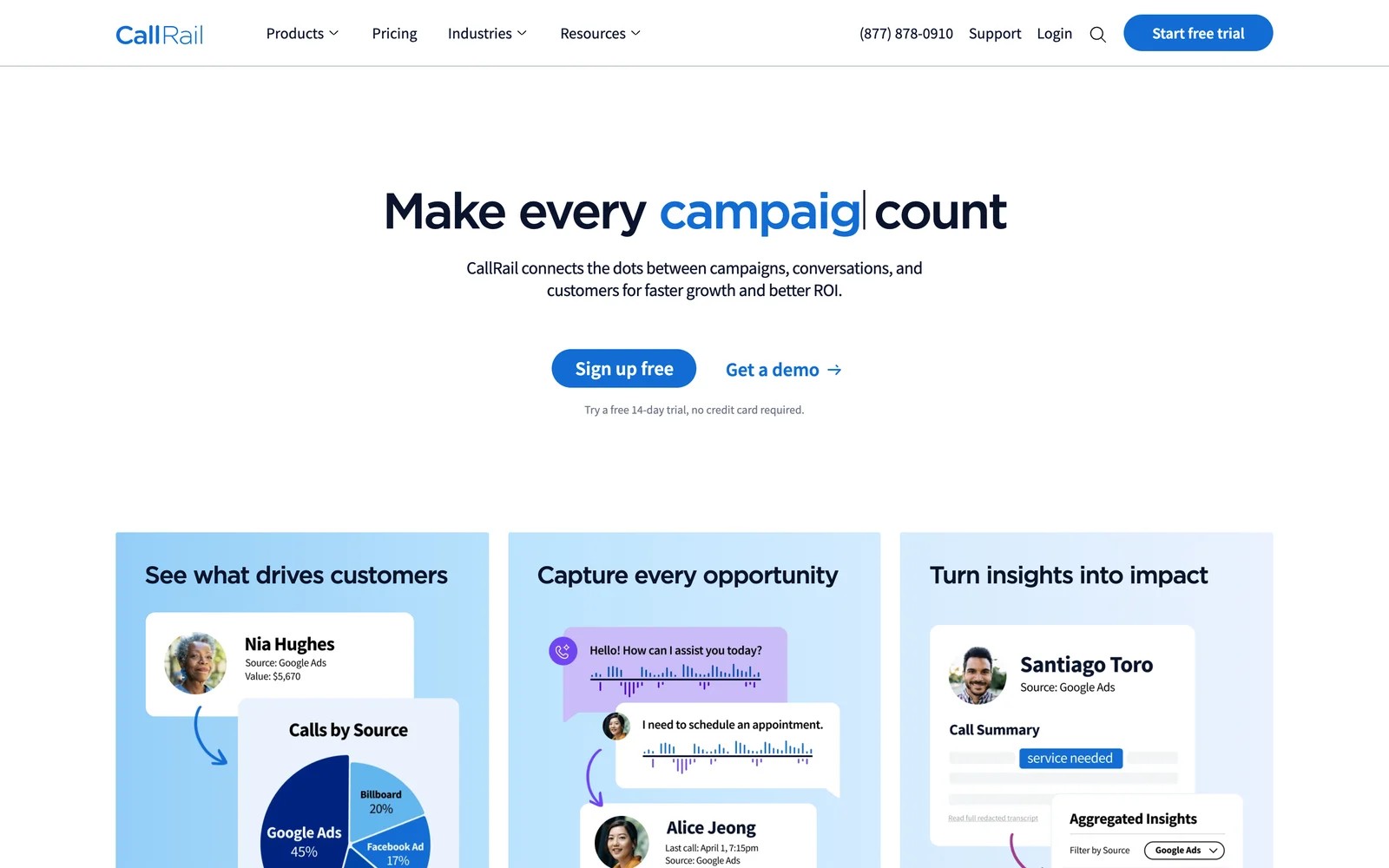
CallRail is the call tracking tool many agencies already use. Each client gets an account with its own numbers, calls are tied to the campaign and keyword, and AI summarizes and tags the conversation.
On the trial, adding a client and swapping numbers on a site took minutes. The call log with source and recording is what clients ask to see.
It's call-first. Form tracking needs a higher plan, multi-touch revenue reporting is limited, and usage billing can be hard to explain to a client.
Key features
- Dynamic numbers swap per campaign and per visitor, so each call is tied to the ad, keyword or page that produced it.
- Conversation intelligence transcribes and summarizes calls, then tags them automatically, for example as a booked job or a spam call.
- Form tracking comes with the Complete plans, putting calls and form fills in the same lead view.
- Each client gets their own account and login, so they can listen to recordings without seeing other clients.
Where it falls short
- The app can't carry your agency's branding, so clients see CallRail's name and logo on everything they open.
- It's strongest on the call itself, with limited full-journey attribution across forms, chats and CRM deals.
- Billing grows with numbers and minutes used, which some agencies say is hard to explain to clients each month.
What users say
"I love that each client has their own dedicated account with tracking sources." (Source)
"I find the pricing structure kind of tough on clients because billing is based on usage, not necessarily a flat price, and it can be confusing." (Source)
"I need a way to filter out and block automated robocalls and calls from non-human sources so my clients aren’t wasting time answering or calling them back." (Source)
Pricing
- Lead Tracking: $50/mo with 5 numbers and 250 minutes
- Lead Tracking Complete: $95/mo, adding forms
- Lead Conversion and Complete: $150 and $195/mo, adding AI conversation tools
- Usage is billed on top, with a 14-day trial
4. Ruler Analytics
Best for: agencies with lead-gen clients in finance, legal or B2B services where deals close weeks later.
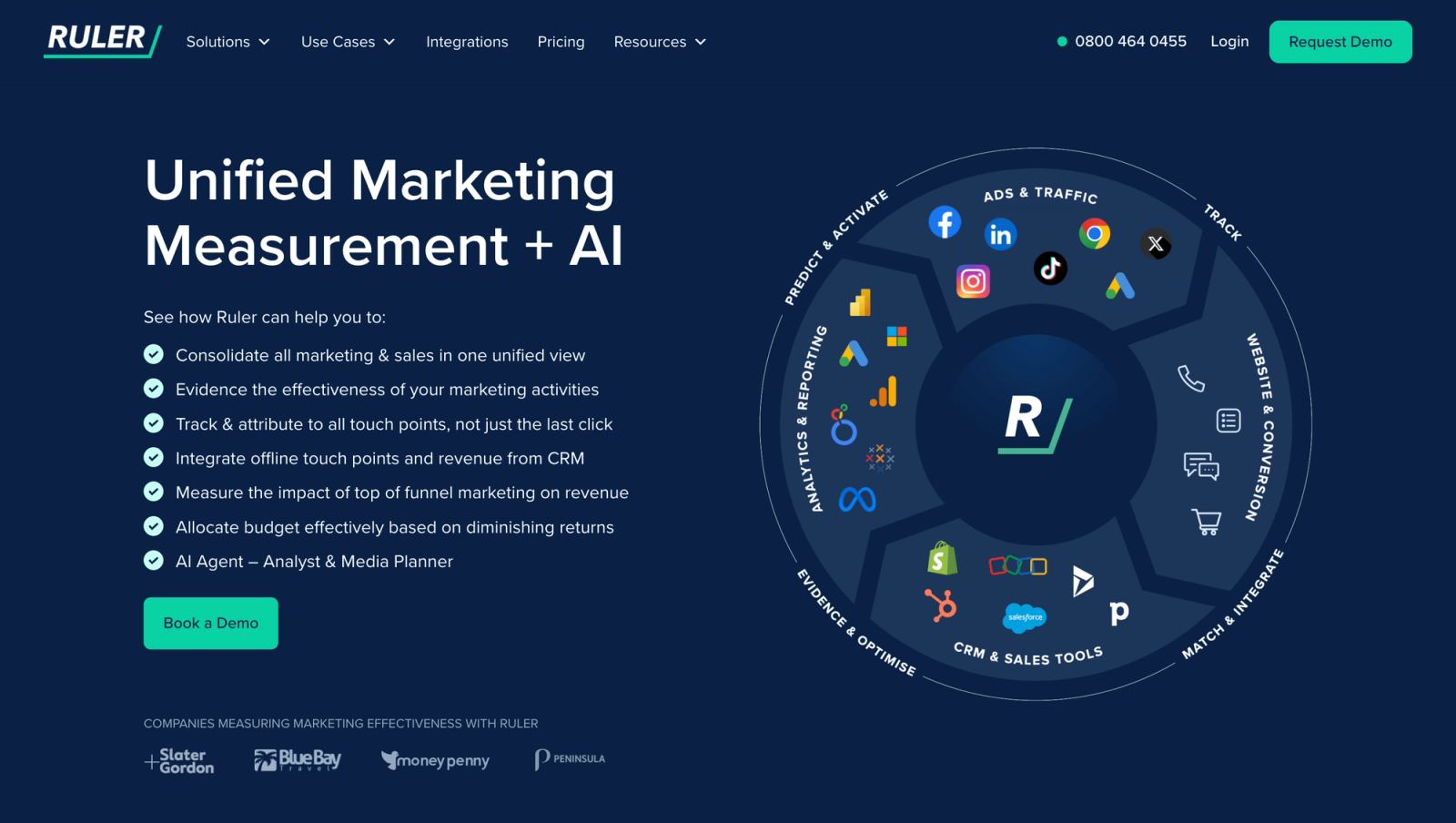
Ruler Analytics tracks forms, calls and chat, pushes the source into the client's CRM, and pulls closed revenue back. For an agency, that means reporting on revenue rather than lead counts.
Agencies we know who use it like the revenue story it lets them tell. They're less keen on the per-client cost and the guided setup each new account needs.
Key features
- Call tracking is built in, so phone leads carry the same source data as form fills and chats.
- The visitor's source is pushed into the client's CRM, and closed revenue from Salesforce, HubSpot or Pipedrive is pulled back for reporting.
- Revenue can be sent to Google Ads and Meta, so campaigns optimize toward deals rather than lead volume.
- The Advanced plan adds marketing mix modeling, which helps clients who also spend on offline channels like radio or print that clicks can't measure.
Where it falls short
- There's no free trial, so every new client starts with a demo and a guided setup before reports are ready.
- Each account is priced on its own traffic, which makes costs climb quickly across a large roster of clients.
- Reports can't be white labelled, so your clients see Ruler's branding rather than your agency's.
What users say
"Seeing the detail of every form submission and phone call, from what source, the duration of the call and the pages that led to a conversion is a real eye-opener." (Source)
"user access rights have to be directed through account manager" (Source)
Pricing
- Small: from £299/mo per account for up to 10,000 monthly visits
- Medium, Large and Advanced: from £499, £999 and £1,499/mo
5. Attributer
Best for: agencies that just need the lead source written into each client's CRM or form tool.
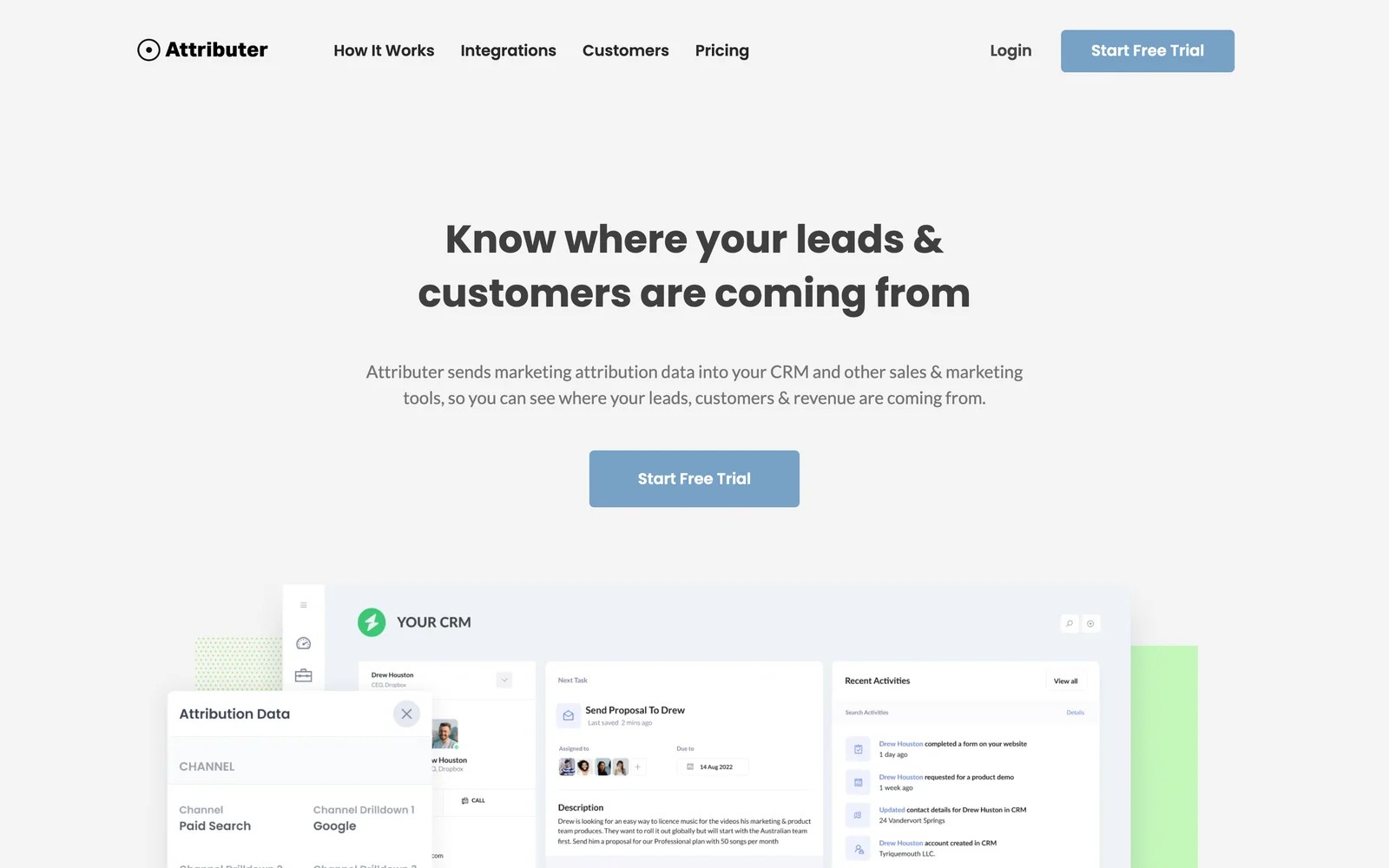
Attributer captures the channel, source and campaign when someone fills in a form, and passes it into the CRM or spreadsheet along with the lead. Reporting happens in the client's own tools.
We tried it on its 14-day trial, and it's about as simple as attribution gets. The multi-site plans make it cheap to roll out across many client sites.
The trade-off is depth. It's first and last touch on form leads only, with no calls, journeys or revenue reports of its own.
Key features
- Channel, source and campaign are captured with every form submission and written into hidden fields, so each lead arrives with its origin attached.
- It works with most form builders and CRMs, which means the data appears wherever each client already manages their leads.
- Multi-site plans for 10, 25 or 50 sites make it cheap to roll out across a whole client roster without per-site pricing.
- There's no separate dashboard for you to maintain, because reporting happens inside each client's own CRM or spreadsheet.
Where it falls short
- It doesn't track calls or chats, which leaves gaps for local service clients who get many of their leads by phone.
- There are no revenue reports of its own, so you build them yourself inside each client's CRM or spreadsheet.
- Conversions aren't sent to the ad platforms, so client campaigns can't learn from which leads were actually good.
See our list of Attributer alternatives for tools that go further.
What users say
"Ability to see first touch source of leads when they fill out a form on our website." (Source)
"A bit pricey for what it does if you're covering multiple sites, but it does really give visibility we wouldn't have otherwise." (Source)
"Dependence on UTM parameters - if the UTMs are not properly implemented across all the campaigns, attribution capability will be impacted." (Source)
Pricing
- Single site: $29, $49 and $99/mo for up to 100, 500 and 1,000 leads
- Multiple sites: $199/mo for 10 sites, $299 for 25 and $399 for 50, with a 14-day trial
6. Cometly
Best for: agencies serving B2B SaaS clients with paid acquisition and a CRM pipeline.
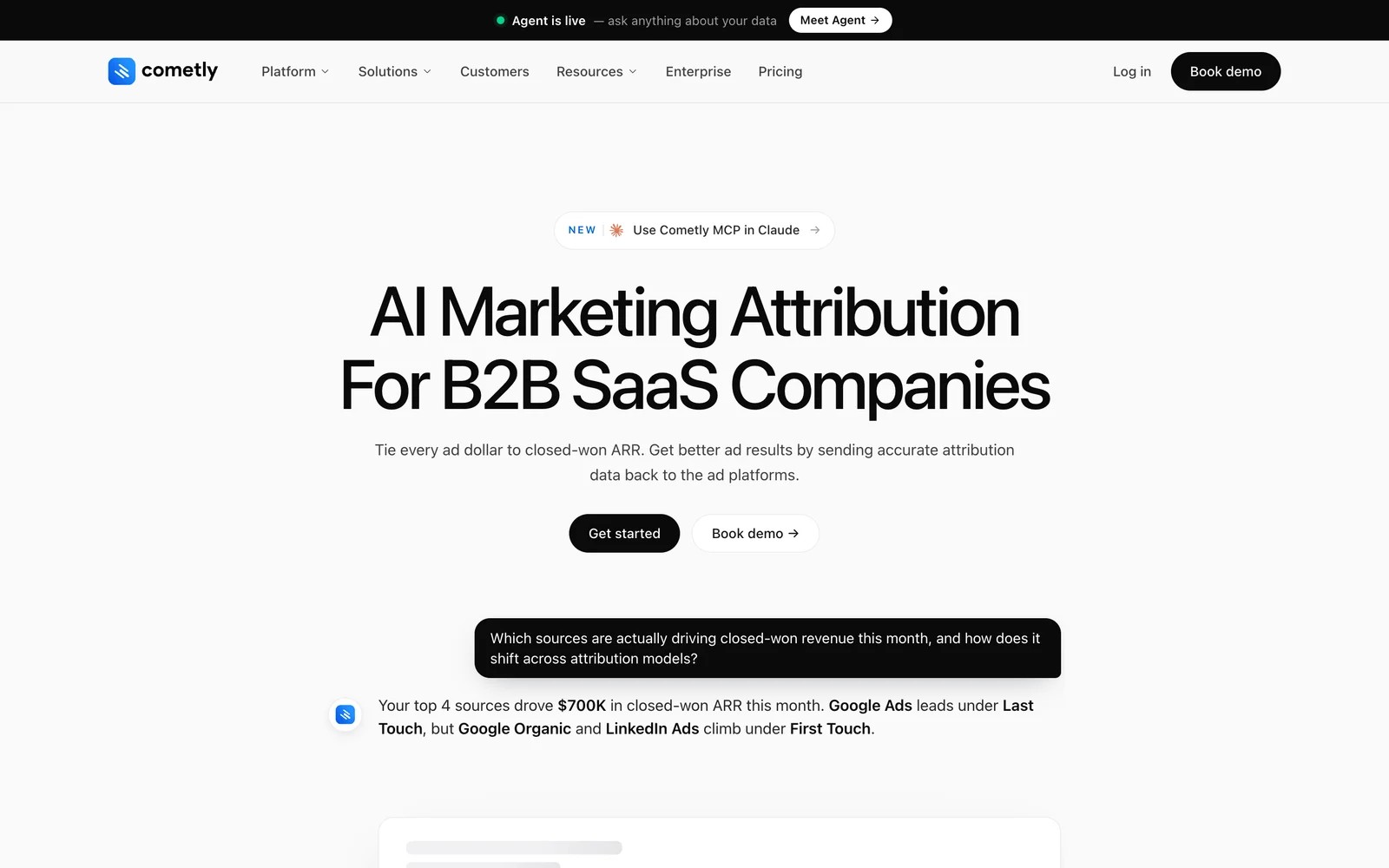
Cometly ties ad spend to pipeline and closed-won revenue, and sends conversions back to the ad platforms. It has an AI agent and an MCP server for asking questions of the data.
It's worth knowing that Cometly now positions itself squarely for B2B SaaS. Agencies that used it for ecommerce or info-product clients may find newer features aimed elsewhere.
We've tested Cometly ourselves. Connecting the pixel and the Meta and Google accounts was smooth, and seeing ad-level revenue beside the numbers in Ads Manager was genuinely useful.
The agency side felt thinner. Each client needs its own setup, reports carry Cometly's branding, and phone leads from local clients have nowhere to go. Reviews echo the split: praise for support and offline conversion sync, and some criticism that it repeats what the ad platforms already show.
Key features
- A first-party pixel and server-side tracking capture ad clicks that browser-based tracking misses, giving a fuller count of paid conversions per client.
- Multi-touch attribution follows each lead through to pipeline and closed-won revenue in the CRM, which suits clients selling software with a sales team.
- Conversions, including offline sales, go back to Meta and Google through their conversion APIs, so client campaigns optimise toward deals rather than form fills.
- An AI agent and an MCP server let you ask questions of the data in plain English, which speeds up client reporting prep.
Where it falls short
- There's no white label option, so client-facing reports carry Cometly's branding rather than your agency's.
- It doesn't track phone calls, which rules it out for most local and service clients who rely on calls.
- The product now targets B2B SaaS, so ecommerce and local clients may find newer features aimed elsewhere.
What users say
"Cometly marries sales and marketing data into one platform and feeds it back to your ad channels for optimization so you can make data driven decision right from your Ad Accounts." (Source)
"It's just another UI for the same tools that you have with advertisers" (Source)
"Documentation is out of sync with the actual application" (Source)
Pricing
- Usage-based Core plan and a quoted Enterprise plan. Our Cometly pricing breakdown has more detail.
7. Triple Whale
Best for: agencies running paid social and search for Shopify brands.
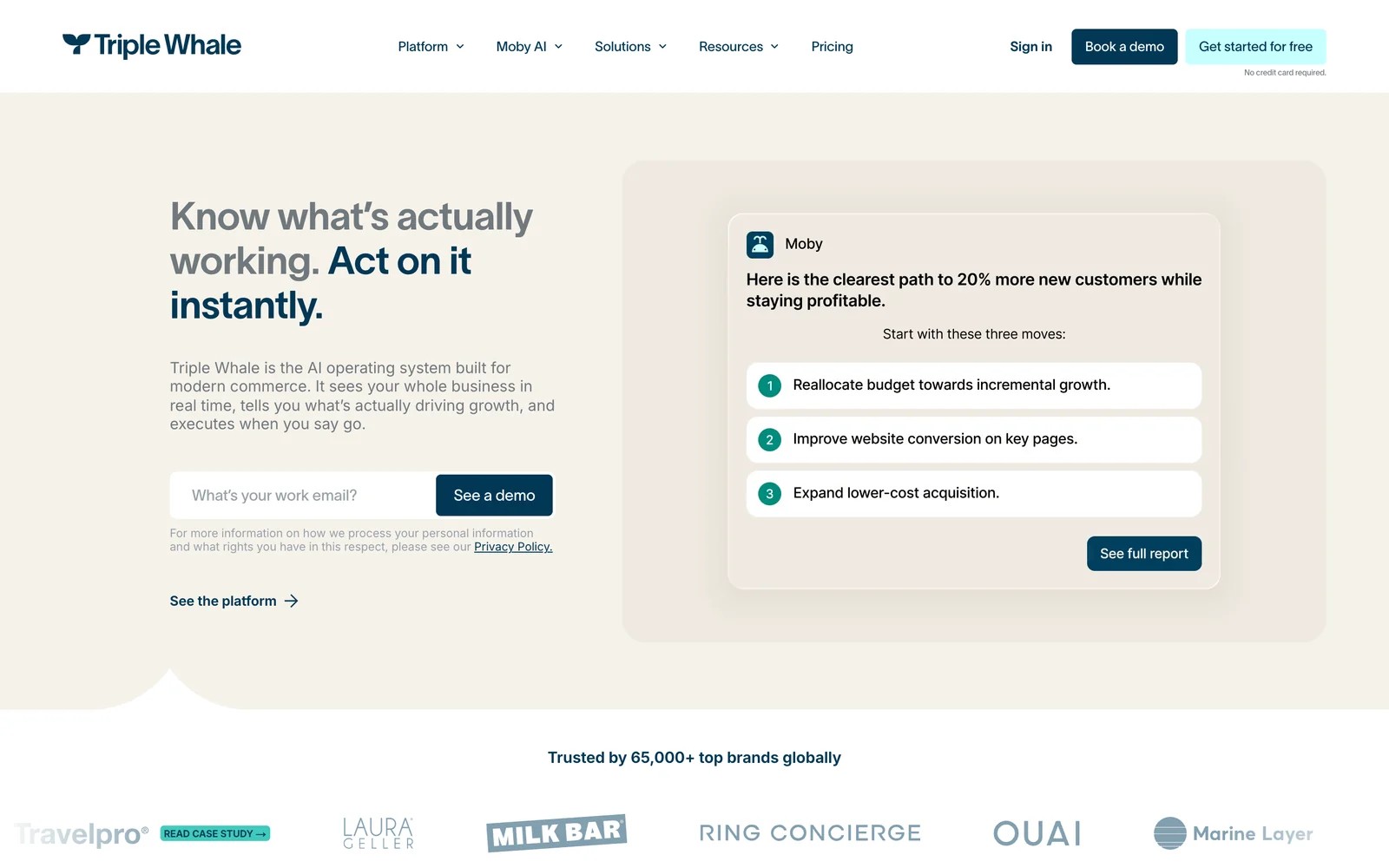
Triple Whale brings Shopify orders, ad spend and its own pixel into one dashboard, with AI agents for analysis. Ecommerce agencies use it to see blended and channel ROAS across client stores.
We've tested Triple Whale on our own. For a Shopify store, it's quick to get value from: the summary dashboard is useful within a day, and the AI answers simple questions well.
The pixel's numbers took some interpreting, since they rarely line up with what Meta reports, and you need to explain that gap to clients. Outside Shopify and DTC, there's nothing for it to connect to. Some users also report attribution bugs and a price that climbs with store revenue.
Key features
- Shopify orders, ad spend and its own pixel come together in one dashboard per store, so ecommerce clients get a single view of paid performance.
- The Triple Pixel attributes orders across Meta, Google, TikTok and other paid channels, giving agencies numbers that don't depend on each platform's reporting.
- AI agents answer questions, build reports and flag changes in performance, which saves time when you manage several stores at once.
- Several stores can sit under one account, which suits agencies running paid media for multiple Shopify brands from one login.
Where it falls short
- It has no calls, forms or CRM deals, so lead-gen and service clients have nothing for it to connect to.
- Reports can't be white labelled, which means clients see Triple Whale's branding on every dashboard you share.
- Pricing rises with each store's revenue, which makes costs harder to forecast as your ecommerce clients grow.
What users say
"I like that Triple Whale brings key ecommerce and marketing metrics into a single dashboard, making it much easier to understand performance across channels." (Source)
"The attribution system is consistently buggy and unreliable, causing more harm than good." (Source)
Pricing
- Plans are priced by store GMV, with a free starter tier. See our Triple Whale pricing guide.
8. Northbeam
Best for: agencies managing large ecommerce budgets for established brands.
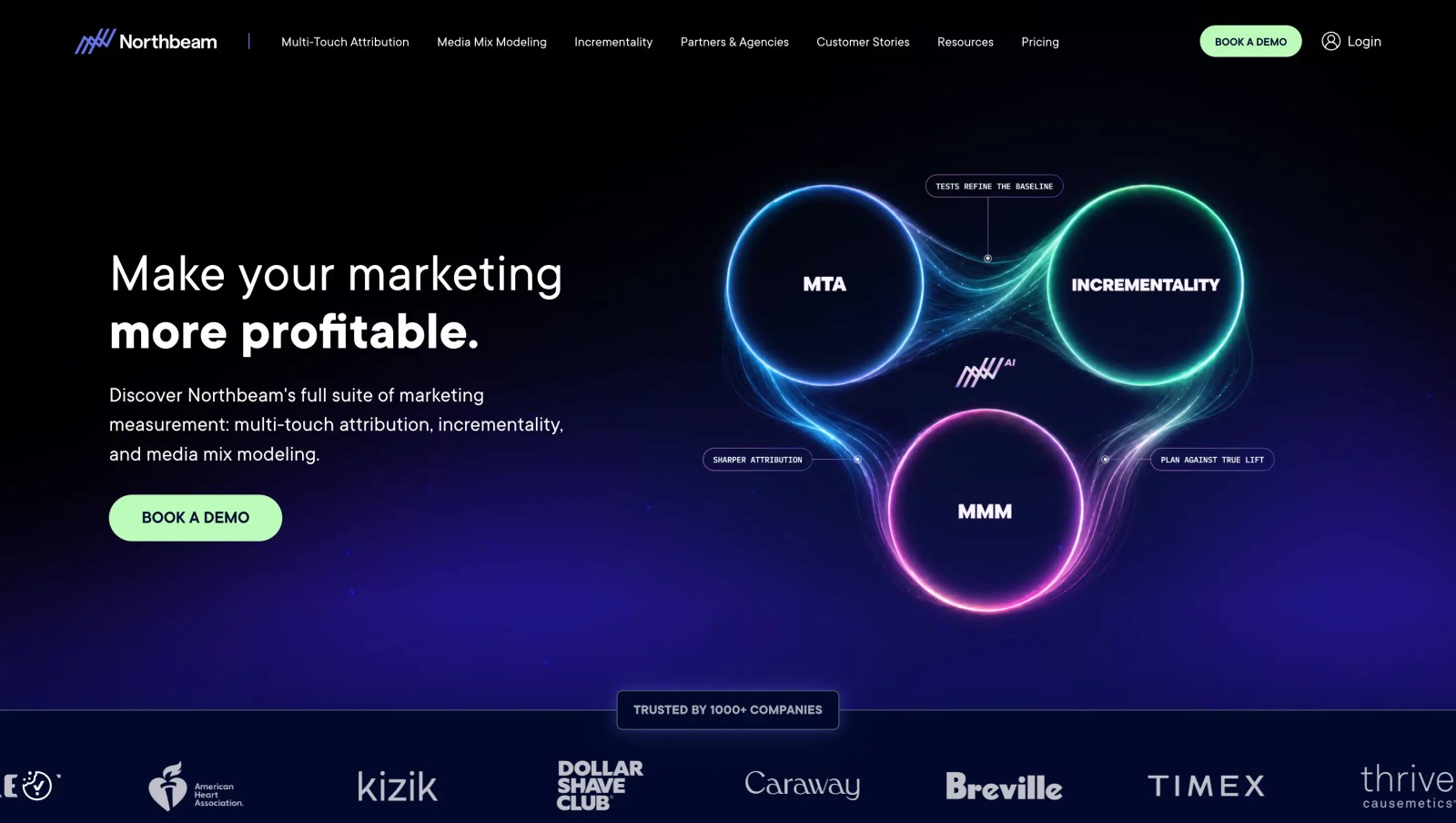
Northbeam offers multi-touch attribution with view-through, plus media mix modeling and incrementality. It has a Growth plan sold through preferred agency partners.
It's built for brands spending heavily on ads, and the price reflects that. For smaller ecommerce clients, the onboarding and minimum spend usually don't make sense.
Ecommerce agencies we know that use it describe a few weeks of onboarding per brand, then daily checks next to Ads Manager. The view-through credit is what they lean on to defend paid social budgets.
Key features
- Multi-touch attribution counts deterministic ad views as well as clicks, which helps agencies defend paid social spend that rarely wins last-click credit.
- Media mix modeling and incrementality testing are available on higher tiers, so large clients can check attribution against other measurement methods.
- A Growth plan is sold through preferred agency partners, with Northbeam pricing built into the agency engagement and ad credits included.
- Its MCP server lets AI assistants query attribution data directly, which helps teams answer client questions without exporting dashboards.
Where it falls short
- It attributes store orders only, so lead generation and service clients aren't a fit at all.
- Pricing assumes large ad budgets, which rules out most smaller ecommerce clients an agency might manage.
- There's no white label for agency reporting, so clients see Northbeam's dashboards under its own brand.
What users say
"We'd recommend Northbeam to any business doing over $5 million a year, spending on paid traffic, and looking to find clarity within their numbers." (Source)
"It can be a bit pricier than some other solutions (not saying it's not worth it!), but for smaller companies, may be out of their price range." (Source)
Pricing
- Starter: from $1,500/mo per brand
- Professional: from $3,500/mo
- Growth: quoted, through an agency partner
9. Hyros
Best for: agencies serving info-product, coaching and high-ticket offers sold through calls and funnels.
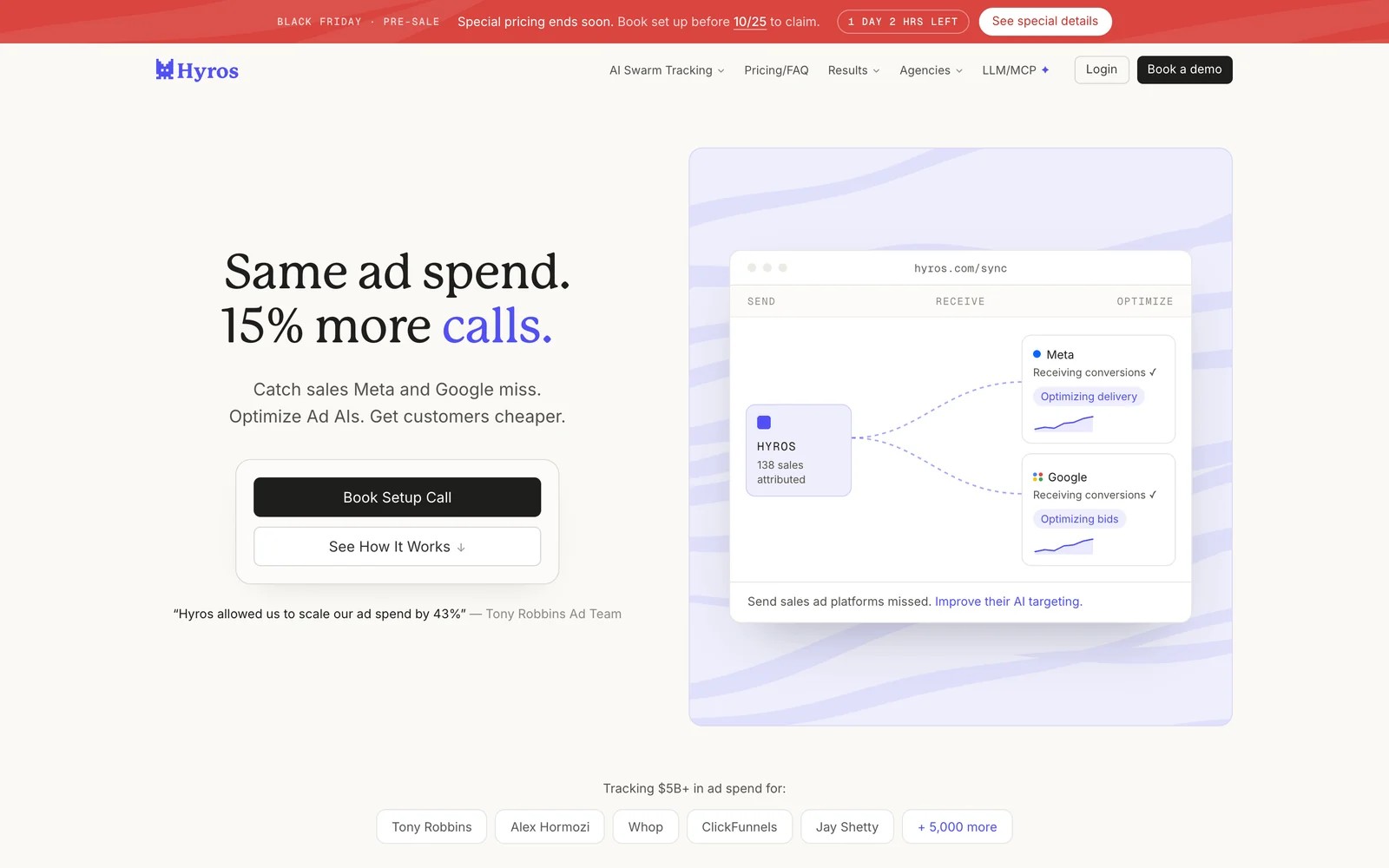
Hyros tracks ad clicks through funnels, booked calls and sales, then feeds that data back to the ad platforms. It's popular with marketers selling courses and coaching.
There's very little public review data to go on, and the two G2 reviews are both critical about setup and promises. Ask for agency references before committing.
Key features
- Ad clicks are followed through funnels, booked calls and final sales, even when the purchase happens weeks after the first visit.
- Sales data is fed back to the ad platforms, so Meta and Google optimise toward buyers rather than cheap leads.
- Long attribution windows suit high-ticket offers where prospects take time to decide, which ad platform defaults tend to miss.
- AI-driven reporting highlights which ads and funnels actually make money, helping media buyers decide where to move budget.
Where it falls short
- Prices aren't published and there's no self-serve trial, so you can't test it on a client before a sales call.
- Reports can't carry your agency's branding, so every client-facing view shows the Hyros name instead of your own.
- It's built around funnels and booked calls, which makes local service and B2B clients a poor fit.
What users say
"They over promise and under deliver." (Source)
"They make set-up super difficult." (Source)
Pricing
- Not published. Pricing is set after a call. Our Hyros alternatives guide covers what buyers report.
10. Google Analytics 4
Best for: a free baseline on every client site.
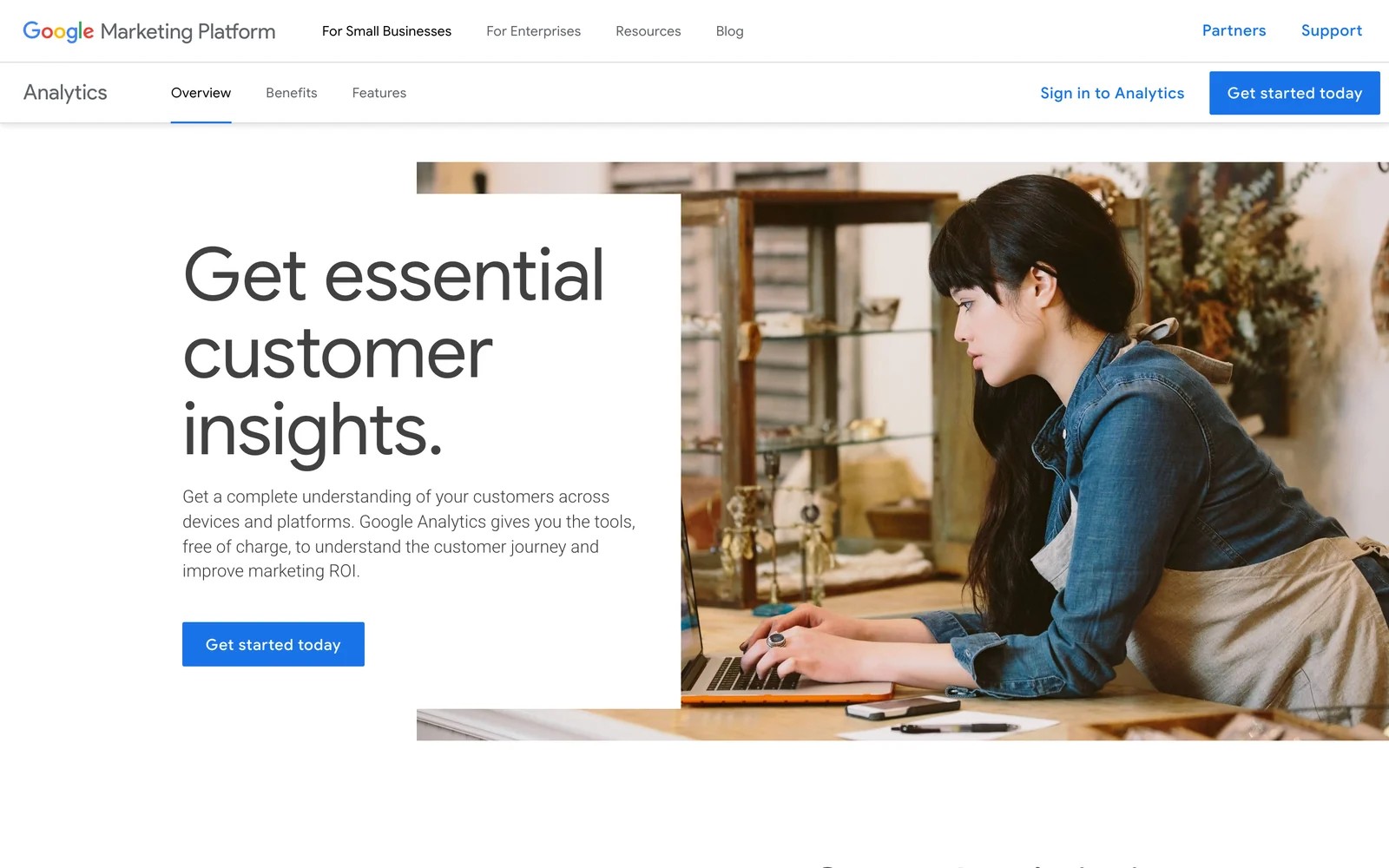
Google Analytics 4 is on almost every client site already. Agencies manage properties from one account and build branded client reports in Looker Studio.
It's a good traffic and conversion baseline. It isn't a lead attribution tool, though. It doesn't know which lead became a customer, doesn't see calls without extra setup, and its models are limited to data-driven and last click.
We run GA4 on sites we manage, and it's fine for traffic trends and landing page checks. The trouble starts when a client asks which leads turned into jobs, because GA4 never sees the CRM.
Key features
- It's free, and one account can hold a separate property for every client site, which keeps setup costs at zero.
- Data-driven and last-click models are available for conversions, giving a basic view of which channels contribute before the lead reaches a CRM.
- The Google Ads link imports conversions and shows ad performance next to on-site behaviour, which helps search-heavy clients.
- Looker Studio turns GA4 data into branded client reports at no extra cost, which is why most agencies keep it running.
Where it falls short
- It can't tie a lead to CRM revenue, so you can't show clients which leads turned into paying customers.
- Phone calls aren't tracked without extra tools and setup, which leaves gaps for call-driven local businesses.
- It doesn't store personal data, so you can't look up where an individual lead came from when a client asks.
What users say
"Google Analytics provides excellent value for the price." (Source)
"The learning curve can be steep for beginners, especially with GA4's event based model, which feels less intuitive than the old Universal Analytics setup." (Source)
Pricing
- Free. Google Analytics 360 is quoted for enterprises.
How to choose
Start with your client mix, then check what scales.
1. What kind of clients do you have?
- Lead-gen, local service and SaaS: SourceLoop, with WhatConverts, CallRail or Attributer as lighter options.
- Shopify and DTC: Triple Whale or Northbeam.
- Funnels and high-ticket offers: Hyros.
2. What do clients need to see?
- Revenue, not leads: SourceLoop or Ruler.
- A call log with recordings: CallRail or WhatConverts.
- Your brand on every report: SourceLoop or WhatConverts.
3. How will cost scale?
- Model the bill at 10 and 30 clients. Per-account and usage pricing grows fastest. SourceLoop meters page views and never charges per lead, so a client's better conversion rate doesn't raise your bill.
Frequently asked questions
-
What is the best marketing attribution tool for agencies?
For agencies with lead-gen, local service and SaaS clients, SourceLoop covers calls, forms, CRM revenue and full white label from $249 a month. WhatConverts and CallRail suit phone-heavy local clients, and Triple Whale suits Shopify clients.
-
Can agencies white label attribution reports?
Yes, with some tools. SourceLoop white labels the app, reports, exports, share domain and Slack alerts. WhatConverts offers white label dashboards. Most other tools on this list don't.
-
How do agencies track phone call attribution?
With dynamic number insertion from a tool like CallRail, WhatConverts or Ruler, which ties each call to the visitor's source. SourceLoop can then attribute those calls alongside forms and CRM deals.
-
How much do attribution tools cost for agencies?
Expect anything from $199 a month for basic multi-site lead source tracking to over $1,500 a month per brand for enterprise ecommerce tools. SourceLoop's Agency plan is $249 a month for three sites.
-
Is Google Analytics 4 enough for agency attribution?
It's a good free baseline, but it can't tie a lead to CRM revenue or show individual leads. Most agencies add a lead attribution tool on top.
-
Should an agency use one tool for every client?
Ideally yes, for consistent reporting. Agencies with a mix of lead-gen and ecommerce clients often run one tool for each group.




 Paid Social


