
7 Best HubSpot Marketing Attribution Alternatives for 2026
Seven HubSpot attribution alternatives compared on price, CRM sync and revenue reporting, with real user reviews and what each one won't do.
Table of contents
Most teams don't leave HubSpot because of attribution. They keep the CRM and add something next to it.
The trigger is usually the same. Someone asks which campaigns produced last quarter's revenue, and the answer sits behind an Enterprise upgrade.
In this guide, I'll walk through seven tools that fill that gap, what they cost, and where each one falls short.
How we put this list together
Every tool here was judged as an add-on to HubSpot, since that's how most of the teams we talk to use them. We signed up for the ones with a free plan or trial, including Dreamdata, Attribution App and Windsor.ai. Ruler and Usermaven sell through demos, so those sections lean on walkthroughs, their docs and teams we know who use them.
The brands and agencies we work with run HubSpot at every tier, and their questions set the criteria. We also read through recent G2 reviews and Reddit threads for each tool. We looked at:
- Whether it reads deals and revenue from HubSpot, or only contacts
- What it writes back to the HubSpot record
- Whether it tracks calls, meetings and chats as well as forms
- What it costs next to a HubSpot Enterprise upgrade
SourceLoop is our own product, so weigh that ranking accordingly. We've noted where another tool is the better fit.
Last checked November 2026. Confirm current pricing with each vendor.
Why teams outgrow HubSpot's native attribution
HubSpot's attribution reports are good once you can use all of them. The issue is which tier unlocks what.
Here's how it splits, based on HubSpot's own documentation and pricing page, as of November 2026.
| Report | Starter | Professional | Enterprise |
|---|---|---|---|
| Original source on each contact | Yes | Yes | Yes |
| Contact create attribution | No | Yes | Yes |
| Deal create attribution | No | No | Yes |
| Revenue attribution | No | No | Yes |
So on Professional, you can see which channels created contacts. You can't see which ones created deals or closed revenue. That needs Enterprise, which starts at $3,600 a month.
The other gap is coverage. HubSpot tracks its own forms and meetings well, but calls, third-party forms and chat tools often arrive as contacts with no source at all.
HubSpot users like the all-in-one setup. They're less happy about the attribution and the price of the higher tiers:
"The all-in-one nature is the biggest win for me." (Source)
"The pricing tiers get steep fast, and a lot of the features you actually want, like advanced reporting and automation, are locked behind higher plans." (Source)
"I do think there's things regarding attribution that could be improved. It is not always reliable" (Source)
If you want to stay on HubSpot's native reports, our guide to marketing attribution in HubSpot covers how to get the most from them.
HubSpot attribution alternatives compared
Here's how the 7 HubSpot marketing attribution alternatives compare on fit, pricing and how they work with HubSpot, as of November 2026.
| Tool | Best for | Pricing | Free plan or trial | Deal and revenue attribution | Writes back to HubSpot | Call tracking |
|---|---|---|---|---|---|---|
 SourceLoop SourceLoop | Lead-gen businesses, agencies, SaaS | From $49/mo | Yes | Yes | Yes | Via CallRail, CTM, Invoca |
 Ruler Analytics Ruler Analytics | Phone-led lead gen | From £299/mo | No | Yes | Yes | Yes |
 Factors.ai Factors.ai | B2B teams running ABM | From $199/mo | Yes | Yes | Yes | No |
 Dreamdata Dreamdata | B2B SaaS with long cycles | Free plan, paid quoted | Yes | Paid plans | Partly | No |
 Attribution App Attribution App | Auditable multi-touch for SaaS | From $399/mo | Yes | Yes | No | No |
 Usermaven Usermaven | SaaS teams wanting product analytics too | Quote | No | Partly | No | No |
 Windsor.ai Windsor.ai | Teams building BI dashboards | Free plan, from $19/mo | Yes | In your BI tool | No | No |
The 7 best HubSpot marketing attribution alternatives
Each of these runs alongside HubSpot. None of them asks you to move your CRM.
1. SourceLoop
Best for: lead generation businesses, agencies and SaaS teams on HubSpot Starter or Professional that want deal and revenue attribution without the Enterprise upgrade.

SourceLoop is a marketing attribution and lead source tracking tool. It records where every visitor came from, follows them through a form, call, chat or booking, then reads the deal from HubSpot and credits the revenue back to the campaign.
For a HubSpot team, the practical difference is that the answers land on the HubSpot record. Sales sees first and last touch, the ad click and the landing page on every contact, and deals and revenue reports come from the same data.
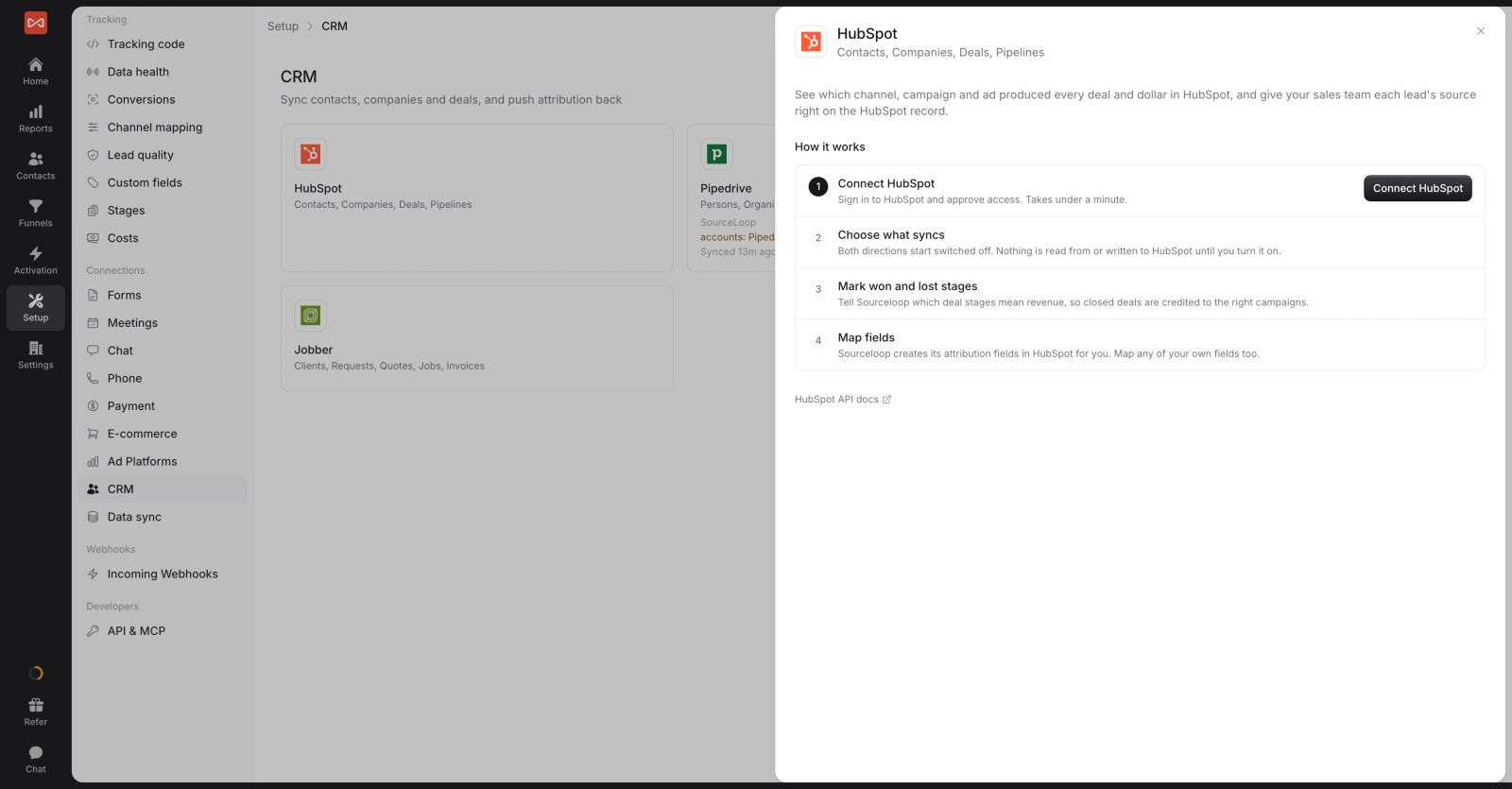
Connecting it takes a few minutes through OAuth, and lifecycle stages map across in the same drawer.
Key features
- Two-way HubSpot sync: attribution fields are written to each contact, and lifecycle stages, deals and revenue are read back for reporting.
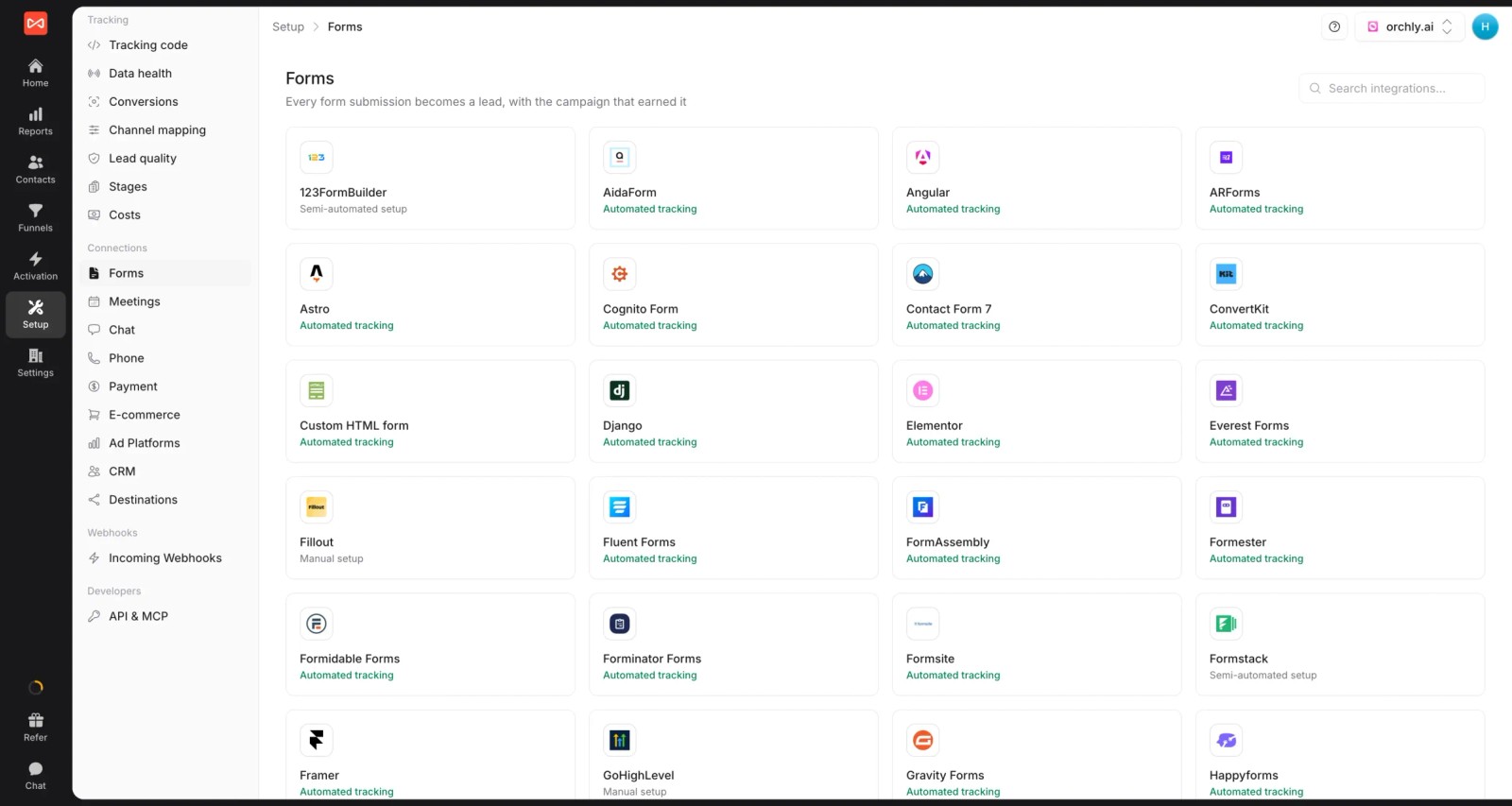
- Every lead source captured: HubSpot forms, meetings and chat, plus third-party forms, booking tools and calls from CallRail, CallTrackingMetrics, Invoca or Mediahawk.
- Journey on each contact: every visit, ad click and page before the lead converted, also visible in a panel inside HubSpot.

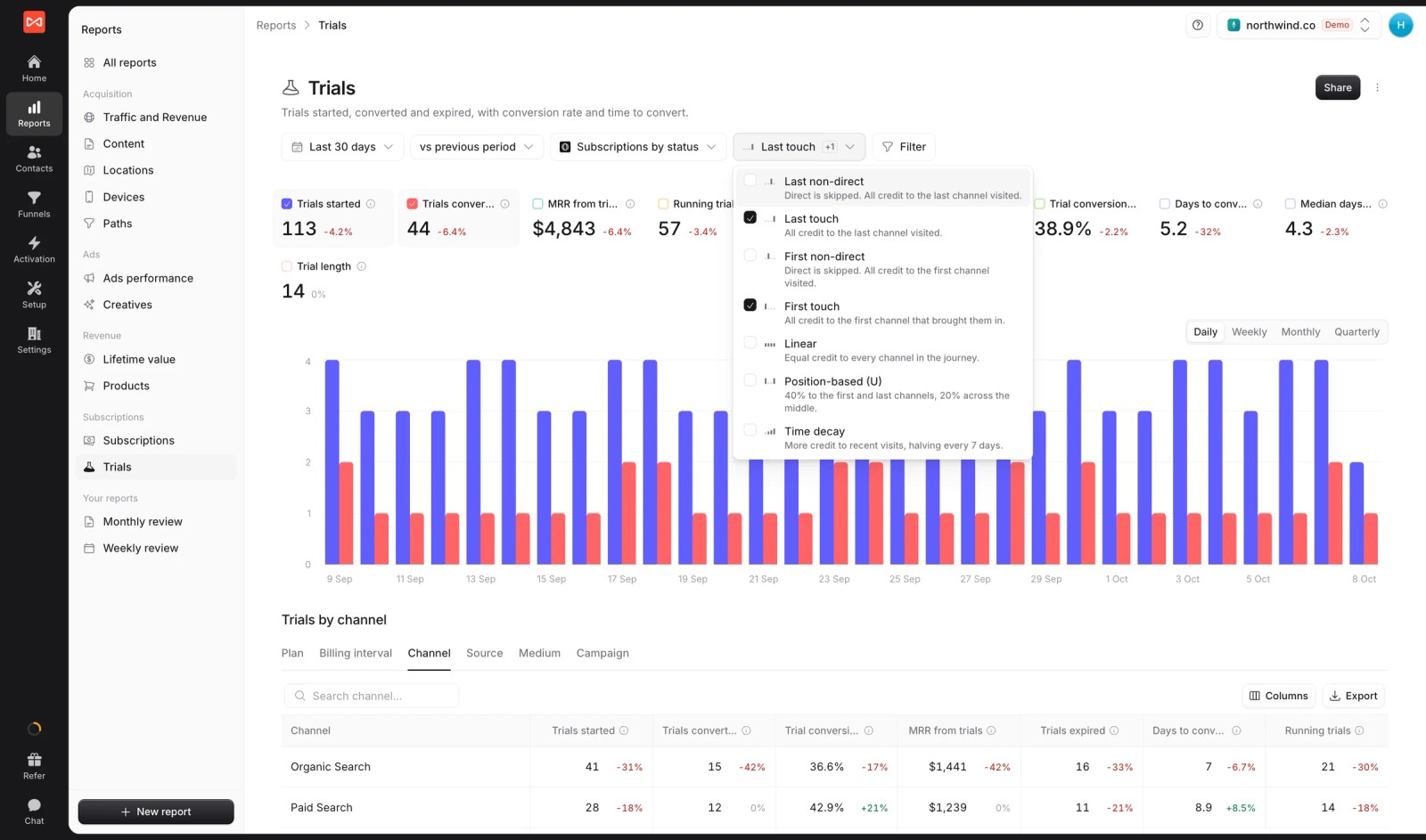
- Seven attribution models: first and last touch, first and last non-direct, linear, U-shaped and time decay, on leads, stages, deals or revenue.
- Lead quality rules: mark leads Good, Not a fit or Spam from form answers, email domain or call length, so pipeline reports skip junk.
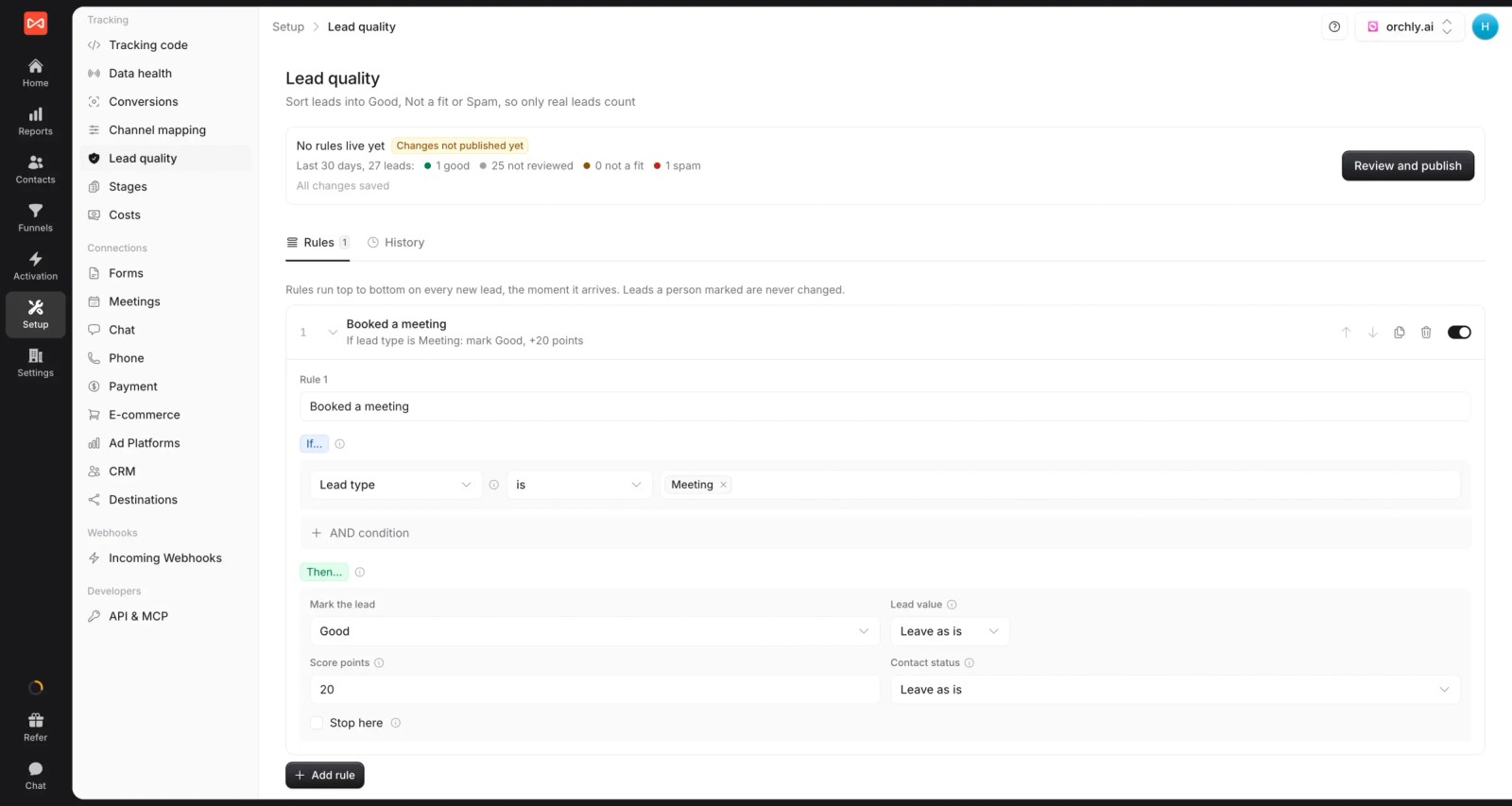
- Conversion sync: good leads and won deals go back to Google Ads, Meta, Microsoft Ads and ChatGPT Ads, so bidding learns from revenue. See how server-side conversion sync works.

- Custom reports and alerts: build board-ready reports, and post new deals or weekly pipeline to Slack or email.
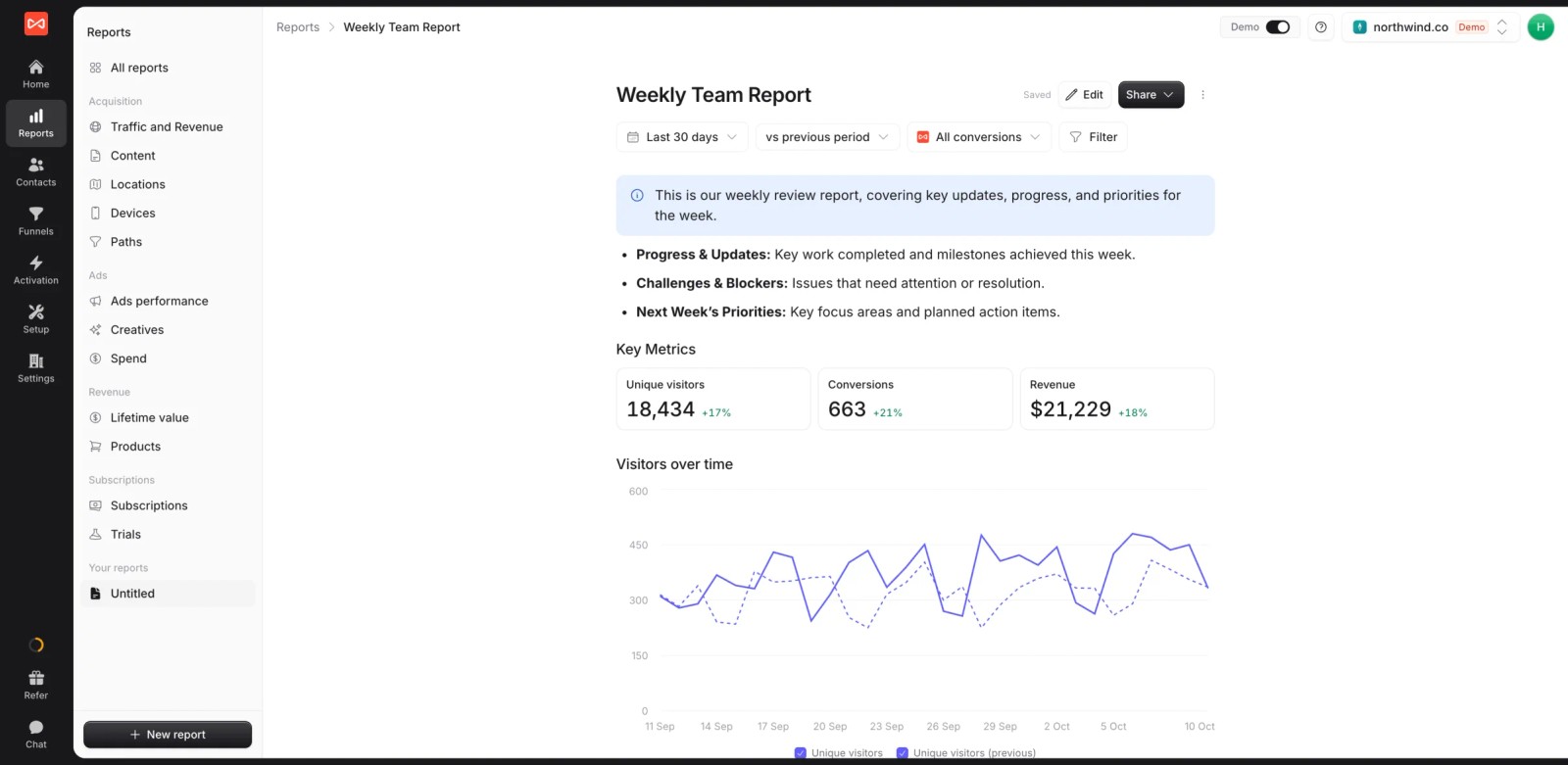
- Multiple websites and white label: run several sites from one login under your own branding. If you're an agency, that covers every client's HubSpot portal.
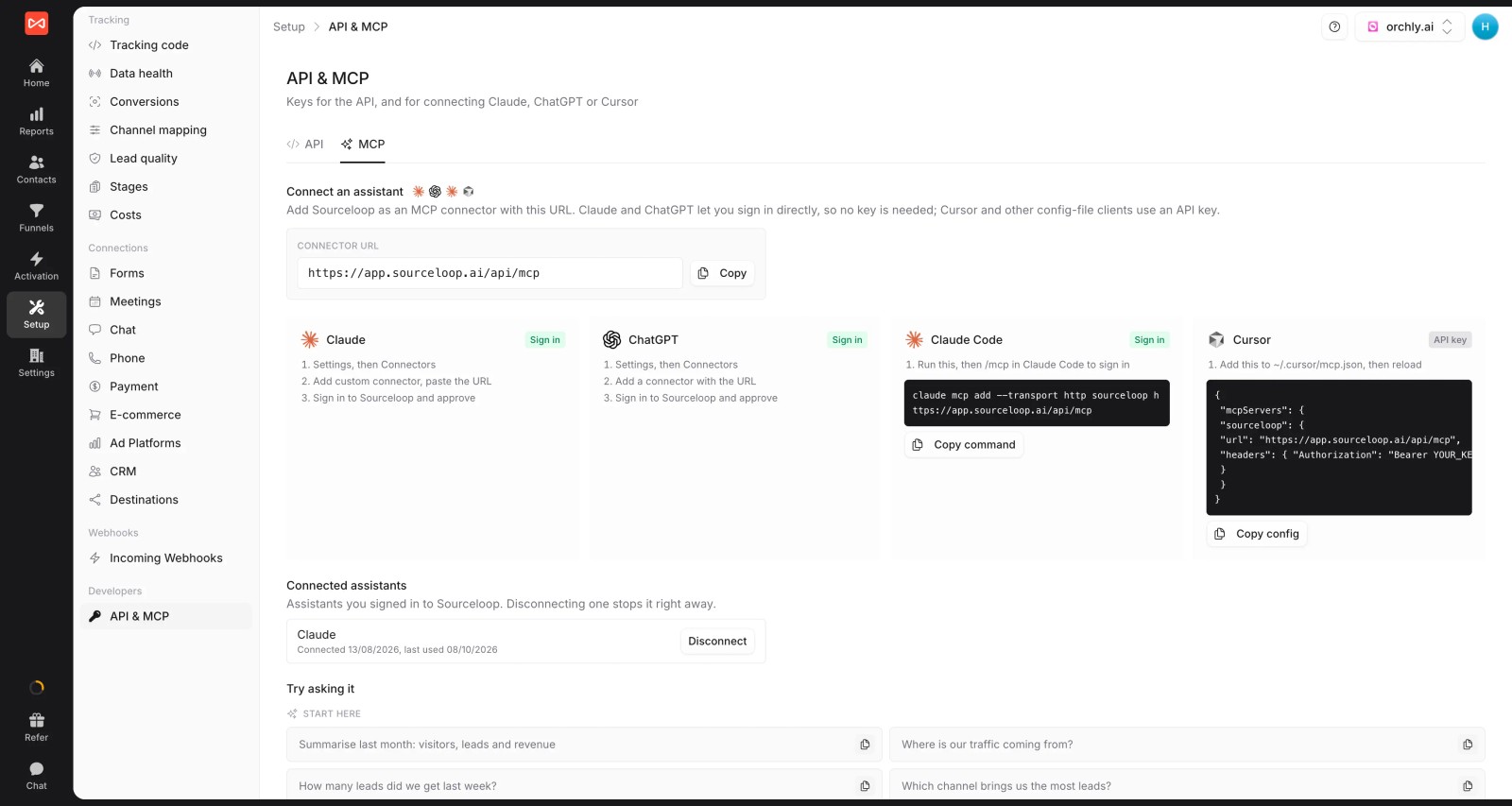
- API and MCP server (Professional and up), so an AI assistant can query attribution and deals directly.
Where it falls short
- It doesn't report on HubSpot email opens, social posts or CMS performance. Keep HubSpot for those.
- No intent data or IP-based company identification. For account-based programs, Factors.ai or Dreamdata go further.
SourceLoop vs HubSpot native attribution
| Feature | SourceLoop | HubSpot native |
|---|---|---|
| Deal and revenue attribution | Professional plan, $99/mo | Marketing Hub Enterprise, from $3,600/mo |
| Calls and third-party forms | Tracked with source, calls via your call tracking provider | Often arrive without a source |
| Lead quality filtering | Rules on every lead | Manual properties or workflows |
| Conversion sync to ad platforms | Google Ads, Meta, Microsoft Ads, ChatGPT Ads | Google Ads, Meta, LinkedIn |
| Email, social and CMS reporting | Not covered | Built in |
Pricing
- Essential: $49/mo for one site and 30,000 page views, with tracking, attribution reports, lead quality rules and alerts
- Professional: $99/mo for 100,000 page views and unlimited users, adding CRM sync, conversion sync to the ad platforms, the API and MCP
- Agency: $249/mo for three sites and 1.5 million page views, adding white label reporting
- Unlimited conversions on every plan, with a 7-day trial. That's a fraction of the jump from Professional to Enterprise.
Verdict: if your HubSpot is on Starter or Professional and the question is "which campaigns made us money", SourceLoop answers it without a tier change. It's weaker if you need account-level ABM analytics.
2. Ruler Analytics
Best for: lead generation businesses where the sale happens on the phone, such as legal, finance and home services.
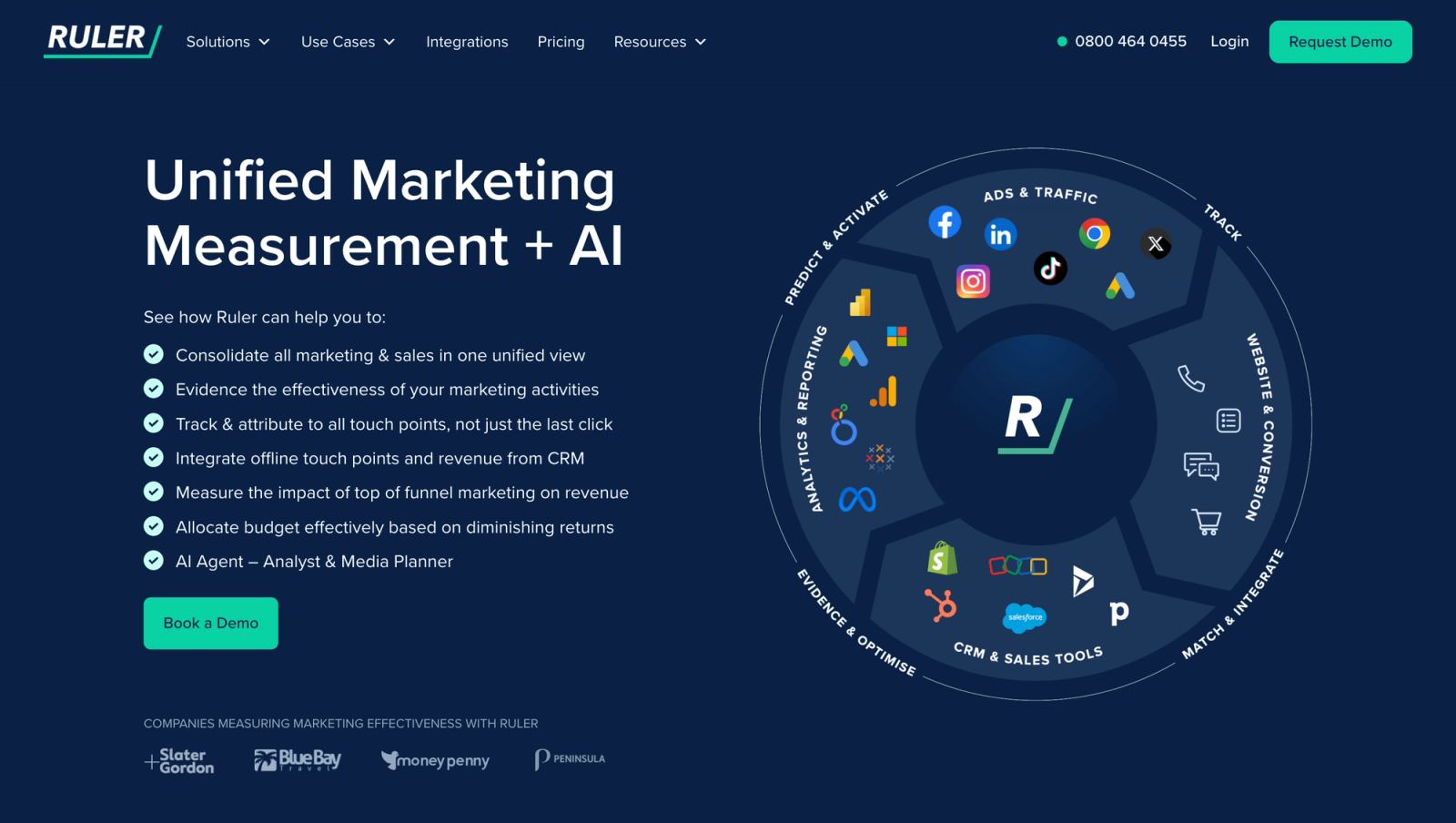
Ruler Analytics tracks each visitor across forms, calls and live chat, then pushes the source into HubSpot and pulls closed revenue back. Its call tracking is built in, which is the main reason HubSpot teams with busy phone lines pick it.
The reports focus on revenue by channel, campaign and keyword. Marketing mix modeling sits on the top tier.
From what we've heard from teams using it, the call data is the standout and the setup is the cost. Expect a guided onboarding of a few weeks, and plan for some field mapping work on the HubSpot side.
Key features
- Built-in call tracking ties every phone call to the visitor's source, keyword and the pages they viewed, so phone leads in HubSpot carry real campaign data.
- The visitor's source is pushed into the HubSpot contact, and the deal value is pulled back once the deal closes, closing the loop between ad and revenue.
- Form fills and live chats are attributed in the same reports as calls, giving lead-gen teams one place to compare every way prospects reach them.
- The Advanced plan adds marketing mix modeling, which helps brands that also spend on channels like radio, TV or print that clicks can't capture.
Where it falls short
- There's no free trial, so you'll go through a demo and a guided setup before seeing any of your own data in reports.
- Integrations rely on webhooks, which limits teams that want to pull Ruler data into their own warehouse or BI dashboards.
- Some users say access changes have to go through their account manager, which slows things down as a team grows.
What users say
"Seeing the detail of every form submission and phone call, from what source, the duration of the call and the pages that led to a conversion is a real eye-opener." (Source)
"Some minor mapping issues, initial setup can be complex" (Source)
"Access to a full API - not just the webhooks - would be useful." (Source)
Pricing
- Small: from £299/mo for up to 10,000 monthly visits
- Medium and Large: from £499 and £999/mo
- Advanced: from £1,499/mo, set after a demo
3. Factors.ai
Best for: B2B teams on HubSpot running account-based marketing on LinkedIn and Google Ads.
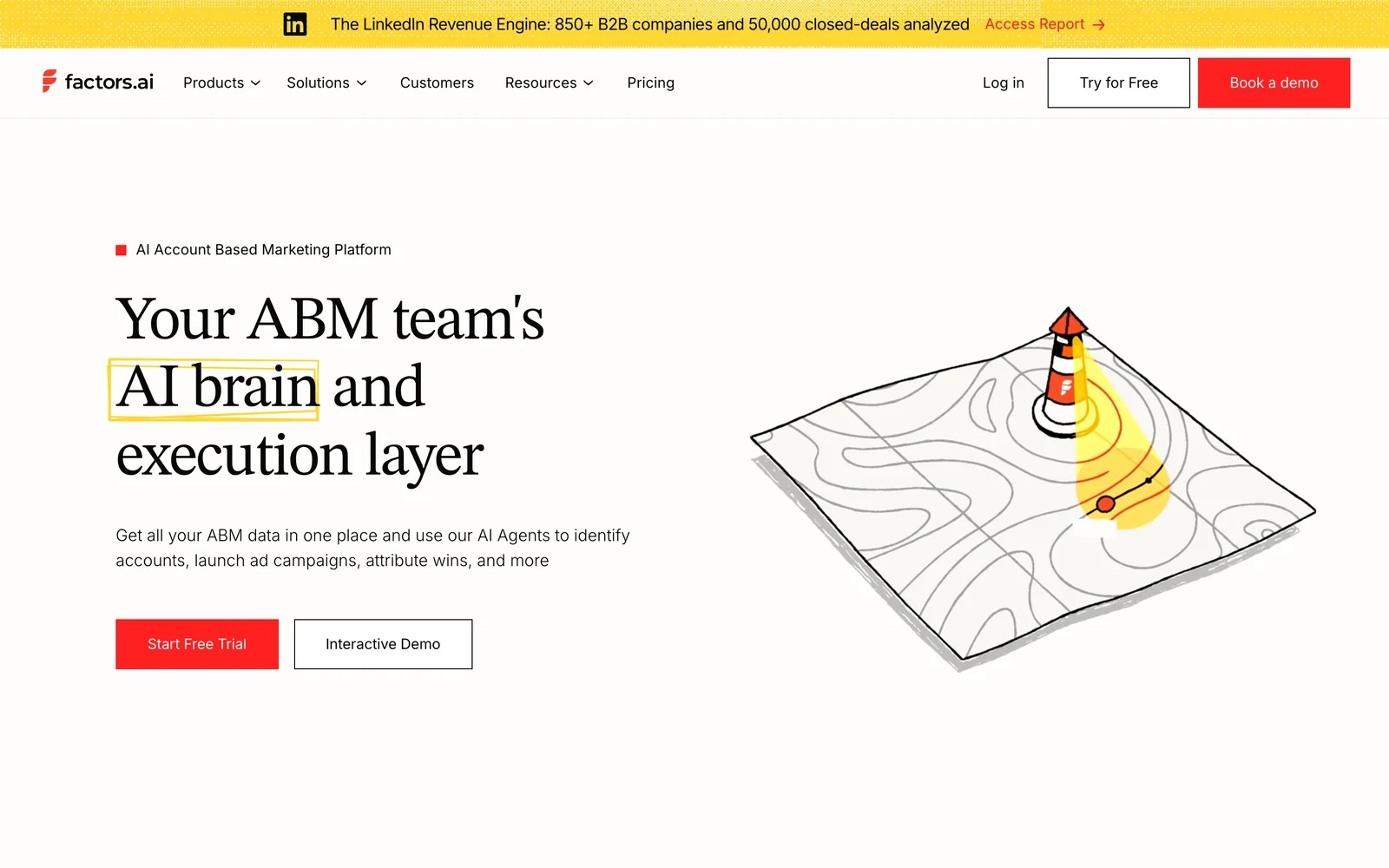
Factors.ai identifies the companies visiting your site, scores them on engagement and intent, and lays out every touch at an account in one timeline. It then ties that activity to HubSpot deals for account-level attribution.
That makes it a different answer to the HubSpot gap. You get the account view HubSpot doesn't have on any tier, plus LinkedIn ad audiences built from visiting accounts.
The account timeline is what users praise most. The friction points are company match rates for smaller businesses, a learning curve, and pricing that climbs with usage.
Reviewers describe the account timeline as the part they'd miss most. The trade-offs they mention are a learning curve on the interface and occasional delays in the HubSpot sync.
Key features
- Visiting companies are identified from their IP address before anyone fills in a form, giving B2B teams an early list of accounts showing interest.
- Each account gets a timeline of every person and touch across weeks of research, which makes long, multi-stakeholder deals far easier to follow.
- Account-level attribution connects that activity to HubSpot and Salesforce deals, so you can credit campaigns for the companies they influenced, not only the contacts they created.
- LinkedIn and Google Ads audiences can be built from engaged accounts, with spend tied back to them, helping ABM teams target the companies already paying attention.
Where it falls short
- Company matching depends on business traffic, so lead-gen businesses selling to consumers or very small companies will see low match rates.
- It doesn't track phone calls, so leads that arrive by phone need a separate tool before they appear on the account timeline.
- Costs grow as identified accounts and usage grow, which makes the monthly bill harder to predict as traffic increases.
See our list of Factors.ai alternatives if the account focus is more than you need.
What users say
"Factors shows us which companies are visiting our website and what they're looking at, before they ever fill out a form." (Source)
"Some website visitors don't get matched to a company, especially smaller companies. Pricing can also go up as usage grows." (Source)
"We’re also experiencing some delays with the HubSpot-to-Factors sync" (Source)
Pricing
- Lite: $199/mo
- Basic: $6,000/yr
- Growth: $20,000/yr
- Enterprise: from $30,000/yr. A free trial is available.
4. Dreamdata
Best for: B2B SaaS companies with long, multi-person sales cycles that want a free way to start.
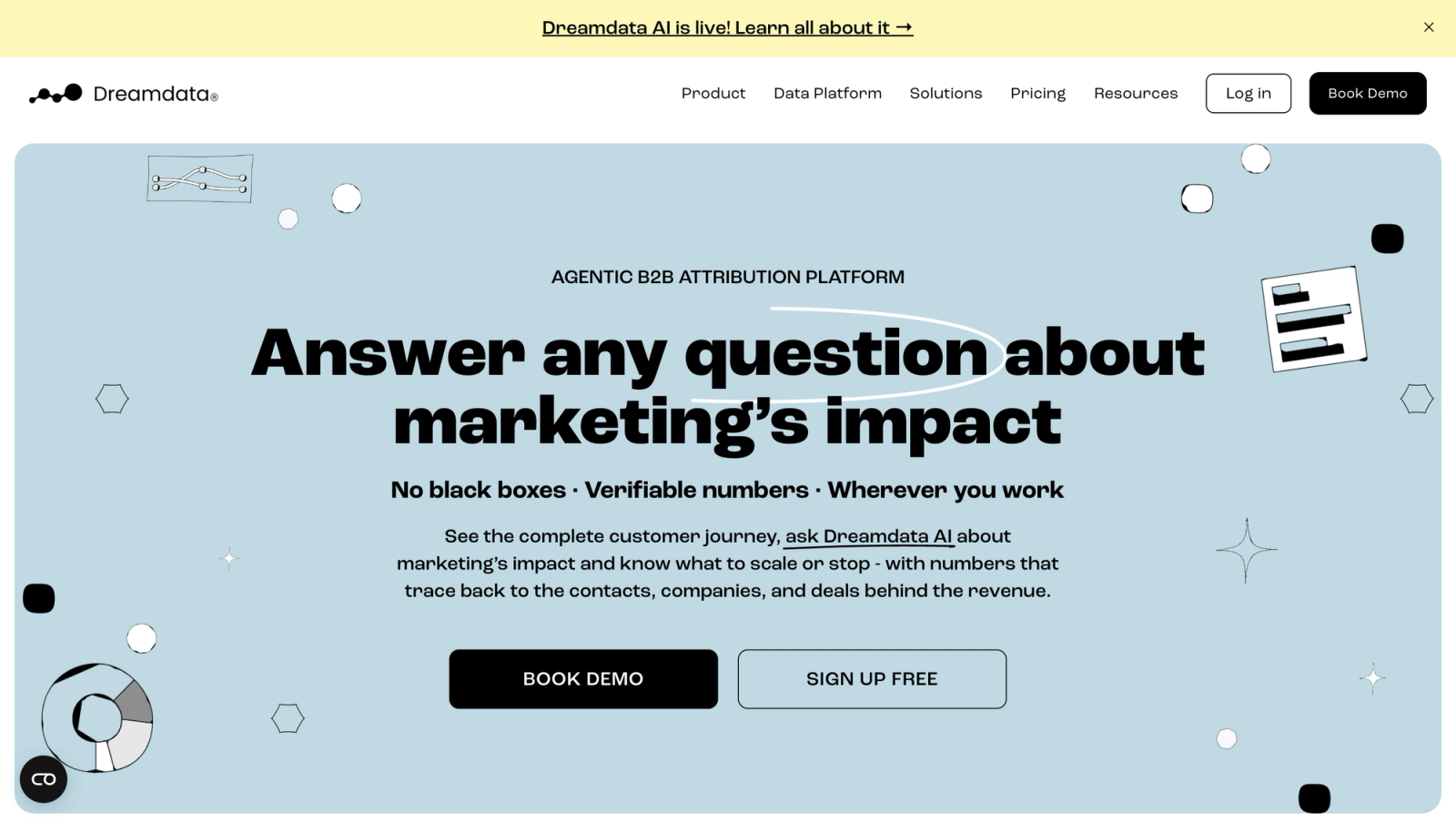
Dreamdata joins every contact's activity into a company journey and ties it to HubSpot stages from MQL to closed-won. It also identifies visiting companies and offers an AI agent and an MCP server.
We've used it on the free plan. The company journey is where it shines, and showing one account's full path to a closed deal is easy.
What took longer was finding the right report. There are many ways to look at the same data, and new teammates needed a walkthrough. Full attribution and activation sit on custom-priced plans.
Key features
- Every contact's visits, ad views and meetings at a company are joined into one account journey, so you can follow a deal across the whole buying group.
- Revenue is attributed to HubSpot lifecycle stages from MQL through SQL and opportunity to closed-won, showing which channels actually advance pipeline.
- Anonymous visits are matched to companies, which means early research by people who never filled in a form still shows up in the journey.
- An AI agent and an MCP server let you analyse the data in your own tools or ask questions in plain language without building every report.
Where it falls short
- It's built around web and CRM data, so calls and offline leads don't show up in account journeys without extra work.
- Paid plans are custom-priced, so going beyond the free tier means a sales conversation before you know the cost.
- Reports update in real time with no way to freeze a dataset, which complicates month-end and board reporting.
What users say
"Dreamdata helps me to justify where marketing budget is placed as it is directly tied back to my CRM across MQLs, SQLs, Opps, and Closed Won." (Source)
"The interface can be tricky, especially when I’m trying to show revenue impact to non-digital marketers." (Source)
"the reporting can sometimes be confusing because it’s real-time, and there isn’t a way to lock in or “stamp” a specific dataset at a given point in time." (Source)
Pricing
- Free: $0/mo with 2 months of history and 5 seats
- Attribution and Activation: custom pricing
5. Attribution App
Best for: SaaS teams that want click-level, auditable multi-touch attribution with a published price.
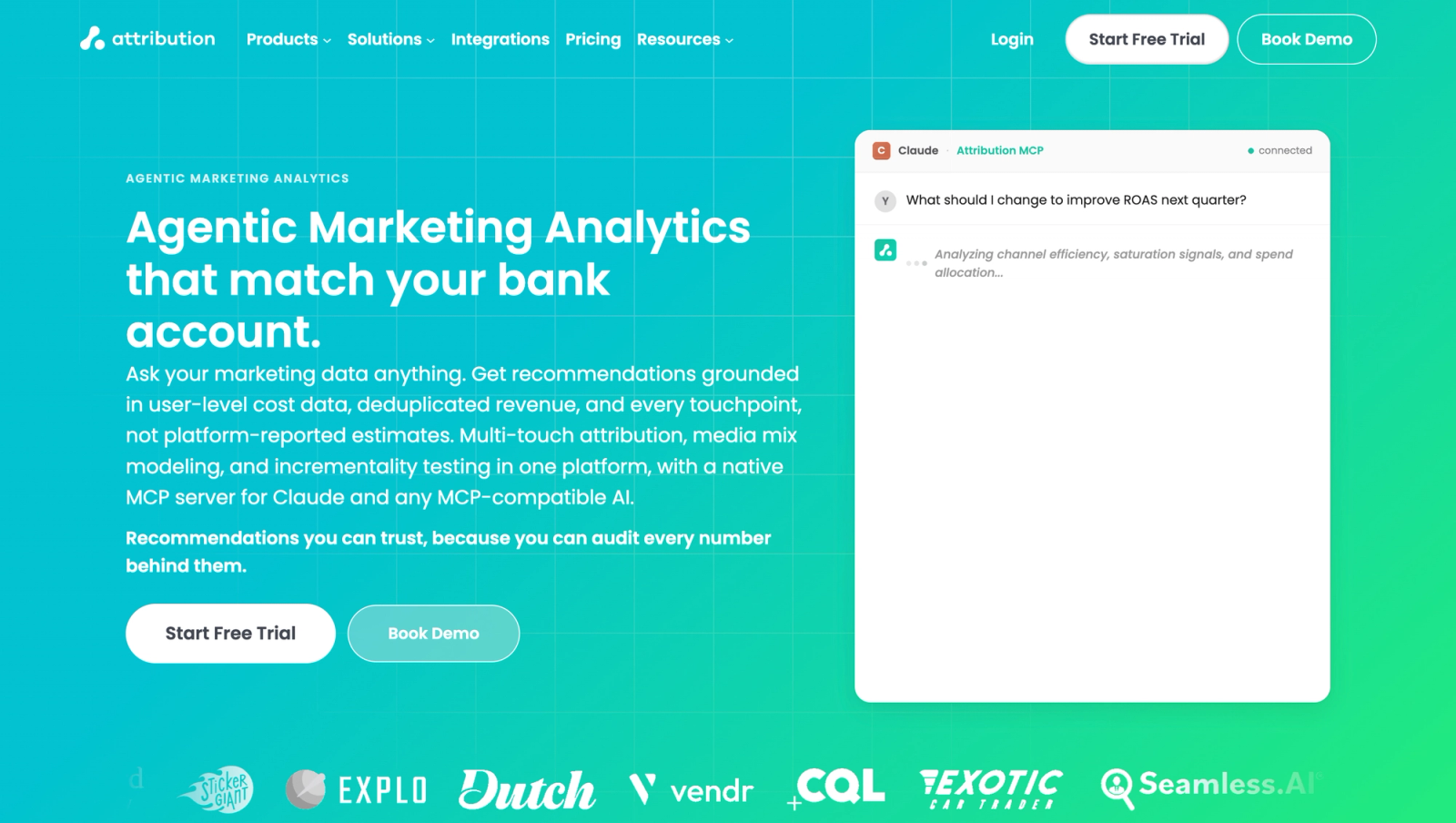
Attribution App ties every conversion to a documented click, imports ad spend down to the ad, and lets you drill from a channel to the actual people behind it. It has added media mix modeling, incrementality testing and an MCP server too.
On the trial, the drill-down was the highlight. Clicking from a channel to a campaign to individual contacts makes the numbers easy to defend in a meeting.
The HubSpot link is read-only in practice. Attribution reads deals and revenue, but it doesn't write sources back to contacts for your sales team.
Key features
- Every conversion is tied to a documented click, with configurable models and lookback windows, so each number in a report can be traced and defended.
- Ad spend is imported down to the individual ad, which lets you compare cost and ROAS at the campaign and creative level next to HubSpot deals.
- You can drill from a channel to a campaign and then to the individual contacts behind it, which makes auditing results in a meeting straightforward.
- Media mix modeling, incrementality testing and an MCP server sit on top of the attribution data for teams that want more than click-based credit.
Where it falls short
- It doesn't track phone calls, which several users have asked for, so phone-led businesses need another tool alongside it.
- Data starts from the day you install it, so there's no way to backfill attribution for campaigns that ran earlier.
- It reads deals from HubSpot but doesn't write sources back to contacts, so sales reps won't see attribution on the record.
Our Attribution App alternatives guide goes deeper on the trade-offs.
What users say
"Like many marketers, I was told that GA4 would solve my attribution problems. Not so, hence the need for a standalone solution like Attribution App." (Source)
"Their documentation is lacking and should be updated." (Source)
"it's tough to get retroactive data, so historical attribution prior to standing up attribution was tough" (Source)
Pricing
- Pro: $399/mo ($335 billed yearly) for up to 10,000 monthly tracked users
- Custom: quoted above that, with a 14-day trial
6. Usermaven
Best for: SaaS teams that want marketing attribution and product analytics in one tool.
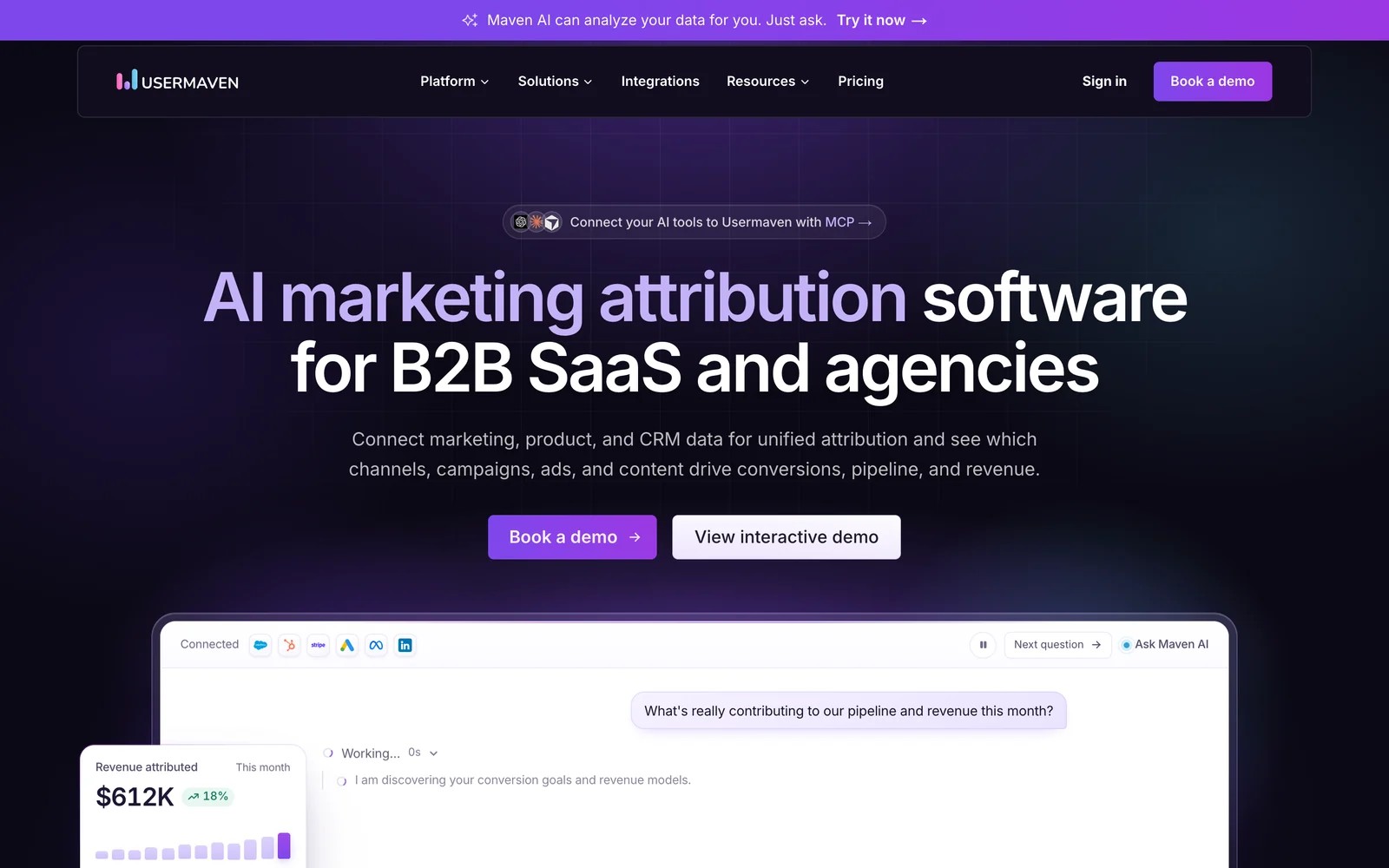
Usermaven auto-captures website and product events, runs multi-touch attribution with a window of up to 365 days, and connects to HubSpot, Salesforce, Stripe and the main ad platforms.
For a HubSpot team, it's most useful when the "deal" is really a signup or a subscription. Its product analytics, retention and cohorts give SaaS teams a view HubSpot doesn't try to offer.
It's sold through demos now, so we judged it on a walkthrough and its documentation. Reviewers trust its data more than the tools they came from, though some flag bot traffic and thin training material.
Key features
- Most clicks, page views and form interactions are captured automatically, so SaaS teams get usable data without writing a detailed tagging plan first.
- Multi-touch attribution supports lookback windows of up to 365 days, which suits products with long trials or slow buying decisions.
- Product analytics covers engagement, retention and cohorts, giving SaaS teams a view of what users do after signup that HubSpot doesn't attempt.
- Maven AI and an MCP server answer questions about your data in plain language, which helps teammates who don't want to build reports themselves.
Where it falls short
- Prices aren't published and there's no free plan, so you'll need a demo and a quote before trying it on your own data.
- It doesn't track phone calls, which leaves gaps for lead-gen businesses that close most of their deals by phone.
- Attribution stays inside Usermaven, so HubSpot contacts don't get source fields that your sales team can see and use.
What users say
"We switched to Usermaven after trying a few other attribution tools, including Cometly and the biggest difference was that we finally had attribution data we could actually trust." (Source)
"A few times I've seen spikes of traffic and suspect it to be bots." (Source)
"I wish there was more training material for the advanced stuff." (Source)
Pricing
- Business and Enterprise plans, both quoted after a demo.
7. Windsor.ai
Best for: teams with an analyst who'd rather build attribution reports in Looker Studio, BigQuery or Power BI.
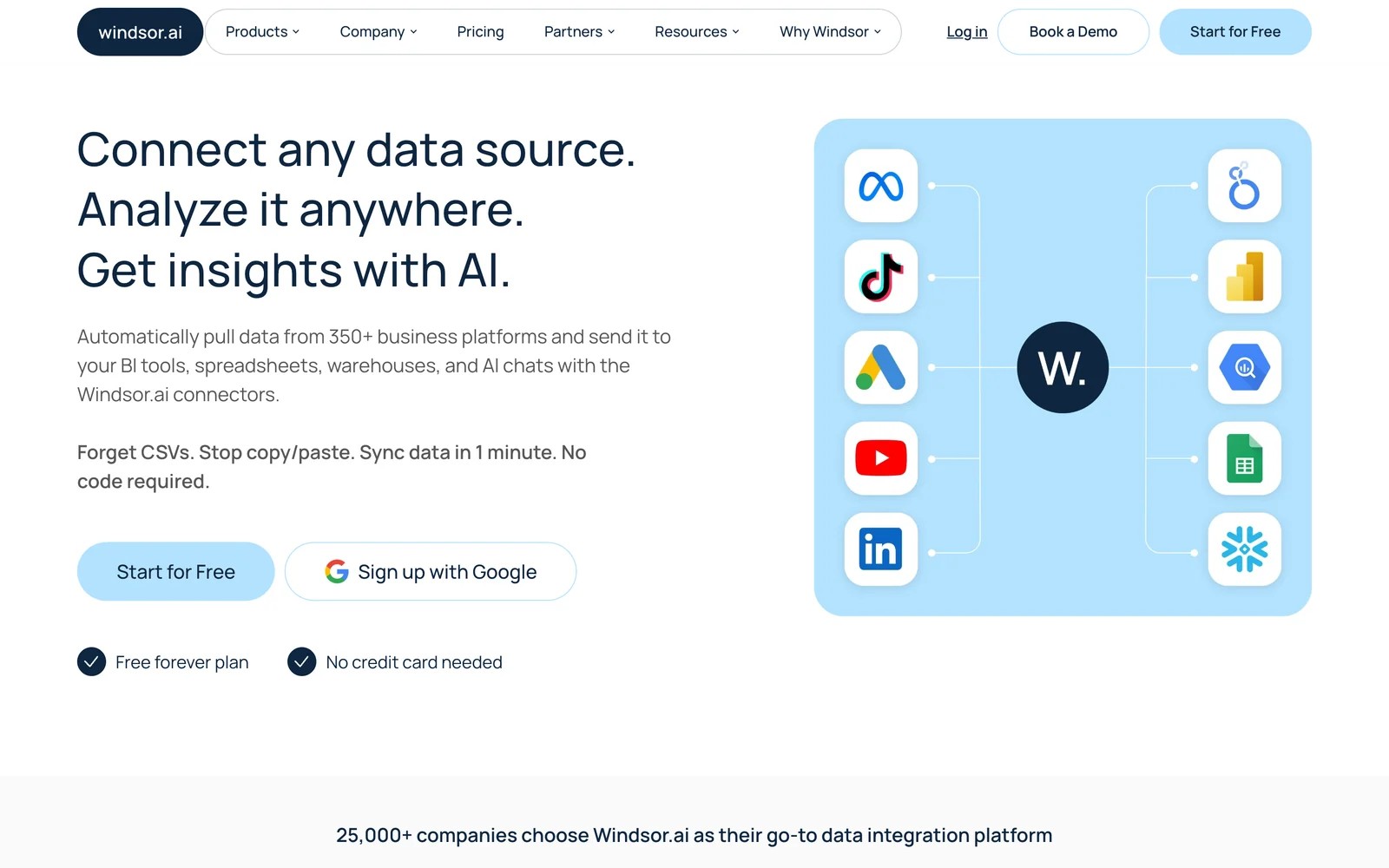
Windsor.ai isn't an attribution tool in the same sense as the others. It's a data pipeline that pulls HubSpot, ad platforms and analytics into the BI tool or warehouse you already use.
That makes it the cheapest route on this list, and the most work. You get HubSpot deals and ad spend side by side, then build the attribution logic yourself.
We tried the free plan. Connecting HubSpot and Google Ads to Looker Studio took minutes, and its MCP server lets you query the combined data from Claude. The modeling, though, was all on us.
Key features
- Hundreds of connectors pull in HubSpot, every major ad platform and GA4, putting deals and ad spend side by side without manual exports.
- Data lands in Looker Studio, BigQuery, Power BI, Google Sheets and other destinations, so analysts can work in the tools they already know.
- An MCP server lets AI assistants such as Claude query, and even act on, the connected data, which speeds up quick analysis.
- Paid plans refresh data on a schedule, keeping dashboards current, though you still build the attribution logic and models yourself.
Where it falls short
- It moves data between tools but doesn't collect visitor or lead data, so on its own it can't say where a new lead came from.
- There are no attribution models out of the box, so someone has to build and maintain the logic in a BI tool or warehouse.
- Nothing is written back to HubSpot contacts, so the attribution you build stays in dashboards and never reaches the CRM record.
What users say
"The most helpful part of Windsor.ai is its ability to connect multiple marketing data sources quickly and reliably." (Source)
"Some configurations can take time to fully understand, especially when setting up custom data pipelines or advanced transformations." (Source)
"The interface could be modernized and polished compared to industry tools." (Source)
Pricing
- Free: one data source
- Basic: $23/mo ($19 billed yearly)
- Standard: $118/mo ($99 yearly)
- Plus and Professional: $299 and $598/mo, with a 30-day trial
How to choose
Start with what HubSpot can't tell you today.
1. What's the missing answer?
- Revenue by campaign, without Enterprise: SourceLoop. It suits lead generation businesses, agencies and SaaS teams, and sends good leads and deals back to the ad platforms too.
- Which accounts are engaging: Factors.ai or Dreamdata.
- Which calls came from which ads: Ruler Analytics, or SourceLoop with your existing call tracking.
2. Who will use the data?
- Sales reps in HubSpot: pick a tool that writes back to the contact, such as SourceLoop, Ruler or Factors.ai.
- An analyst in a BI tool: Windsor.ai.
- A SaaS growth team watching signups and retention: Usermaven or Attribution App.
3. What's the budget next to an upgrade?
- Compare every option with the $3,600/mo Enterprise tier. Most cost far less, and you keep your current HubSpot plan.
If you're also cleaning up campaign tagging, our guide to UTM tracking in HubSpot is a good next step.
Frequently asked questions
-
Does HubSpot have multi-touch attribution?
Yes, but only partly below Enterprise. Marketing Hub Professional includes contact create attribution. Deal create and revenue attribution, which credit deals and closed revenue to marketing touches, need Marketing Hub Enterprise.
-
How much does HubSpot attribution cost?
Contact attribution comes with Marketing Hub Professional. Deal and revenue attribution need Marketing Hub Enterprise, which starts at $3,600 a month as of November 2026.
-
Can I use an attribution tool alongside HubSpot?
Yes. Every tool on this list works next to HubSpot. SourceLoop, Ruler and Factors.ai also write attribution data back to HubSpot records so sales can see it.
-
What is the cheapest HubSpot attribution alternative?
Windsor.ai has a free plan and paid plans from $19 a month, but you build the reports yourself. SourceLoop starts at $49 a month, and deal and revenue attribution from the HubSpot sync comes with the $99 Professional plan.
-
Which alternative tracks phone calls into HubSpot?
Ruler Analytics has call tracking built in. SourceLoop ties calls from CallRail, CallTrackingMetrics, Invoca or Mediahawk to the visitor's source. Both push that source to the HubSpot contact.
-
Will I lose my HubSpot attribution data if I add another tool?
No. Adding a tool doesn't change HubSpot's own reports or original source properties. Most new tools only start collecting from the day you install them, so run both side by side for a while.




 Paid Social


