
7 Ruler Analytics Alternatives for Call and Lead Tracking
Seven Ruler Analytics alternatives, sorted by which part of Ruler you actually need: call tracking, CRM revenue or lead source data.
Table of contents
Ruler Analytics bundles three things into one subscription: call tracking, lead source capture and closed-loop revenue reporting. Most teams I talk to only lean on one or two of them.
That's the useful question when you're looking at alternatives. Which part of Ruler do you actually use every week?
In this guide, I'll go through seven tools, each mapped to the piece of Ruler it replaces, with real pricing and what users say about them.
How this list was put together
I signed up for every alternative that offers a trial or free plan: CallRail, WhatConverts, CTM, Dreamdata and Attributer. HockeyStack only sells through demos, so that section leans on its walkthrough, documentation and teams I know who run it. Ruler itself doesn't offer a trial, so its section draws on its pricing page, docs and user reviews.
Many of the brands and agencies we work with switched to or away from Ruler, and their reasons set the criteria. Quotes come from public reviews on G2 and Capterra. For each tool I checked:
- Whether it tracks phone calls itself or relies on another tool
- Whether it reads closed revenue back from the CRM
- How pricing scales with traffic, numbers or leads
- How long it takes to get the first trustworthy report
SourceLoop is our product. It was judged against the same checklist as everything else here, and its section is clear about where it falls short.
Last checked November 2026. Confirm current pricing with each vendor.
What Ruler does well, and why people leave
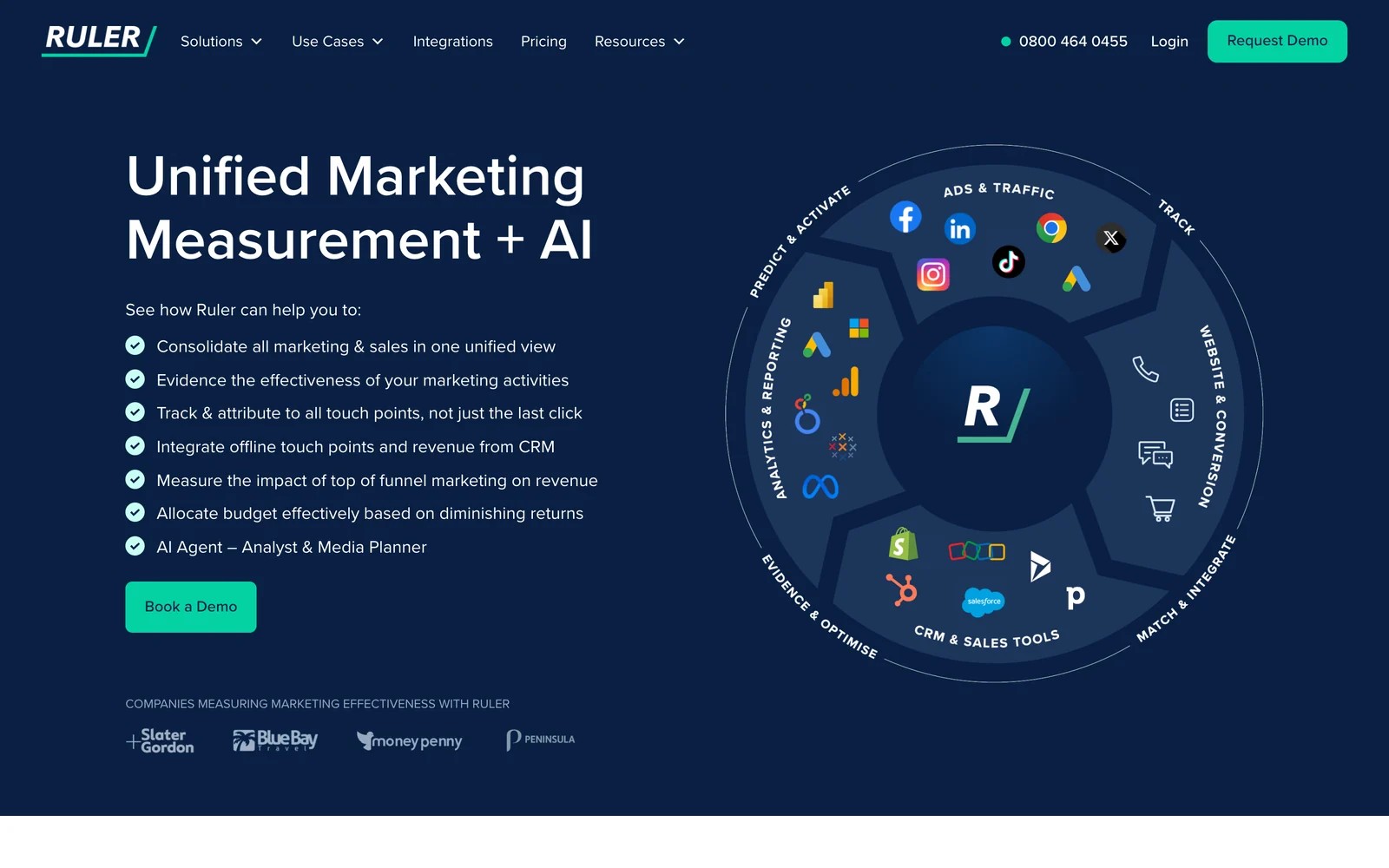
Ruler's strength is joining a lead's whole path, including phone calls, to the revenue it eventually produced. Agencies especially like being able to show a client which keyword led to a call that became a sale.
"Finally being able to match multiple clicks to forms AND calls leads is really valuable for me and my agency." (Source)
Ruler's pricing page starts at £299 a month for up to 10,000 monthly visits, with every plan sold through white-glove onboarding and no trial. Marketing mix modeling and its AI agent sit on the Advanced plan, from £1,499 a month.
The friction shows up in setup and commitment:
"terms when you are locked in a 12 month contract is insane and the tech is hard to set up (tool almost 3 weeks)." (Source)
"you can only see first and last click of the user journey" (Source)
If you want more on the cost side, our Ruler Analytics pricing breakdown covers every tier.
Ruler Analytics alternatives compared
Here's how the 7 Ruler Analytics alternatives compare on the piece of Ruler they replace, pricing and how you can start, as of November 2026.
| Tool | Replaces this part of Ruler | Phone numbers built in | Revenue from the CRM | Paid plan from | Trial or free plan |
|---|---|---|---|---|---|
 SourceLoop SourceLoop | Lead source, journeys and CRM revenue | Via CallRail, CTM, Invoca | Yes | $49/mo | Yes |
 CallRail CallRail | Call tracking | Yes | Partly | $50/mo | Yes |
 WhatConverts WhatConverts | Calls, forms and lead values | Yes | Manual values | $30/mo | Yes |
 CTM CTM | Call tracking and routing | Yes | Partly | $65/mo, yearly | First month free |
 Dreamdata Dreamdata | B2B revenue reporting | No | Yes | Quote | Yes |
 HockeyStack HockeyStack | B2B revenue reporting | No | Yes | Quote | No |
 Attributer Attributer | Lead source in the CRM | No | In your CRM | $29/mo | Yes |
The 7 best Ruler Analytics alternatives
Each one starts with the part of Ruler it replaces, so you can skip to the job you care about.
1. SourceLoop
Best for: lead generation businesses, agencies and SaaS teams that want Ruler's closed loop, from first visit to won deal, without a long onboarding or annual commitment.

SourceLoop is a lead source and marketing attribution tracking tool. It records where each visitor came from, keeps that source on the lead when they fill in a form, call, chat or book a meeting, then follows the lead into your CRM and reads the deal back.
The main difference from Ruler is the setup model. You install one script, connect your CRM and ad accounts yourself, and the first reports fill in the same day. There's no phone number pool of its own; calls come in through the call tracking tool you already run.
Key features
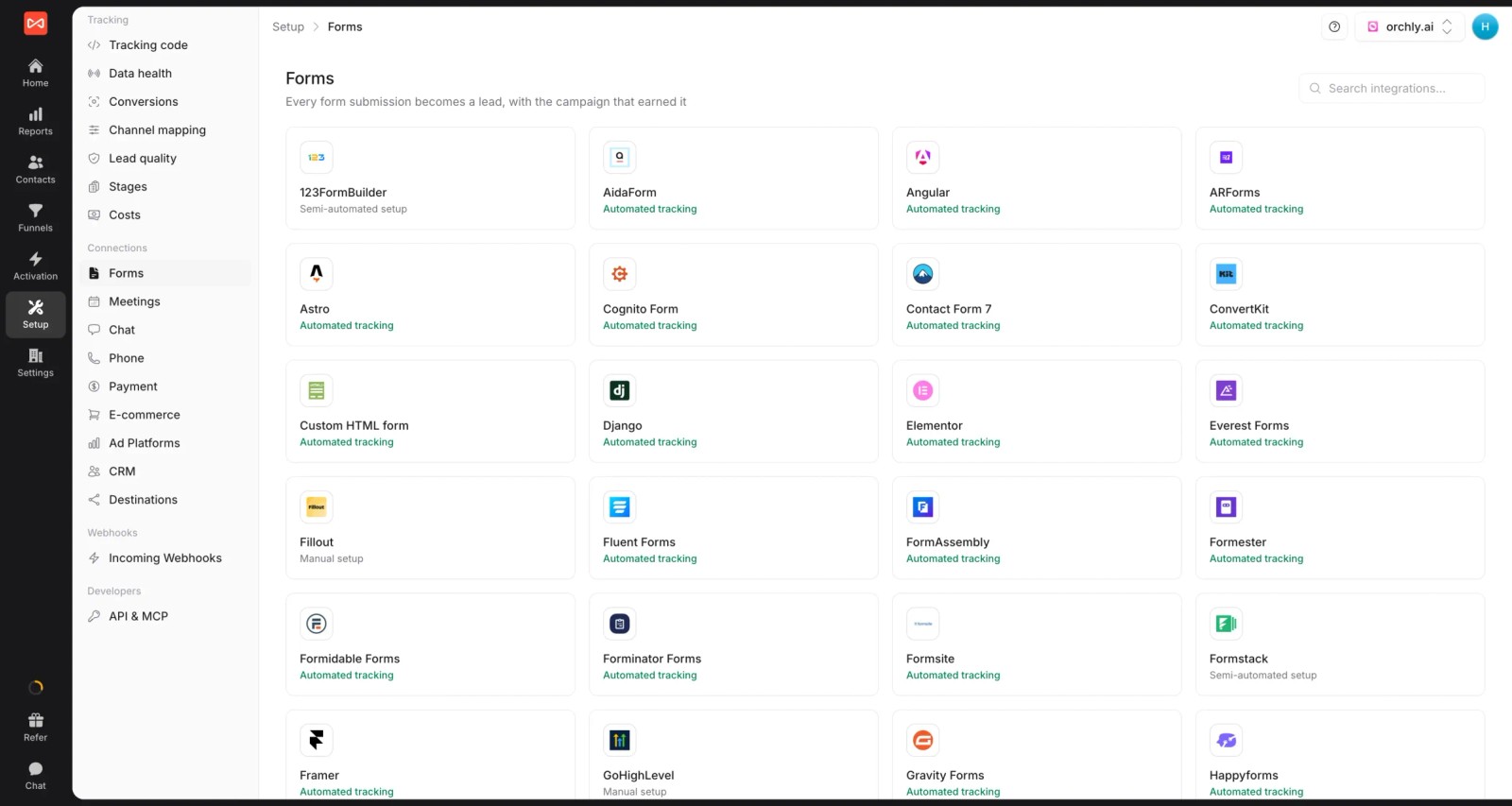
- Every lead source captured: around 70 form, chat, meeting and call integrations, from Gravity Forms and Calendly to CallRail, CTM, Invoca and Mediahawk.
- Full journey on every lead: each visit, ad click and landing page before the conversion, with first and last touch side by side. Ruler's first-and-last view is one of its common complaints.

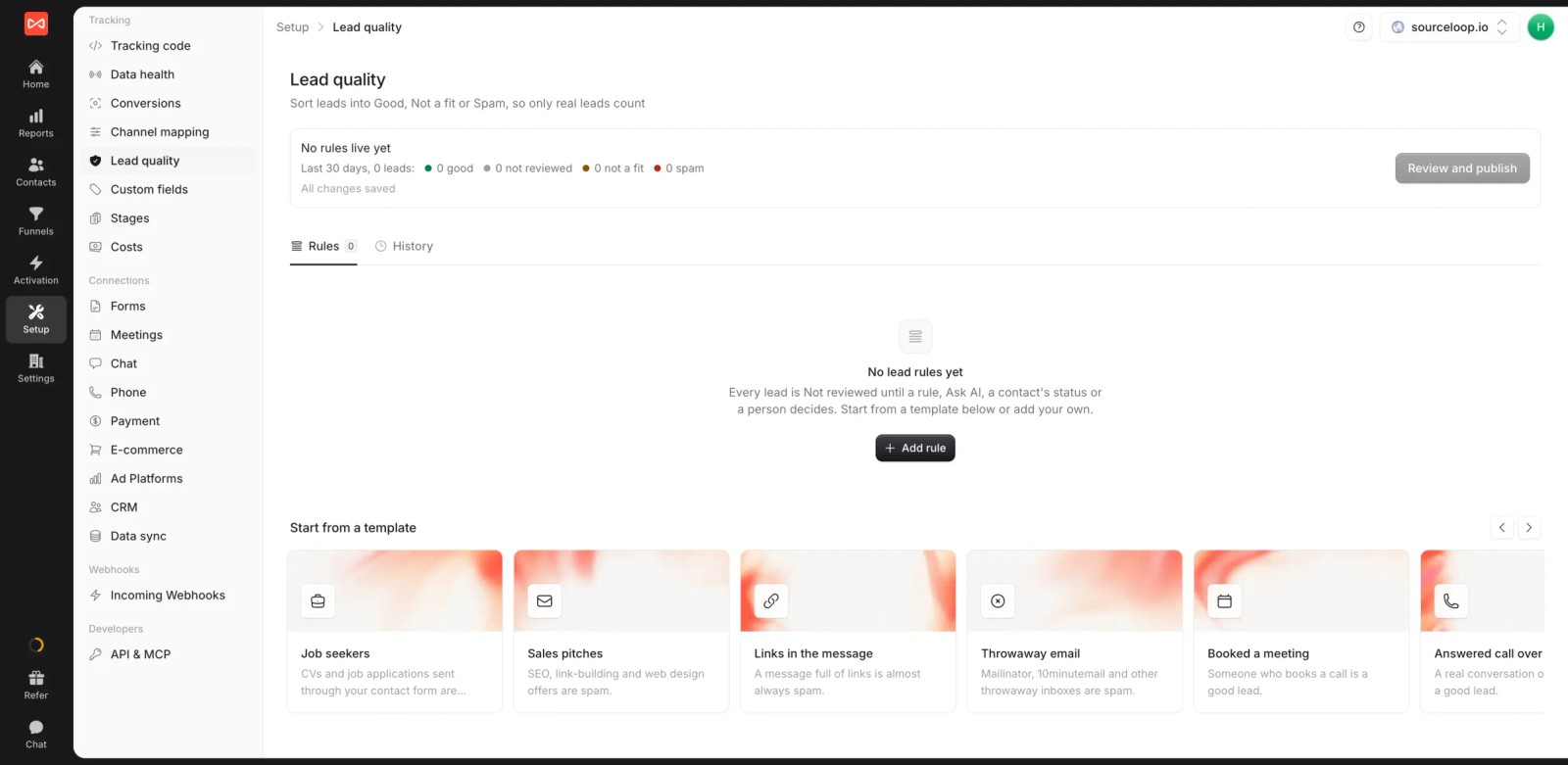
- Lead quality rules: templates like "Answered call over 60 seconds" or "Booked a meeting" mark leads Good, and spam or job seekers get filtered out of reports. See how lead quality works.
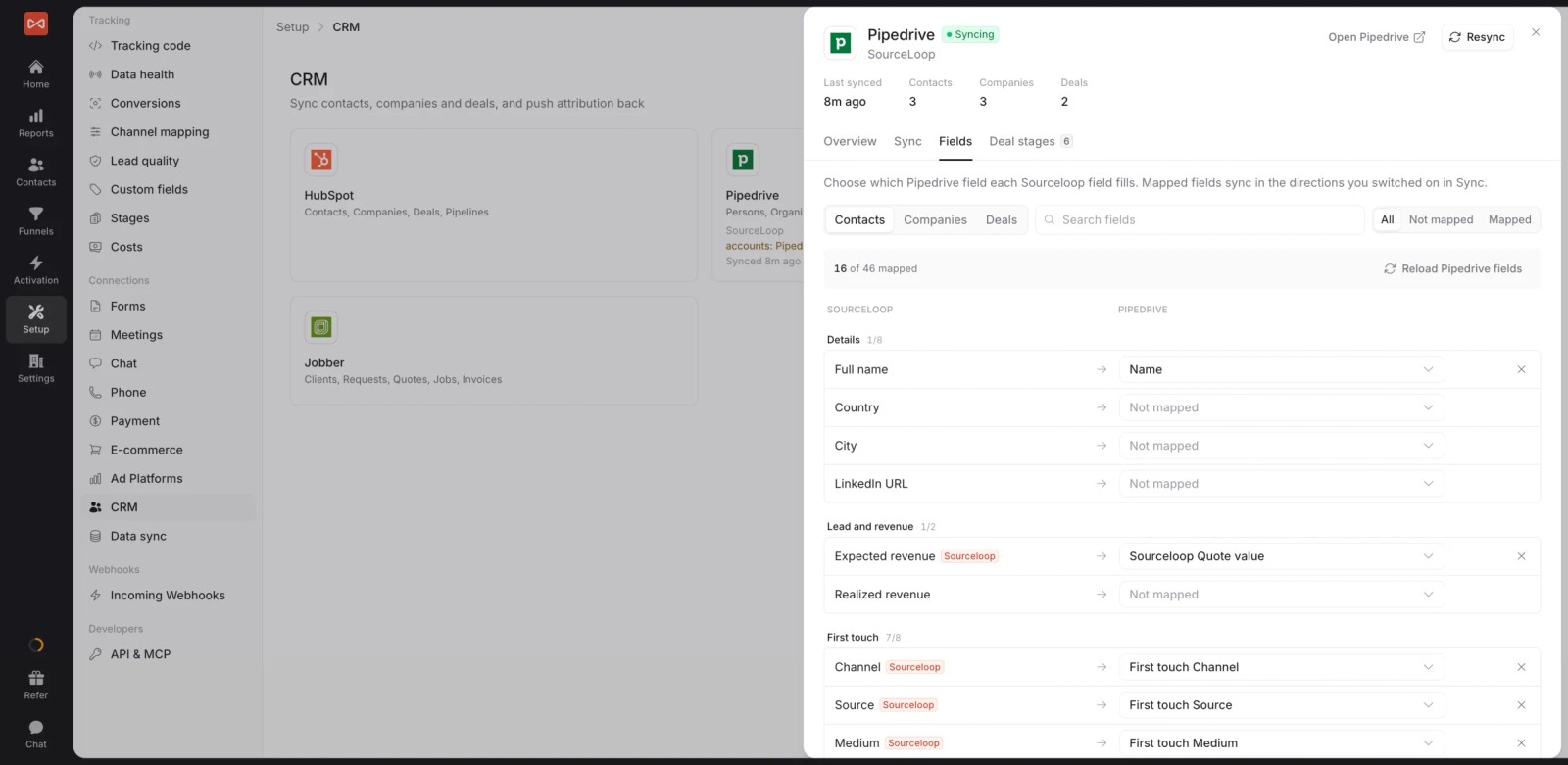
- Two-way CRM sync: HubSpot, Salesforce, Pipedrive and Jobber get first-touch source, medium and campaign on each record, and stages and won deals come back for revenue reports.
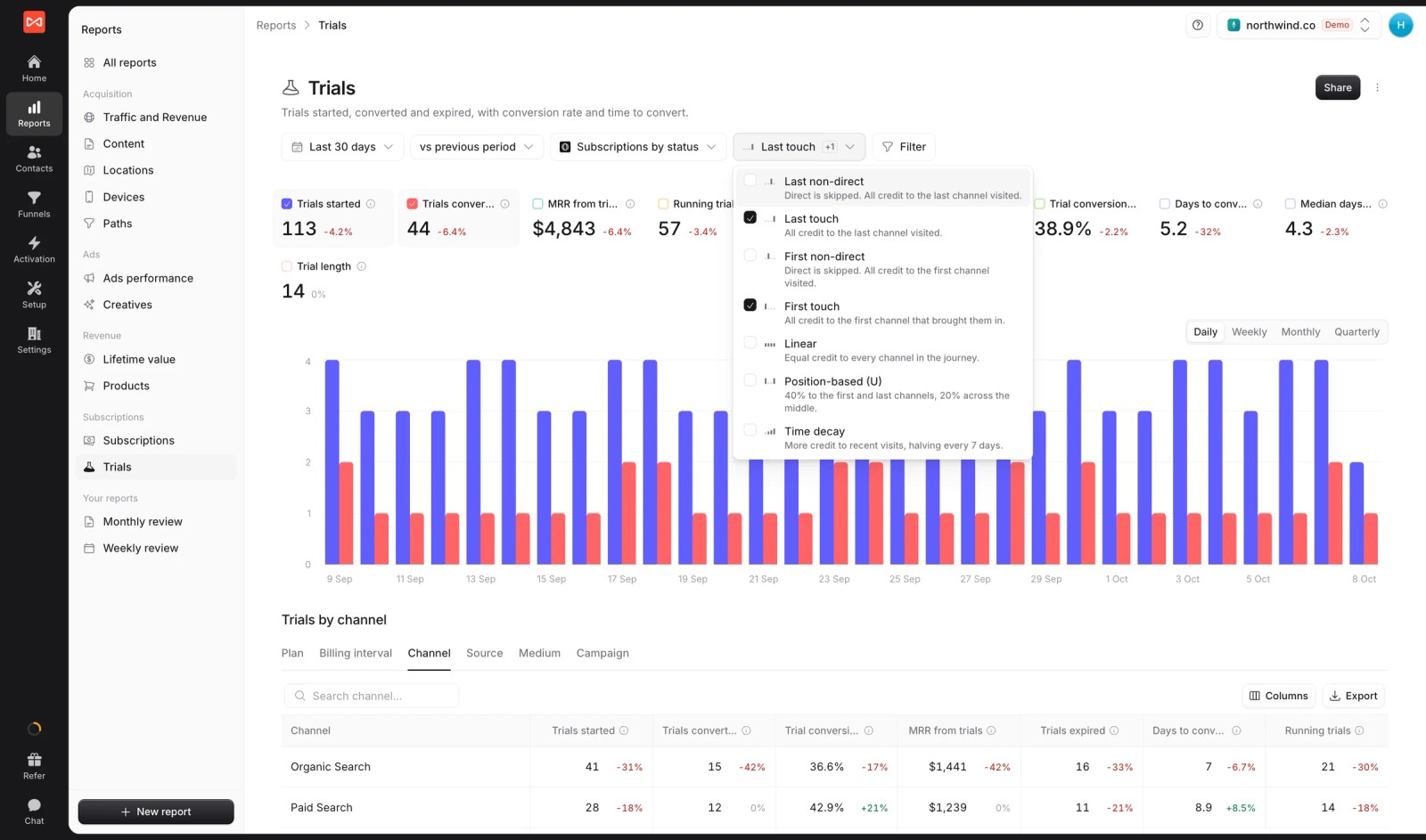
- Seven attribution models: first and last touch, first and last non-direct, linear, U-shaped and time decay, on leads, stages, deals or revenue.
- Conversion sync: good leads and won deals go to Google Ads, Meta, Microsoft Ads and ChatGPT Ads with their value, through server-side conversion sync.

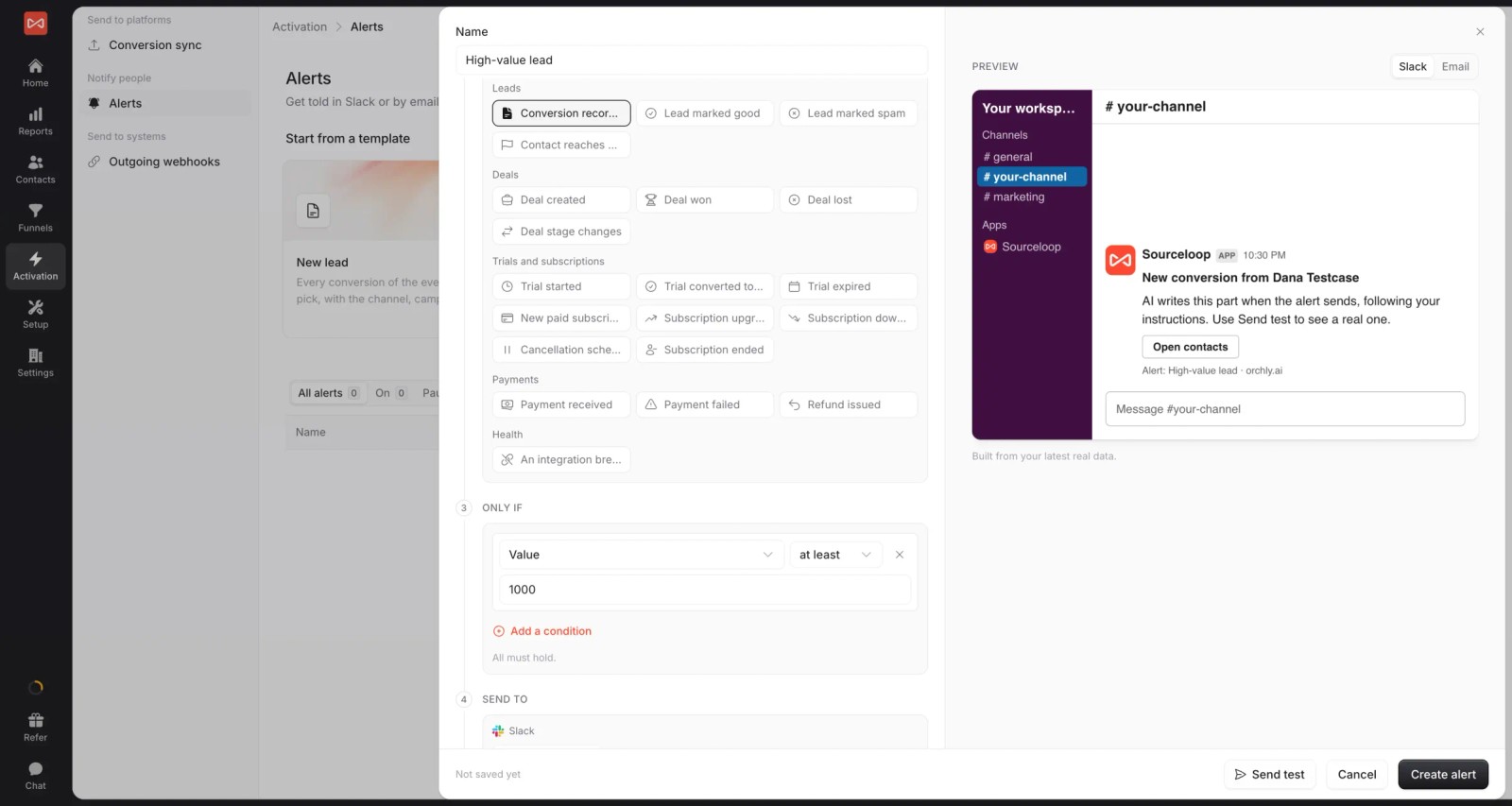
- Alerts and custom reports: post qualified calls or weekly cost per lead to Slack, and share live reports with clients or leadership.
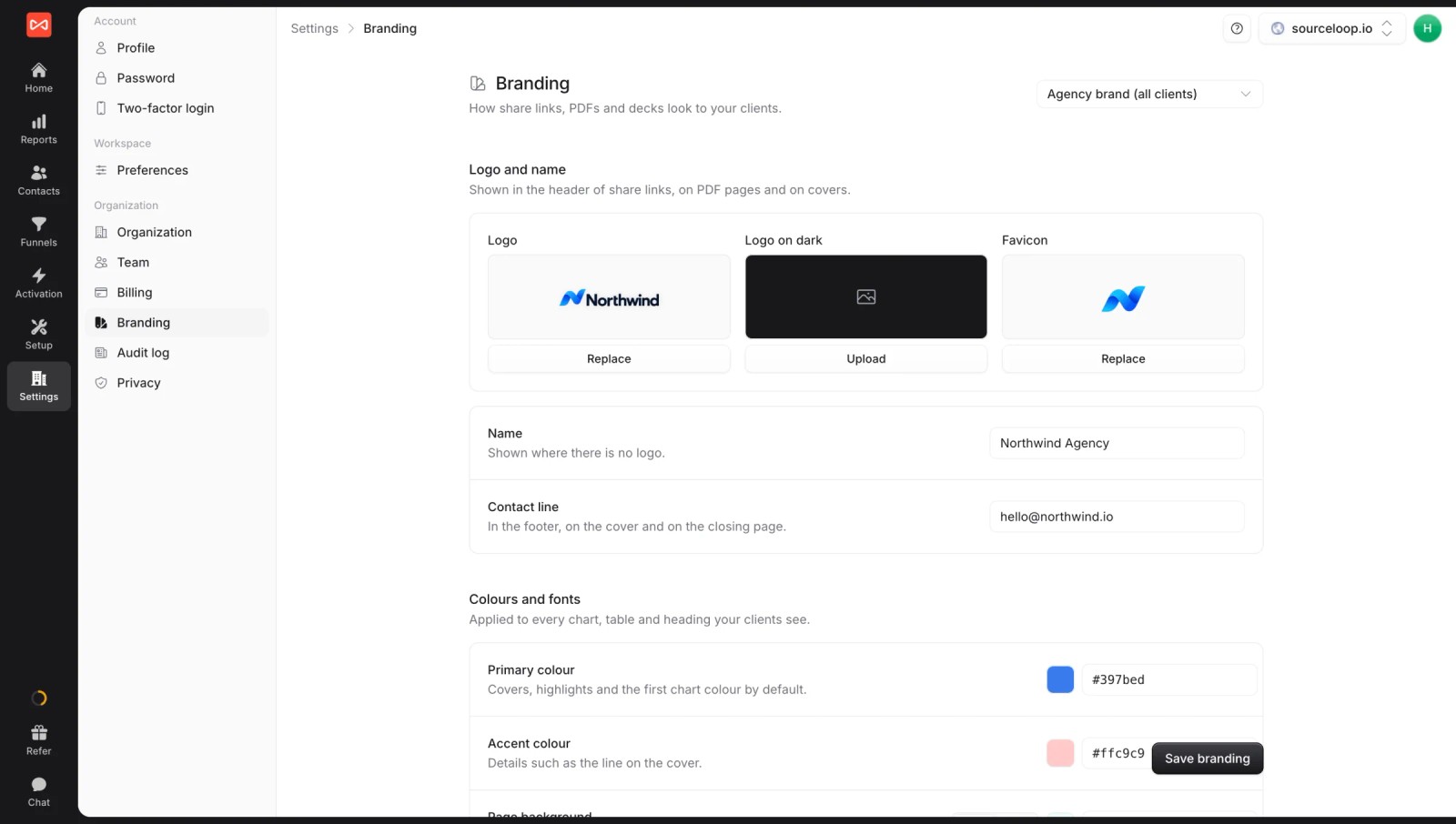
- Multiple websites and white label: run several sites under one login with your own branding. If you're an agency, every client gets a branded workspace.
Where it falls short
- It doesn't issue tracking numbers. You'll need CallRail, CTM, Invoca or Mediahawk for dynamic call tracking.
- There's no marketing mix modeling. Ruler's Advanced plan includes MMM, SourceLoop doesn't.
Pricing
- Essential: $49/mo for one site and 30,000 page views, with tracking, attribution reports, lead quality rules and alerts
- Professional: $99/mo for 100,000 page views and unlimited users, adding CRM sync, conversion sync to the ad platforms, the API and MCP
- Agency: $249/mo for three sites and 1.5 million page views, adding white label reporting
- Unlimited conversions and a 7-day trial, billed monthly. Ruler starts at £299 a month.
Verdict: if you mainly used Ruler to connect leads to revenue, SourceLoop does that job with less setup and more visible journeys. Keep or add a call tracking tool if phone numbers are central to your business.
2. CallRail
Best for: businesses that mostly used Ruler for its call tracking and want the most familiar phone attribution tool on the market.
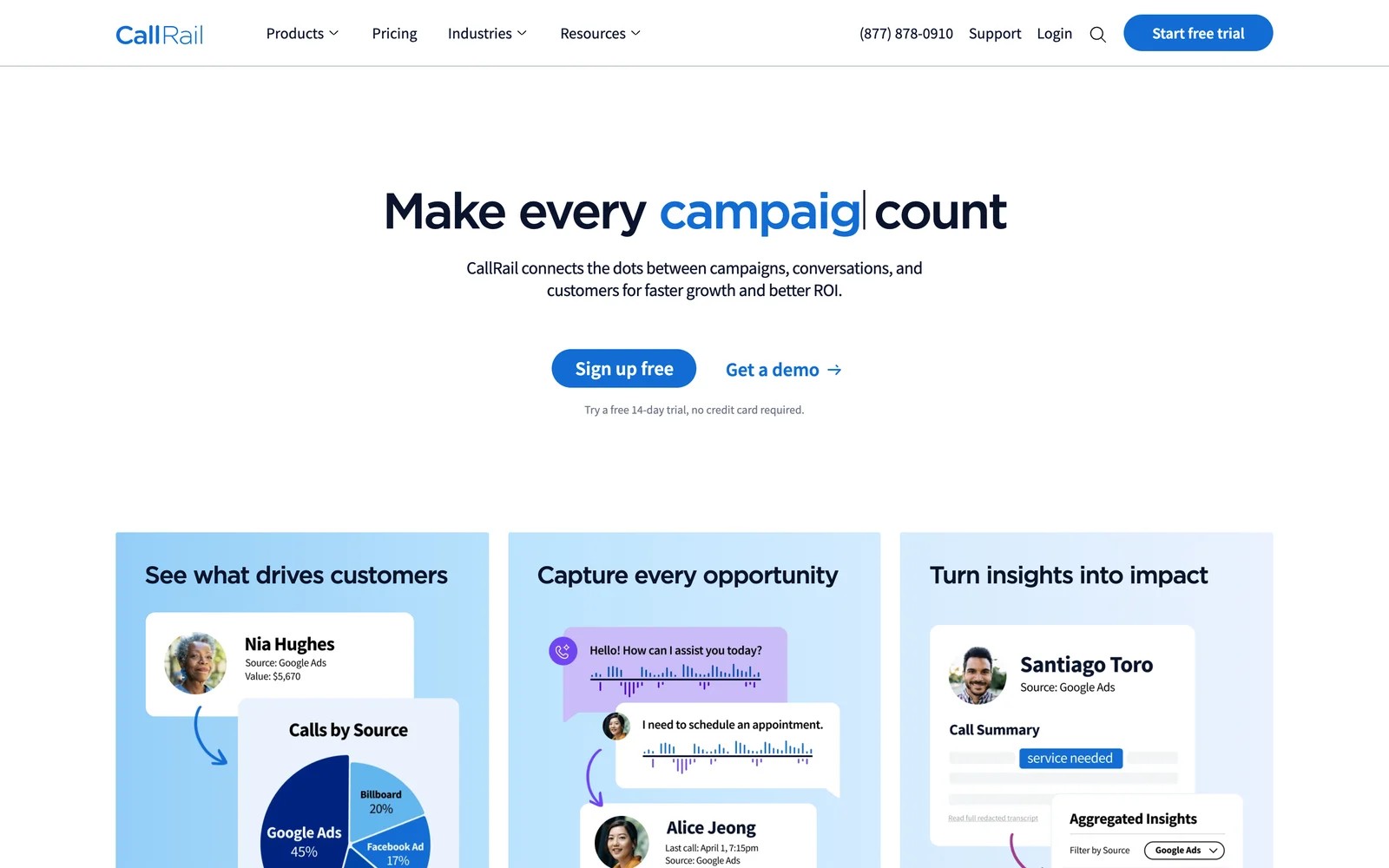
CallRail is the call tracking tool most agencies already know. It swaps phone numbers on your site per visitor or campaign, records and transcribes the call, and ties it to the ad, keyword or page that produced it.
When I started the 14-day trial, the signup asked for no card, and the first tracking number was live within a few minutes. The number pool setup is where you slow down. Deciding how many numbers a keyword pool needs takes some thought, and small sites end up paying for more numbers than feels necessary.
The call log is the part clients understand straight away. Every call shows its source, duration and recording, and the AI summary tells you whether it was a booking, a quote request or spam without listening to all of it.
What it doesn't do is follow the lead into a long sales cycle. It can push calls to a CRM, but revenue reporting stays shallow compared with Ruler's closed loop.
Key features
- Dynamic number insertion swaps numbers per visitor or campaign, so each call is tied to the exact ad, keyword or landing page that drove it.
- Conversation intelligence transcribes and summarizes calls, then tags them automatically, which saves teams from listening to every recording to judge lead quality.
- Form tracking on the Complete plans puts calls and form fills in the same lead view, so you can compare channels across both.
- Client accounts and user logins let agencies give each client access to their own calls without exposing other accounts.
Where it falls short
- Revenue reporting is shallow, so it can't show which campaigns produced closed deals over a long sales cycle the way Ruler can.
- Usage billing on numbers and minutes makes monthly costs hard to predict, especially for agencies passing costs on to clients.
- Journeys focus on the call itself, so earlier visits and touches before the call are mostly invisible.
What users say
"Helps tremendously to track leads and create unique phone numbers for each campaign" (Source)
"If you have a complicated marketing system, CallRail can get overwhelmed with the dynamic number insertion and may provide contradictory information between \"Sources\" and \"Numbers\"." (Source)
"I find the pricing structure kind of tough on clients because billing is based on usage, not necessarily a flat price, and it can be confusing." (Source)
Pricing
- Lead Tracking: $50/mo with 5 numbers and 250 minutes
- Lead Tracking Complete: $95/mo, adding form tracking
- Lead Conversion and Complete: $150 and $195/mo, adding AI conversation tools. Usage is billed on top, with a 14-day trial.
3. WhatConverts
Best for: agencies and local businesses that want calls, forms and chats in one lead log, with a value on each lead.
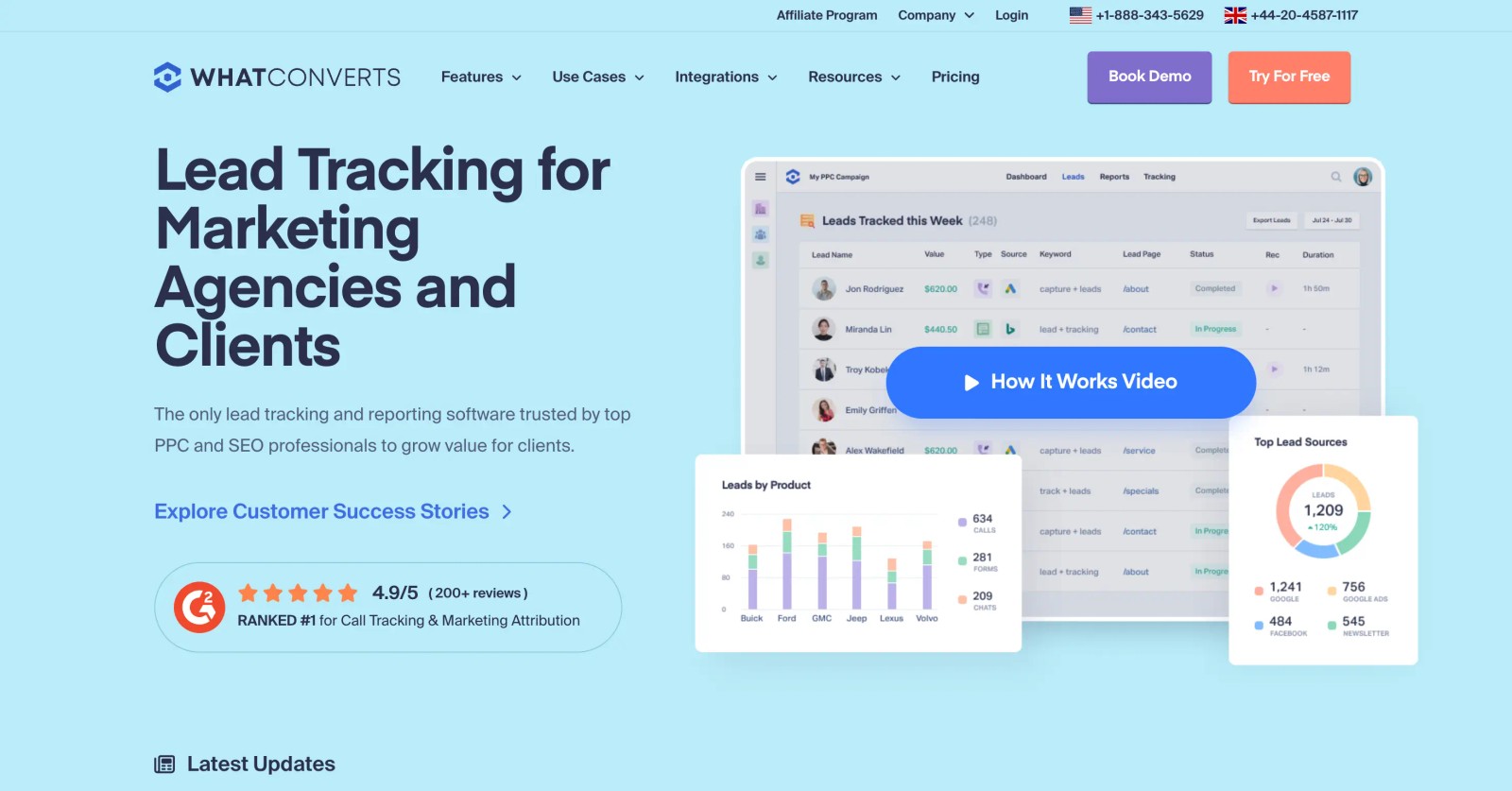
WhatConverts sits between CallRail and Ruler. It tracks calls, forms and chats, tags each lead with its source and keyword, and lets you add a quote or sale value so you can report on revenue.
I set it up on the trial with a test form and a tracking number. The lead log came together quickly, and having calls and form fills in one list, each with a source, made it obvious why agencies like it for client reporting.
The revenue part needs discipline. Values are entered by hand or imported, so it's only as good as the team updating them. There's no automatic pull of deal stages the way Ruler reads a CRM.
Key features
- Calls, forms and chats land in a single lead log per account, each with the source, keyword and landing page attached.
- Quote and sale values can be added to leads, turning the lead log into a simple revenue report without a full CRM integration.
- Agency plans include unlimited client accounts, so adding a new client doesn't mean adding another subscription.
- Lead values can be sent to Google Ads as offline conversions, so bidding learns which leads were actually worth money.
Where it falls short
- Revenue depends on values typed in or imported, so reports drift whenever the team stops updating them.
- It doesn't read CRM pipeline stages, so long B2B sales cycles are hard to report on accurately.
- Live support can be hard to reach, according to several recent reviews.
What users say
"The most important thing for us is being able to track calls, form submissions, facebook leads, Leadpage/unbounce submissions, and chats - WhatConverts allows us to do this all." (Source)
"My main wish is still deeper CRM-style functionality wuth pipeline stages, follow-up tracking, and automation" (Source)
Pricing
- Call Tracking: $30/mo, calls and texts only
- Plus, Pro and Elite: $60, $100 and $160/mo
- Agency plans: from $500/mo for unlimited accounts, with a 14-day trial
4. CTM (CallTrackingMetrics)
Best for: teams that need call tracking plus routing, IVR and a phone system their sales team can work from.
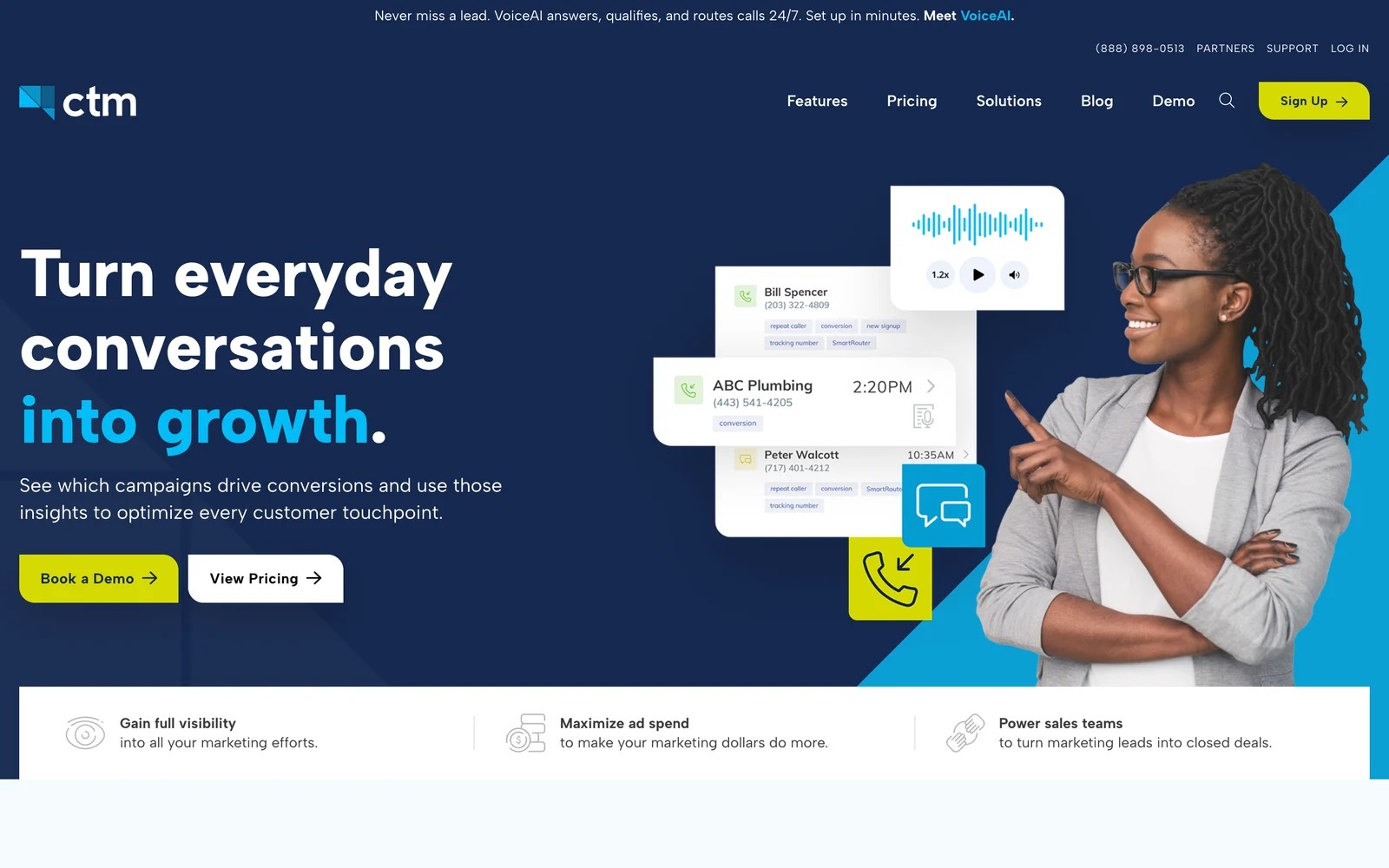
CTM, formerly CallTrackingMetrics, goes further than call tracking. It routes calls, runs IVR menus, records and scores conversations, and now offers a VoiceAI agent that answers and qualifies calls around the clock.
What surprised me on signup was the pricing model. Plans include unlimited users, and the first month carries no plan fees, but usage for numbers and minutes is billed on top. That's generous for a sales team and harder to budget for a marketing team.
There's a lot to switch on. The setup wizards help, but I found myself in settings for routing and call scoring that a marketer replacing Ruler for attribution may never touch.
Key features
- Calls and texts are attributed to their source, with integrations for Google Ads, Microsoft Ads, Google Local Services and GA4.
- Call routing, IVR menus and agent call handling let sales teams work calls inside the same tool that tracks them.
- Call scoring and AI transcript analysis help mark qualified calls and send them as conversion events to ad platforms.
- Unlimited users on every plan suit larger teams where many people need access to calls and recordings.
Where it falls short
- The depth of phone system features adds setup time that a marketing team focused on attribution doesn't need.
- Usage-based billing on numbers, minutes and texts makes monthly spend hard to forecast or audit.
- Revenue attribution beyond the call relies on CRM integrations rather than a built-in closed-loop report.
What users say
"CallTrackingMetrics serves as the cornerstone of our attribution mechanics." (Source)
"Because costs are split across tracking numbers, minutes, texts and premium features, it's a bit difficult to easily forecast or audit our monthly expenses." (Source)
"Steeper learning curve than simpler competitors. Advanced settings can initially feel overwhelming." (Source)
Pricing
- Marketing Lite: $65/mo billed yearly, plus usage
- Marketing Pro: $149/mo; Sales Engage: $274/mo
- Enterprise: $1,999/mo plus usage. The first month has no plan fees.
5. Dreamdata
Best for: B2B companies that used Ruler for revenue reporting and need account-level journeys across long sales cycles.
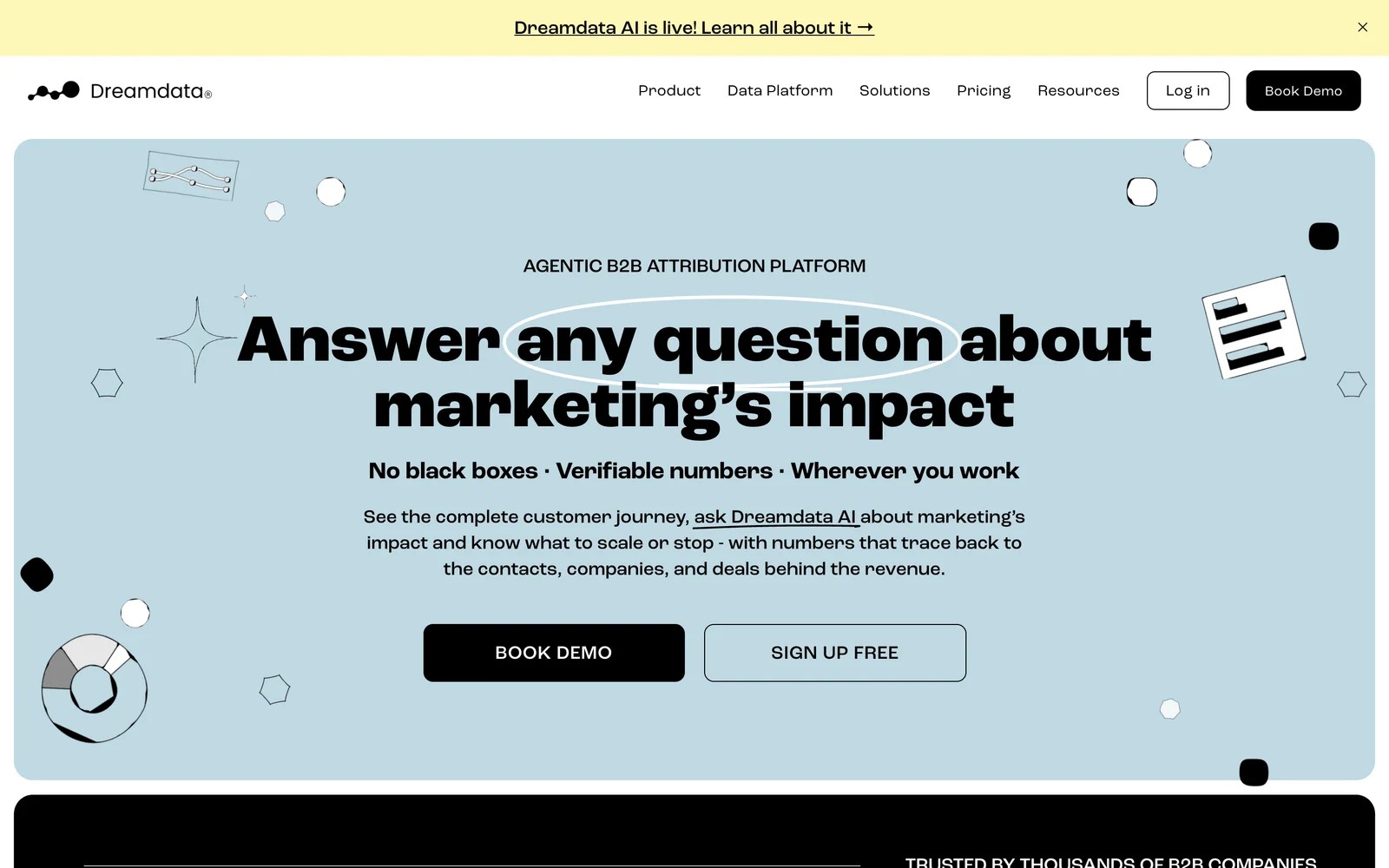
Dreamdata builds a timeline for every company, joining each contact's visits, ad views and meetings, then credits CRM revenue to the accounts and channels behind it.
I've used it on the free plan. The company timeline is the part I kept going back to: a deal with several stakeholders reads like a story, with every touch in order. It also identifies companies from anonymous visits, which Ruler doesn't attempt.
Getting comfortable took a while. There are many ways to slice the same data, and I needed a few sessions to find the report I wanted. And phone calls are out of scope, so it doesn't replace Ruler's call tracking at all.
Key features
- Account timelines join every contact and touch at a company, which makes long, multi-person B2B deals much easier to explain.
- Revenue attribution runs across CRM stages, from first meeting to closed-won, with several model options.
- Company identification from website traffic surfaces accounts researching you before anyone fills in a form.
- Audiences and conversions can be sent to ad platforms on paid plans, tying spend to the accounts that matter.
Where it falls short
- It has no call tracking, so phone-led businesses would still need a separate tool for calls.
- Paid attribution features are quoted, which makes budgeting harder than Ruler's published price bands.
- The data model takes time to learn, and new teammates usually need a walkthrough before the reports make sense.
What users say
"Since Dreamdata is easy to use the non technical marketers can easily find out which channel are driving most pipeline with Dreamdata reports." (Source)
"Learning curve is rather steep in the first 1-2 months." (Source)
"The interface can be tricky, especially when I’m trying to show revenue impact to non-digital marketers." (Source)
Pricing
- Free: $0 with 2 months of history and 5 seats
- Advanced: custom pricing, with a guided trial
6. HockeyStack
Best for: mid-market and enterprise B2B teams that want revenue attribution, product data and AI analysis in one platform.
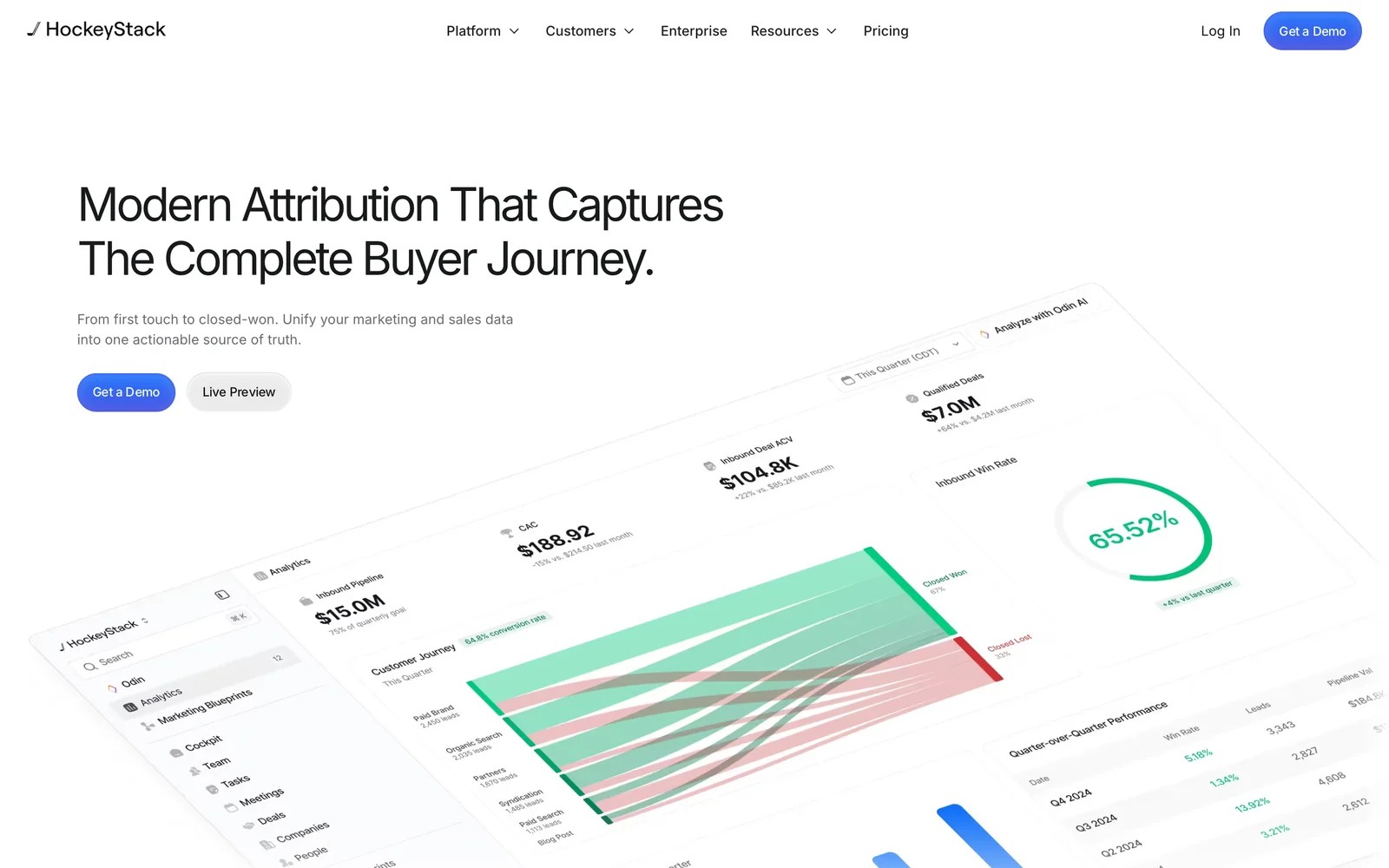
HockeyStack pulls CRM, ad, website and product data into a single model, then layers attribution and AI agents on top. It's the most ambitious tool here, and the most expensive to get running.
HockeyStack doesn't offer a trial, so I went through the demo. The model-switching on a single revenue report is genuinely quick, and the journey view from anonymous visit to closed-won is polished.
The teams I know who run it describe a different experience after signing. Getting CRM data connected and matching takes weeks, and a few reviewers say it never got there.
Key features
- CRM, advertising, marketing automation and product usage data are unified, so revenue reports can include signals Ruler never sees.
- Attribution models can be switched instantly on the same report, which helps different teams compare views of the same revenue.
- Journey maps run from the first anonymous visit through to closed-won, across every person at an account.
- AI agents handle analysis questions and support sales prospecting from the same data.
Where it falls short
- There's no trial or published pricing, so you commit before seeing it work on your own data.
- Implementation depends on clean CRM data, and some reviewers describe months of onboarding without usable reports.
- Phone calls aren't tracked natively, so call-heavy businesses still need a call tracking tool alongside it.
What users say
"I like being able to switch between attribution models like first touch, linear, and last touch in a second, so different marketing teammates can look at reports in different ways." (Source)
"4 months of onboarding ended in us cancelling the contract because they could not connect our data." (Source)
Pricing
- Custom pricing, with startup pricing available. Expect an annual contract.
7. Attributer
Best for: small teams that only want the lead source written into the CRM, without dashboards or call tracking.
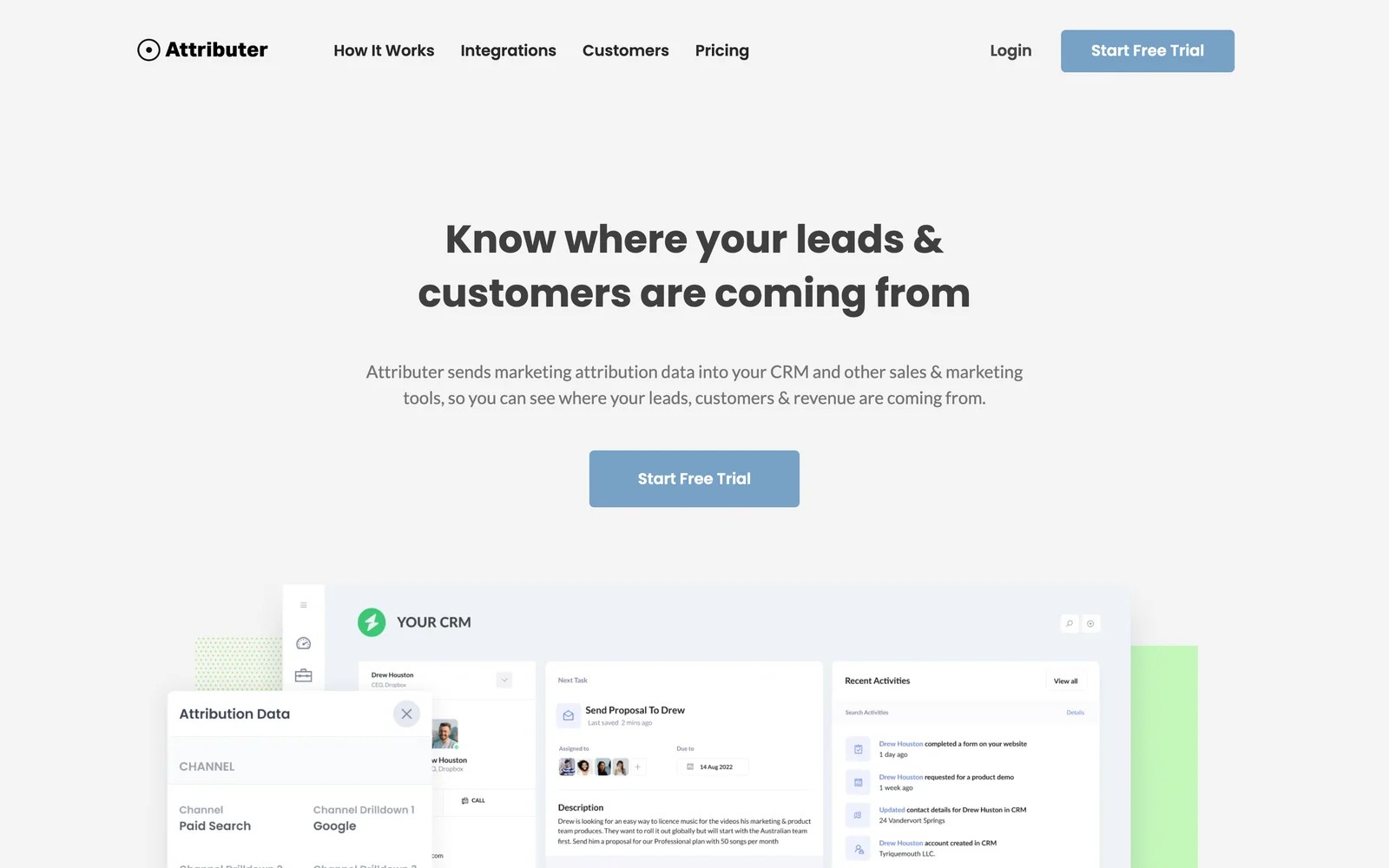
Attributer captures the channel, source and campaign when someone fills in a form, and passes it into your CRM through hidden fields. That's the whole product, and it does it cheaply.
On the 14-day trial, setup was mostly adding hidden fields to a form and mapping them to CRM properties. Within the hour, test leads were arriving in the CRM with their source filled in.
It's a fraction of Ruler's scope. There's no call tracking, no journey and no revenue report, so you'd build any reporting yourself in the CRM.
Key features
- Channel, source and campaign are captured with each form submission and written into hidden fields your CRM already understands.
- It works with most popular form builders and CRMs, so data appears where the sales team already works.
- Multi-site plans for 10, 25 or 50 sites keep costs low when rolling out across many websites.
- There's no separate dashboard to maintain, since all reporting happens in your CRM or spreadsheet.
Where it falls short
- Calls and chats aren't tracked, so phone-led businesses lose the channel Ruler handles best.
- There are no revenue reports, so closed-loop analysis has to be built inside the CRM by hand.
- Only first and last touch are captured, with no view of the visits in between.
What users say
"Easy to set up, seems to give accurate data, inexpensive for the value it brings, and the support team is responsive and helpful." (Source)
"Dependence on UTM parameters - if the UTMs are not properly implemented across all the campaigns, attribution capability will be impacted." (Source)
Pricing
- Single site: $29, $49 and $99/mo for up to 100, 500 and 1,000 leads
- Multi-site: $199/mo for 10 sites, with a 14-day trial
How to choose
Pick the replacement for the part of Ruler you actually rely on.
1. If calls are the heart of it
- Keep or add a call tracking tool: CallRail for simplicity, CTM for routing and a full phone system, WhatConverts for calls and forms together.
- Then add SourceLoop on top if you want those calls tied to CRM deals and full journeys.
2. If revenue reporting is the heart of it
- Lead generation businesses, agencies and SaaS teams: SourceLoop, which reads won deals from the CRM and sends them back to the ad platforms.
- B2B account journeys: Dreamdata, or HockeyStack with a bigger budget and a data owner.
3. If you just need the source on the lead
- Attributer is the cheapest route. Our guide to sending lead source to your CRM covers the setup either way.
Frequently asked questions
-
What is Ruler Analytics used for?
Ruler Analytics tracks website visitors through forms, calls and chats, pushes the lead source into your CRM and pulls closed revenue back, so you can see which campaigns produced sales.
-
How much does Ruler Analytics cost?
As of November 2026, Ruler's plans start from £299 a month for up to 10,000 monthly visits, rising to £1,499 a month for the Advanced plan with marketing mix modeling. Annual billing saves 10%.
-
Does Ruler Analytics have a free trial?
No. Ruler sells through a demo and white-glove onboarding. SourceLoop, CallRail, WhatConverts, Dreamdata and Attributer all offer a trial or free plan.
-
What is the best Ruler Analytics alternative for call tracking?
CallRail is the simplest replacement, and CTM suits teams that also need routing and a phone system. To tie those calls to CRM revenue, pair either with SourceLoop.
-
Can I use SourceLoop with my call tracking tool?
Yes. SourceLoop connects to CallRail, CTM, Invoca and Mediahawk, ties each call to the visit that produced it, and can mark calls over a set length as good leads.




 Paid Social


