
How to Track UTM Parameters in Calendly
Follow 4 simple steps to capture UTM parameters in Calendly and and uncover the true source of every meeting
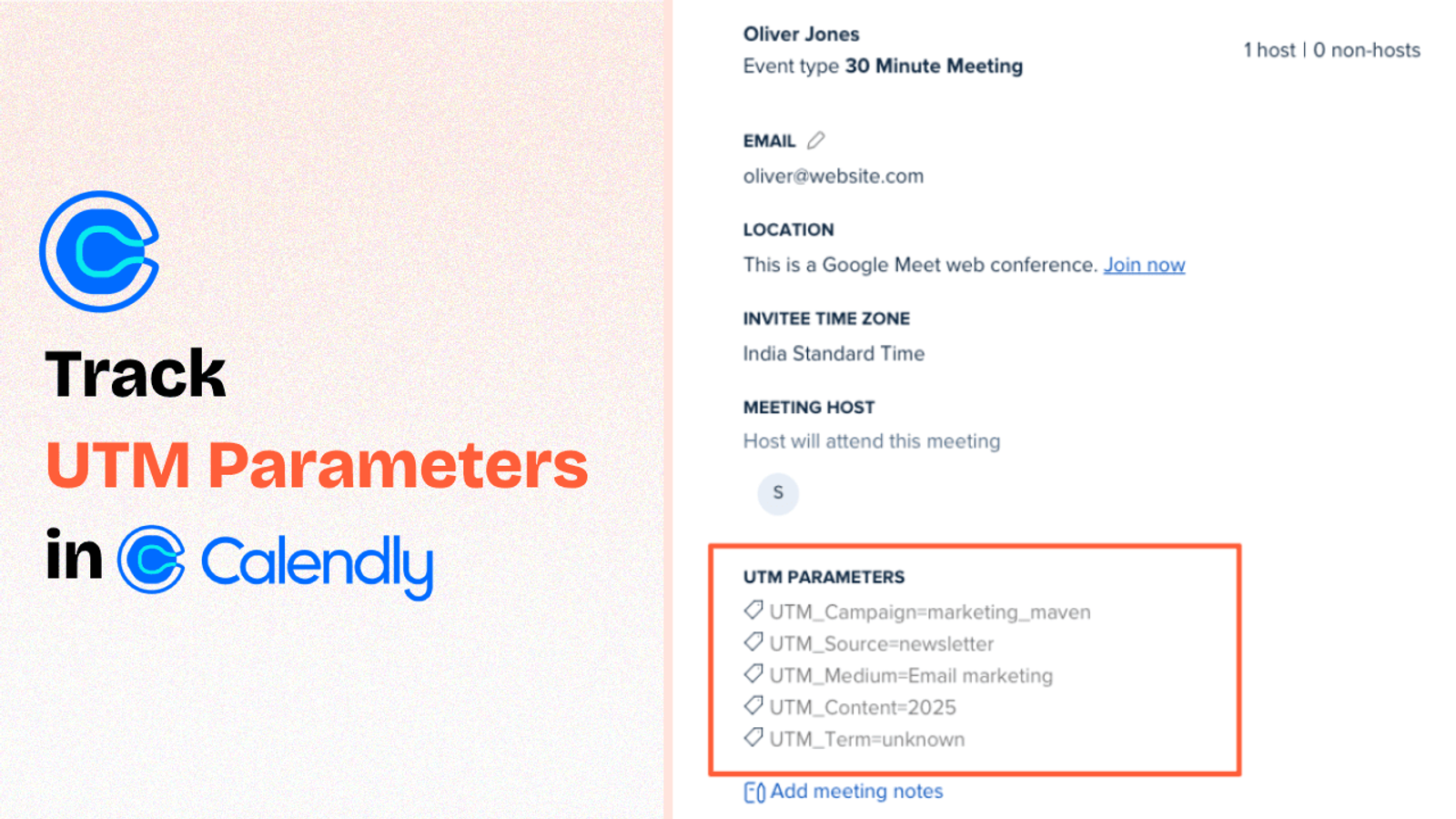
Table of contents
You are running marketing activities across different channel to drive leads to your website.
But when someone books a meeting via Calendly you have no idea what marketing activity brought them to your website in the first place.
That’s because Calendly doesn’t capture UTM parameters by default.
In this guide, we’ll walk you through 4 simple steps to track UTM parameters in Calendly using SourceLoop.ai.
Let’s dive in.
5 Easy Steps to Track UTM Parameters in Calendly
Here are 4 simple steps to capture UTM parameters in Calendly:
1. Add SourceLoop on Your Website

Head over to SourceLoop.ai and create your free account.
Once you’re in, you’ll get a unique tracking code.
Just paste this code inside the <head> section of your website.
Most website builders like WordPress, Webflow, Wix, etc., let you easily add custom code snippets. Or you can use Google Tag Manager to add it across all pages.
Once added, SourceLoop.ai starts tracking how each visitor lands on your site — capturing UTM parameters and storing them in the user’s browser.
The best part? It doesn’t just capture raw UTM values. It uses its intelligence to organize that data into easy-to-understand marketing attributes.
Example:
Let’s say your sales team is using SourceLoop.ai, and a prospect clicks on a LinkedIn ad promoting a free consultation.
SourceLoop.ai will capture and organize the user’s visit information like this:
- Channel = Paid Social
- Channel Drilldown 1 = LinkedIn
- Channel Drilldown 2 = Sponsored Post
- Channel Drilldown 3 = Free Strategy Call
- Landing Page = www.yoursite.com/consultation
- Landing Page Folder = consultation
- Last Seen = Apr 14, 2025
So when that prospect books a meeting via Calendly, this data gets passed along — giving your team full visibility into what drove the booking.
2. Add UTM Parameters to Your Links

Next, open your performance marketing ad campaigns like Google Ads, TikTok Ads, Meta Ads, etc., and ensure that the links pointing to your website have UTM tags.
Not just performance ads — any link you share online, like in a social media post or email, should have UTM tags describing that marketing activity. That way, SourceLoop.ai can capture the detailed source of each visitor.
Example of a link with UTM parameters:
https://website.com?utm_source=paid_search&utm_medium=Bing&utm_campaign=prime_day
Resources:
- How to add UTM parameters in Google Ads
- How to add UTM parameters in Facebook Ads
- How to add UTM parameters in LinkedIn Ads
- How to add UTM parameters in TikTok Ads
3. Embed Calendly Form on Your Website
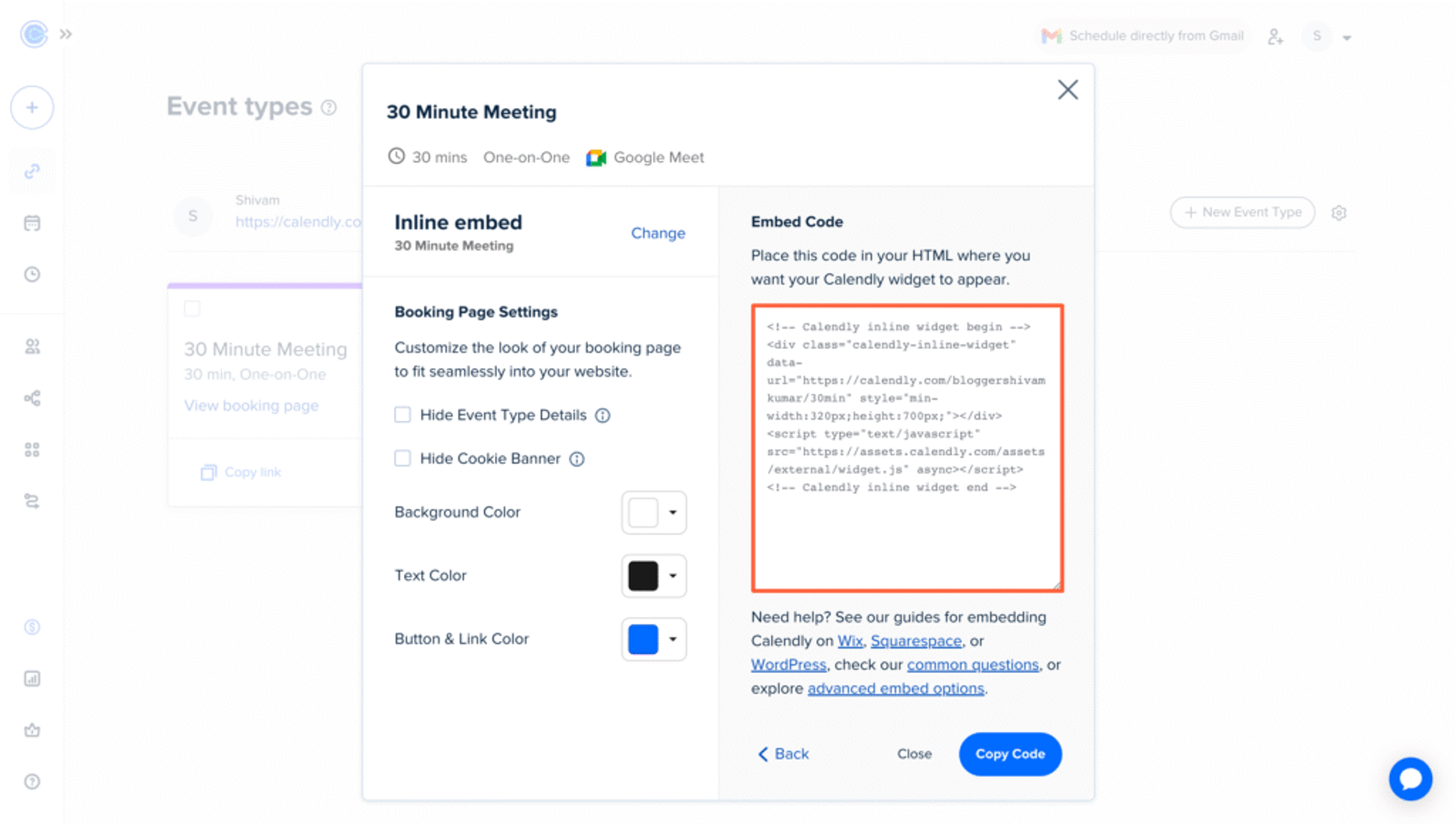
To pass UTM data into Calendly, you need to embed the Calendly form directly on your website — either inline or as a popup widget.
3. Capture the Full UTM Journey Automatically
SourceLoop.ai records UTM tags and page visits every time someone lands on your site. Those details are stored across sessions so you don’t lose track of repeat visitors.
When a visitor fills out a form or books a meeting, we attach the full visit history to their lead record.
Open the Lead Manager and you’ll see a simple timeline: first-touch channel and UTM values, every return visit, the pages they viewed, timestamps, and the event that converted them.
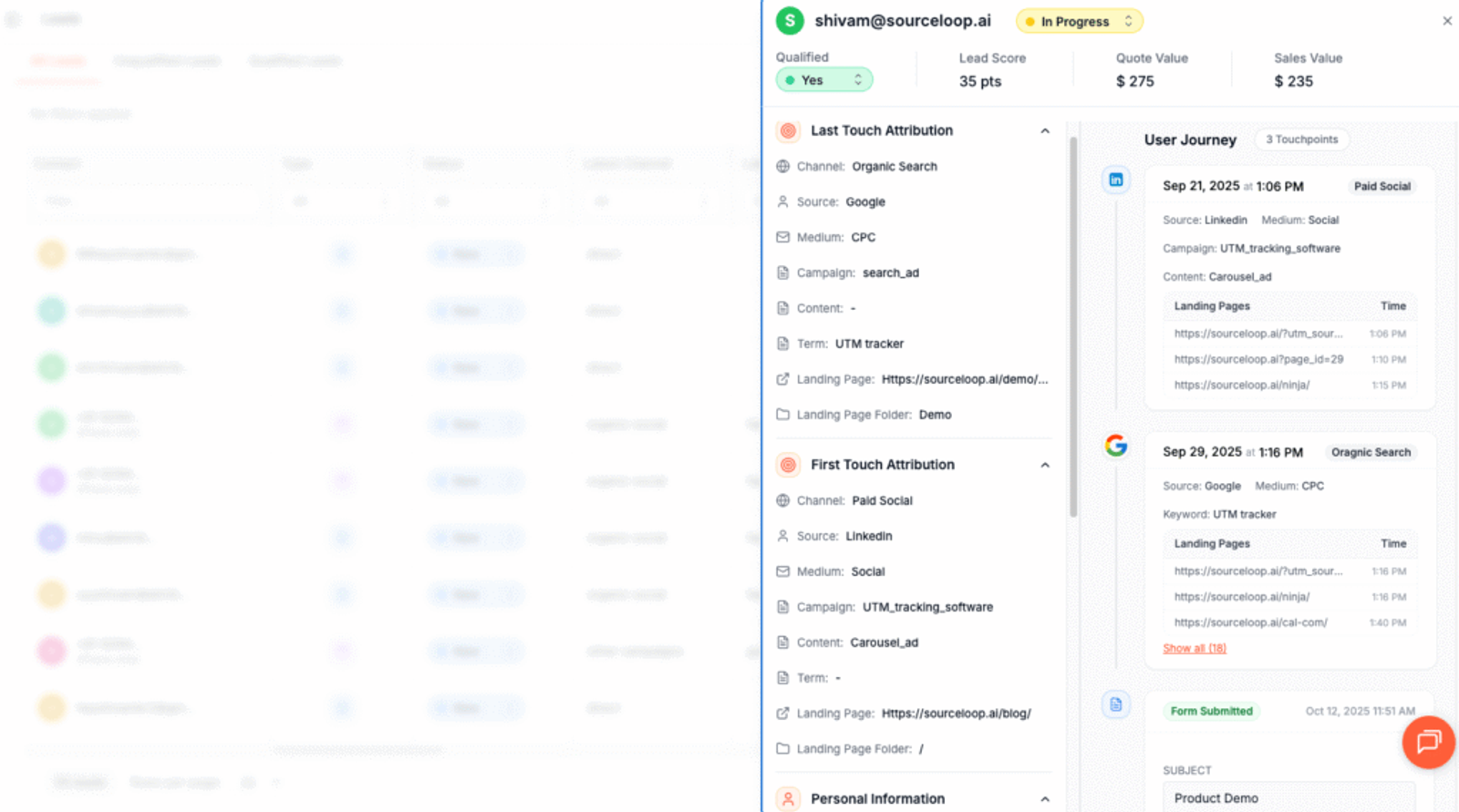
This gives you a clear picture of which campaigns actually work and the path people take before they convert.
Additional Tutorials:
- Track UTM Parameters in Involve.me Form
- Capture UTM Parameters in QuestionScout
- Set up UTM tracking in Typeform
4. UTM Parameters Are Passed for Each Calendly Meeting
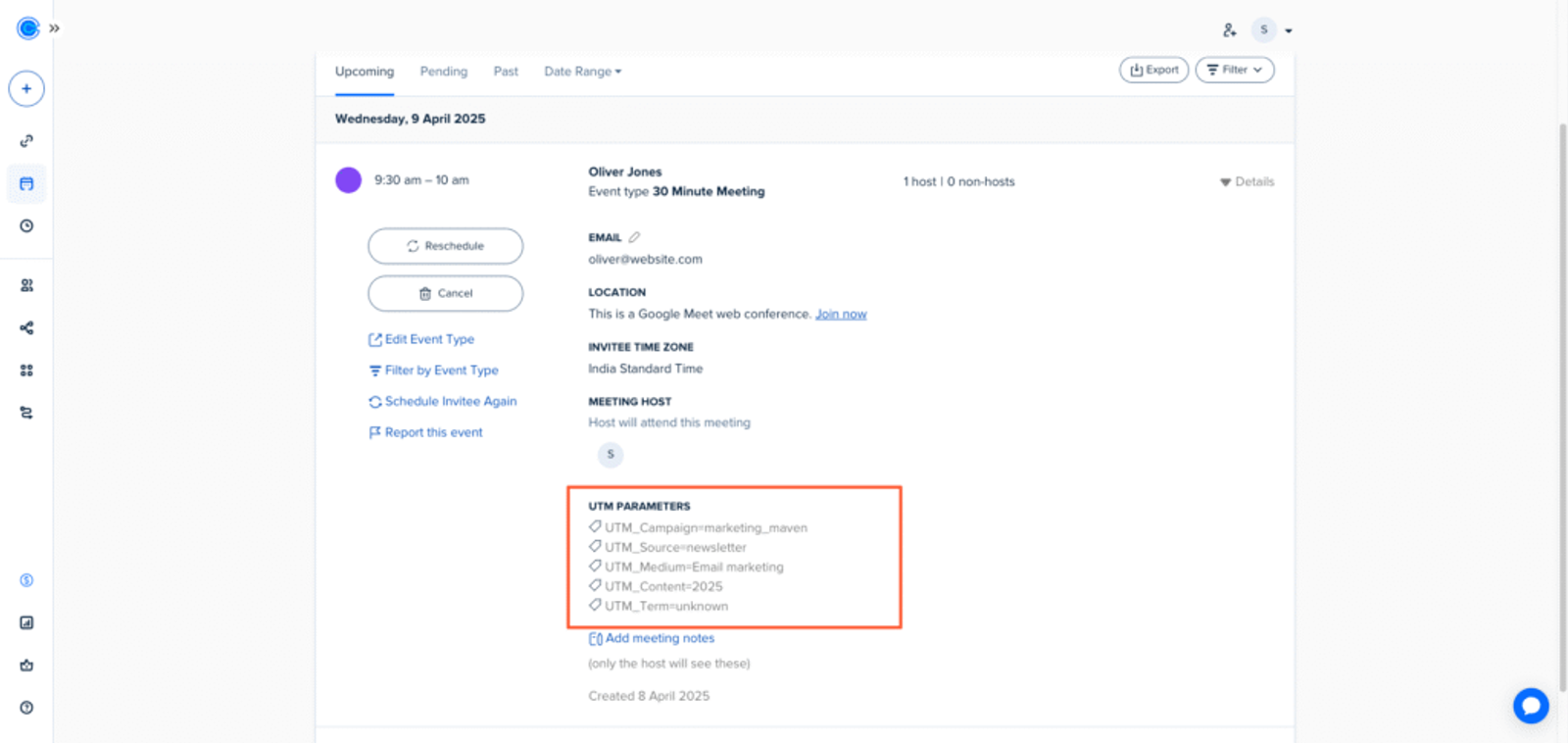
When a user books a meeting, their stored UTM data gets automatically inserted into the hidden fields of your Calendly form.
So, just open the booking details for any user and you’ll be able to see their UTM information.
Receive meeting info via email & Slack:
Calendly lets you automatically receive new meeting details in your Slack channel and email whenever someone books a meeting.
Create email automation:
Calendly offers free integrations with tools like AWeber, Drip, ConvertKit, and other email platforms, so you can send automated emails to leads based on their marketing attributes.
Sync with your CRM:
Calendly integrates directly with CRMs like Salesforce, HubSpot, ActiveCampaign, Zoho, and more — allowing you to store the source of each lead and customer directly in your CRM.
Create automations:
Calendly connects with automation tools like Make.com, Zapier, and n8n. This allows you to use meeting attribution data to trigger actions and build powerful workflows across your tool stack.
More Resources:




 Paid Social


