
9 Best Customer Journey Analytics Tools for 2026
Nine customer journey analytics tools split by the journey they track: before the lead, inside the product, or on the page. With real reviews.
Table of contents
I've sat in more than one meeting where "we need journey analytics" meant something different to everyone at the table.
Marketing meant the path from ad to lead. Product meant onboarding funnels. The UX lead meant watching where people got stuck on the checkout page.
All three are real journeys, and the tools built for each one barely overlap. In this guide, I'll sort nine tools by the journey they actually track, so you can match the tool to the question.
What we did before writing this
Most journey tools look similar in screenshots, so we put real traffic through the ones we could. Amplitude, Mixpanel, Heap, FullStory and Contentsquare all have free plans, Woopra has a trial, and we've used Dreamdata on live sites. Adobe Customer Journey Analytics we saw in a guided demo and through Adobe's documentation.
The brands and agencies we work with mostly care about the journey before someone becomes a lead, but plenty also run SaaS products, so we kept both lenses. Quotes come from public reviews on G2 and Capterra. For each tool we noted:
- Which stretch of the journey it actually sees
- Whether it can follow an anonymous visitor once they're known
- How much tagging or data engineering it needs
- What it costs once you're past the free tier
SourceLoop is our product. It's listed first for the acquisition journey only, and the product and experience tools below do things it doesn't.
Last checked November 2026. Confirm current pricing with each vendor.
Three journeys, three kinds of tool
Before comparing features, decide which journey you're trying to see. Most teams need one of these first.
- The acquisition journey: from first ad click or search, through repeat visits, to the form, call or demo, then the deal. Marketing attribution tools live here.
- The product journey: what users do after signing up, which features they adopt, and when they churn. Product analytics tools live here.
- The experience journey: how people move around a single page or flow, where they hesitate and what they rage-click. Session replay tools live here.
Enterprise platforms like Adobe CJA try to stitch all three together, at enterprise cost and effort. If you want to sketch the journey before measuring it, our roundup of customer journey mapping tools is a good starting point.
Customer journey analytics tools compared
Here's how the 9 customer journey analytics tools compare on the journey they cover, identity and setup, as of November 2026.
| Tool | Journey covered | Anonymous to known | Setup | Pricing | Free plan or trial |
|---|---|---|---|---|---|
 SourceLoop SourceLoop | Acquisition to revenue | Yes | One script, conversions auto-detected | From $49/mo | Trial |
 Dreamdata Dreamdata | B2B account journeys | Yes | Script plus CRM and ad connections | Free plan, paid quoted | Free plan |
 Adobe CJA Adobe CJA | Every channel, online and offline | Yes | Adobe Experience Platform schemas | Quote | Demo |
 Amplitude Amplitude | Product | Yes | Event plan or autocapture | Free up to 2M events | Free plan |
 Mixpanel Mixpanel | Product | Yes | Event plan | Free up to 1M events | Free plan |
 Heap Heap | Product | Yes | Autocapture | Free up to 10k sessions | Free plan |
 Contentsquare Contentsquare | On-page experience | Partly | Script plus page mapping | Free plan, quoted tiers | Free plan |
 FullStory FullStory | On-page experience | Partly | Script | Free up to 30k sessions | Free plan |
 Woopra Woopra | Cross-tool customer journeys | Yes | Script plus app connectors | From $999/mo | 30-day trial |
The 9 best customer journey analytics tools
They're ordered by journey: acquisition first, then the enterprise all-rounder, then product and experience tools.
1. SourceLoop
Best for: lead-gen businesses, agencies and SaaS teams that want to see the journey from first touch to lead, deal and payment.

SourceLoop is a marketing attribution and lead source tracking tool built around the acquisition journey. Each visitor keeps one profile across sessions while they're anonymous, and when they fill in a form, chat, call or book a meeting, every earlier visit attaches to the new contact.
From there the journey keeps going. CRM stages, won deals and payments land on the same record, so the path runs from the first ad click to revenue.
Key features
- Visit-by-visit journeys: source, campaign, ad click ID and landing page for every session, kept on the contact.
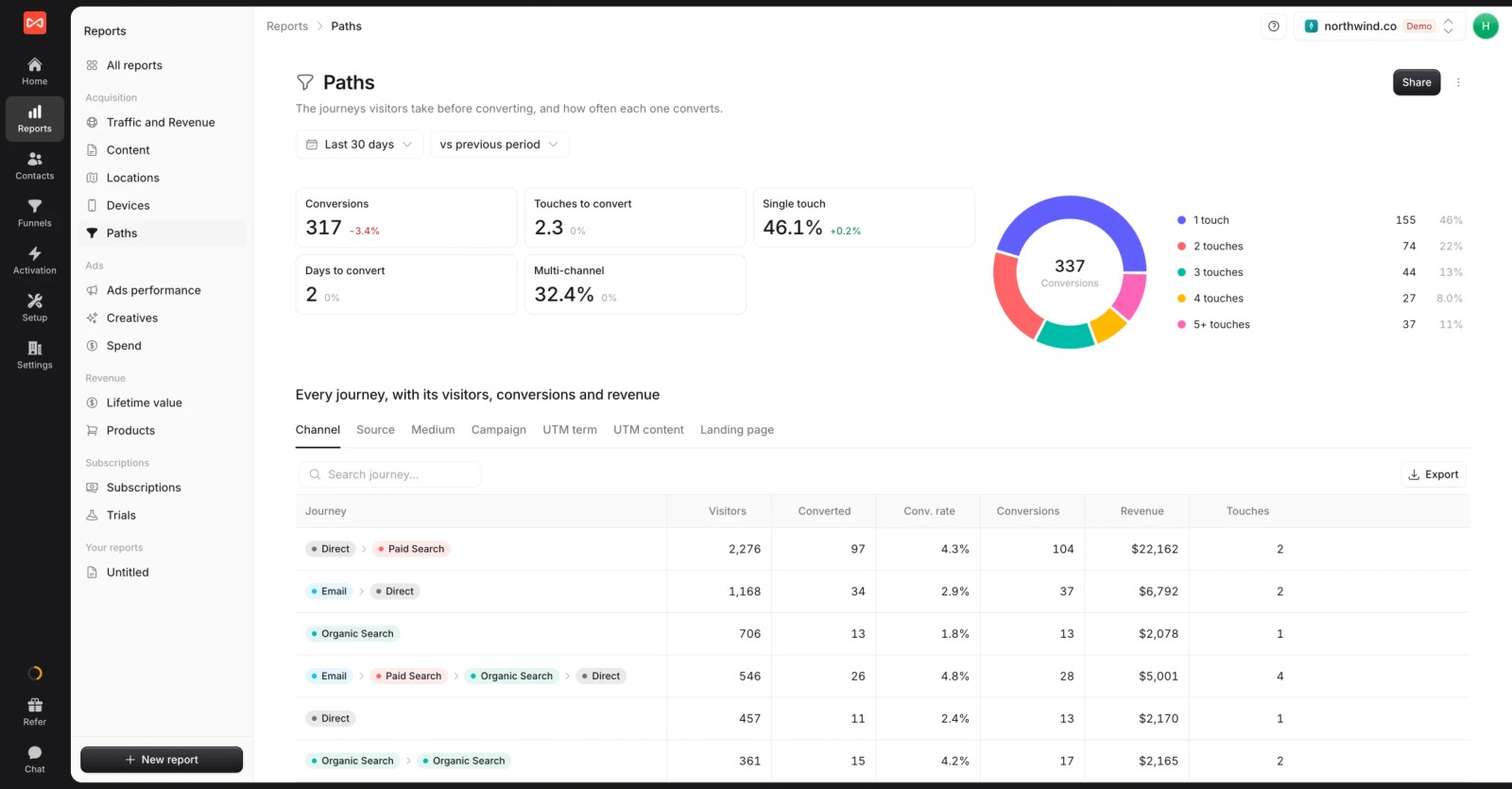
- Paths and touches: the Paths report shows which channel sequences convert, with touches and days to convert.
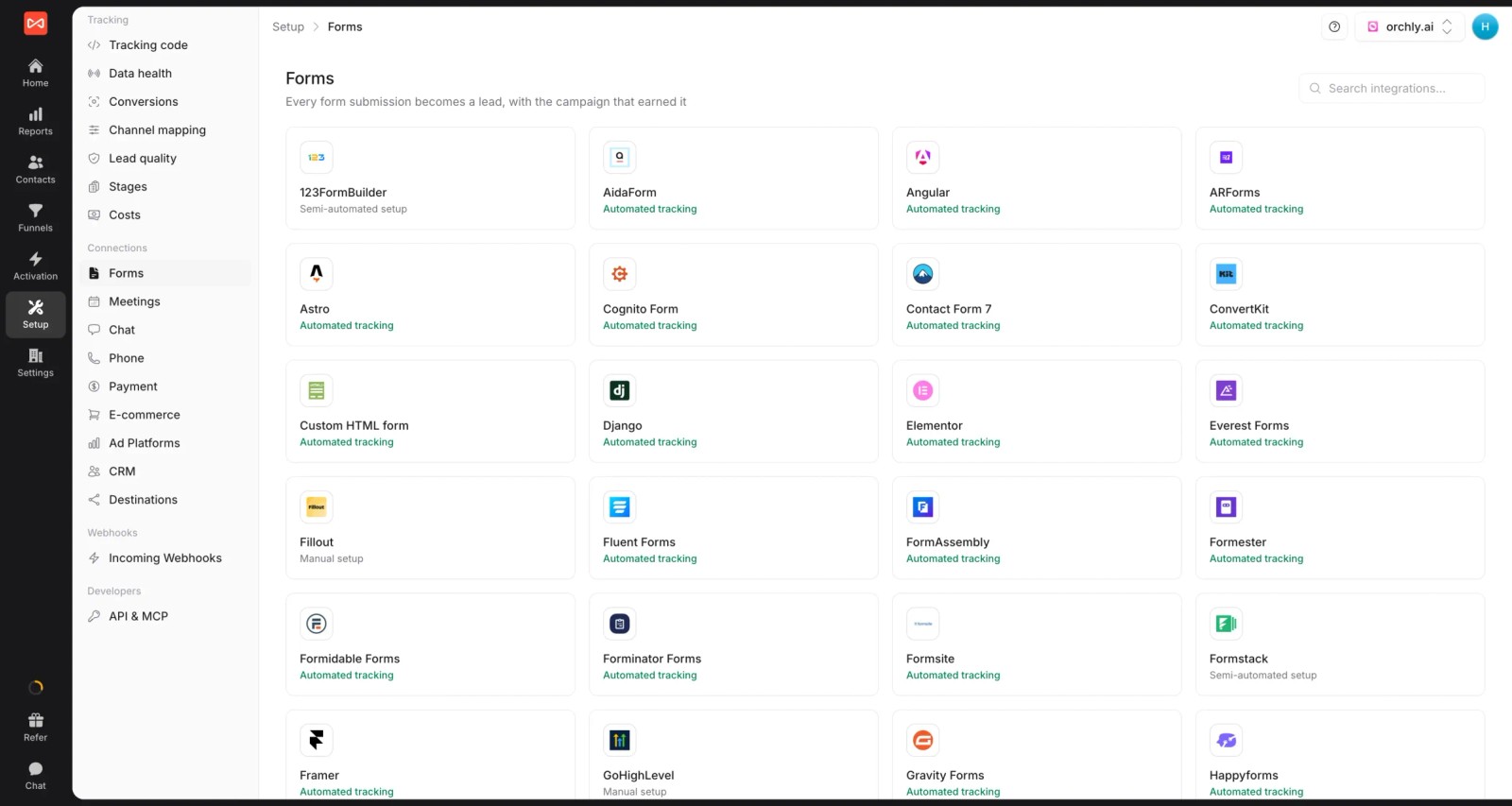
- Conversions without tagging: forms from most builders, live chats, booked meetings and calls from CallRail or CallTrackingMetrics are picked up and tied to the journey.
- Cross-domain tracking: one journey across your marketing site, app subdomain and checkout.
- Journey to revenue: two-way sync with HubSpot, Salesforce, Pipedrive and Jobber, plus Stripe, Paddle and other billing providers.
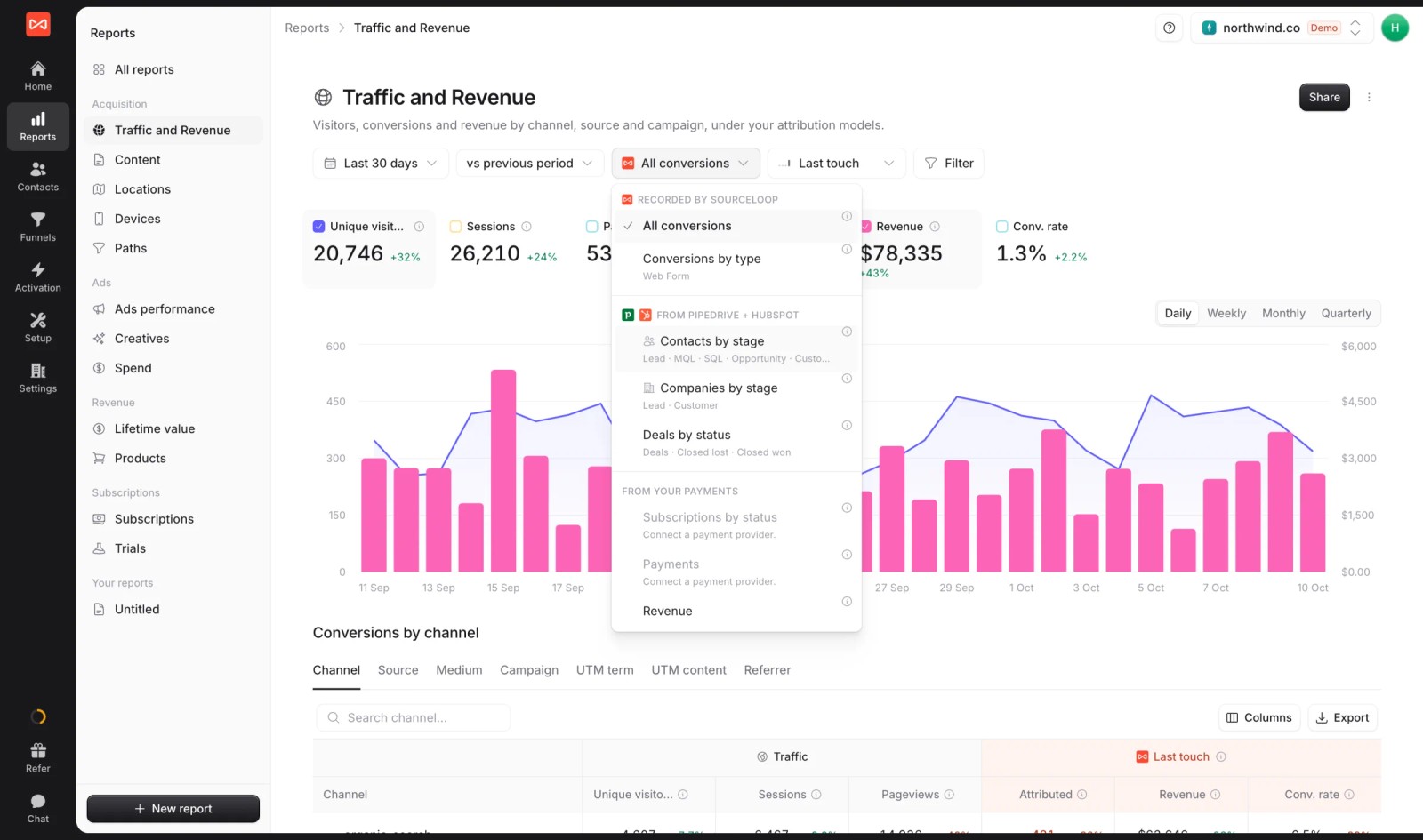
- Seven attribution models for crediting each step of the journey, on any outcome.

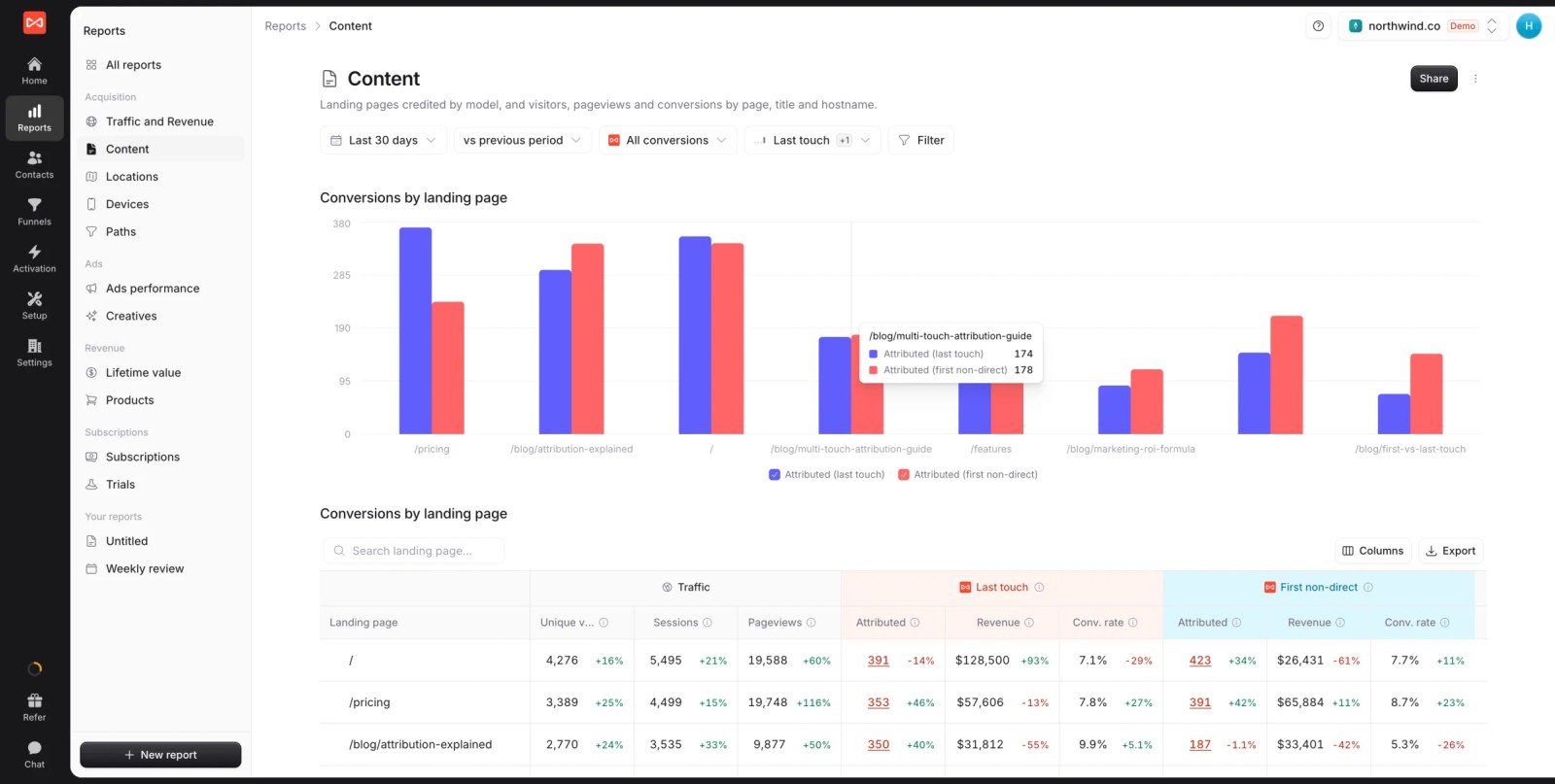
- Content's role in the journey: the Content report shows which landing pages start journeys that convert.
- Journeys back to the ad platforms: good leads and won deals go to Google Ads, Meta, Microsoft Ads and ChatGPT Ads, so bidding learns which journeys end in revenue.

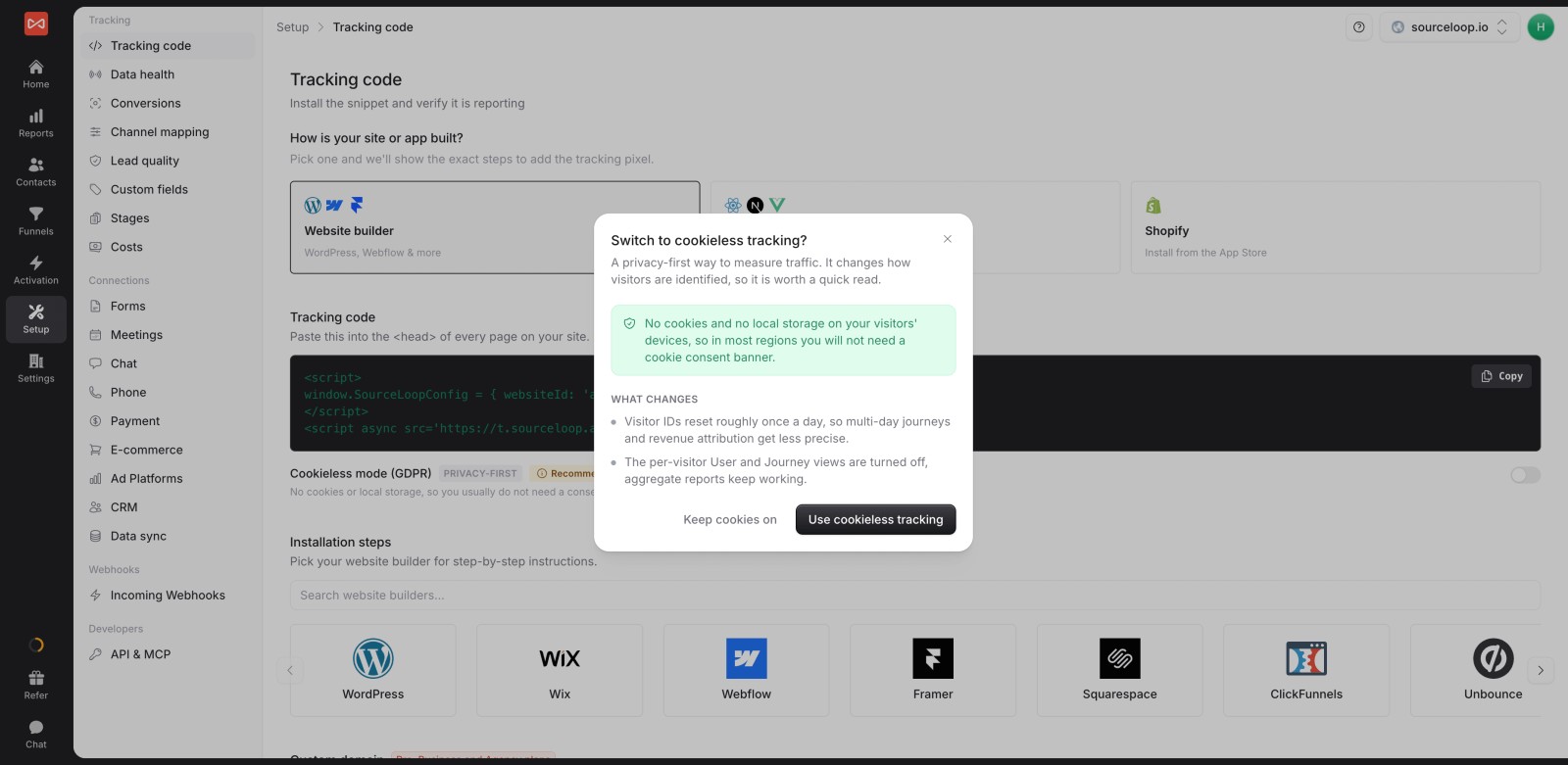
- Privacy controls: follows Google Consent Mode, with an optional cookieless mode.
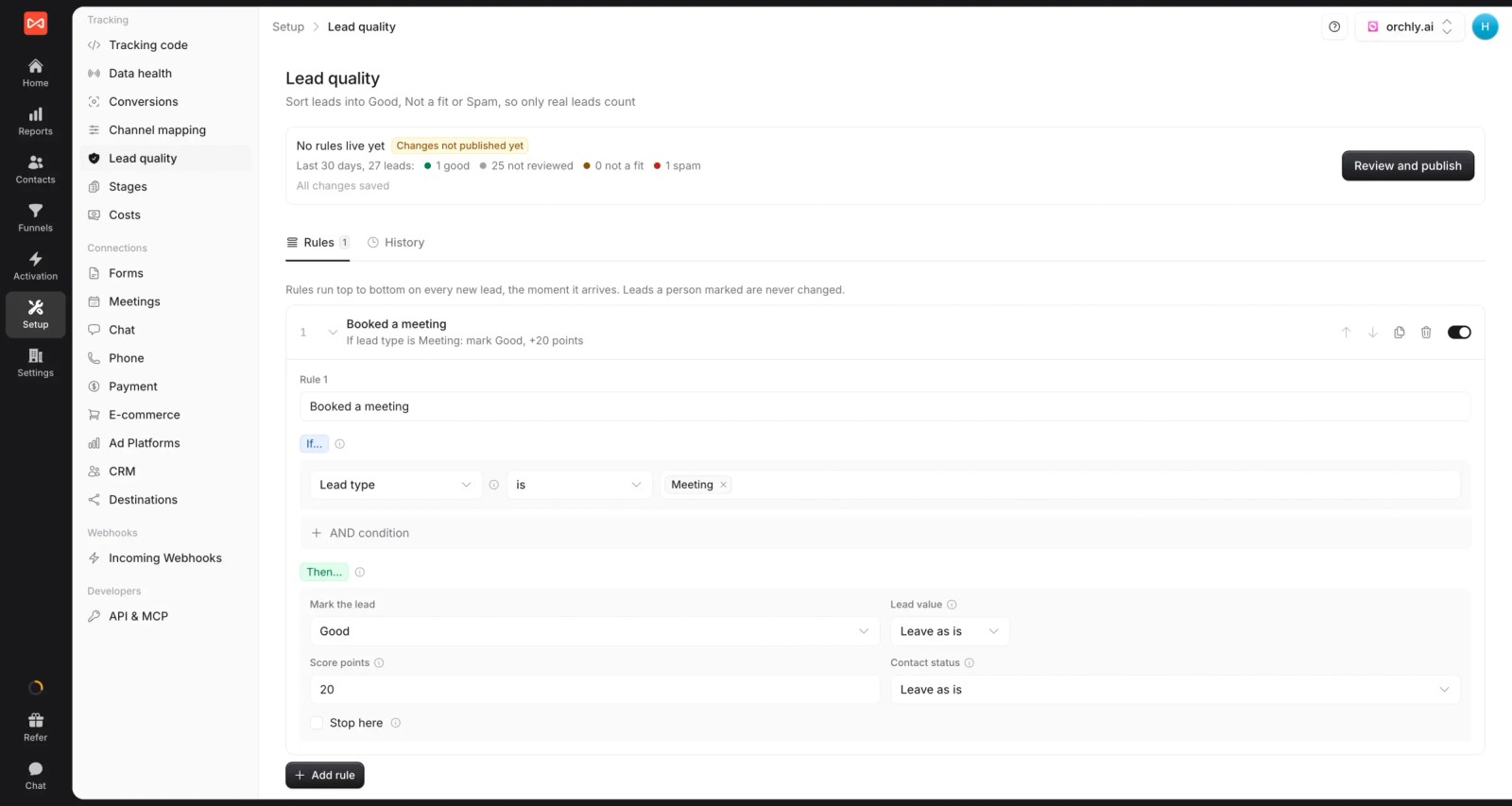
- Lead quality rules: mark leads Good, Not a fit or Spam, so the journeys you study end in real customers, not bots or job seekers.
Where it falls short
- It stops at the front door of your product. In-app funnels and feature adoption need Amplitude, Mixpanel or Heap.
- No heatmaps or session replay. Pair it with Microsoft Clarity, FullStory or Contentsquare.
Pricing
- Essential: $49/mo for one site and 30,000 page views, with tracking, attribution reports, lead quality rules and alerts
- Professional: $99/mo for 100,000 page views and unlimited users, adding CRM sync, conversion sync to the ad platforms, the API and MCP
- Agency: $249/mo for three sites and 1.5 million page views, adding white label reporting
- Unlimited conversions on every plan, with a 7-day trial.
Verdict: the clearest view of how people find you and become customers, for teams whose journey ends in a lead or a subscription. Add a product or replay tool for what happens after.
2. Dreamdata
Best for: B2B companies that need the journey of a whole buying group, not one person.
Dreamdata treats the account as the unit of the journey. It combines every colleague's visits, ad views, emails and meetings into one company timeline, then ties it to CRM stages and revenue.
We've run it on a live site. The account journey view made a long B2B deal easy to explain to sales: who showed up first, which content they read, and when the buying group grew.
Key features
- Each company gets one timeline combining every contact's visits, ad views, emails and meetings, which shows how a buying group grew over time.
- Journeys connect to CRM stages from first engagement to closed-won, so you can see which steps actually move deals forward.
- Anonymous visits are matched to companies, which brings early research into the journey long before anyone fills in a form.
- Journey reports can be filtered by segment, channel or campaign, helping you compare how different audiences find their way to a deal.
Where it falls short
- Product usage inside your app isn't covered, so SaaS teams still need a product analytics tool for post-signup journeys.
- There's no session replay, so you can't watch what a visitor actually did on the page.
- Paid plans aren't published, which makes budgeting harder for teams that outgrow the free tier.
What users say
"Easy integrations, self-service settings you can modify to fit the company's needs, easy-to-set-up custom reports, attribution modeling, and journey reports are amazing if you want to deep-dive into specific accounts, a great tool to share with the sales team." (Source)
"The interface can be tricky, especially when I’m trying to show revenue impact to non-digital marketers." (Source)
Pricing
- Free: $0/mo with 2 months of history
- Paid plans: custom pricing
3. Adobe Customer Journey Analytics
Best for: enterprises that want web, app, call center and in-store data in one journey.
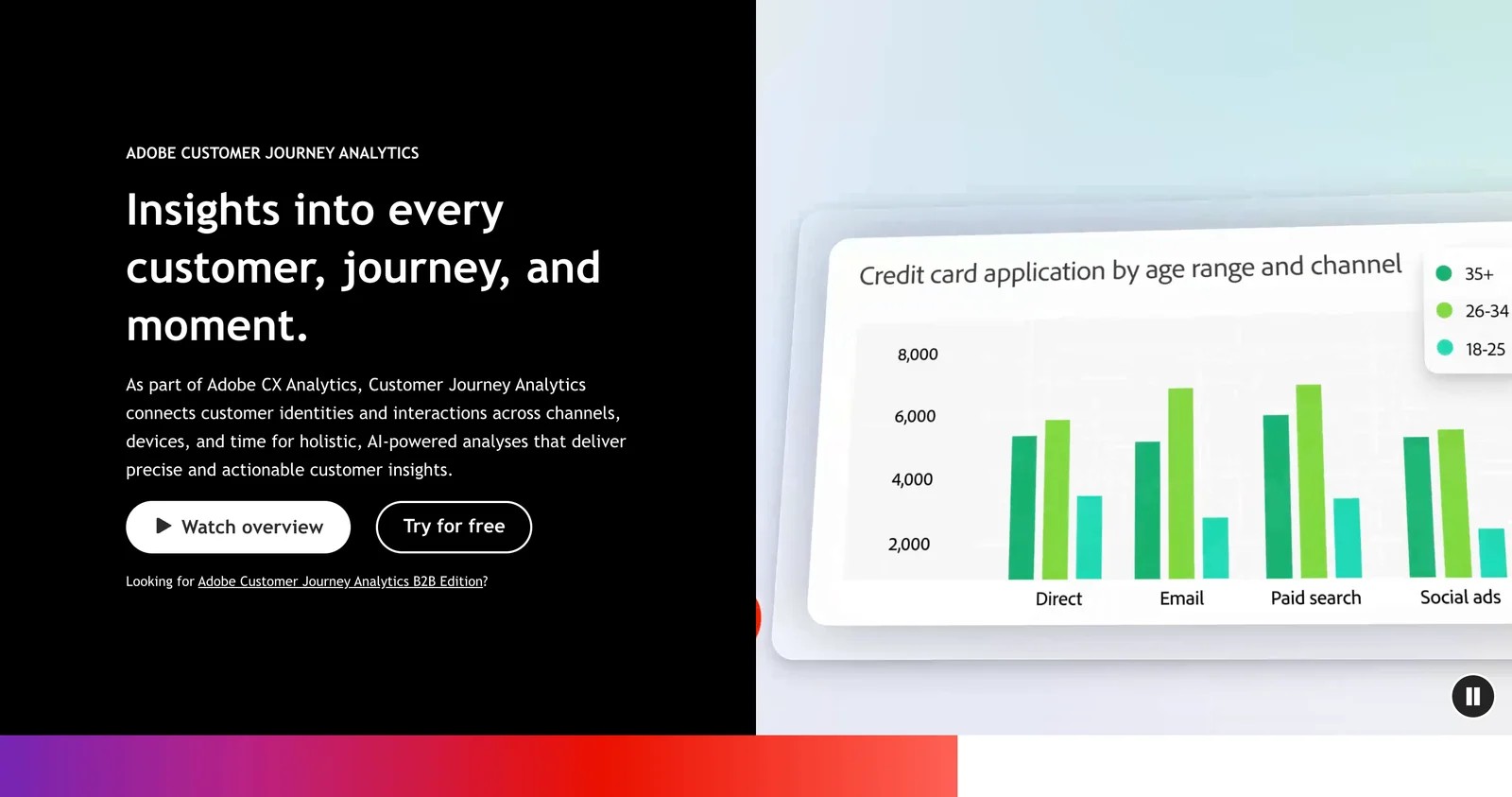
Adobe CJA runs on Adobe Experience Platform and joins datasets from any channel around a shared identity. Data views let analysts redefine sessions, attribution and metrics without re-tagging.
In the demo, the scope was impressive: a call center interaction and an app session on the same customer path. The other side is effort. Reviewers consistently describe a steep learning curve and a complex setup around schemas and identity stitching.
Key features
- Web, app, call center and point-of-sale data are combined into one journey per customer, the broadest scope of any tool on this list.
- Data views let analysts change how sessions, attribution and metrics are defined without new tagging, which saves months of rework on large sites.
- Analysis Workspace supports flow, fallout and cohort analysis across channels, so you can see where cross-channel journeys stall.
- AI assistants help build analyses and summarize findings, aimed at making a complex platform more approachable for non-specialists.
Where it falls short
- It needs Adobe Experience Platform skills, and reviewers describe schemas and identity stitching as the hardest part.
- Pricing is aimed at enterprises, so smaller teams will find it far beyond their budget.
- Going live is an implementation project rather than a setup afternoon, so plan months, not days.
What users say
"Data Views and derived fields are standout features, allowing us to change reporting logic, attribution and session definitions without development work." (Source)
"Initial implementation can be complex, particularly around identity stitching, schemas and connection configuration." (Source)
"The biggest downside with Adobe Customer Journey Analytics is that the cost is very high, which can be a challenge for budgets." (Source)
Pricing
- Quoted by Adobe on an enterprise contract.
4. Amplitude
Best for: product teams that want journey and retention analysis with a generous free plan.
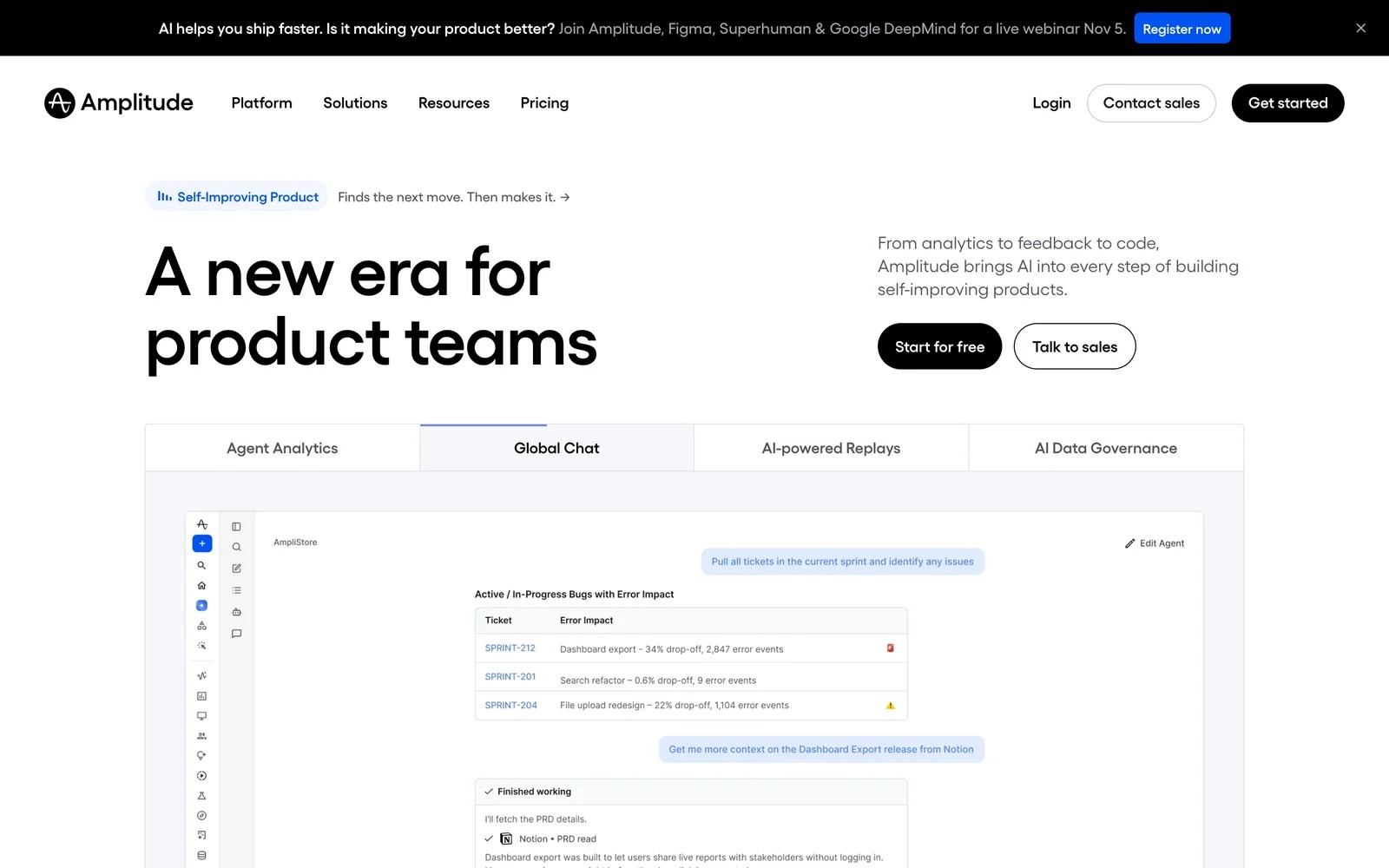
Amplitude maps the product journey: which paths users take after signing up, where they drop out of funnels, and what separates retained users from churned ones. It now bundles session replay, experiments and AI agents.
On the free plan, Journeys and funnel reports were quick to build once events arrived. The friction showed up later, as the event plan grew and someone had to decide what was worth tracking.
Teams we know usually start on the free plan and only face pricing questions once event volume grows. That's also when the discipline of tracking fewer, better events starts to pay off.
Key features
- Journey maps show the most common paths users take between any two events, which quickly reveals detours and dead ends in the product.
- Funnels and retention reports pinpoint where users drop off and which behaviors separate customers who stay from those who churn.
- Session replay and experiments sit right next to the analytics, so you can watch the sessions behind a drop and test a fix.
- AI agents and an MCP server answer questions about the data in plain language, useful for teams without a dedicated analyst.
Where it falls short
- The marketing journey before signup isn't tracked with full source detail, so acquisition questions need another tool.
- CRM deals don't connect without extra work, which limits it for sales-led companies.
- Costs follow event volume, so a growing product can become expensive to measure fully.
What users say
"The thing I appreciate most is how quickly I can get from a question to an actual answer." (Source)
"I didn't particularly appreciate that it took a long time to load, and, also, I wouldn't say I liked that creating custom reports was complicated and the interface wasn't particularly user-friendly." (Source)
"Once you crossed the free tier's event limit the jump is so steep and because its tied to event volume you end up second guessing whether a particular event is worth tracking." (Source)
Pricing
- Free: 2 million events a month
- Plus: first 2M events free, then usage-based
- Growth and Enterprise: quoted
5. Mixpanel
Best for: SaaS teams that want flexible funnels and flows on product events.
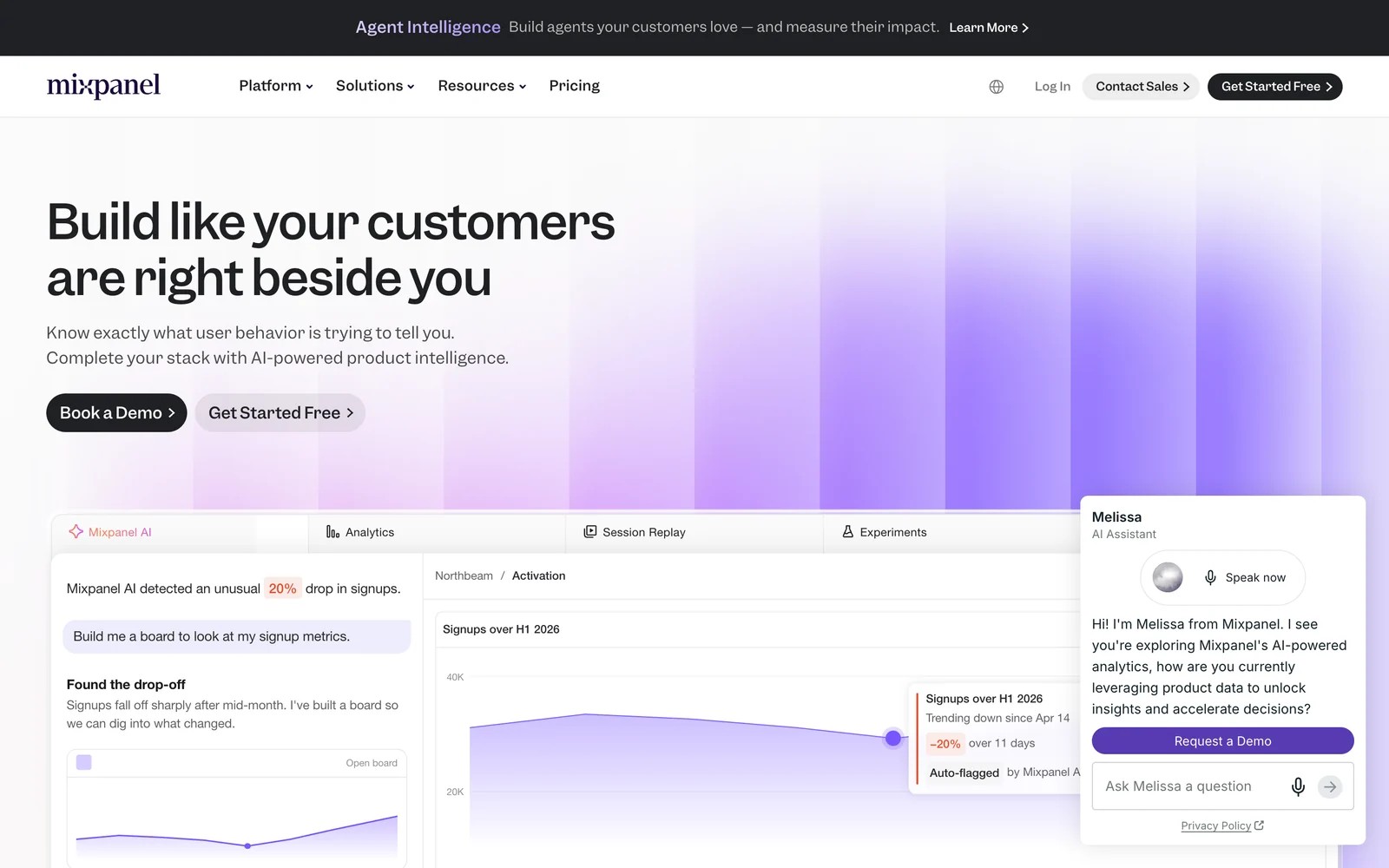
Mixpanel is close to Amplitude in scope, with funnels, flows, retention and experiments built on the events you send. Its Flows report is the journey view: what users did before and after any step.
We set up the free plan for a small app. Flows answered "what do people do after the onboarding checklist?" in minutes. Keeping the event list tidy took ongoing effort.
Key features
- Flows show what users do before and after any event, which is the quickest way to understand how people move through onboarding.
- Funnels and retention reports track activation and churn, helping SaaS teams see which steps lose the most new users.
- Session replays and heatmaps are included on the free plan, so you can watch real sessions behind a funnel drop without paying extra.
- Identity merge joins anonymous and logged-in activity, connecting what someone did before signup with what they do afterward.
Where it falls short
- Ad spend and CRM revenue aren't attributed out of the box, so marketing questions need extra setup.
- It depends on a well-kept event plan, and journeys get muddy quickly when events are named inconsistently.
- Replays are kept for 30 days on the Free and Growth plans, which limits looking back at older sessions.
What users say
"The Flows and Funnels reports are great for checking if user journeys are working as expected." (Source)
"impossible to duplicate Custom Events !!!!" (Source)
"Data management can also get complicated when you have too many events and properties" (Source)
Pricing
- Free: up to 1M events a month
- Growth: usage-based, for example $100/mo for 1.5M events billed yearly
6. Heap
Best for: teams that want product journeys without writing a tracking plan first.
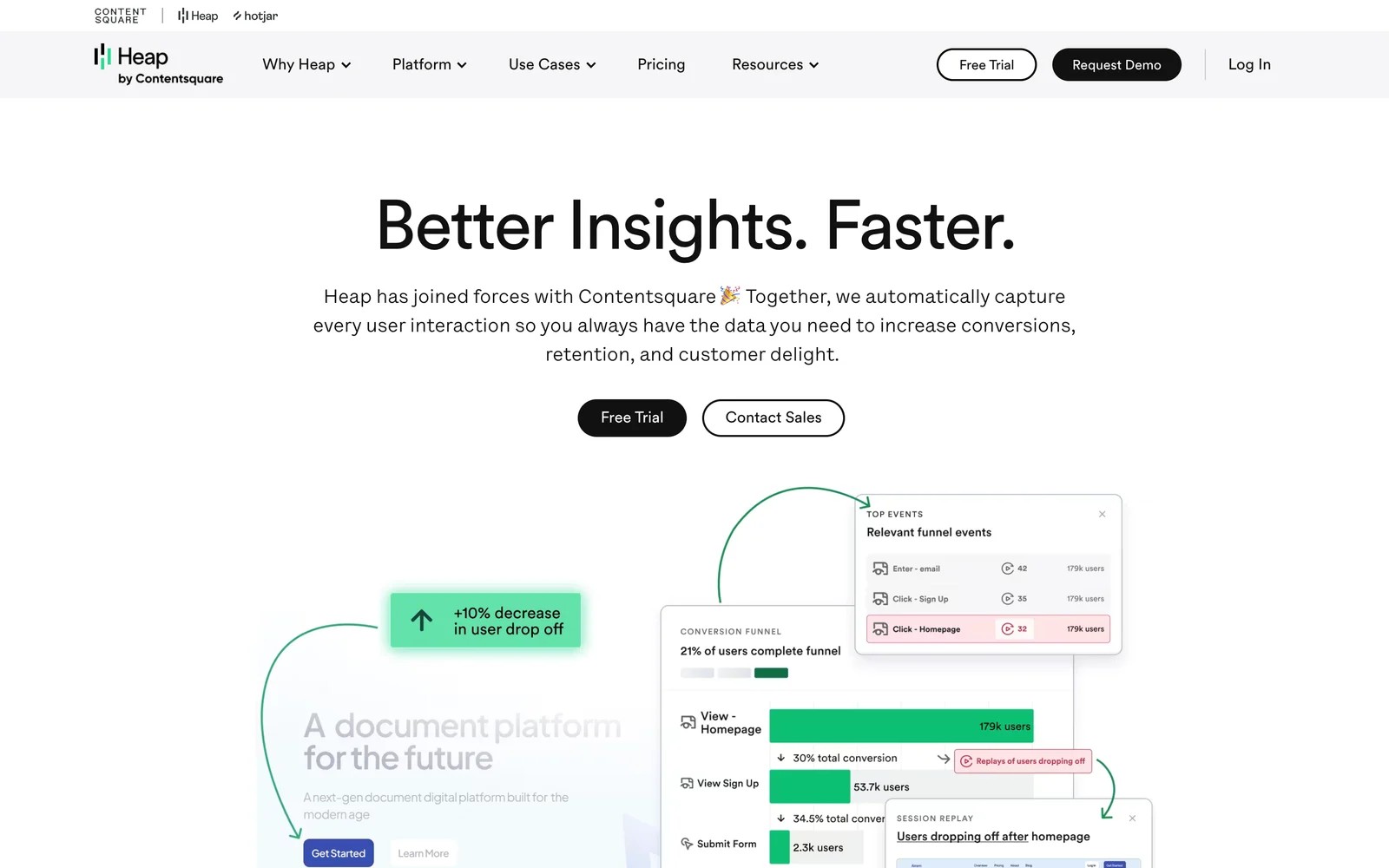
Heap, now part of Contentsquare, captures every click, page view and form interaction automatically, so you can define events and journeys after the fact.
That retroactive approach is what sold us on the free plan. We asked a question about a button nobody had tagged, and the data was already there. The flip side is noise: with everything captured, someone has to curate what matters.
Key features
- Autocapture records every click, page view and form interaction, so events can be defined after the fact without waiting for a developer.
- Journeys, funnels and retention reports run on that captured data, which means you can answer questions about steps nobody planned to track.
- Account analytics on higher plans roll behavior up to companies, helpful for B2B products where several people share one account.
- Session replay and heatmaps are available through Contentsquare as add-ons, linking a journey drop to what users actually saw.
Where it falls short
- Marketing channel attribution is shallow, so it won't tell you much about which campaigns brought valuable users.
- Session replay isn't included on lower plans, which means paying extra to see the sessions behind a drop.
- If you go over your plan's limits, data can be hidden until you upgrade, which reviewers find frustrating.
What users say
"Heap’s automatic event tracking is its strongest feature." (Source)
"The way we set up Heap with auto capture results in a lot of overhead to sift through many events." (Source)
"The cost of the tool can be a lot higher for small businesses" (Source)
Pricing
- Free: up to 10k sessions a month, 6 months of history
- Growth: estimated after sign-up
- Pro and Premier: custom session pricing
7. Contentsquare
Best for: ecommerce and enterprise teams that want to see where on-page journeys break.
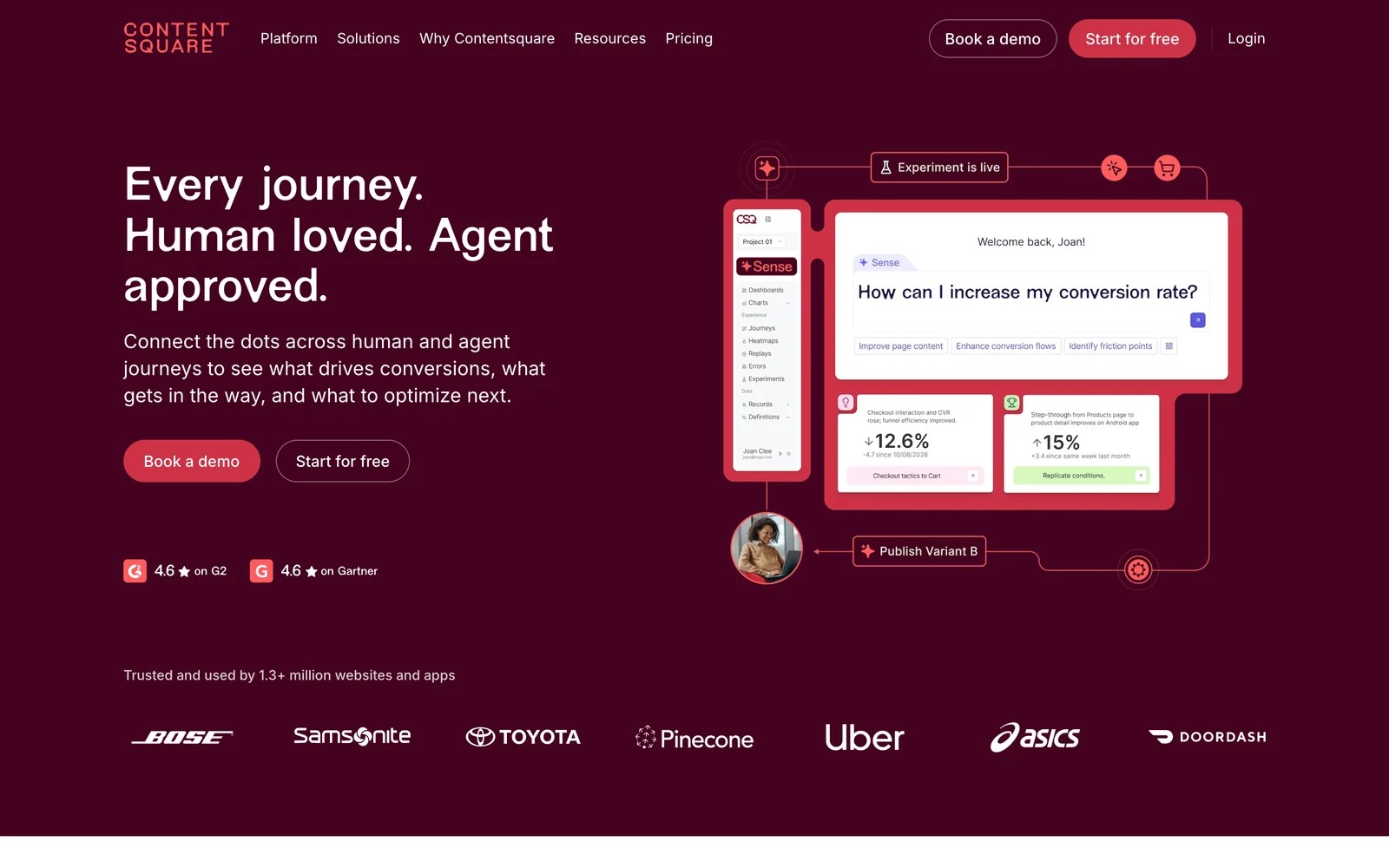
Contentsquare analyzes how people move through pages and flows, with zone-based heatmaps, journey analysis, session replay and an AI assistant called Sense. It now includes Hotjar and Heap.
On the free plan, the journey rings made it easy to spot the page where most sessions ended. Setting up page mapping for a larger site is real work, and reviewers say the tool shows what users did, not why.
Key features
- Journey analysis shows the sequence of pages people take across sessions, making it easy to spot where most visits end.
- Zone-based heatmaps measure engagement with each part of a page, so you can tell which sections earn attention and which get ignored.
- Session replay links straight from a problem in the data to the recordings behind it, which speeds up diagnosing broken experiences.
- Sense, the built-in AI assistant, summarizes analyses and answers questions, aimed at teams that need findings rather than raw charts.
Where it falls short
- Journeys don't follow through to a CRM deal, so it can't show which on-page behavior led to revenue.
- Ad channels aren't attributed, which leaves acquisition questions to another tool.
- Large sites need real effort for page mapping before the journey analysis becomes useful.
What users say
"We used to see drop-offs in analytics and just guess at the cause. Now I watch a few replays and the answer is right there." (Source)
"The tool shows what users do (click, scroll, bounce), but not why they behave that way." (Source)
"I find setting up webpages mapping and tracking variables requires significant initial effort and close coordination with our web development team." (Source)
Pricing
- Free plan available. Growth starts at $39/mo billed yearly, with Pro and Enterprise quoted.
8. FullStory
Best for: product and support teams that want to replay any user's experience and find friction.
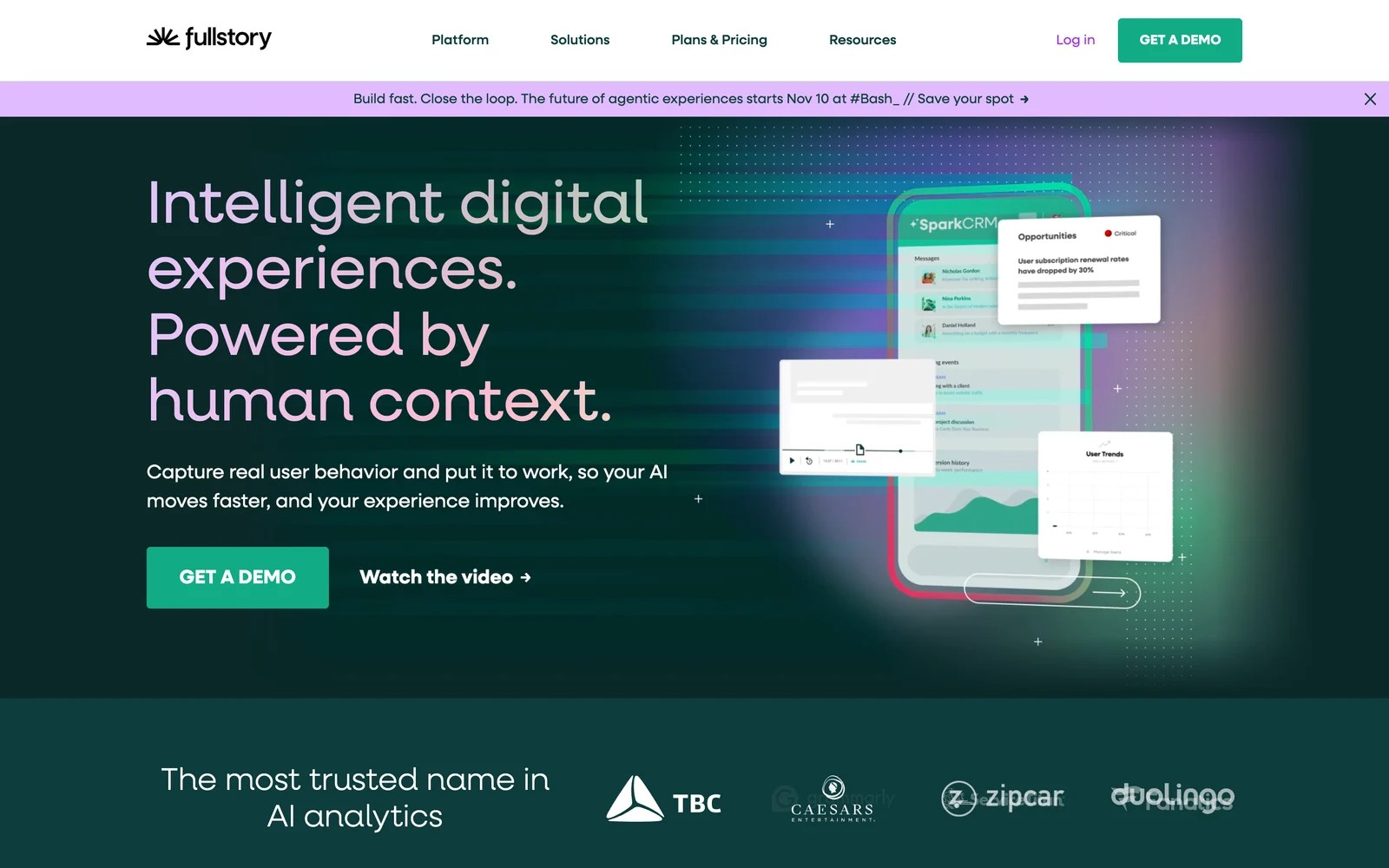
FullStory records sessions on web and mobile, indexes every interaction, and flags frustration signals. Support teams use it to replay exactly what a customer saw when they report a problem.
The free plan covers 30,000 sessions a month, which was plenty for our test. Search was the standout: we could find every session where a user clicked a specific button and then left.
Day to day, support and product teams lean on it most: search for a user, open their session, and see the error they hit. Questions about where visitors came from are not its strength.
Key features
- Session replay captures web and mobile sessions with every interaction indexed, so you can search for exactly the moments you care about.
- Frustration signals like rage clicks and error clicks are flagged automatically, pointing teams to friction they might never have noticed.
- Funnels and conversion analysis run on the same captured data, connecting a drop in numbers to the sessions that explain it.
- StoryAI on paid plans summarizes sessions and trends, which helps support and product teams skip hours of watching recordings.
Where it falls short
- Marketing sources aren't tracked in depth, so it won't answer which campaigns brought the sessions you're watching.
- Sessions don't connect to revenue, which limits its use for proving the value of fixes.
- Paid plans aren't published, so you'll need a sales call once you outgrow the free tier.
What users say
"Being able to watch actual customer behaviour at scale rather than relying on aggregated metrics has fundamentally changed how we approach UX research." (Source)
"I love it, it's been super helpful in troubleshooting with users, finding bugs, finding room for improvement with our product...etc." (Source)
"For very large websites, the sheer volume of data generated by FullStory can be overwhelming." (Source)
Pricing
- Free: 30,000 sessions a month, 12 months of data, up to 10 users
- Business, Advanced and Enterprise: quoted
9. Woopra
Best for: teams that want one customer timeline across the website, product, support and email tools.
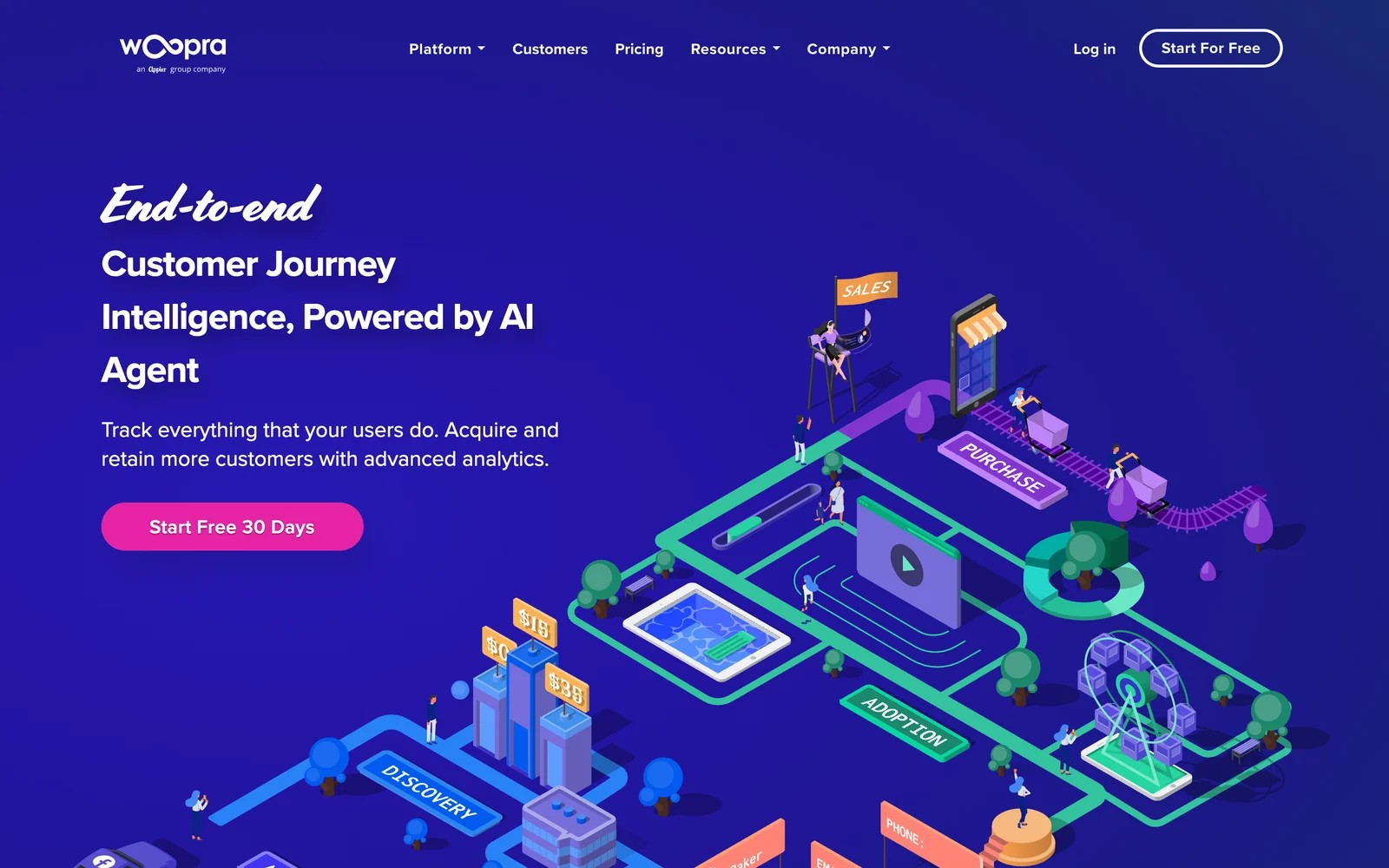
Woopra, now part of the Appier group, builds a profile for every visitor and customer, then adds events from connected apps like CRMs, help desks and email tools. Its journey reports follow people across all of them.
We started the 30-day trial. The customer profiles, with web visits and app events on one timeline, were genuinely useful for a sales team. Getting other tools' data aligned took time, which matches what reviewers say about onboarding.
Key features
- Each customer profile combines web visits, product events and data from connected apps, giving sales and support one timeline per person.
- Journey reports follow people across tools, from their first visit to a support ticket, which shows how the whole relationship unfolds.
- Retention, cohort and trend reports are built on those same profiles, so lifecycle analysis doesn't need a separate tool.
- AI features on the Enterprise plan help build audiences, useful for targeting customers based on what they've done across channels.
Where it falls short
- There's no free plan, so you'll have to use the trial window to judge whether it fits.
- The entry price is aimed at established teams, which puts it out of reach for most small businesses.
- Conversions aren't sent to ad platforms, so its journey data doesn't feed back into bidding.
What users say
"Woopra gives very useful background information, such as visitors to the website without them logging in, such as which pages visited, the source of the visit, any buttons clicked on the page." (Source)
"The data available for analysis can only capture 2 years, which is a pity." (Source)
"In the onboarding stage, we spend a lot of time organizing all data both online and offline." (Source)
Pricing
- Pro: from $999/mo for 5 million events, with a 30-day trial
- Enterprise: custom
How to choose
Name the journey, then the tool.
1. Which journey are you trying to see?
- Before the lead: SourceLoop, or Dreamdata for B2B accounts.
- Inside the product: Amplitude, Mixpanel or Heap.
- On the page: Contentsquare or FullStory.
- All of it, at enterprise scale: Adobe CJA, or Woopra for a lighter cross-tool view.
2. Who will maintain the data?
- No one dedicated: SourceLoop, Heap's autocapture, or a replay tool.
- A product analyst: Amplitude or Mixpanel.
- A data and Adobe team: Adobe CJA.
3. Does the journey need to reach revenue?
- If yes, pick a tool that connects to your CRM or billing system. SourceLoop does both for lead-gen businesses, agencies and SaaS teams, and sends the results back to your ad platforms.
Most teams end up pairing one acquisition tool with one product or replay tool, since none of the nine covers every journey well.
Frequently asked questions
-
What is customer journey analytics?
It's the analysis of the steps people take on the way to becoming, and staying, customers. Depending on the tool, that means the marketing path to a lead, the product path after sign-up, or the path through a single page.
-
What's the difference between journey analytics and attribution?
Journey analytics shows the sequence of steps. Attribution assigns credit for an outcome, like a lead or a sale, across those steps. Tools like SourceLoop do both for the acquisition journey.
-
Can Google Analytics 4 do customer journey analytics?
Partly. GA4's path exploration shows page sequences, but it can't show an individual's journey or connect it to a CRM deal, and personal data isn't allowed in GA4.
-
Do I need a CDP for customer journey analytics?
Not usually. Most journey tools collect their own data. A CDP helps when you need the same customer data in many tools at once.
-
Which customer journey tool is best for B2B?
For the path to pipeline, SourceLoop or Dreamdata. For product-led B2B companies, add Amplitude or Mixpanel for what accounts do after signing up.
-
How much do customer journey analytics tools cost?
Several have free plans, including Amplitude, Mixpanel, Heap and FullStory. SourceLoop starts at $49 a month, Woopra at $999, and Adobe CJA is quoted on enterprise contracts.




 Paid Social


